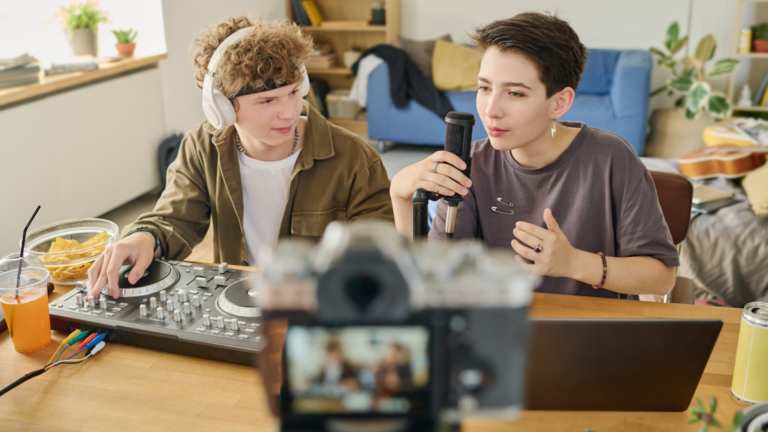
How to create an AI YouTube intro fast (AI video generator + After Effects workflow)
Learn how to create a YouTube intro fast using AI tools, templates, and After Effects. Build visuals, add music, and refine a clean, branded opener.
Envato: Get every type of asset for any type of project, and access to AI tools. Start now
AI video tools are reshaping how creatives produce motion content, giving you the power to generate scenes, animate ideas, and build video assets without the need for cameras, crews, or complicated timelines. AI-driven video production matters because it enables high-quality production to be faster, more accessible, and infinitely more experimental.
In this AI Video section, you’ll find tutorials that explore text-to-video generation, video refinement, character motion, scene building, cinematic styles, sound integration, and creative workflows. We break down how AI video fits into social content, marketing campaigns, storytelling, prototyping, and branded visuals, all without requiring advanced editing experience.
You’ll also learn how to refine prompts, adjust style direction, iterate on concepts, and combine AI results with traditional editing tools. These guides help you understand what AI video can (and can’t) do today, and how to use it strategically for real-world production.
If you’re using Envato, you’ll have access to VideoGen, Envato’s AI video generation tool built on the latest high-performing models. It clips with full commercial rights. You can pair AI video clips with Envato’s assets, including footage, sound effects, music, graphics, and templates, to build complete productions.
AI video helps you create more, iterate faster, and bring ideas to life without traditional production barriers.
Learn how to create a YouTube intro fast using AI tools, templates, and After Effects. Build visuals, add music, and refine a clean, branded opener.
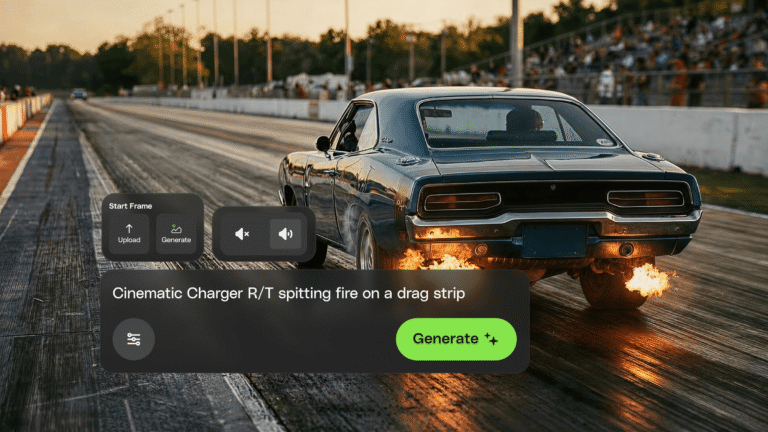
Envato's AI video generator just moved into the Envato experience. Faster, more reliable generations and a smoother path from idea to finished clip — all in one place.
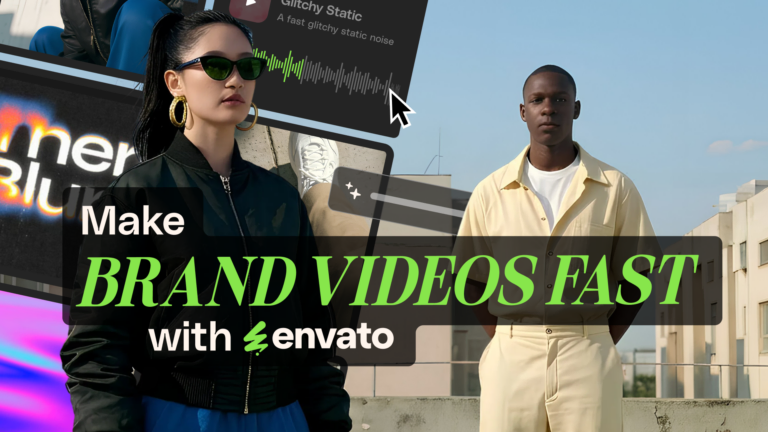
Create an ad with AI using Envato’s tools to generate visuals, animate video, add music, and build polished campaigns fast.
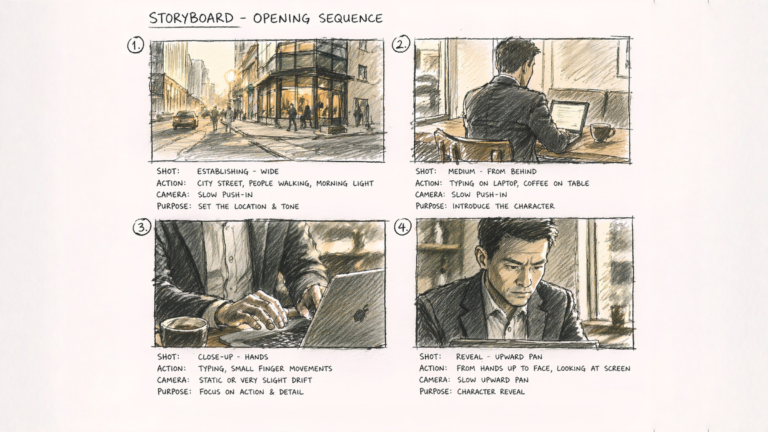
Learn how to create cinematic AI videos using a step-by-step AI short film workflow, from generating clips with AI Video Generator to editing and refining everything in DaVinci Resolve.
Seedance 2.0 — ByteDance's AI video model known for its physical realism and scene complexity — is now part of the model lineup behind Envato's AI video generator. Here's what changes.
Wondering if Envato AI Tools are safe for client work? This guide breaks down the real licensing rules, commercial use boundaries, and how to confidently use AI in professional creative projects without legal guesswork.
Explore Envato's AI video generator that creates cinematic clips from prompts, images, and audio directly in your browser.
Learn how to create an AI YouTube channel using a complete workflow for scripting, visuals, video generation, and sound to produce consistent, engaging content faster.
Top-tier gen AI models. Commercial use. Ever-evolving tools.

Create unique visuals in diverse styles with simple text prompts.

Make your own music with text prompts and presets.

Remove backgrounds, erase objects & upscale effortlessly.

Generate videos from static images and text prompts.

VoiceGen, GraphicsGen, SoundGen and more coming soon.

AI in creative work is now standard practice — but 58% of creatives hide it from clients. Three professionals building businesses with AI explain how they handle transparency, pricing, and standing out.

Create better content faster with an AI social media video generator that produces optimized, video-ready content for TikTok, Reels, and Shorts.

Learn how to build an AI video consistent character using reference sheets and repeatable workflows to maintain stable identity across multiple scenes and environments.

Learn an AI video Blender workflow to transform AI-generated clips into fully controlled 3D cinematic scenes using camera animation, lighting, fog, and layered overlays.
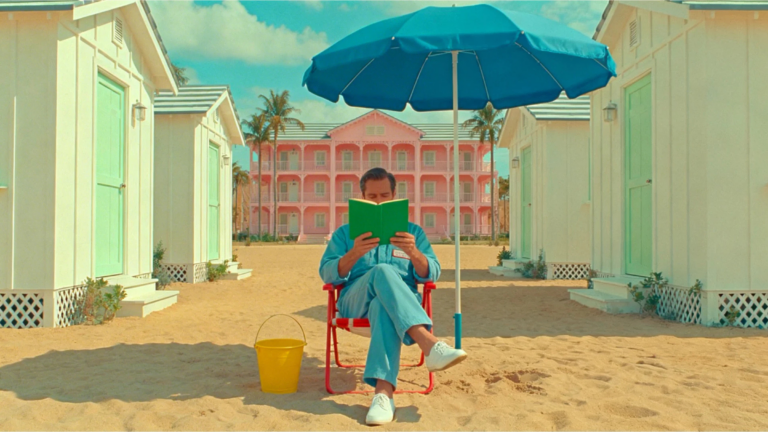
Learn advanced AI video prompting techniques to create cinematic, realistic clips using structured prompts, camera language, lighting control, motion cues, and production-level detail.
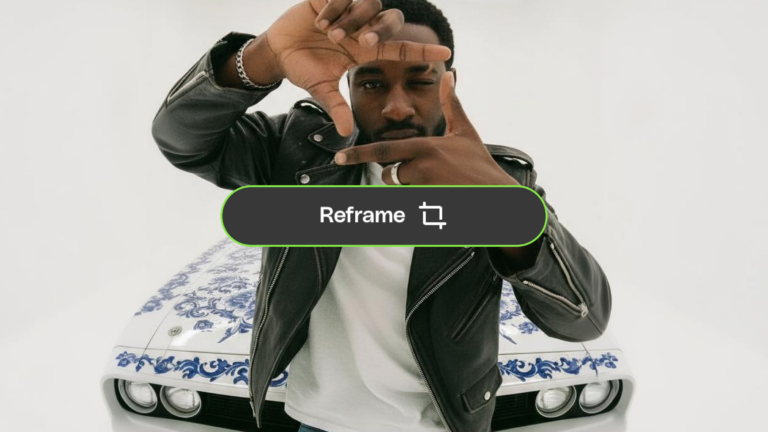
You landed on a generation you love. Now make it work everywhere. AI Video Generator’s new 'Reframe' adapts your AI videos to any aspect ratio — without losing what made them worth keeping.

You've been breaking up with perfectly good videos over one bad detail. AI Video Generator's three new editing features — 'Modify', 'Change Subject', and 'Reframe' — let you fix what's wrong without losing what's right.

Learn how to combine video clips using AI tools like Descript and Vidio.ai, then refine in Premiere Pro or DaVinci Resolve for smooth, polished results.
Creatives use AI video for social content, concept art, storytelling, marketing visuals, prototyping, and mood films, depending on the project.
Yes, VideoGen clips come with commercial rights, allowing you to use them in campaigns, advertisements, and paid projects.
Be specific with style, movement, lighting, pacing, and subject, and iterate with variations to refine the output.
Yes, Envato offers VideoGen, a tool that generates cinematic clips with commercial licensing.
You can use VoiceGen to generate dialogue, SoundGen for ambient sound, and MusicGen to create music directly from a single prompt, making scenes feel more dynamic.
Discover ideas faster with ‘Browse by category’ on the Envato blog. Jump straight into the topics that matter most to your work: Design, Video & Filmmaking, Music & Audio, What’s New on Envato, or AI & Creativity. Explore curated articles, tutorials, and trend insights tailored to each discipline. Whether you’re sharpening your skills, testing new tools, or streamlining your process, each category is designed to help you optimize your creative workflow with Envato and move from idea to execution more efficiently.

