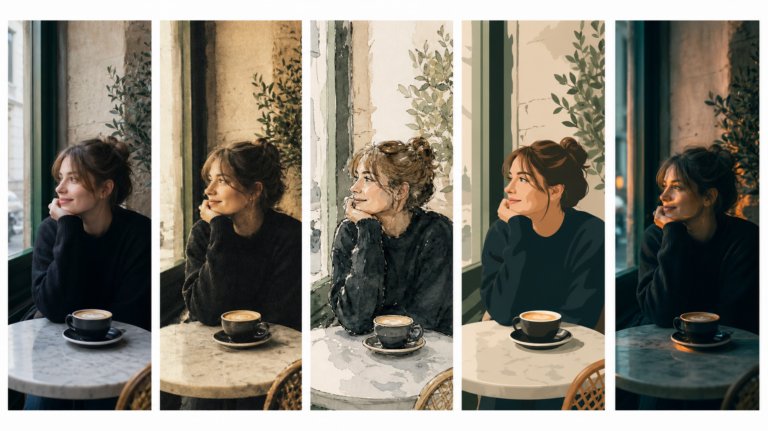
The best AI tools for image recreation
AI image recreation covers style transfer, reference-based generation, variations, and scene recreation. This guide compares the tools that handle each workflow for professional creative work.
Envato: Get every type of asset for any type of project, and access to AI tools. Start now
Confused about using AI in paid work? Here’s what Envato actually allows — and what it doesn’t.
If you’re wondering about Envato AI commercial use, you’re not alone — especially when client work is involved.
If you’ve been experimenting with AI in your creative workflow, you’ve probably hit the same moment every freelancer or agency creative does:
“This is great… but can I actually use it for a paying client?”
It’s a fair question. When your work ends up in ads, brand identities, websites, or campaigns, “probably fine” isn’t good enough. You need clarity.
The good news? Envato’s generative AI tools are designed for real-world creative work — including client projects. The better news? Once you understand how our AI licensing actually works, you’ll find the rules surprisingly practical.
This guide breaks it all down — clearly and without legal fog — so you can use Envato AI for commercial work with confidence.
Let’s cut through the noise.
Envato gives you a commercial license to use AI-generated outputs, but it does not transfer ownership of those outputs to you. That means:
But at the same time:
Think of it like using stock assets. You’re allowed to use them commercially, but only as part of something bigger.
If there’s one concept to lock in, it’s this:
Envato AI outputs must be used as part of an end product.
An end product is the final thing you deliver:
What it’s not:
The difference comes down to creative contribution. You’re expected to add value — through design, editing, composition, or strategy — so the final result is something new.
Let’s move away from theory and into reality.
Generative AI, such as Envato’s AI tools, isn’t replacing your workflow — it’s compressing it. Internally, it’s positioned as a way to reduce friction and speed up creative exploration, not to bypass it entirely.
Here’s what that looks like in practice:
You sketch ideas, hunt for assets, build drafts, revise, and refine.
You generate multiple directions instantly, select the strongest, refine them, and integrate them into your final deliverable.
The result isn’t just faster — it’s broader. You explore more ideas in less time, which often leads to stronger outcomes.
Before you deliver anything created with Envato AI Tools, ask yourself:
AI responds to direction. If your input is vague, your output will be too.
Instead of:
“Cool modern design”
Try:
“Hero image for a fintech landing page, clean layout, soft gradients, professional tone”
Why this matters: You’re not just generating images — you’re solving a client problem. Clear intent leads to usable results.
One of gen AI’s biggest strengths is speed. Use it.
Create several variations and compare:
Example: For a campaign visual, generate 10–15 options, then shortlist the top 2–3.
This approach mirrors how creative teams already work — it just happens faster.
This is where professionals stand out.
AI gives you a starting point, but you still need to:
Key idea: AI generates possibilities. You create the final product.
Envato makes it clear: you are responsible for evaluating the output.
Before delivering:
Edge case: If something feels familiar, don’t try to justify it — change it.
Remember the “end product” rule.
Instead of handing over:
Deliver:
This aligns with both licensing rules and professional expectations.
You can deliver finished work to clients, but:
This is standard practice with Envato assets — and AI follows the same logic.
| Aspect | Envato AI Tools | Traditional tools |
| Idea generation | Instant, high volume | Slower, manual |
| Creative exploration | Wide and fast | Limited by time |
| Final execution | Needs refinement | Fully controlled |
| Ownership | Licensed, non-exclusive | Fully created by you |
The takeaway is simple:
AI shines in areas where speed and variation matter:
Some areas need extra care:
This isn’t a limitation — it’s just knowing where to lean in and where to slow down.
Envato retains the rights to AI-generated outputs, and licenses them to you for use. That means you’re allowed to use, modify, and include what you create in client work — but the output itself isn’t exclusively yours in an ownership sense.
In practical terms, think of it like licensed creative material rather than something you fully own. You can build with it, shape it, and deliver it as part of a finished project, but others may generate similar results, and exclusivity isn’t guaranteed.
The exception is anything you bring into the process yourself. If your input includes original content you already own, you still retain those rights. Everything else sits under Envato’s licence, which is why it’s best to treat AI outputs as a starting point — not a final, ownable asset — especially for things like logos or trademarks.
Using Envato AI Tools isn’t a grey area — it’s just a new way of working with familiar rules.
If you treat AI like a creative partner — not a shortcut — you’ll deliver better work, faster, and with confidence.
And that’s ultimately what clients care about.
Yes. Envato AI outputs are licensed for commercial use when included in an end product.
Use it for concepts, not final logos. Non-exclusive outputs make trademarking risky.
Optional — but helpful. Framing it as part of your process can build trust.
No, attribution isn’t required. Envato AI outputs don’t need to be credited, but you still need to follow licensing rules and ensure the final work is compliant and properly refined.
You are only granted a license to use AI-generated content. Envato remains owner of content generated.
No. You can’t sell raw outputs as standalone assets — they must be part of a larger work.
Only within the final project. Clients can use the finished end product you deliver, but they shouldn’t extract and reuse raw AI-generated assets as standalone files across unrelated projects. You should make sure they are familiar with the rights for use of AI assets.
Yes, AI outputs are suitable for advertising. You can use them in paid campaigns, social ads, and marketing materials, as long as they’re part of a complete end product and not used in isolation.
Header image created with Envato’s AI image generator.
AI image recreation covers style transfer, reference-based generation, variations, and scene recreation. This guide compares the tools that handle each workflow for professional creative work.
Discover how Envato's AI sound generator creates custom sound effects from text prompts so creators can skip library searches and edit faster.

We tested 9 AI image generators on identical artistic prompts (same style-transfer task, same day) to see which one actually paints like an artist.
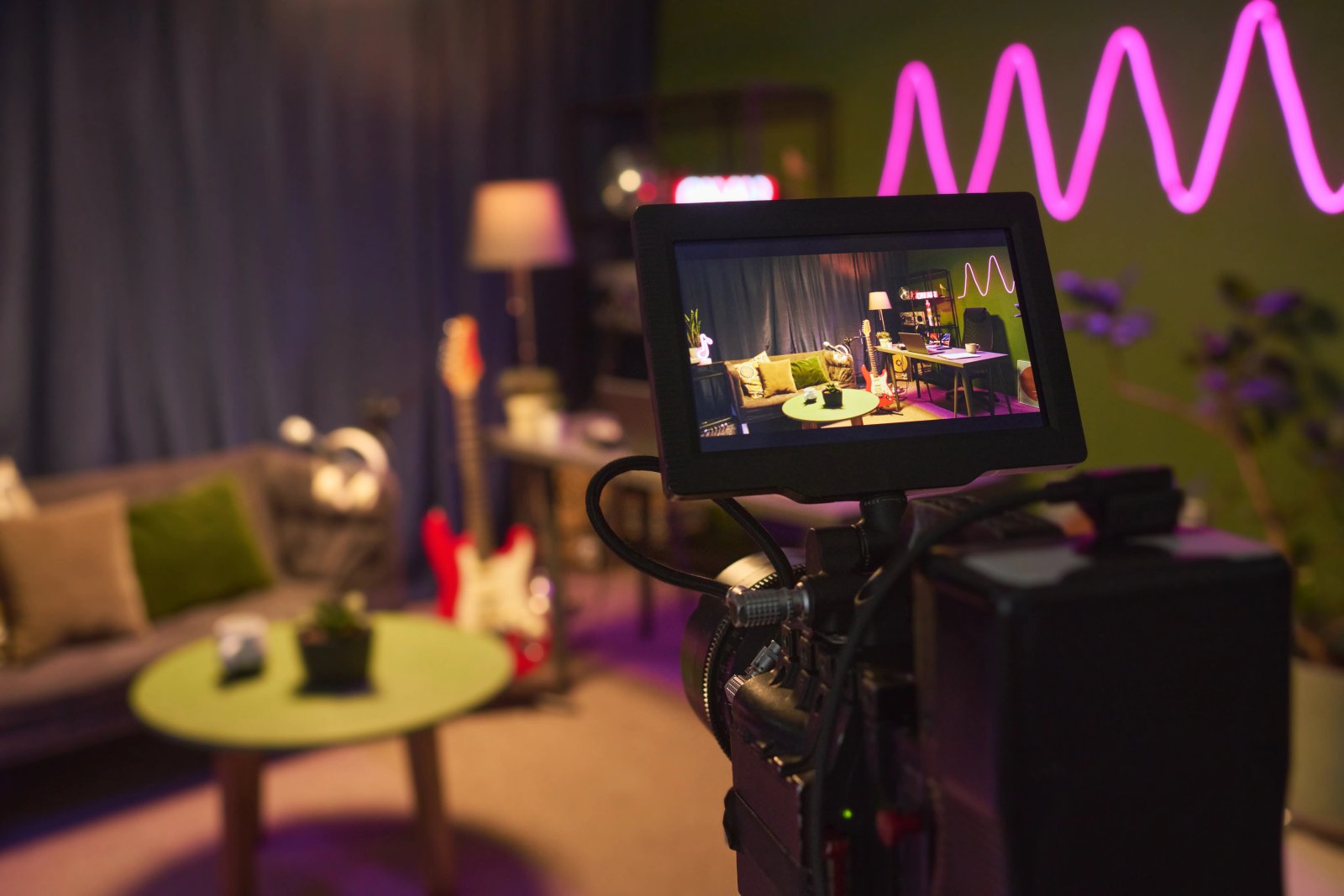
AI isn't making full movies yet; it's reshaping VFX, editing, and dubbing. Here's where it helps filmmakers today, and where it doesn't.

