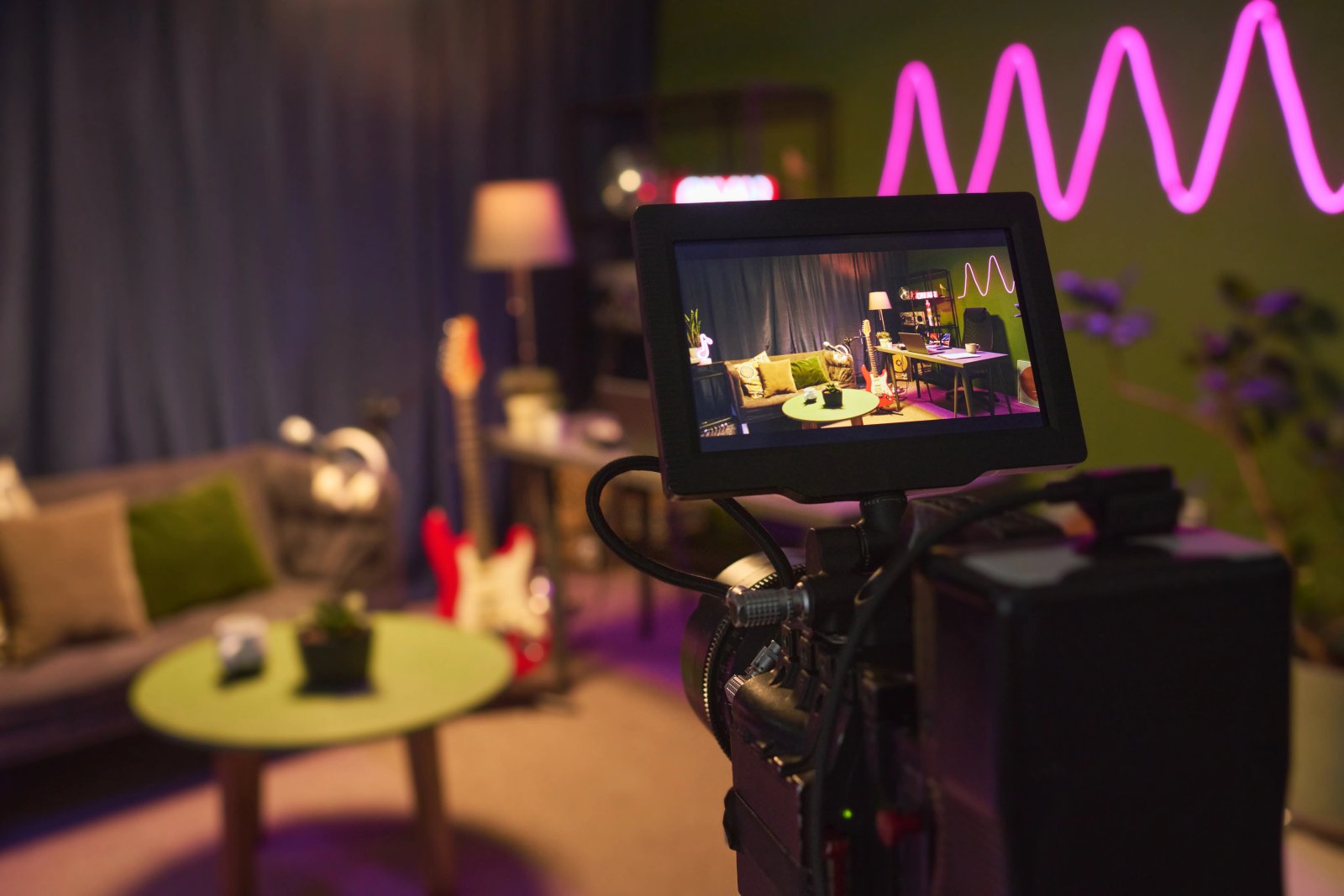
How AI is transforming filmmaking today
AI isn't making full movies yet; it's reshaping VFX, editing, and dubbing. Here's where it helps filmmakers today, and where it doesn't.
Envato: Get every type of asset for any type of project, and access to AI tools. Start now
ByteDance's acclaimed video model is now one of the engines powering your next generation.
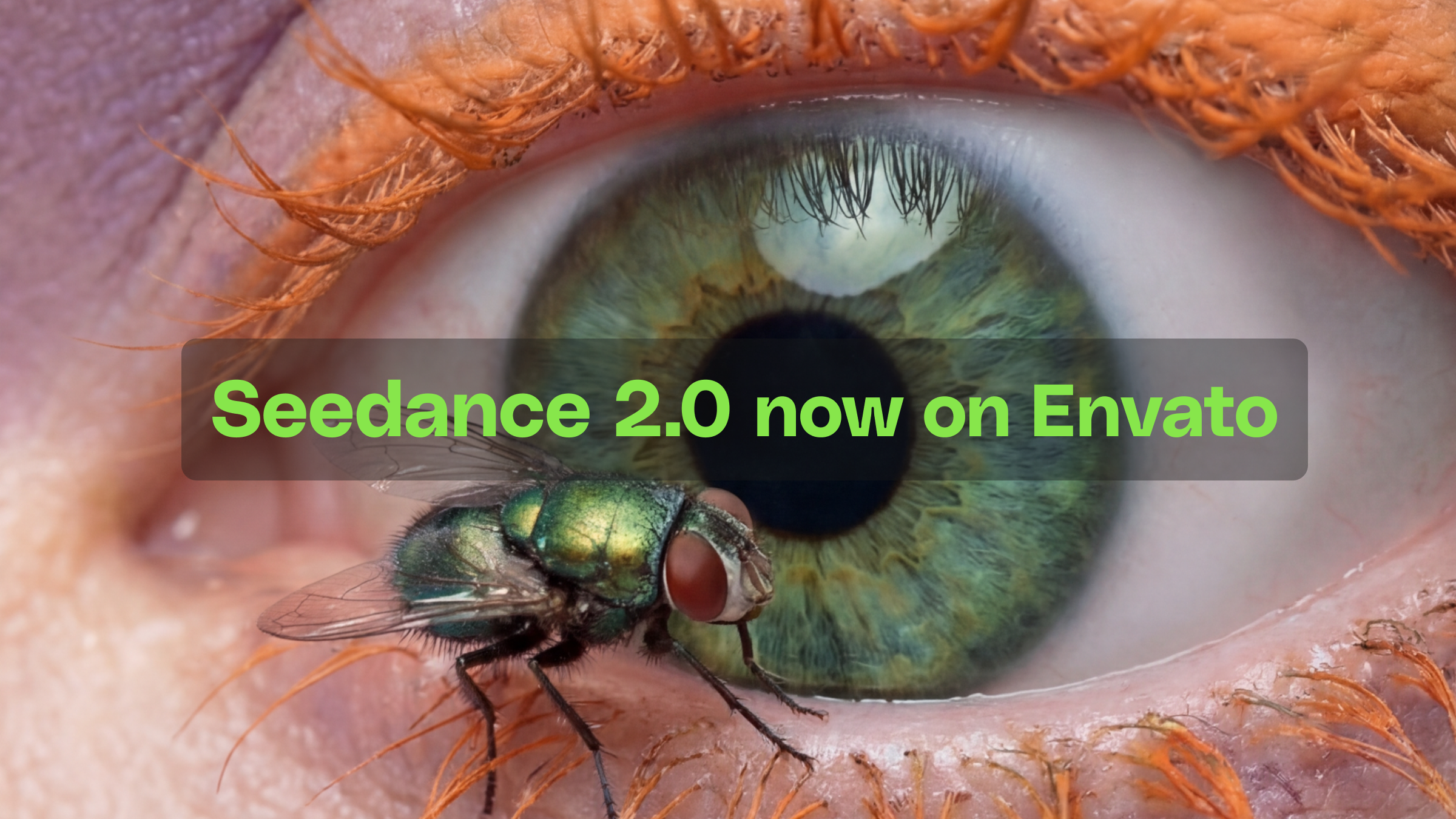
Crowded scenes with more stability. Camera moves with actual depth. Motion that looks like it obeys gravity. If your recent generations from Envato’s AI video generator have felt a step sharper in places, Seedance 2.0 is a big part of why.
ByteDance’s latest video model is now part of the model lineup. It’s built a reputation around the things video creators care about most: how scenes hold together under complexity, how cameras move through space, and how convincingly objects and people interact with their environment.
Here’s what it brings to your work.
AI video generation has gotten increasingly good at controlled, focused compositions — a single subject, a clean environment, a defined action. Seedance 2.0 opens the door to more ambitious prompts. Crowded environments, layered motion at different depths, multiple characters interacting simultaneously — the kinds of scenes where there’s a lot happening in the frame at once.
Characters maintain individual definition deeper into the scene. Motion stays independent across subjects — the person in the foreground reaching for their coffee moves on their own timeline, not in lockstep with everyone three tables back. Crowded environments carry the kind of natural chaos that makes a scene feel alive: a busy café, a street market, an audience settling into their seats.
For establishing shots, event atmospheres, and urban environments where the energy of the scene is the content, your video prompts can push harder now.
Getting camera movement right from a text prompt takes careful description, and the relationship between what you write and what renders can be unpredictable. Seedance 2.0 tightens that connection. Track, pan, push, arc, drift — these produce movement with real parallax. A dolly move shows foreground elements sliding past at a different rate than the background. A slow push-in compresses depth gradually instead of just scaling the frame.
Where this gets interesting is in the shots that demand spatial awareness — tracking a subject walking through a corridor, orbiting around a product on a table, pulling back from a detail to reveal a wider scene. These are the kinds of moves that require the model to understand three-dimensional space, not just frame-to-frame motion. Describe the shot the way you’d describe it on set and the output is more likely to match.
Weight, timing, and impact are what separate motion that feels observed from motion that feels rendered. AI video has been getting steadily better at this, and Seedance 2.0 pushes it further. Fabric drapes with convincing mass. Objects that should be heavy move like they’re heavy. Character motion — walking, reaching, turning — follows biomechanical logic with more consistency, and subtle interactions land with greater physical accuracy: a hand brushing through tall grass, papers scattering in a breeze, a glass set down on a table with that fraction-of-a-second settle.
For anyone cutting AI-generated clips into projects alongside real-shot footage, this is where the improvement compounds. The more physically grounded each generation feels, the more naturally it sits in a real edit timeline.
Text in AI video has been one of the slower areas to mature across the industry — garbled signage and mid-frame letter drift have been common limitations regardless of which tool you’re using. Seedance 2.0 makes a noticeable jump. Spelling accuracy is stronger, letter order holds, and text integrates with the surface it’s placed on — perspective, curvature, and lighting all accounted for. A storefront sign looks like it belongs on the building rather than floating in front of it.
This opens up specific use cases that have been harder to prompt reliably: product mockups where branding needs to be legible, establishing shots where signage grounds the location, any scene where on-screen text carries meaning.
Your subscription plan and generation limits aren’t affected — this is an engine upgrade, not an account change. The interface, your prompt workflow, presets, aspect ratio controls — all exactly as before.
The Envato AI video generator draws from a range of leading models — including Seedance 2.0, Google Veo 3.1, MiniMax Hailuo 02, Runway, and others — to power video generation. Seedance 2.0 won’t be used for every prompt, but its addition strengthens the overall system, expanding the range and quality of outputs — particularly in the scenarios outlined above.
The best way to feel what Seedance 2.0 brings is to give it a try! Test out some high-demand scenes. The really crowded street. The specific dolly move. The establishing shot with signage needs to read clearly. Run it through Envato’s AI video generator and see what comes back. With Seedance 2.0 now in the model mix, the ceiling on what’s possible just moved up — and it’s the kind of difference you can see.
A video generation model from ByteDance, widely recognized as one of the strongest current AI video models.
Prompts that push complexity: crowded scenes with layered motion, specific camera movements like dolly shots or tracking arcs, scenes requiring physically accurate motion, and anything involving legible on-screen text.
You can’t select a model directly, but you can influence the outcome by being specific in your prompt. Detailed camera, lighting, and scene descriptions give the system more to work with when routing to the right model.
No. Envato’s AI video generator routes each prompt to the best available model automatically. Seedance 2.0 is one of several in the rotation.
No. This is an engine-level improvement. Your plan, pricing, and generation allowance are all unchanged.
Yes. All content generated by Envato’s AI video generator is covered by the same AI licensing terms, regardless of which model powers the generation.
AI isn't making full movies yet; it's reshaping VFX, editing, and dubbing. Here's where it helps filmmakers today, and where it doesn't.
A practical, step-by-step guide to making a short AI film — from script and shot lists to character consistency, voice, sound, editing, cost, and legal rules.
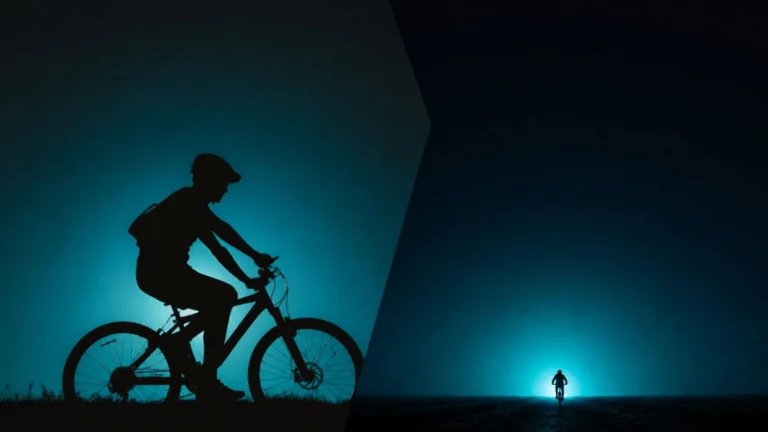
Create an AI transition between two images with Envato Shortcuts. Set your opening and end frames, then generate the story that unfolds between them.

Discover what Wan3.0 brings to AI video, from longer generations to richer creative references, and what these advances mean for creatives.

