How AI is transforming filmmaking today
AI isn't making full movies yet; it's reshaping VFX, editing, and dubbing. Here's where it helps filmmakers today, and where it doesn't.
Envato: Get every type of asset for any type of project, and access to AI tools. Start now
Prompt, queue, generate, refine: Envato's AI video generator now lives inside the Envato experience.
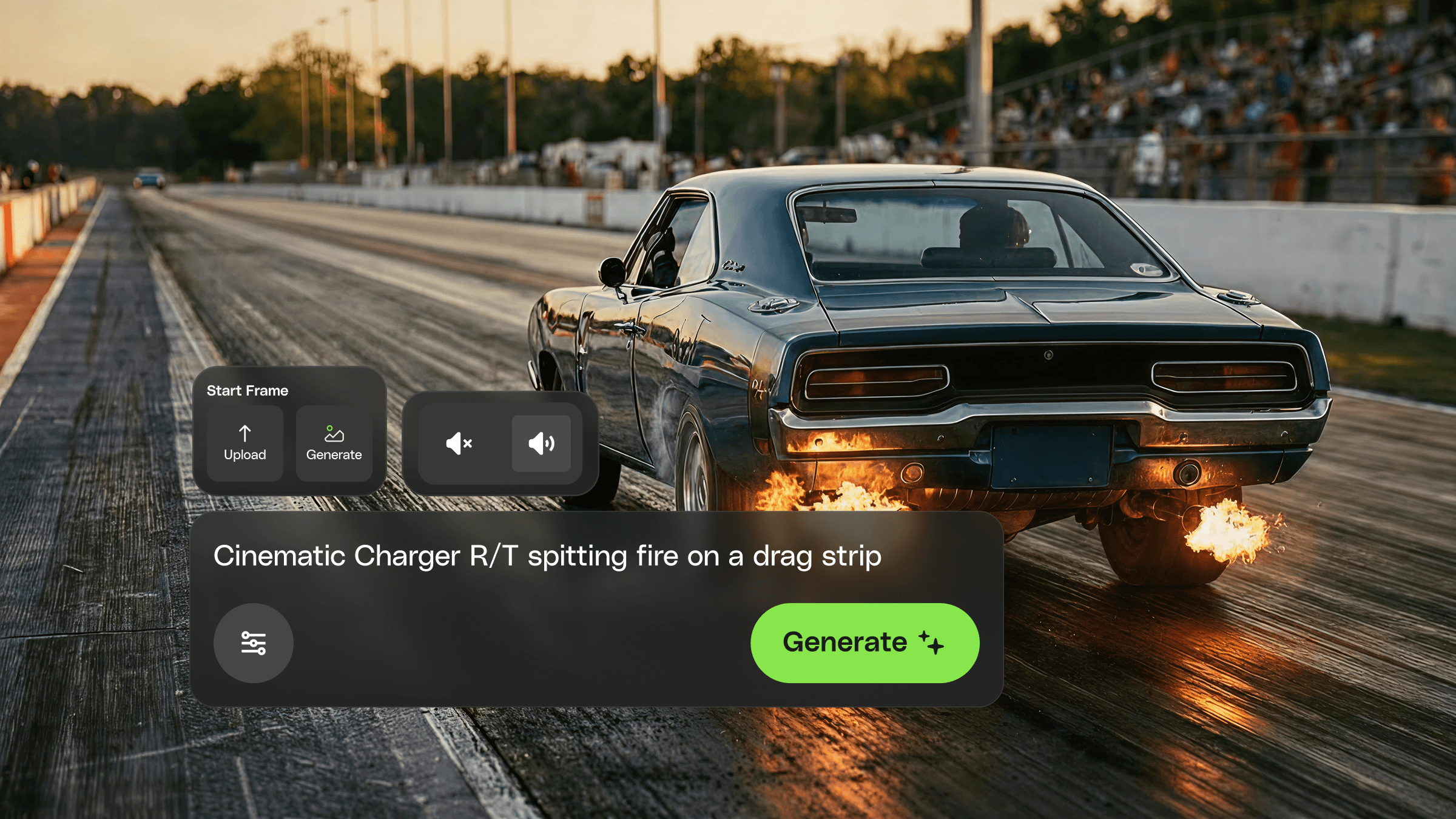
Good news! The Envato AI video generator has moved into the Envato experience, joining stock search, AI image generation and editing, and everything else you use on Envato.
The move is more than a new address. AI video in the Envato experience means Generations run faster and more consistently, you can queue several in parallel instead of needing to wait for one to finish, adding dialogue or voiceover takes a click on the generation screen, and images from the image generator can feed straight into the video generator as references.
Here’s what’s changed and what it means for your next project.
The AI video generator now runs on Envato’s design system, which means it looks and behaves like the rest of the Envato experience. If you’ve been using the AI image generator or the AI image editor recently, the layout, controls, and flow should feel immediately familiar.
The practical effect isn’t merely cosmetic. There’s less friction when you move across generation, editing, and search within a single project. Start an image in the generator, pass it to the video generator as a reference, jump back into stock search for a matching b-roll clip — the muscle memory carries across the whole experience instead of resetting every time you switch screens.
All your generated content history carries across, too — every image and video you create is saved in the generation history page, ready to pull up whenever you need it.
Generations now land faster and more consistently. Behind the scenes, we make sure that each generation counts by ensuring the most reliable and appropriate models are handling your prompt — across Google’s Veo 3.1, ByteDance’s Seedance 2.0, MiniMax’s Hailuo 02, and more. Less waiting. More predictable timelines.
You can now queue multiple video generations in parallel instead of submitting one, waiting, submitting the next, waiting again. Stack several prompts, let them process together, and come back to a row of results to compare.
For anyone who’s tried to pitch three different directions to a client by end of day, the math changes. Test a cinematic realism take, a stylized animated version, and a product-focused b-roll clip at once instead of one after another. The model does the waiting, not you.
Want your video to have sound? There’s now a clear option to turn audio on right where you set up your generation — alongside your prompt, aspect ratio, and reference images. Toggle it on when a brief needs audio, leave it off when it doesn’t. What kind of audio you get is up to your prompt. Describe rain on a rooftop and you’ll hear rain on a rooftop. Write in a line of dialogue and your character will deliver it. No hunting for hidden settings, no second-guessing whether you remembered to enable it.
This matters most on the kind of briefs where speech is the whole point — a talking-head explainer, a narrated product demo, a character delivering a line. You make the call up front, and the generation comes back with the audio baked in, synced, and ready to drop into an edit.
If your video needs a specific reference frame (a character in a particular pose, a product with locked-in lighting, an interior with a specific mood), you can now generate that reference directly from the AI image generator and pull it into the AI video generator without downloading, re-uploading, or leaving the Envato experience.
The handoff keeps the visual language consistent. A reference image generated in a specific style carries that style into the animation, which means the output lands closer to your brief on the first pass and needs fewer corrective rounds. Style locked in once, carried through.
These changes all point in the same direction: AI video generation that fits into a real creative workflow instead of sitting next to it. Smart job routing, parallel generations, visible speech options, and the image-to-video pipeline all compound when you’re working on anything more complex than a single one-off clip.
This is how AI video generation is meant to fit into a project: one continuous space for the whole creative arc, from first reference image to final clip. Open it up on your next brief and see how it changes what’s possible for your next big idea.
It now lives inside the Envato experience, alongside stock search, the AI image generator, and the AI image editor. It also uses Envato’s design system, supports parallel generations, and accepts reference images directly from the AI image generator.
Look for the No audio / With audio option on the generation panel. Switch to With audio when your brief needs sound — whether that’s dialogue, ambient sound, or both. What you hear comes down to your prompt: describe rain and you’ll hear rain, write in a line of dialogue and your character will deliver it.
No. This is a workflow update. Your subscription, plan, and generation limits stay exactly as they were.
Yes. Queue several prompts and let them process in parallel, rather than waiting for each to finish before starting the next.
Yes. Generate a reference in the AI image generator and pass it straight into the AI video generator without downloading or re-uploading.
AI isn't making full movies yet; it's reshaping VFX, editing, and dubbing. Here's where it helps filmmakers today, and where it doesn't.

A practical, step-by-step guide to making a short AI film — from script and shot lists to character consistency, voice, sound, editing, cost, and legal rules.
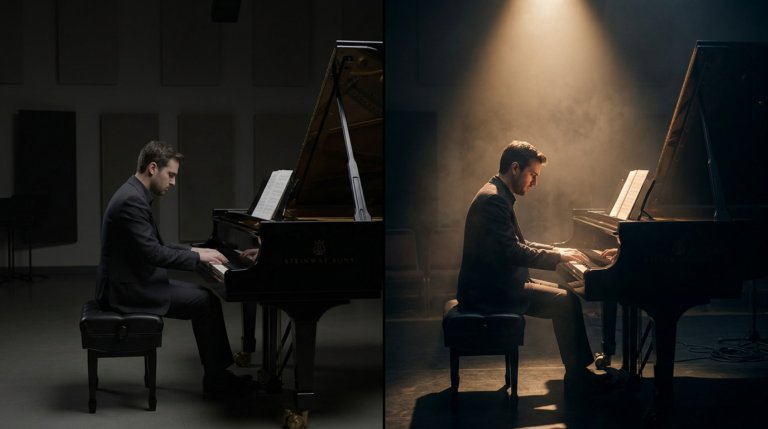
Cinematic lighting is the difference between AI video that looks generated and AI video that looks directed. This guide covers every major setup with prompt examples and techniques.

AI video generators understand cinematographic language with real precision. This guide covers every major camera movement, what each does narratively, and the prompts that produce the best results.

