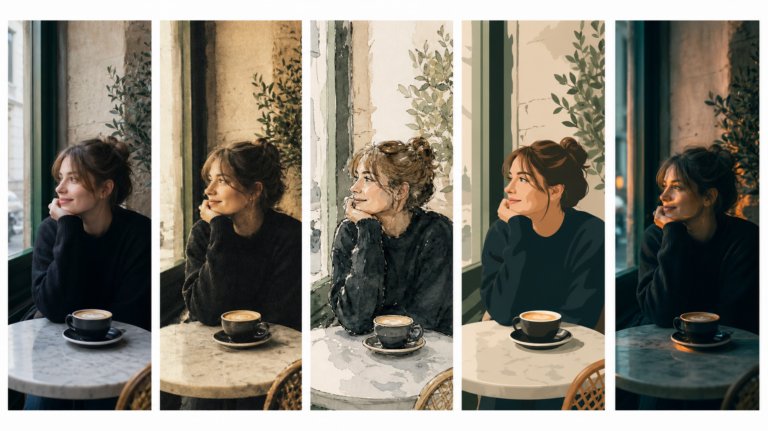
The best AI tools for image recreation
AI image recreation covers style transfer, reference-based generation, variations, and scene recreation. This guide compares the tools that handle each workflow for professional creative work.
Envato: Get every type of asset for any type of project, and access to AI tools. Start now
Want to get better at generating AI images? Learn all about how to use Envato’s AI Image Generator to create unique visuals in diverse styles using simple text prompts.
We’ll show you how Envato’s AI Image Generation actually works, from understanding how the tool reads your prompt to shaping the style, lighting, composition, and mood of your output. We break down practical techniques that help you move closer to the image you’re imagining, instead of relying on trial and error.
You’ll find guides on writing effective image prompts, choosing the right visual style, and getting clean results across photorealistic, illustrated, abstract, and design-led looks. We also cover common issues creatives encounter and how to resolve them quickly, so you spend less time regenerating and more time creating.
You’ll also learn how to refine your images using Envato’s AI Image Editor, which now features Nano Banana and Nano Banana Pro, for quick fixes such as object removal, background expansion, and upscaling.
Whether you are concepting ideas, exploring aesthetics, or filling visual gaps in a project, Envato can speed up your creative process. Browse our AI Image Generation tutorials, try the techniques, and see how quickly you can produce high-quality visuals with the right prompts.
AI image recreation covers style transfer, reference-based generation, variations, and scene recreation. This guide compares the tools that handle each workflow for professional creative work.

We tested 9 AI image generators on identical artistic prompts (same style-transfer task, same day) to see which one actually paints like an artist.
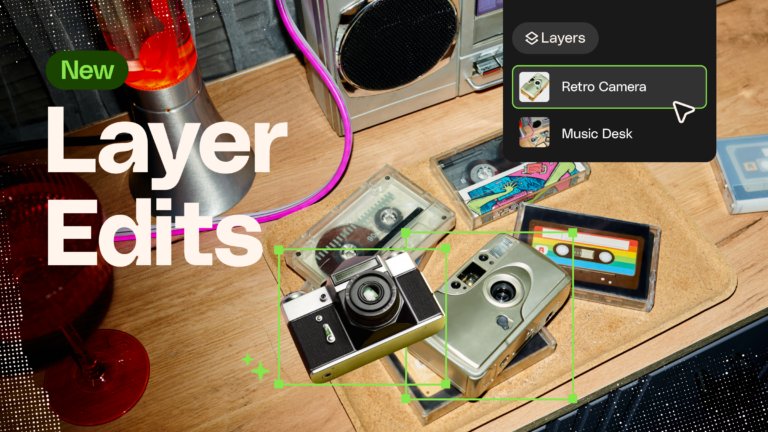
Learn how to separate an image into editable layers with Envato Layers, then move, resize, transform and export individual elements.
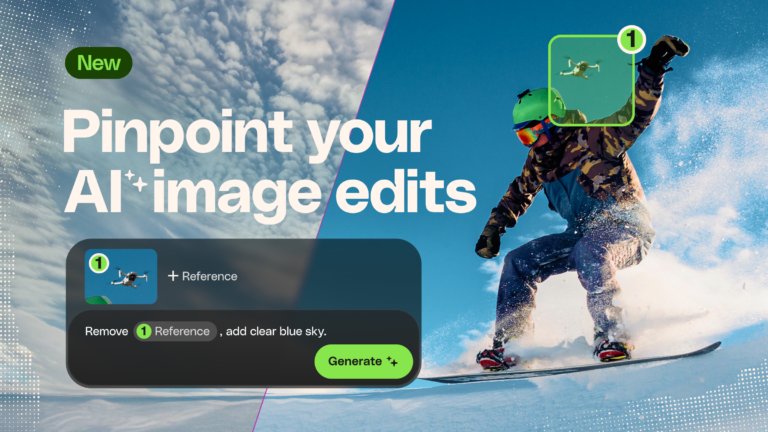
Learn how to edit an image with AI using Envato’s image annotation tool to select specific areas, make precise changes, and control where edits appear.

AI is reshaping photography at capture, edit and trust. Here's which segments are exposed, what provenance actually proves, and the skills that hold their value.
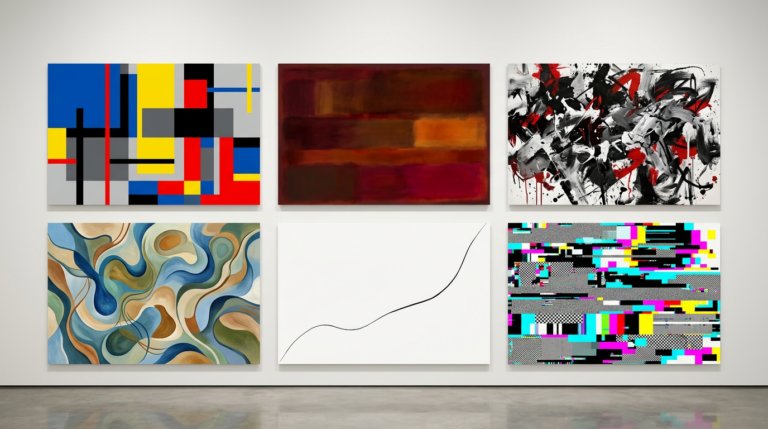
The usual prompt formula breaks down with abstract art. This guide covers the specific approaches that produce intentional compositions — organized by sub-style, with prompt examples for each.
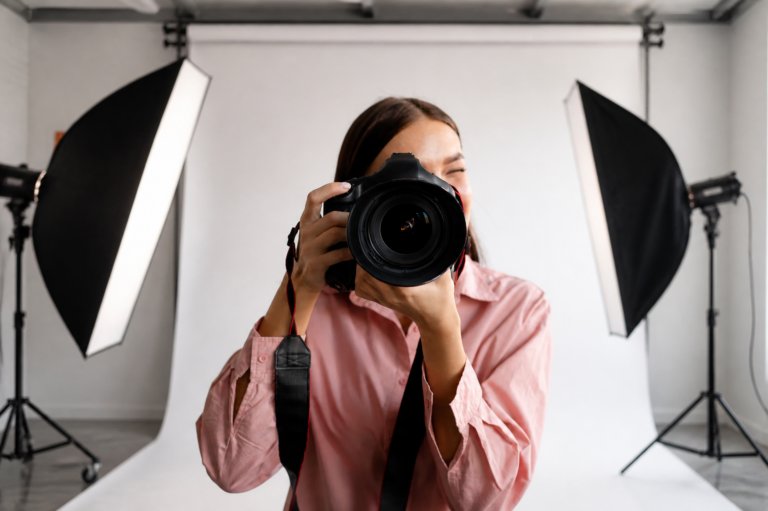
AI photo generators help photographers most before and after the shoot — comps, background work, cleanup. Here's where they genuinely fit.
Top-tier gen AI models. Commercial use. Ever-evolving tools.
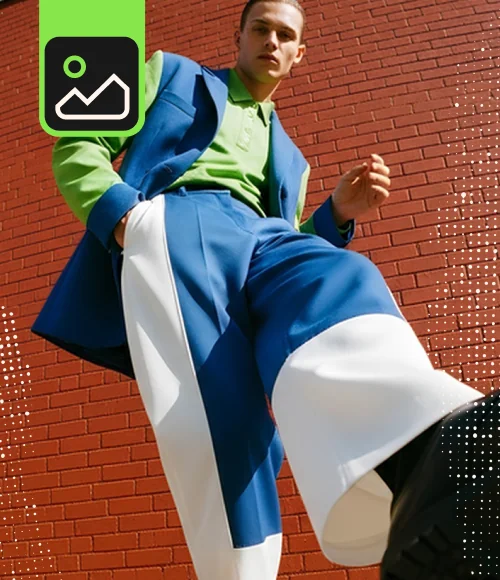
Create unique visuals in diverse styles with simple text prompts.
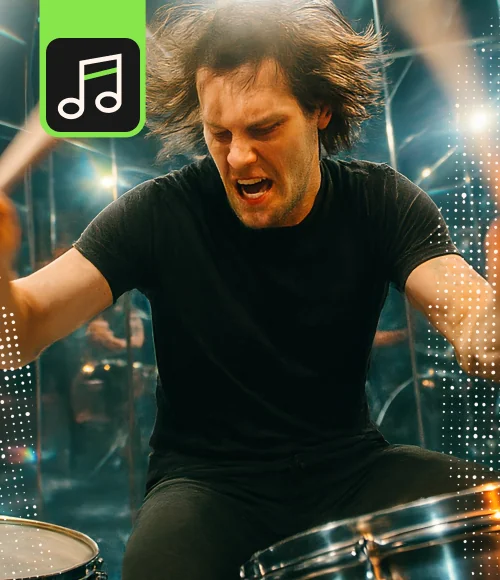
Make your own music with text prompts and presets.

Remove backgrounds, erase objects & upscale effortlessly.

Generate videos from static images and text prompts.
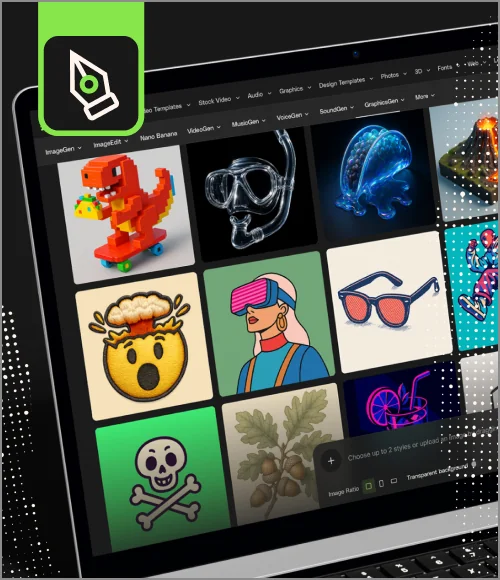
VoiceGen, GraphicsGen, SoundGen and more coming soon.
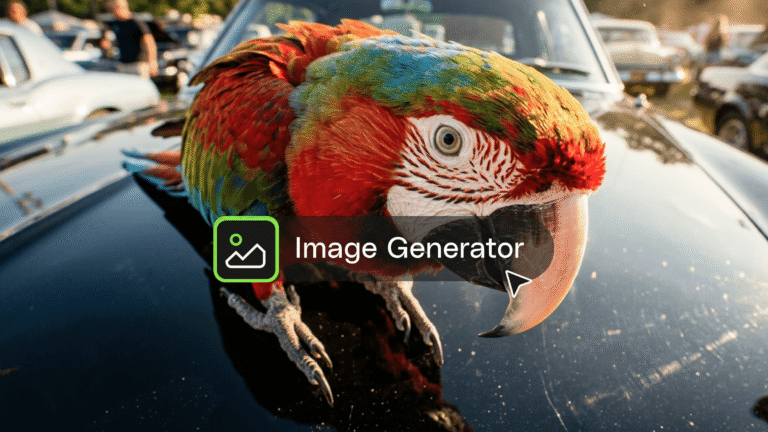
This AI image generator guide will help you create high-quality visuals fast with smart styles, quick edits, and seamless creative workflows.
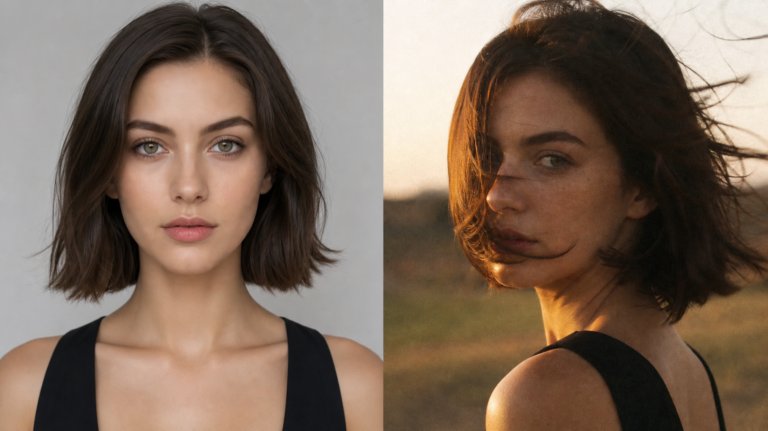
AI-generated images in 2026 have moved past the capability question. The real trends are aesthetic — imperfection over polish, character consistency, cinematic baselines, and the surprising rise in value of real photography alongside AI.
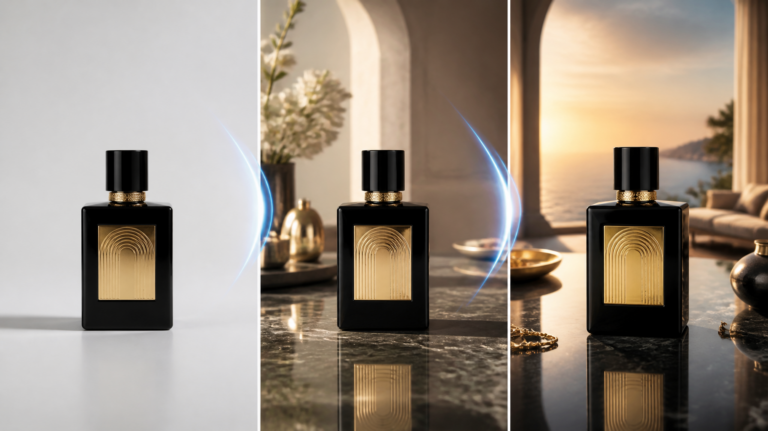
Most AI background tools handle one job well — generating, replacing, or extending. This guide breaks down the best tools for each, and how Envato covers all three inside a single creative workspace.

AI images default to looking fake because vague prompts produce vague results. This guide covers the specific camera, lighting, and texture prompts that produce realistic AI images for professional work.
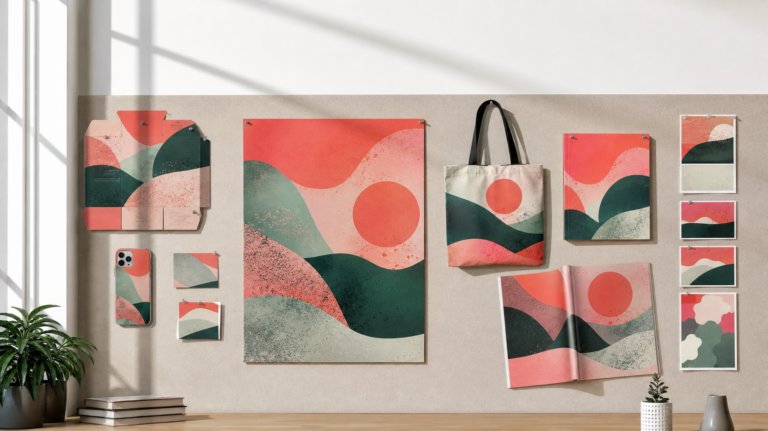
Commercial use isn't a yes/no on AI images — it's plan tiers, ownership terms, revenue thresholds, and what survives cancellation. The generators compared on the terms that matter.
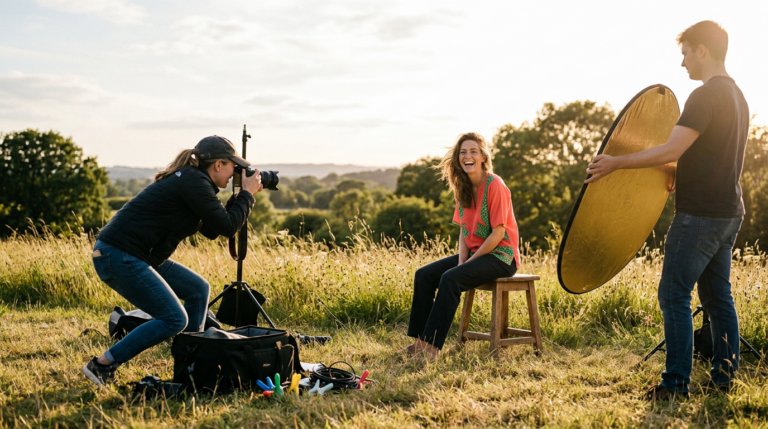
Realistic AI photos are three different jobs: editing real photos, generating from scratch, and everything between. Here's the right tool for each — plus the tells that still give AI images away.
Comparing AI image generators in 2026? See how Envato, GPT Image, Firefly, Midjourney, FLUX.2 and Artlist AI stack up on licensing, editing, and creative exploration speed.
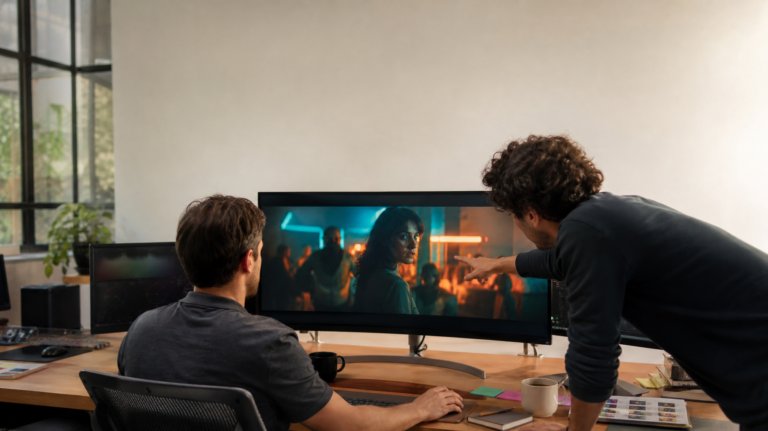
Cinematic AI images come from a repeatable formula, not lucky prompts: six prompt elements, a refinement pass, consistent sequences, and a still-to-video handoff — one worked example, start to finish.
Yes. The Envato subscription includes access to ImageGen, an AI image generator that can generate unique visuals in a range of styles based on simple text prompts or image references. It’s designed to work seamlessly with Envato’s creative ecosystem, so you can generate visuals, refine them in ImageEdit, and combine them with stock assets to build complete creative projects.
Write AI prompts by describing the subject, style, and mood you want. Start with what the image should convey, add details such as lighting or composition, and include any stylistic references (cinematic, vintage, minimalist). The more specific you are, the more accurate the results will be. Our ImageGen prompting guide includes examples and reusable structures (prompt templates) that enable you to prompt confidently and improve your outputs.
Use ImageGen to generate concepts, backgrounds, or visual assets, then refine them in your design tools. Start by creating a prompt, exporting the image, and bringing it into software like Photoshop, Illustrator, or Envato’s ImageEdit. You can then combine it with stock assets, typography, and your brand elements to complete the design.
The “best” AI image generator depends on what you need, but for most creatives, ImageGen is the strongest all-around choice. It’s built for real design workflows, not just eye-catching images. You get fast concepting, flexible creative exploration, and high-quality visuals you can drop straight into branding, social content, product mockups, and more. And because ImageGen is included in your Envato subscription, you don’t pay extra, unlike many standalone AI tools.
There are many free AI image tools, each with its own limits. If you want a simple way to experiment, Envato gives you five free ImageGen generations each month with a free account. It is enough to try prompts, explore styles, and get a feel for what this tool can do before deciding if it fits your workflow.
Discover ideas faster with ‘Browse by category’ on the Envato blog. Jump straight into the topics that matter most to your work: Design, Video & Filmmaking, Music & Audio, What’s New on Envato, or AI & Creativity. Explore curated articles, tutorials, and trend insights tailored to each discipline. Whether you’re sharpening your skills, testing new tools, or streamlining your process, each category is designed to help you optimize your creative workflow with Envato and move from idea to execution more efficiently.

