Social Media

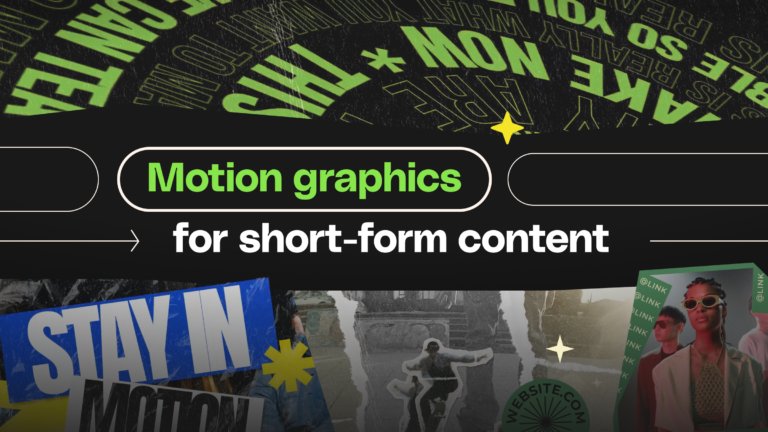
Social media video is one of the fastest ways to engage an audience: short, dynamic, and designed to grab attention within seconds. Whether you’re creating content for Instagram, TikTok, YouTube Shorts, or emerging platforms, strong social media video helps your message stand out in crowded feeds.

In this section, you’ll find tutorials covering everything from video editing basics to platform-specific formats, vertical video design, pacing styles, transitions, captions, and storytelling frameworks. You’ll explore different types of social video content, including reels, short-form explainers, product showcases, behind-the-scenes edits, meme-style clips, and promotional videos. We also break down the creative techniques that drive performance across each platform.

These guides help you adapt your visuals to mobile-first screens, craft strong hooks, edit for retention, and use sound effectively, all essential parts of modern social video creation. You’ll also learn how to build brand consistency across multiple accounts and campaigns.

If you’re using Envato, you’ll have access to templates, transitions, overlays, animated typography, stock video, music, sound effects, and AI tools that make it easier to produce high-quality videos for social media quickly. Whether you’re a beginner or scaling your video workflow, Envato provides the building blocks for creating fast and polished content.

The value is simple: create social media videos that stop the scroll, boost engagement, and communicate your message with clarity and style.

Unlimited creative assess and access to AI tools.

Top-tier gen AI models. Commercial use. Ever-evolving tools.

Social Media FAQs

Browse by category

Discover ideas faster with ‘Browse by category’ on the Envato blog. Jump straight into the topics that matter most to your work: Design, Video & Filmmaking, Music & Audio, What’s New on Envato, or AI & Creativity. Explore curated articles, tutorials, and trend insights tailored to each discipline. Whether you’re sharpening your skills, testing new tools, or streamlining your process, each category is designed to help you optimize your creative workflow with Envato and move from idea to execution more efficiently.