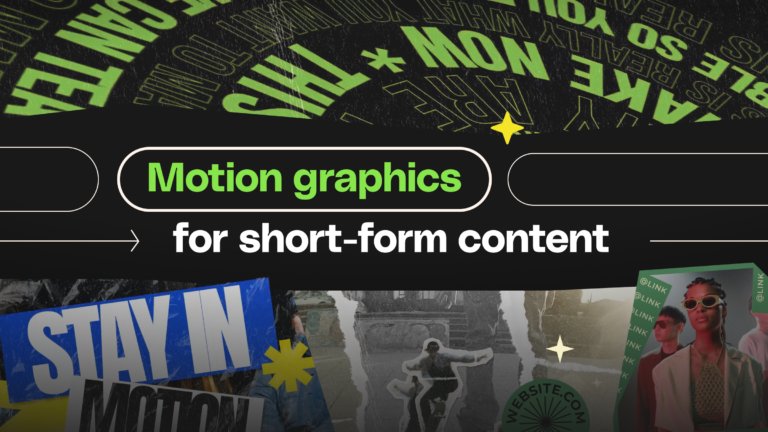
Motion Graphics for short form video: A production guide for Reels, Shorts, and TikTok
Platform specs, hook animation, kinetic typography, and template workflows for producing motion graphics for short form video.
Envato: Get every type of asset for any type of project, and access to AI tools. Start now
Motion graphics are where video gets its personality. The good news is that this category is your space to learn, experiment, and build movement that elevates every frame of your projects. Inside, you’ll find motion design tutorials and resources that show how creators use movement to shape stories, define brands, and push visuals further, helping you level up your craft with confidence.
From typography in motion and logo animation to illustration-driven graphics and emerging visual trends, this category provides practical ways to make your work move with purpose and style. You’ll also find AI-powered insights, workflow tips, and real-world examples that reveal how modern motion designers stay adaptable and inspired.
And because great ideas often start with great references, you’ll see standout motion pieces from across the industry, including award show graphics, brand campaigns, and experimental video work. Each story gives you a peek into how creatives think, iterate, and bring movement to life, along with guidance on how to integrate motion templates seamlessly into your own workflow.
Platform specs, hook animation, kinetic typography, and template workflows for producing motion graphics for short form video.

Explore movie typography trends shaping 2026, from bold film fonts to cinematic branding, with inspiring examples and practical tips for creating impactful, screen-ready typography.

Cavalry joins Canva’s professional ecosystem. Discover what this means for motion designers, After Effects users, and the future of scalable, real-time motion workflows.
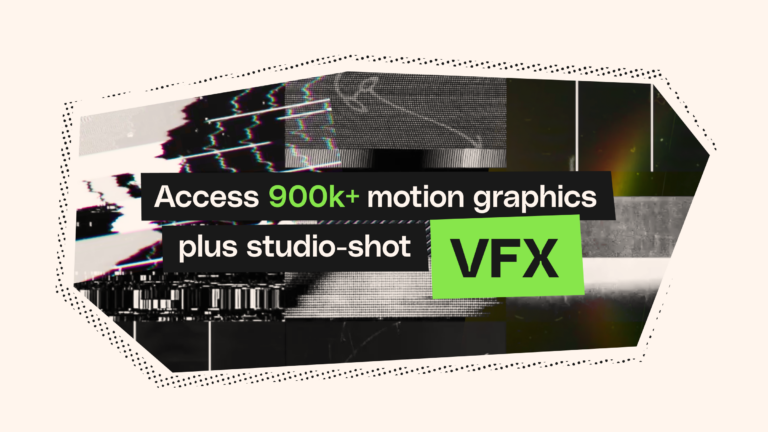
Three new categories, cinema-quality effects, and zero extra costs. Your video projects are about to get a serious upgrade.
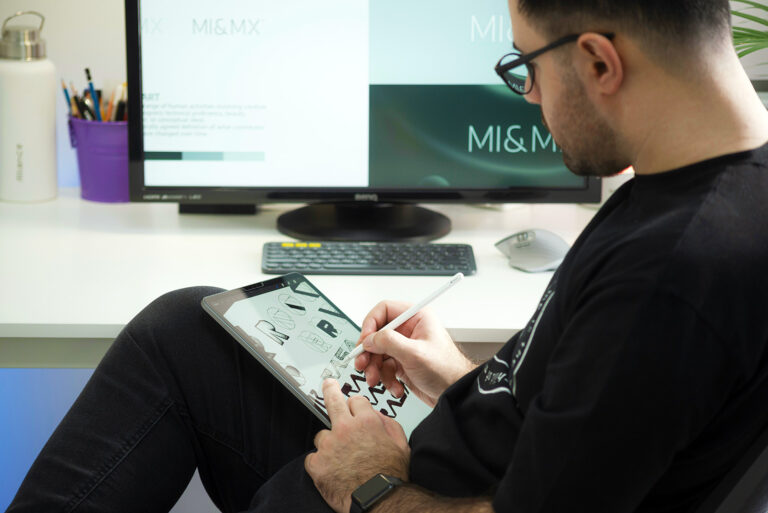
Here's how professional motion designers are using AI in their workflows.
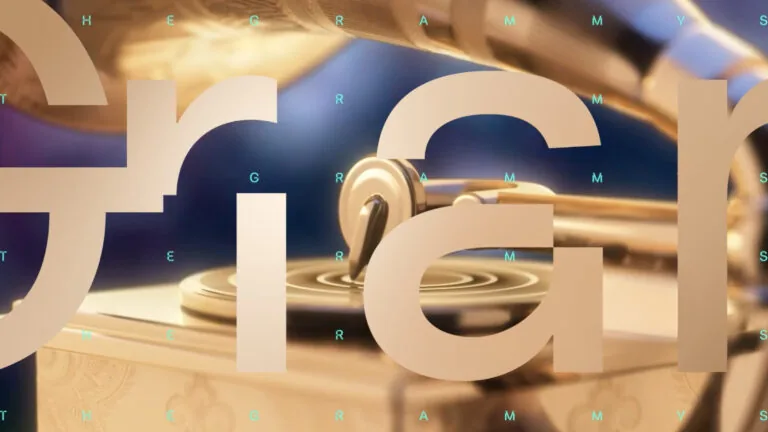
Get the inside scoop on the motion graphics packages from the 2025 awards season.

Want to master the art of animation? Check out these handy tutorials.
Top-tier gen AI models. Commercial use. Ever-evolving tools.

Create unique visuals in diverse styles with simple text prompts.

Make your own music with text prompts and presets.

Remove backgrounds, erase objects & upscale effortlessly.

Generate videos from static images and text prompts.

VoiceGen, GraphicsGen, SoundGen and more coming soon.

Discover the art of bringing graphics to life through animation in our guide to motion graphics.

Downloadable as After Effect project files, overlays are used on top of regular video footage.
Motion graphics are used to bring stories, brands, and ideas to life through the power of movement. They guides the eye, add personality, and help every frame feel more intentional in videos, interfaces, and visual storytelling.
AI can streamline parts of the process, but motion design still relies on taste, clarity, and storytelling. Most creatives blend both, utilizing AI as a tool and their own judgment to craft movement with meaning. It’s less “either-or” and more “what works together for this project”.
Professional motion has clarity, rhythm, and intention behind every move. It balances timing, spacing, composition, and style so the piece feels purposeful rather than busy. Choosing well-designed templates and assets, such as the curated ones in Envato’s collections, can help your work look polished from the start.
Start with the basics, such as timing, easing, and simple animation principles, and then build upon them. And since learning takes time (and a lot of play), this category brings together tutorials, tips, and resources from Envato to help you build skills, whether you’re starting from zero or refining your craft.
Yes. Brands, creators, and studios use motion graphics across campaigns, product videos, interfaces, and social content. It’s a growing field shaped by visual trends, and you can explore its evolution in our trend reports and guides throughout this category.
Discover ideas faster with ‘Browse by category’ on the Envato blog. Jump straight into the topics that matter most to your work: Design, Video & Filmmaking, Music & Audio, What’s New on Envato, or AI & Creativity. Explore curated articles, tutorials, and trend insights tailored to each discipline. Whether you’re sharpening your skills, testing new tools, or streamlining your process, each category is designed to help you optimize your creative workflow with Envato and move from idea to execution more efficiently.

