
How to add LUTs in Final Cut Pro: a step-by-step guide
Learn how to add LUTs in Final Cut Pro, from importing .CUBE files to adjusting intensity and combining with colour correction for better video grading results.
Envato: Get every type of asset for any type of project, and access to AI tools. Start now
Post-production is where videos truly come to life: the phase in which raw footage, audio, graphics, and effects are refined into a polished final product. Strong post-production matters because it transforms ideas into professional, emotionally engaging visuals that are ready for any platform or audience.
Here, you’ll find tutorials covering the entire video post-production workflow, including editing, color correction, color grading, audio design, mixing, cleanup, transitions, motion graphics, VFX, titles, captions, and final export settings. You’ll learn how to refine pacing, fix technical issues, and enhance storytelling with thoughtful visual and audio choices.
Content focuses on real-world use cases across YouTube, social media, commercial ads, promos, short films, client videos, and branded content. Each guide breaks down practical steps and creative techniques to help elevate your workflows, even if you’re working with limited footage or tight deadlines.
If you’re using Envato, you’ll have access to everything you need for post-production: LUTs, transitions, overlays, sound effects, music, motion templates, stock footage, and AI tools like VideoGen and MusicGen. These resources help you streamline your process, refine your edits, and achieve a polished, cinematic finish without requiring extensive manual work.
Learn how to deliver videos that look clean, feel professional, and connect with your audience, all through the power of smart post-production.
Learn how to add LUTs in Final Cut Pro, from importing .CUBE files to adjusting intensity and combining with colour correction for better video grading results.

Learn how to use LUTs with RAW footage for accurate colour grading. A step-by-step guide to applying LUTs, preserving dynamic range, and achieving cinematic video results.
Discover bold music video fonts for 2026, with top picks and bonus styles that help creators match sound, genre, and mood with striking visual identity.

Discover how an AI voice generator like Envato VoiceGen turns text into realistic voiceovers for videos, ads, courses, and content.

Learn advanced AI video prompting techniques to create cinematic, realistic clips using structured prompts, camera language, lighting control, motion cues, and production-level detail.

Learn how to combine video clips using AI tools like Descript and Vidio.ai, then refine in Premiere Pro or DaVinci Resolve for smooth, polished results.

Create polished UI sound design with AI using SoundGen. Learn to generate, refine, and mix interface sounds for apps and games with professional workflows.
Top-tier gen AI models. Commercial use. Ever-evolving tools.

Create unique visuals in diverse styles with simple text prompts.

Make your own music with text prompts and presets.

Remove backgrounds, erase objects & upscale effortlessly.

Generate videos from static images and text prompts.

VoiceGen, GraphicsGen, SoundGen and more coming soon.

Pitching video concepts used to mean styleframes, moodboards, rough cuts, and late nights — only to hear 'can we try something different?' AI has changed the game. Here's how to streamline your workflow.
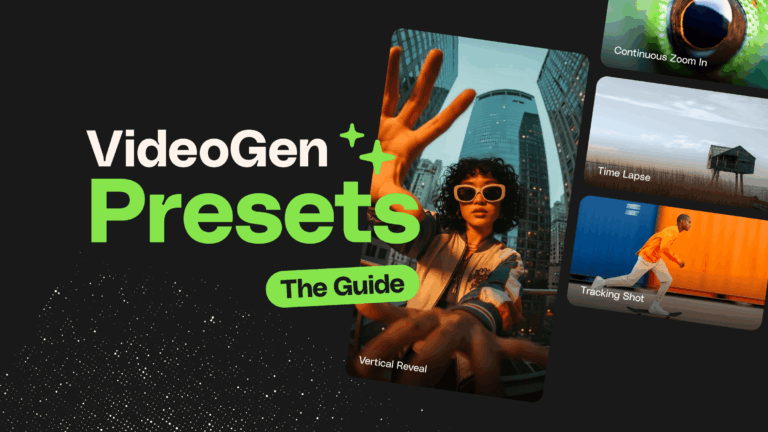
This AI Video Generator Presets guide explains how presets add structure to AI video generation, helping you create more consistent, editable clips that fit seamlessly into real-world editing workflows.

Learn how to turn an idea into a finished video using Envato’s AI-powered tools. From concept visuals to sound and editing, this workflow simplifies every stage of AI video creation.
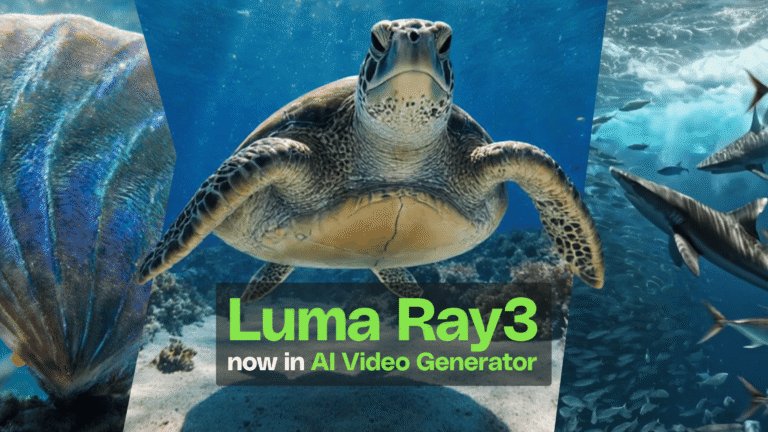
Luma Ray3 is now live in AI Video Generator, delivering smarter prompt interpretation, stronger physics, and production-ready AI video with fewer retries. Built for real creative workflows, not endless regeneration.

Making sure AI-powered ads actually convert is the real challenge. This guide shares proven prompt formulas advertisers use to create commercial AI Video Generator ads that drive action.

Create videos faster with AI Video Generator’s AI b-roll generator

Turn your short AI-generated clips into longer, seamless scenes. Just describe what happens next, and watch your story unfold.

Envato SoundGen is the newest addition to the Envato AI family. Discover more about this SFX tool.
Post-production includes editing, color grading, audio mixing, sound design, graphics, and final exports.
Yes, Envato provides LUTs, transitions, overlays, sound effects, motion graphics, and templates for all major editors.
Yes, many templates are drag-and-drop, helping beginners achieve polished results quickly.
It enhances clarity, polish, pacing, and storytelling, turning raw footage into a finished video.
Yes, VideoGen can generate clips, MusicGen creates custom audio, and GraphicsGen and ImageGen provide assets for your timeline.
Discover ideas faster with ‘Browse by category’ on the Envato blog. Jump straight into the topics that matter most to your work: Design, Video & Filmmaking, Music & Audio, What’s New on Envato, or AI & Creativity. Explore curated articles, tutorials, and trend insights tailored to each discipline. Whether you’re sharpening your skills, testing new tools, or streamlining your process, each category is designed to help you optimize your creative workflow with Envato and move from idea to execution more efficiently.

