
Best digital painting and image editing tools — with AI picks
Compare 10 digital painting and image editing tools, from AI-powered concepting to manual brushes, and build your ideal creative workflow.
Envato: Get every type of asset for any type of project, and access to AI tools. Start now
Find everything you need to stay sharp in the ever-evolving Photoshop world, from Adobe MAX takeaways and the latest Photoshop updates to practical guides that compare tools, features, and workflows, so you know exactly what’s worth using. Our Photoshop tutorials cover real techniques you can apply immediately, whether you’re refining composites, retouching smarter, grading with intention, or exploring new AI-powered tools.
You’ll also discover curated roundups of the best Photoshop actions and templates, along with trends shaping how creatives are using the software right now. And if you’re looking to level up fast, we break down the most comprehensive Photoshop courses worth your time.
Everything here is designed to help you work more confidently: fewer “why doesn’t this look right?” moments, more “oh, this finally makes sense.” Clear explanations, practical examples, and resources that fit straight into your workflow.
Explore Photoshop content on Envato and build a workflow that feels faster, cleaner, and a whole lot more fun.
Compare 10 digital painting and image editing tools, from AI-powered concepting to manual brushes, and build your ideal creative workflow.

How to replace objects, backgrounds, and text in your photos with Photoshop's Generative Fill — and when a browser-based AI editor beats it.

Discover the best graphic design software for every workflow. Compare Photoshop, Illustrator, Figma, Blender, Canva, Affinity, and more to find your ideal tool.

Learn how to design a mascot step by step, from concept and personality to animation, using an efficient, AI-assisted workflow built for modern brands.
From a simple logo to a full run club identity, see how AI tools, Illustrator, and Photoshop came together to build a brand system full of movement, warmth, and community.
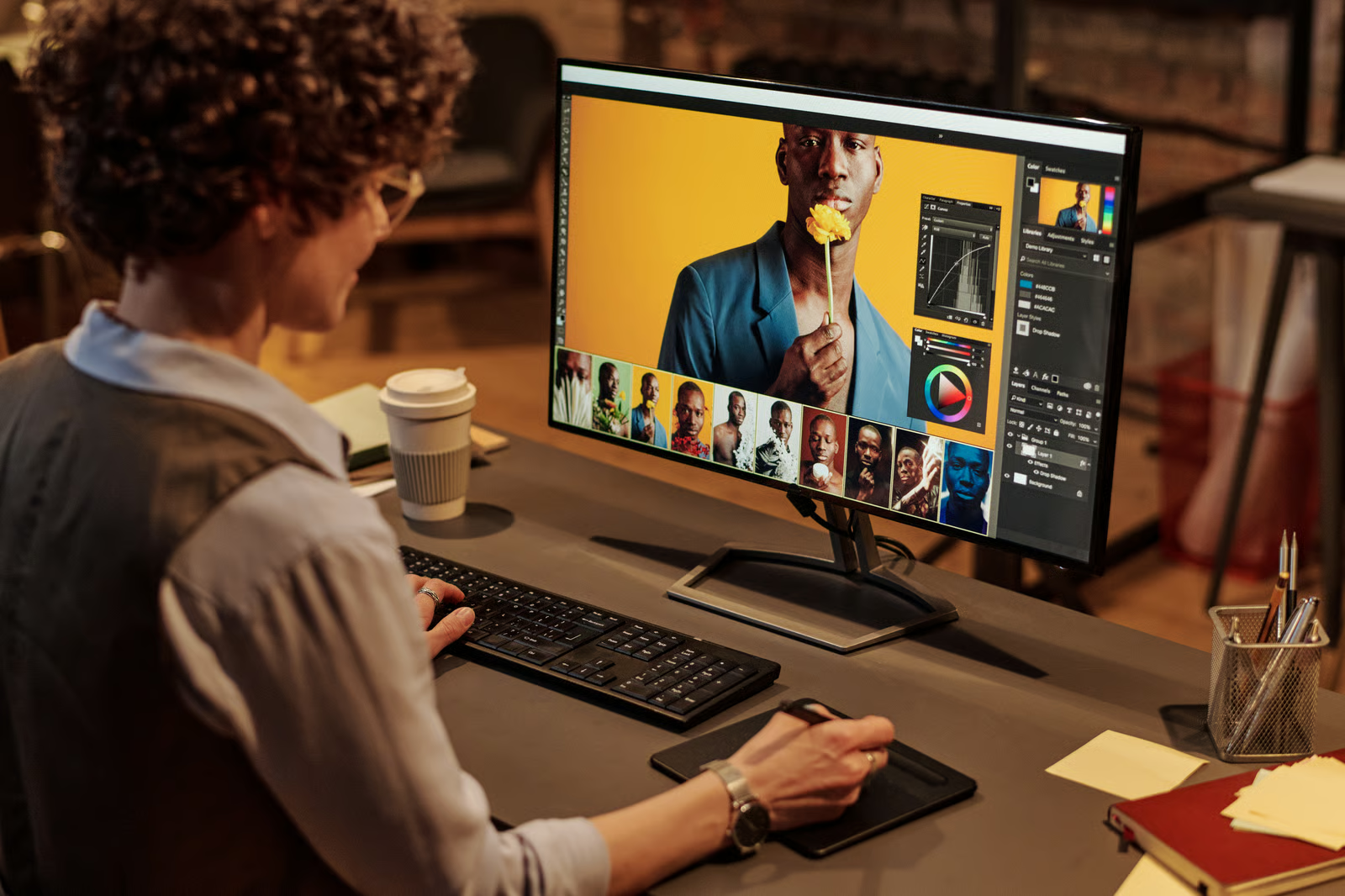
Ready to level up your photography? Here are 10 essential edit pro tips to help you work smarter, move faster, and take full creative control of your photo edits.

Is Affinity Designer free? Yes, and here’s how it transforms design.
Top-tier gen AI models. Commercial use. Ever-evolving tools.

Create unique visuals in diverse styles with simple text prompts.

Make your own music with text prompts and presets.

Remove backgrounds, erase objects & upscale effortlessly.

Generate videos from static images and text prompts.

VoiceGen, GraphicsGen, SoundGen and more coming soon.

Missed Adobe Max 2025? Here’s everything that matters for designers working in Photoshop, Illustrator, InDesign, and Firefly.

Stay up to date with the Adobe MAX 2024 updates.

Explore 100+ Photoshop effect tutorials to show help you improve your photo editing game.
Photoshop actions capture all of the steps needed to transform a file and let you apply them with just one click. In this roundup, I've scoured the web for 100 of the best free Photoshop actions for your ease of use. We'll also take a look at our best premium PSD actions and add-ons.

Check out these top social media templates for Photoshop to elevate your content game.
Discover the most exciting product updates from Adobe Max 2023.

Today I'm going to show you how to cut out an image in Photoshop using a few simple techniques and standard Photoshop tools. Then I'll teach you how to add a simple retro effect to the image that you cut. Let's get started!

In this tutorial, you'll learn how to make a watercolor painting effect in Photoshop. Even if you're opening Photoshop for the first time, you'll be able to make a Photoshop watercolor effect easily.
Photoshop is used for photo editing, retouching, graphic design, and digital illustration. Creatives rely on it to enhance product photos, retouch portraits, design marketing materials, create social content, and build complex composites. If you need precise control over images, layers, and visual details, Photoshop is the industry standard.
Photoshop has a learning curve, but you don’t need to master everything at once. Start with five core tools: Move, Crop, Brush, Clone Stamp, and Layers, then build from there. Envato’s tutorials can help you skip the overwhelm and focus on techniques you’ll actually use.
Photoshop is for detailed edits, compositing, and design work. Lightroom is designed for organizing and batch editing photo libraries with presets and color corrections. Many photographers use both Lightroom for their workflow and Photoshop for precision.
Download Photoshop actions, brushes, textures, or templates from Envato and install them through Photoshop’s panels (Actions, Brushes, Type, etc.). Then apply premium effects and styles to your projects without having to build everything from scratch. You’ll get fast, professional results with less effort.
Generative Fill, Remove Tool, and Neural Filters accelerate tasks such as background removal and object cleanup. They’re useful as starting points. Refine them manually to maintain high quality, and pair them with Envato Photoshop actions, brushes, and textures for even faster results.
Discover ideas faster with ‘Browse by category’ on the Envato blog. Jump straight into the topics that matter most to your work: Design, Video & Filmmaking, Music & Audio, What’s New on Envato, or AI & Creativity. Explore curated articles, tutorials, and trend insights tailored to each discipline. Whether you’re sharpening your skills, testing new tools, or streamlining your process, each category is designed to help you optimize your creative workflow with Envato and move from idea to execution more efficiently.

