
AI social media video generator: How to create platform-specific videos
Create better content faster with an AI social media video generator that produces optimized, video-ready content for TikTok, Reels, and Shorts.
Envato: Get every type of asset for any type of project, and access to AI tools. Start now
If you want to learn how to create intentional, high-quality AI video scenes, you’re in the right place. This category is your home for everything related to Envato’s AI Video Generator, part of Envato’s AI tools, and a powerful way to bring cinematic ideas to life without a full production setup.
Here you’ll learn how to generate AI video in a way that feels planned, not accidental. We’ll cover prompt writing that actually works, how to choose the right model, how to control motion, how to refine faces and characters, and how to use end frames to keep your visuals clean and consistent. You’ll also find walkthroughs of new features, model upgrades, product updates, and real-world examples that demonstrate what Envato can do.
Envato’s AI Video Generator integrates seamlessly with the tools you already use, and we’ll show you how. Many creatives bring their Envato-generated scenes into Premiere Pro, After Effects, or DaVinci Resolve to refine pacing, add graphics, composite elements, or grade color. Others combine Envato’s AI Music Generator + AI Video Generator to create complete social videos with sound and style that match.
You’ll also find creative workflows, inspiration, and practical ideas from the Envato community, including motion design tests, storytelling clips, ads, prototypes, and experiments worth trying yourself.
Whether you’re crafting short-form content, brand visuals, client concepts, or scenes for bigger projects, this category helps you use Envato’s AI Video Generator with clarity, confidence, and a lot less guesswork.
Create better content faster with an AI social media video generator that produces optimized, video-ready content for TikTok, Reels, and Shorts.

Learn how to build an AI video consistent character using reference sheets and repeatable workflows to maintain stable identity across multiple scenes and environments.

Learn an AI video Blender workflow to transform AI-generated clips into fully controlled 3D cinematic scenes using camera animation, lighting, fog, and layered overlays.
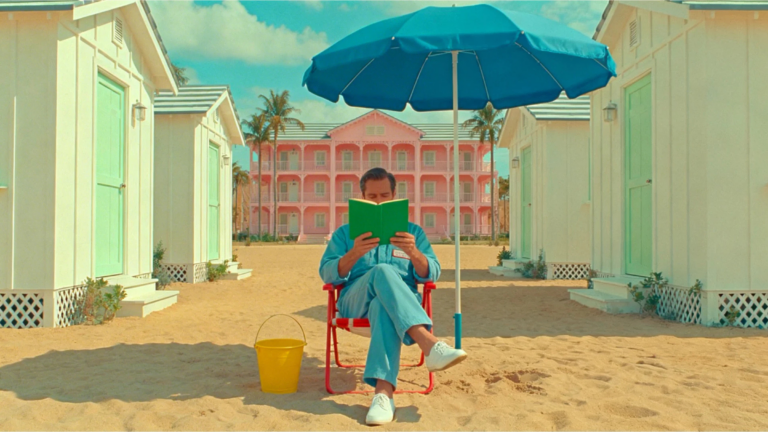
Learn advanced AI video prompting techniques to create cinematic, realistic clips using structured prompts, camera language, lighting control, motion cues, and production-level detail.
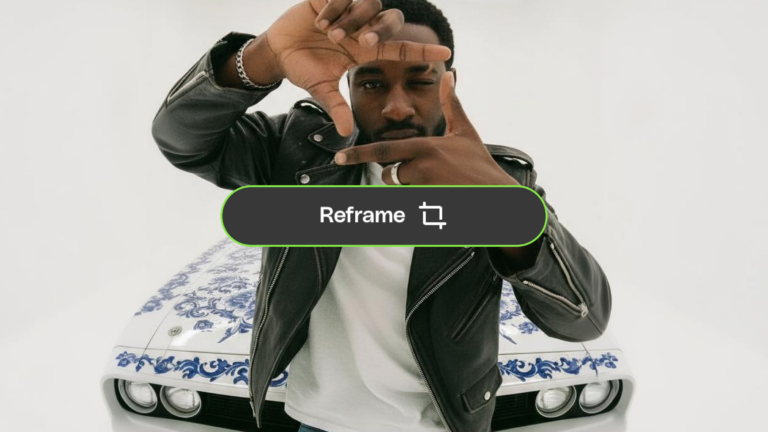
You landed on a generation you love. Now make it work everywhere. AI Video Generator’s new 'Reframe' adapts your AI videos to any aspect ratio — without losing what made them worth keeping.

You've been breaking up with perfectly good videos over one bad detail. AI Video Generator's three new editing features — 'Modify', 'Change Subject', and 'Reframe' — let you fix what's wrong without losing what's right.

Learn how to combine video clips using AI tools like Descript and Vidio.ai, then refine in Premiere Pro or DaVinci Resolve for smooth, polished results.

Learn how to use AI voiceover for video to create clear, professional narration, improve voice sync, and streamline real-world editing workflows with practical tools like VoiceGen.
Top-tier gen AI models. Commercial use. Ever-evolving tools.
Create unique visuals in diverse styles with simple text prompts.
Make your own music with text prompts and presets.

Remove backgrounds, erase objects & upscale effortlessly.

Generate videos from static images and text prompts.
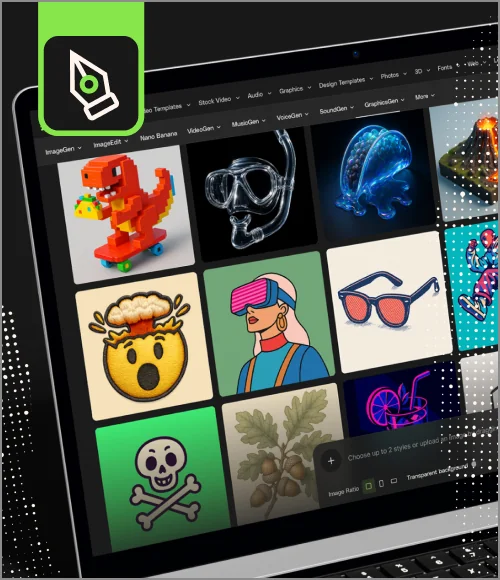
VoiceGen, GraphicsGen, SoundGen and more coming soon.

Learn how to seamlessly edit AI-generated clips in Premiere Pro, fix common issues, and apply pro techniques to make AI footage look realistic and production-ready.

Pitching video concepts used to mean styleframes, moodboards, rough cuts, and late nights — only to hear 'can we try something different?' AI has changed the game. Here's how to streamline your workflow.

Learn how to design a mascot step by step, from concept and personality to animation, using an efficient, AI-assisted workflow built for modern brands.
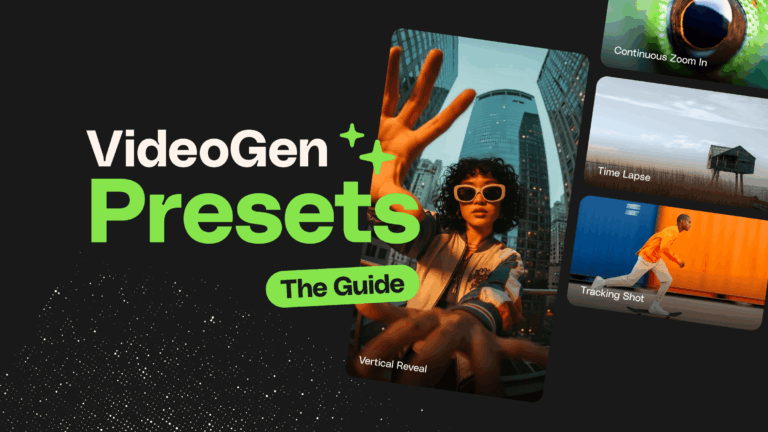
This AI Video Generator Presets guide explains how presets add structure to AI video generation, helping you create more consistent, editable clips that fit seamlessly into real-world editing workflows.

Learn how to turn an idea into a finished video using Envato’s AI-powered tools. From concept visuals to sound and editing, this workflow simplifies every stage of AI video creation.
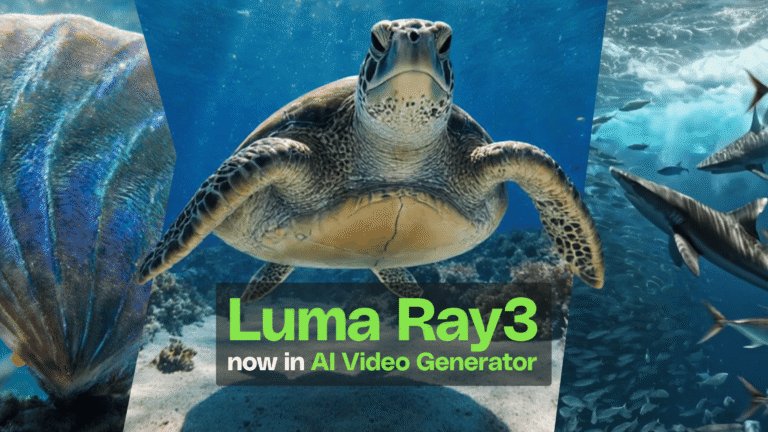
Luma Ray3 is now live in AI Video Generator, delivering smarter prompt interpretation, stronger physics, and production-ready AI video with fewer retries. Built for real creative workflows, not endless regeneration.

Making sure AI-powered ads actually convert is the real challenge. This guide shares proven prompt formulas advertisers use to create commercial AI Video Generator ads that drive action.

AI video generators empower creators with fast, affordable production options— here’s a hands-on comparison of the top tools for quality, speed, usability, and cost.
Yes, it does. VideoGen transforms your ideas into short video scenes with just a simple prompt or reference image. It’s great when you want to test a concept quickly or bring your storyboards to life. You type the idea, and the visuals take shape in a moment.
Not unlimited, but close enough for easy experimenting. You work with a monthly prompt allowance and can keep reusing your previous prompts to tweak motion, style, or characters. It is great for developing an idea over a few rounds without having to start from scratch.
Just write a prompt and generate. VideoGen builds a clip from your idea. You can fine-tune the motion or the look with follow-up prompts, then export the result and continue polishing in your usual editing software.
You can get a different number of video generations each month depending on your subscription. Every prompt returns multiple scene variations you can explore, refine, or drop into your edit. It is built for quick creative play, not pressure.
Yes, you can. Every VideoGen clip comes with commercial rights under your Envato license. You can use the videos in client work, ads, social content, and more. Just make sure your usage follows Envato licensing terms.
Discover ideas faster with ‘Browse by category’ on the Envato blog. Jump straight into the topics that matter most to your work: Design, Video & Filmmaking, Music & Audio, What’s New on Envato, or AI & Creativity. Explore curated articles, tutorials, and trend insights tailored to each discipline. Whether you’re sharpening your skills, testing new tools, or streamlining your process, each category is designed to help you optimize your creative workflow with Envato and move from idea to execution more efficiently.

