
Envato vs Envato Market: which is right for your workflow?
Envato vs Envato Market comparison covering pricing, licensing, features, and workflows to help creatives choose between subscription access or pay-per-item assets.
Envato: Get every type of asset for any type of project, and access to AI tools. Start now
Welcome to Envato’s AI & Creativity hub — your backstage pass to the tools, trends, and ideas reshaping how modern creators work.
This is where technology meets imagination. We explore how AI is transforming creative workflows — from design and video to music, sound, and storytelling — and how you can use it to enhance, not replace, your craft.
Inside, you’ll find deep dives into generative design, AI video workflows, music and sound generation, image editing, prompt strategy, ethical use, and creative decision-making in an AI-powered world. We unpack how models think (or try to), share practical tips for better prompts, and show you how to blend machine-made output with your own artistic direction.
Think of this as your guide to working with AI, not bowing to it. Whether you’re experimenting with new tools, optimizing your creative pipeline, or just curious about what’s next in creative tech, we’re exploring it all — one curiosity-fueled article at a time.
AI isn’t here to replace your imagination; it’s here to expand your creative playground. Dive in and see what you can make possible.
Envato vs Envato Market comparison covering pricing, licensing, features, and workflows to help creatives choose between subscription access or pay-per-item assets.

Compare AI vs stock images to learn when each works best for customization, realism, speed, and commercial use in a modern creative workflow.

Discover how Envato GraphicsGen helps creatives with this AI graphics generator guide for icons, vectors, illustrations, and more.
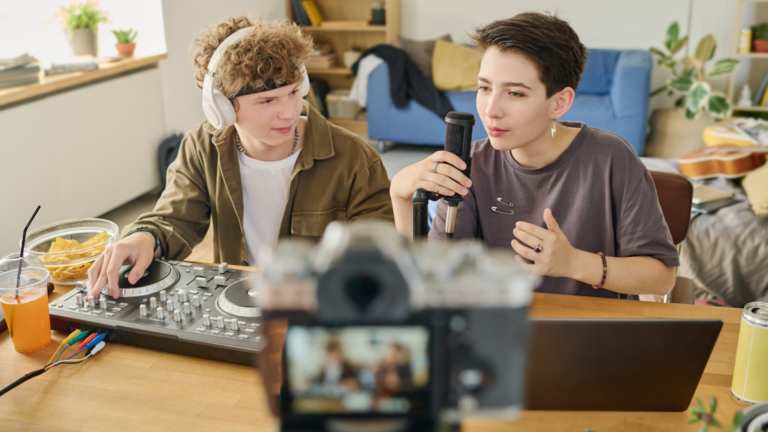
Learn how to create a YouTube intro fast using AI tools, templates, and After Effects. Build visuals, add music, and refine a clean, branded opener.

Envato vs Canva comparison covering features, pricing, AI tools, and workflows to help creators choose the best design platform for their projects.

Envato vs Motion Array: Compare features, pricing, AI tools, and asset libraries to find the best platform for video editors, designers, and creative teams.

Luma AI’s UNI-1 is now part of Envato’s AI image tools, bringing stronger style consistency, natural editing, and more accurate creative outputs.
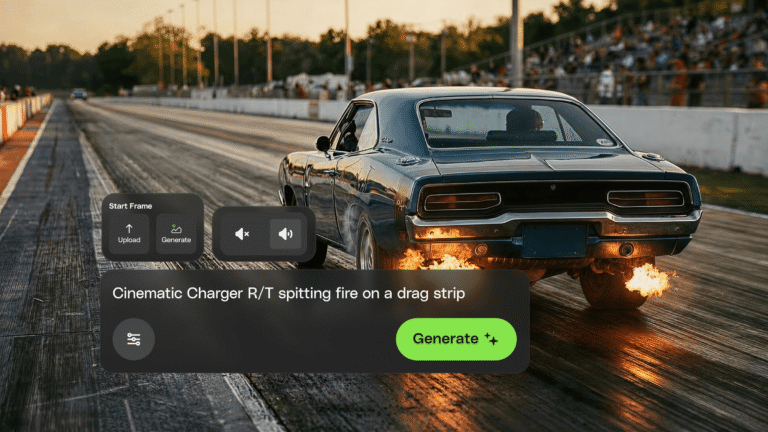
Envato's AI video generator just moved into the Envato experience. Faster, more reliable generations and a smoother path from idea to finished clip — all in one place.
Top-tier gen AI models. Commercial use. Ever-evolving tools.

Create unique visuals in diverse styles with simple text prompts.

Make your own music with text prompts and presets.

Remove backgrounds, erase objects & upscale effortlessly.

Generate videos from static images and text prompts.

VoiceGen, GraphicsGen, SoundGen and more coming soon.
Create an ad with AI using Envato’s tools to generate visuals, animate video, add music, and build polished campaigns fast.
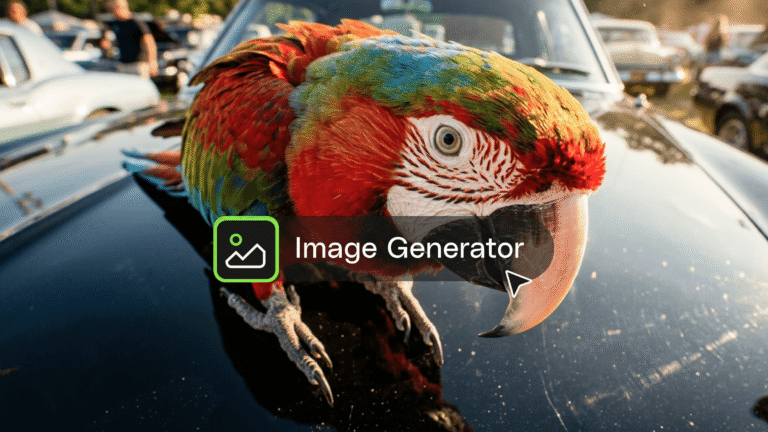
This AI image generator guide will help you create high-quality visuals fast with smart styles, quick edits, and seamless creative workflows.
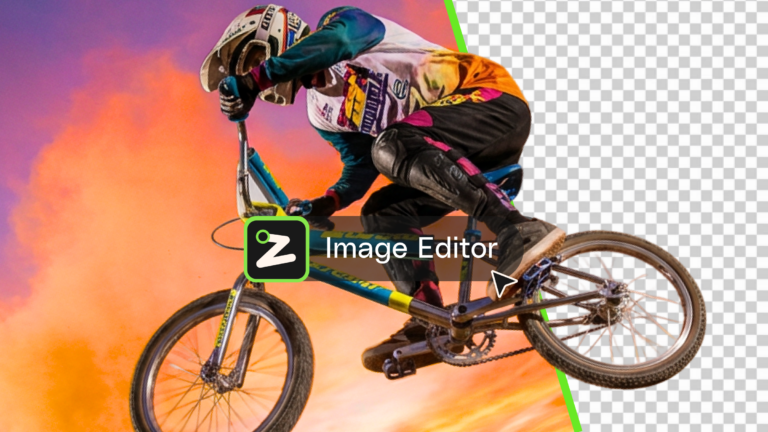
Learn what an AI image editor can do, and how to create polished visuals faster with AI.
Compare Envato vs Freepik across pricing, AI tools, and assets to find the best platform for your workflow, creative needs, and long-term project scalability.

GPT Image 2 improves AI image generation with better layouts, accurate text, and smarter prompts — delivering more usable visuals directly inside Envato’s ImageGen, ImageEdit, and GraphicsGen tools.
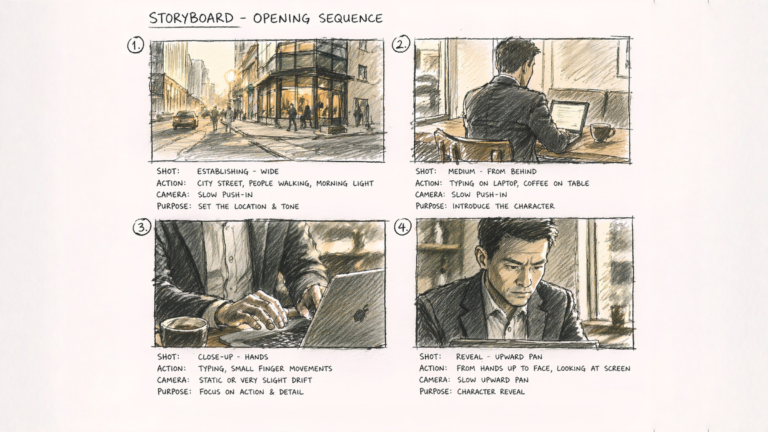
Learn how to create cinematic AI videos using a step-by-step AI short film workflow, from generating clips with VideoGen to editing and refining everything in DaVinci Resolve.
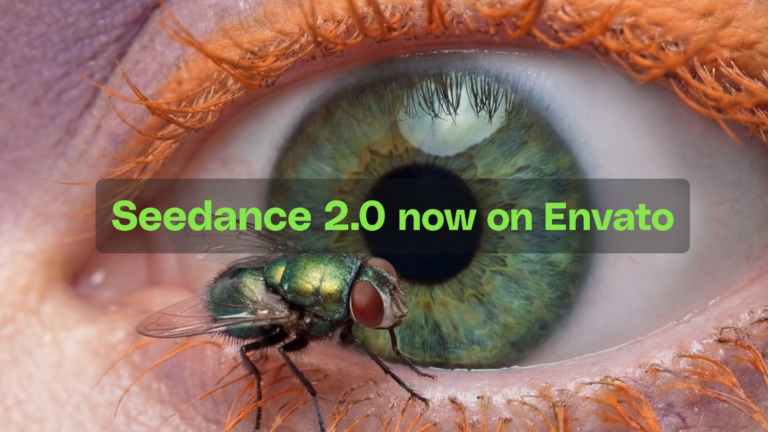
Seedance 2.0 — ByteDance's AI video model known for its physical realism and scene complexity — is now part of the model lineup behind Envato's AI video generator. Here's what changes.
Learn how to create an AI infographic design using GraphicsGen and Illustrator, from idea to reusable systems, with a step-by-step workflow for consistent, scalable visuals.
AI can generate video, images, music, sound effects, voiceovers, and layouts. It helps creators prototype faster, explore more ideas, and finish projects more efficiently.
Absolutely. Assets created using Envato’s AI tools come with commercial rights, so you can use them in ads, client projects, or monetized social channels.
Not at all. AI enhances creative workflows but doesn’t replace human creativity. Many professionals combine Envato’s AI tools with traditional editing, design, and animation software.
Yes. Envato’s subscription includes a full suite of AI tools — VideoGen, MusicGen, VoiceGen, SoundGen, ImageGen, ImageEdit, MockupGen, and GraphicsGen — designed for content creation with full commercial licensing.
Be specific. Define tone, style, lighting, emotion, or pacing — the more detail you give, the better the results. Clear intent equals creative control.
Discover ideas faster with ‘Browse by category’ on the Envato blog. Jump straight into the topics that matter most to your work: Design, Video & Filmmaking, Music & Audio, What’s New on Envato, or AI & Creativity. Explore curated articles, tutorials, and trend insights tailored to each discipline. Whether you’re sharpening your skills, testing new tools, or streamlining your process, each category is designed to help you optimize your creative workflow with Envato and move from idea to execution more efficiently.

