AI sound generator guide: How to create sound effects with AI
Discover how Envato's AI sound generator creates custom sound effects from text prompts so creators can skip library searches and edit faster.
Envato: Get every type of asset for any type of project, and access to AI tools. Start now

Editing images used to mean time, tools, and a lot of trial and error. Now, an AI image editor can handle many of the hardest parts for you, helping turn rough visuals into polished content in far less time.
Envato’s AI Image editor is built for that kind of workflow. It helps creatives, marketers, entrepreneurs, and small teams make natural-looking edits in minutes, even without advanced editing skills.
In this guide, we’ll explain what an AI image editor is, how Envato’s image editor works, what you can use it for, and where it fits into a modern creative workflow.
An AI image editor uses AI to speed up photo editing — removing backgrounds, cleaning up objects, enhancing, and expanding images. Envato’s AI Image editor lets you brush over exactly what you want changed, guide it with a prompt, and step back through every version you’ve made along the way.

An AI image editor is a photo editing tool that uses artificial intelligence to automate tasks like background removal, object cleanup, image enhancement, and expansion. Envato’s AI image editor is designed to help creatives edit images faster using prompts and smart automation.
The biggest benefit is accessibility. Tasks that once required technical knowledge now take only a few clicks and a clear prompt.
Unlike traditional photo editors, an AI image editor reduces the manual work required for common tasks. Instead of masking, retouching, or adjusting every detail by hand, you can guide edits with prompts and automated tools.
Envato’s AI Image editor pulls the everyday editing jobs most creatives deal with into a single prompt-driven workflow. You describe the change you want, Envato’s AI experience handles the execution, and you stay in charge of the creative direction.

With Envato’s AI Image editor, you can:
This makes Envato’s image editor useful for a wide range of visual tasks, from product photography and marketing content to everyday image cleanup and creative refinement.
With this AI image editor, you get style control, color precision, and object-level editing control.
At a high level, the process is simple:
Creating an image in the AI image generator and clicking edit drops you straight into the editor with the full toolkit — no export, no re-upload.
You don’t pick one. The editor reads your prompt and intent and routes each edit through the model most likely to deliver it — including Nano Banana Pro, Nano Banana 2, GPT image-2, UNI-1, and Seedream 4.5. The model lineup changes as new models launch, so you get improvements without changing how you work.
One of the easiest ways to get better results from an AI image editor is to be clear about the change you want to make. The more specific the instruction, the easier it is for the tool to generate useful variations.
Here are a few examples of prompt directions you might try in Envato’s AI Image editor:
Prompt: Remove the background and place the subject on a clean white backdrop.


Prompt: Delete the people in the background and make the image look brighter and cleaner.

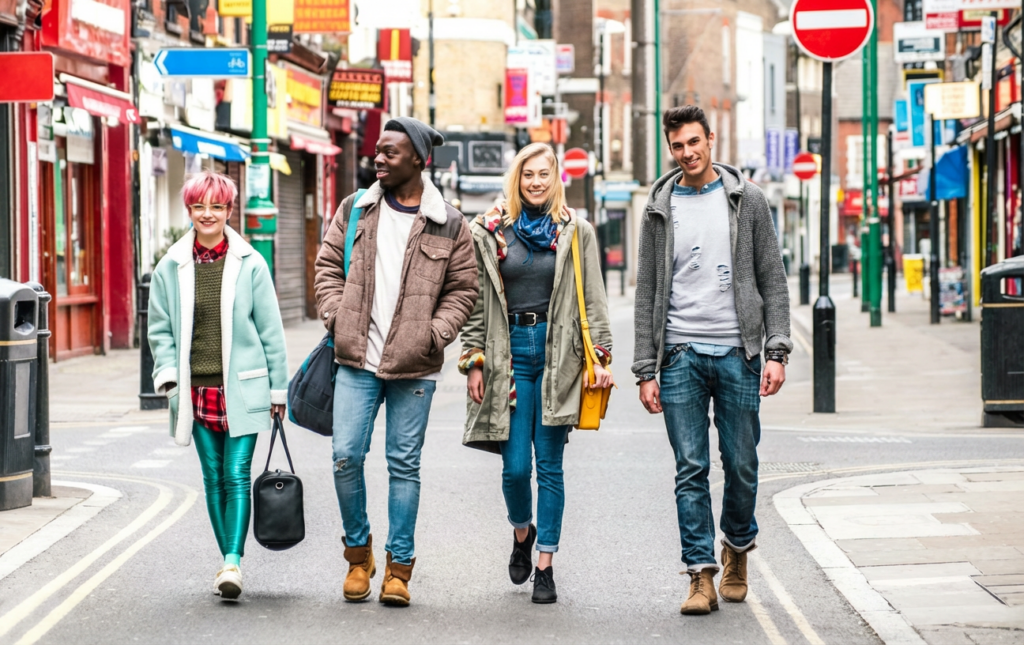
Prompt: Expand this image horizontally for a website hero banner.
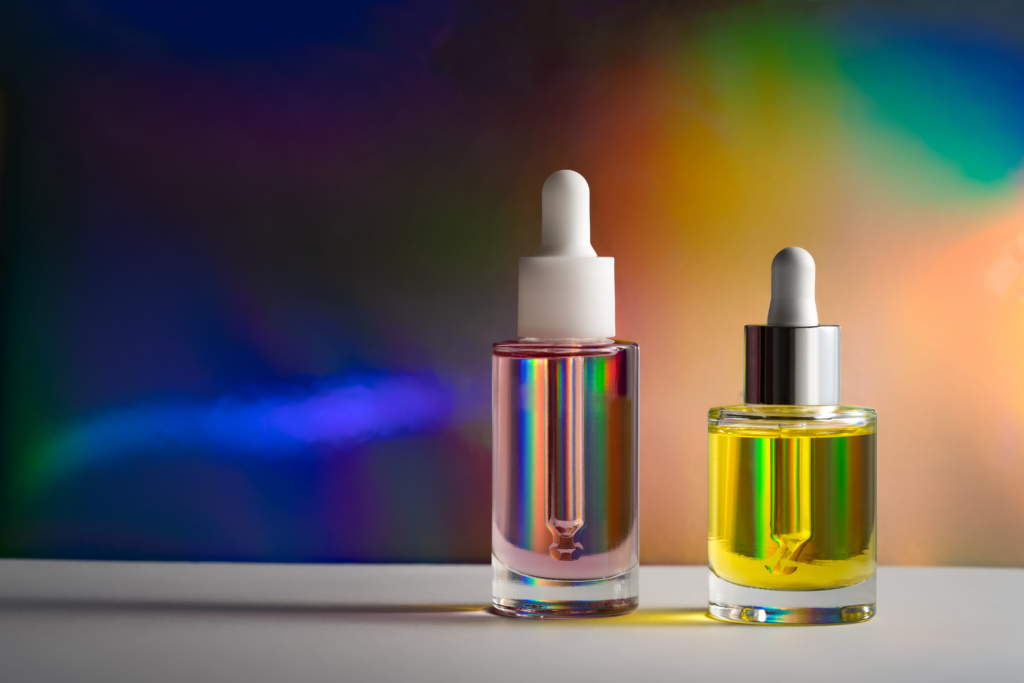

Prompt: Improve sharpness and lighting while keeping the photo natural.


Prompt: Clean up this photo and make it look ready for an e-commerce listing.


Prompt: Create a wider version of this image for social media promotion.


Prompt: Remove distractions from the background and make the subject stand out more clearly.


These kinds of instructions help an AI image editor produce results that are more aligned with your intended format, style, and use case.
An AI image editor can help you handle a range of practical editing tasks faster, from simple cleanup to more flexible content adaptation. With Envato’s AI Image editor, these capabilities make it easier to create polished visuals for your creative work.
| What you can do | How Envato’s AI image editor helps | Why it’s useful |
|---|---|---|
| Remove backgrounds instantly | Isolates the main subject and removes the existing background | Helps create studio-quality edits for product listings, branded content, and design assets |
| Clean up unwanted objects | Deletes clutter, distractions, or imperfections from an image | Makes photos look more polished without detailed manual retouching |
| Improve lighting and color | Enhances tone, exposure, and overall image quality | Creates clearer, more consistent visuals with less editing effort |
| Expand image boundaries | Extends the edges of an image for wider formats and layouts | Useful for banners, hero images, social formats, and email headers |
| Optimize product photography | Refines product images for a cleaner, more commercial-ready look | Helps ecommerce sellers present products more professionally |
| Create image variations | Generates alternate versions based on your prompt or edit direction | Gives users more options to match different channels or creative needs |
| Reframe visuals for different formats | Adjusts composition for different placements and aspect ratios | Makes it easier to reuse one image across multiple platforms |

An AI image editor is most valuable when speed, ease of use, and polished results matter. Instead of relying on fully manual editing workflows, users can apply AI-assisted tools to common visual tasks.
| Use case | How an AI image editor helps | Why it matters |
|---|---|---|
| Ecommerce product images | Removes backgrounds, cleans up distractions, and improves presentation for product listings | Helps you create a professional-grade output, more consistent product visuals faster |
| Marketing campaign assets | Enhances images, adapts visuals for different formats, and supports faster asset production | Useful for ads, landing pages, email headers, and promotional graphics |
| Social media content | Cleans up images, improves quality, and reframes visuals for platform-specific formats | Helps creatives and brands publish polished content more efficiently |
| Product photography | Improves lighting, removes unwanted elements, and creates more commercial-ready outputs | Makes product shots look more professional without a complex retouching workflow |
| Website and banner visuals | Expands images and adjusts compositions for hero sections and web layouts | Useful when one image needs to work across multiple digital placements |
| Team and profile images | Removes distracting backgrounds and improves overall image quality | Helps create cleaner, more professional-looking portraits for brand use |
| Everyday photo cleanup | Deletes unwanted objects, improves clarity, and enhances overall presentation | Makes routine editing tasks faster and more accessible for non-experts |
You still guide the creative direction. Envato’s AI image editor responds to prompts, style cues, format instructions, and specifics about the result you want. The clearer your input, the more useful the output. The AI executes your intent faster rather than making decisions for you.
That means the AI is not replacing your intent. It is helping you execute it faster.
Envato’s AI Image editor offers the core capabilities users expect from a modern AI image editor, with features that make everyday image editing faster, easier, and more flexible. These tools help users improve image quality, remove distractions, and adapt visuals for different formats without relying on a fully manual workflow.
| Feature | What it does | Why it matters |
|---|---|---|
| Background removal | Isolates the main subject and removes the existing background | Helps create cleaner visuals for ecommerce, branding, marketing, and design use |
| Smart object removal | Deletes unwanted elements such as clutter, passersby, or imperfections | Makes images look more polished without detailed manual retouching |
| Auto enhancement | Improves lighting, tone, color, and overall image quality | Helps you create clearer and more professional-looking visuals faster |
| Image expansion | Extends the edges of an image to fit wider or different layouts | Useful for banners, social formats, website headers, and campaign assets |
| Upscaling | Increases image resolution and improves sharpness | Helps prepare visuals for larger formats or cleaner output quality |
| Crop and reframing | Adjusts image composition for different placements and aspect ratios | Makes it easier to reuse one image across multiple channels |
| Prompt-based editing | Lets users guide edits through instructions and creative direction | Keeps the workflow faster while still allowing user control over the result |
| Multiple variations | Generates more than one possible output from a request | Helps you compare options and choose the strongest result for their use case |
Paintbrush targeting | Brush over the exact area you want changed before prompting | Gives the AI spatial context, so edits land where you meant them |
| Image annotations | Draw around objects and reference them with @ in your prompt | Lets you make several precise edits at once without touching the rest of the image |
| Edit history and branching | Tracks every edit in a visible timeline you can jump back into | Experiment freely — return to any earlier version and take a new direction |
| Automatic model selection | Routes each edit to the best-suited model behind the scenes | You get the strongest available model without comparing providers |
| Edit with AI on stock | One click from a stock search result into the editor | Personalize professional stock instead of settling for “almost right” |
Envato’s AI Image editor can be useful for many users, especially those who need high-quality image edits without a slow, highly technical workflow.
Yes, an AI image editor is a good option for beginners because it makes common editing tasks much easier. Instead of relying on manual masking or detailed retouching, users can make changes with simpler prompts and guided automation.
Envato’s AI Image editor is especially useful here because it’s built around practical tasks rather than professional-grade complexity. For anyone who wants faster results without a steep learning curve, it’s a strong starting point.
The appeal of an AI image editor goes beyond convenience. It can change how creative work gets done.
If you are comparing tools in this category, it helps to look beyond the label and focus on what the AI image editor can actually do in a real workflow. The best option will usually depend on your editing needs, your level of experience, and the kinds of visuals you create most often.
Use this checklist to evaluate any AI image editor before you commit:
A good AI image editor should save time and produce results that feel practical, polished, and fit for purpose. For people who want a balance of speed, accessibility, and editing flexibility, Envato’s AI image editor fits the bill.
Like any AI creative tool, Envato’s AI Image editor works best when used thoughtfully. It can save time and reduce complexity, but results still depend on your direction, the context, and the image itself.
Keep in mind that output quality often depends on prompt clarity. A clearer instruction usually leads to a more useful result, while vague prompts may require additional refinement or multiple attempts. In some cases, you may need to test a few variations before finding the strongest option. Edit history makes that cheaper — you can branch from any earlier version rather than restarting.
Not every project ends with the first AI-assisted result. More advanced edits, highly detailed composites, or brand-sensitive visuals may still benefit from extra review or manual refinement in other tools.
Think of an AI image editor as a creative assistant. You’ll get the strongest results by pairing automation with clear intent and good judgment, and some projects will still benefit from finishing in other tools.
Yes. Commercial use is allowed under Envato AI terms, if you edit an Envato stock item, the use is subject to the Envato Elements License as well as the AI Product Terms. Users own their generated outputs, and the product is built to align with Envato licensing standards.
That matters for freelancers, businesses, and creatives who need confidence when using AI-assisted visuals in professional work.
Getting started is simple.
Begin with a clear, specific prompt that describes what you want to change. Typical time to first result is measured in minutes, and the more specific you are about style, tone, and purpose, the more useful the output.
Here are a few practical tips for better results:
The more intentional your prompt, the more useful the result tends to be.
If you are looking for a faster, more accessible way to improve images, an AI image editor can help reduce manual effort without removing creative control.
Envato’s AI Image editor stands out by helping users handle practical visual tasks. Rather than replacing creative direction, it helps users move faster from idea to polished result.
For anyone evaluating an AI image editor for everyday content production, product imagery, marketing assets, or creative editing workflows, Envato’s AI image editor offers a practical and flexible option.
An AI image editor is a photo editing tool that uses artificial intelligence to automate tasks such as background removal, object cleanup, image enhancement, and expansion. It helps users make image edits faster and with less manual effort than traditional editing workflows.
An AI image editor can remove backgrounds, clean up unwanted objects, replace specific elements, update text, improve lighting and color, upscale resolution, expand image boundaries, reframe for different aspect ratios, and generate variations. In Envato’s AI Image editor you can also brush over a single area of the image, so a change lands exactly where you want it and leaves the rest untouched. That makes it useful for creators, marketers, ecommerce sellers, and other visual content teams.
Yes, an AI image editor can be very useful for product photography. It can help remove distractions, improve presentation, enhance image quality, and prepare visuals for ecommerce listings, ads, and other promotional uses.
Yes. Assets you create with Envato’s AI Tools come with a broad commercial license to use them as part of an End Product, so AI-edited images can be used in client work, campaigns, and other professional projects. If you edit an Envato stock item, that use is covered by the Envato Elements License as well as the AI Product Terms. Commercial clarity is worth checking whenever you compare AI image editors, as terms vary between tools.
Yes. Every edit is tracked in a visible timeline. You can jump back to any earlier version, compare iterations side by side, and branch off from an earlier point without losing the work you did after it. If you go three edits deep and decide the second version was strongest, you can return to it and take a different direction from there.
Yes. Click Edit with AI on any supported stock photo and you’ll move straight from search results into the editor, with the paintbrush, prompt box, and reference images ready. Depending on the asset, you can reframe for different aspect ratios, replace or update text, expand the image, recolor it, or make prompt-based edits like changing the lighting or swapping a character. Hitting back in your browser returns you to your search results with the same filters and scroll position.
An AI image editor analyzes image content and uses machine learning to carry out edits based on your prompts, reference images, or a selected area of the image. In Envato’s AI Image editor you brush over the part you want changed and describe the edit, so the tool has both the instruction and the location — not just what to change, but where. It automates the routine work while you keep control of the final result.
Yes, background removal is one of the most common uses of an AI image editor. Envato’s AI Image editor can isolate subjects quickly, which is especially useful for ecommerce imagery, branded content, and product marketing.
A traditional photo editor usually relies more heavily on manual adjustments, while an AI image editor uses automation to speed up common tasks. Traditional tools still offer deeper manual control, but AI-powered tools are often faster and easier for routine editing work.
Use the paintbrush. Brush over the exact area you want to change, describe the edit in the prompt box, and generate — the AI gets spatial context alongside your prompt, so it knows both what to change and where. For more complex edits, Image Annotations lets you draw around several objects, reference them with @ in your prompt, and make multiple changes at once while the rest of the image stays untouched.
No. The editor reads your prompt and intent, then routes each edit through the model best suited to it — including Nano Banana Pro, Nano Banana 2, GPT image-2, UNI-1, and Seedream 4.5. Envato calls this ModelMatch. The lineup evolves as new models launch, so you get improvements without changing how you work or comparing providers before you start.
An image edit uses 1 AI credit — the same as generating an image, a graphic, a voiceover, or a sound effect. You’ll always see the exact cost on the Generate button before you commit. Related steps like uploading a reference image or enhancing your prompt don’t use credits on their own, though generating extra variations can. Core plans include 20 credits a month, Plus 200, and Ultimate 500, 1,000, or 2,000. Credits reset at the start of each subscription month and don’t roll over.
Discover how Envato's AI sound generator creates custom sound effects from text prompts so creators can skip library searches and edit faster.

We tested 9 AI image generators on identical artistic prompts (same style-transfer task, same day) to see which one actually paints like an artist.
AI isn't making full movies yet; it's reshaping VFX, editing, and dubbing. Here's where it helps filmmakers today, and where it doesn't.
A practical, step-by-step guide to making a short AI film — from script and shot lists to character consistency, voice, sound, editing, cost, and legal rules.

