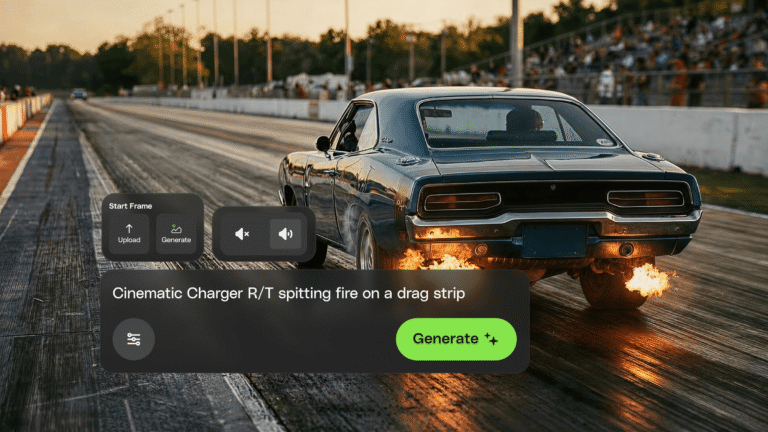
You can now access AI video generation directly within the Envato experience
Envato's AI video generator just moved into the Envato experience. Faster, more reliable generations and a smoother path from idea to finished clip — all in one place.
Envato: Get every type of asset for any type of project, and access to AI tools. Start now
GPT Image 2 improves layouts, text rendering, and AI image generation workflows inside Envato tools.
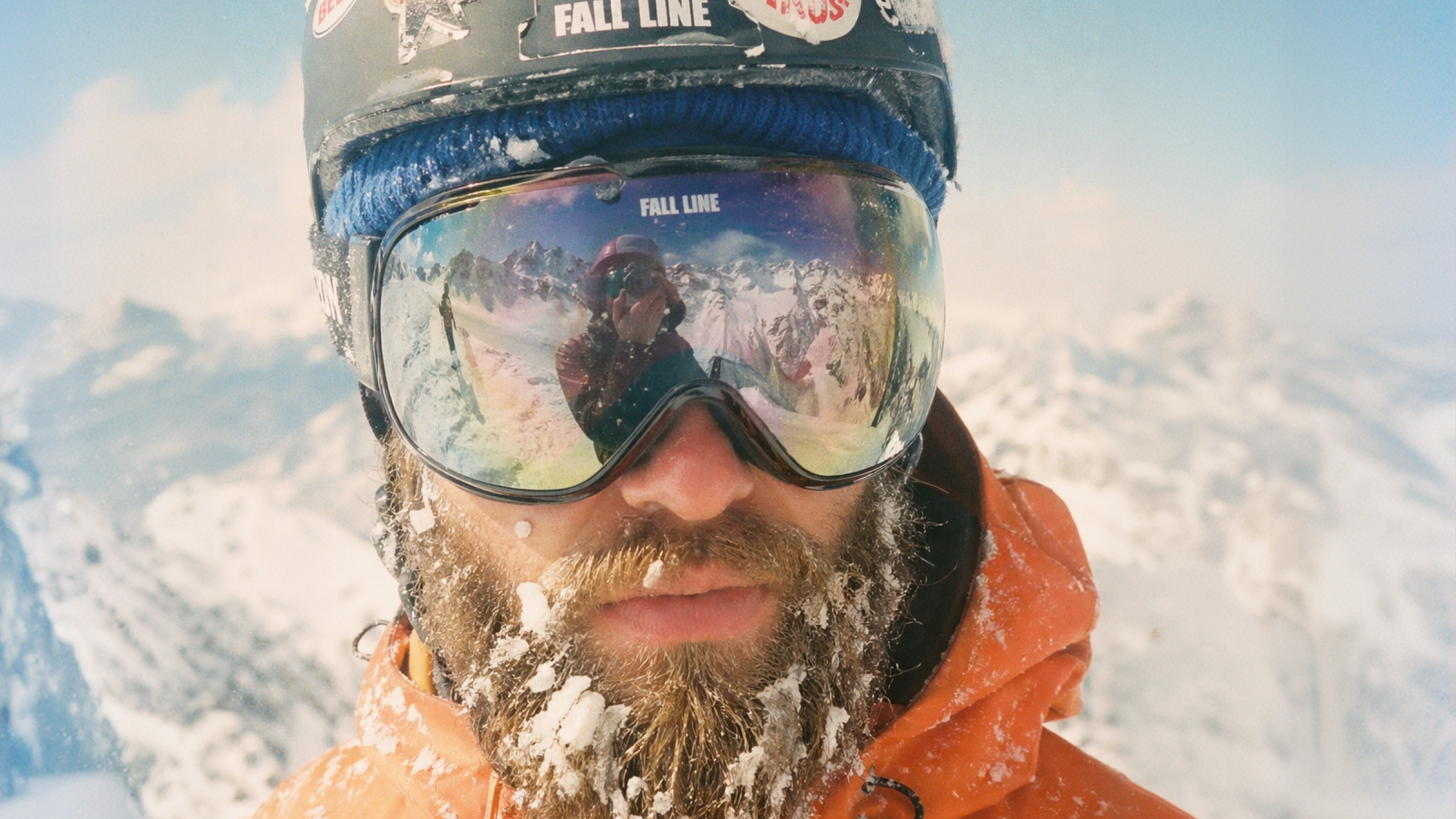
OpenAI GPT Image 2 doesn’t just generate better images — it changes how they’re put together. Instead of jumping straight from prompt to pixels, it plans first. If you care about layouts, typography, or anything beyond “make me something nice”, that shift makes a real difference.
Even better, you don’t need to learn anything new. GPT Image 2 is already live inside Envato’s AI image tools — so you can generate images with AI directly inside your existing workflow.
It interprets your prompt, understands how elements should relate, and constructs the image with intention. The result is fewer “almost right” outputs and far more visuals that actually match your brief.
If you’ve ever wrestled with AI images that look good but don’t quite work, you’ll see the shift straight away.
Most AI image tools tend to fall short on the same things — complex layouts, accurate text, and scenes with multiple constraints. The result? Images that feel close, but not quite usable. This is where GPT Image 2 truly pulls ahead. It’s less about flashy outputs and more about results you can actually use. The kind you can drop into a campaign, product page, or client deck without heavy fixes.
Images now follow structure more reliably, with a stronger understanding of spatial relationships, such as where elements should sit and how they relate to one another. When you describe a layout (for example, “product on the left, headline centered, price top right”), the output is far more likely to reflect that structure, meaning less time fixing positioning issues and more time refining the creative.
Text rendering is significantly more accurate, with cleaner typography, better spacing, and improved handling of longer or multilingual copy. This makes it easier to generate menus, packaging, ads, and posters with AI—especially when accurate text rendering is important.
Even short or high-level prompts produce more polished visuals, thanks to stronger default decisions around color, lighting, and composition. You no longer need to over-engineer prompts to get quality results, which makes quick ideation and fast-turnaround work far more efficient.
Multi-part prompts — combining layout, objects, text, and style — are interpreted more consistently, with fewer elements being ignored or misinterpreted. Structured visuals like campaign creatives, product comps, or UI-style layouts now come out much closer to the intended result on the first try, rather than requiring multiple stitched generations.
Shot types such as close-ups, mid-shots, and wide scenes are handled with more balance and intention, maintaining clarity and focus across formats. This leads to fewer awkward crops or distorted compositions, making outputs more usable for real-world formats like social posts, banners, or thumbnails without heavy adjustments.
Images adapt more convincingly when you ask for different aesthetics, while still preserving the core subject and composition. This makes it easier to explore creative directions — like turning a product shot into a minimalist ad or a cinematic scene — without losing consistency across variations.
Because Envato’s AI tools automatically route your prompt to the best-performing model, you’ll experience these improvements without needing to choose or configure anything.
GPT Image 2 is now integrated into Envato’s AI image tools: ImageGen, ImageEdit, and GraphicsGen
These tools sit within a broader all-in-one creative asset toolkit that automatically routes your prompt to the best-performing model for the job.
What this means for you: you write the prompt, and the system handles the rest.
No model switching. No guesswork.
OpenAI GPT Image 2 is an advanced AI image model with built-in reasoning delivering state-of-the-art text rendering, native reasoning for complex layouts, stronger aesthetic defaults, and 8-image consistent batches — ideal for posters, packaging, and layout-heavy creative work.
No, your limits remain the same. GPT Image 2 operates within your existing usage allowance.
Yes — especially in layout and text quality. Expect fewer errors, clearer typography, and stronger alignment with prompts.
OpenAI GPT Image 2 complements GPT Image 1.5 in the model lineup. The rest of the suite — Nano Banana 2 and Pro, Flux.2, Seedream 4.5, and others — remain unchanged. Envato automatically routes your prompt to the best model based on the task.
No, it’s included in your Envato subscription. There’s no additional fee to access GPT Image 2 within supported tools.
No setup required. It’s already integrated into ImageGen, ImageEdit, and GraphicsGen
Yes. Everything you generate in ImageGen, ImageEdit, and GraphicsGen is covered by Envato’s standard license terms, which include commercial use as part of an end product.
GPT Image 2 isn’t just an upgrade. It’s a shift in how AI image generation works.
If you’ve been waiting for AI image generation that doesn’t need heavy fixing, this is the moment to jump in.
Start creating with Envato ImageGen, ImageEdit, and GraphicsGen.
Envato's AI video generator just moved into the Envato experience. Faster, more reliable generations and a smoother path from idea to finished clip — all in one place.
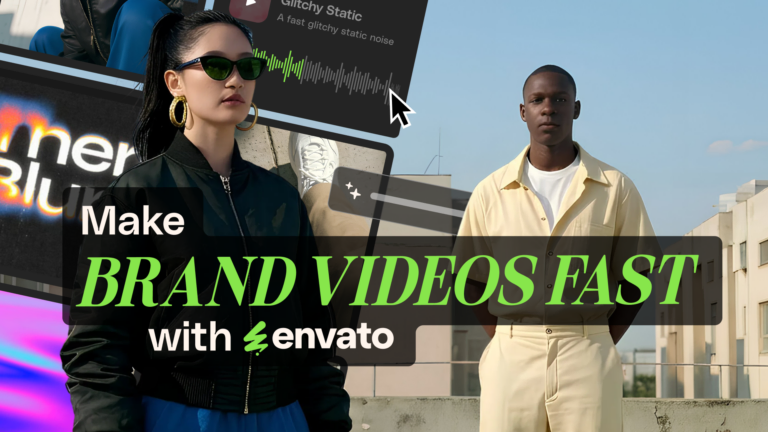
Create an ad with AI using Envato’s tools to generate visuals, animate video, add music, and build polished campaigns fast.
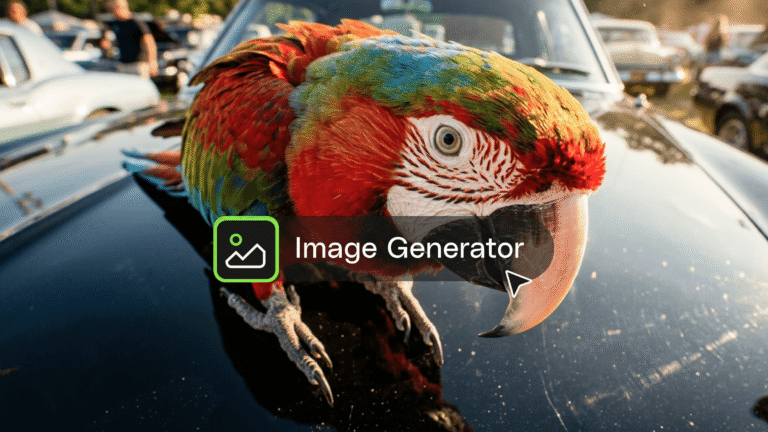
This AI image generator guide will help you create high-quality visuals fast with smart styles, quick edits, and seamless creative workflows.
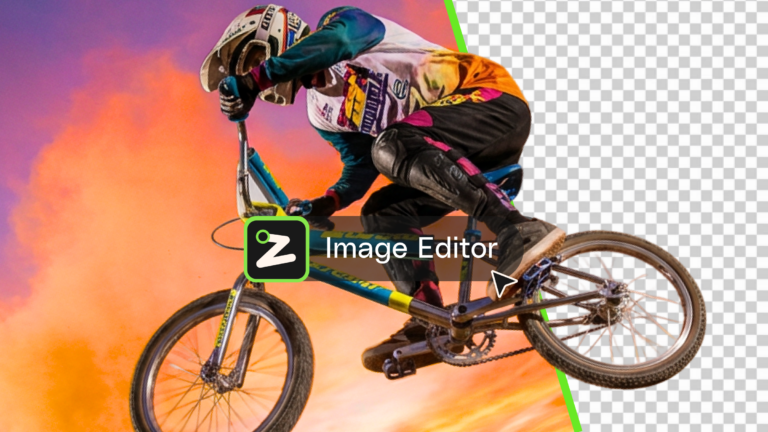
Learn what an AI image editor can do, and how to create polished visuals faster with AI.