
Envato AI tools guide: everything you need to know
Envato AI tools guide covering video, image, audio and voice generation. Learn how to use AI to speed up creative workflows without adding complexity.
Envato: Get every type of asset for any type of project, and access to AI tools. Start now
This category explores VoiceGen by Envato, an AI voice generator that how AI voice generation helps you experiment with tone, pacing and character, turning plain text into voiceovers you can test, compare and refine as part of your creative process, not as an afterthought.
Here, you’ll find VoiceGen tutorials, prompt strategies and AI-focused insights that show how different voices, speeds and script choices change the way a message lands. Learn how models AI-generated narration respond to punctuation, emotional cues and structure, how to try multiple deliveries of the same script and how small edits in language can shift clarity, mood and emphasis
You’ll also discover real examples of how creators use VoiceGen to explore narrative viewpoints, prototype dialogue, support educational content, or build consistent voices across a series before committing to a final approach
Envato AI tools guide covering video, image, audio and voice generation. Learn how to use AI to speed up creative workflows without adding complexity.

Discover how an AI voice generator like Envato VoiceGen turns text into realistic voiceovers for videos, ads, courses, and content.

Learn how AI voice licensing enables commercial use of AI-generated voices with clear rights, global distribution, and compliance best practices.

Learn how to use AI voiceover for video to create clear, professional narration, improve voice sync, and streamline real-world editing workflows with practical tools like VoiceGen.

This AI voiceover FAQ helps VoiceGen users fix pronunciation errors, pacing issues, audio glitches, and stalled generations with clear, step-by-step troubleshooting guidance.

Compare Envato VoiceGen with ElevenLabs, Play.ht, Murf, and LOVO to see how scalable AI voice technology saves time, cuts costs, and delivers narration for creatives.

AI video keeps improving, but sound remains the weakest link — that shallow, metallic tone gives the game away instantly. Here's how to use ADR, EQ, and cinematic sound design to fix it.
Top-tier gen AI models. Commercial use. Ever-evolving tools.

Create unique visuals in diverse styles with simple text prompts.

Make your own music with text prompts and presets.

Remove backgrounds, erase objects & upscale effortlessly.

Generate videos from static images and text prompts.

VoiceGen, GraphicsGen, SoundGen and more coming soon.

Transform any video into a cinematic experience with Envato’s AI tools — SoundGen, MusicGen, and VoiceGen — for fast, professional sound design.
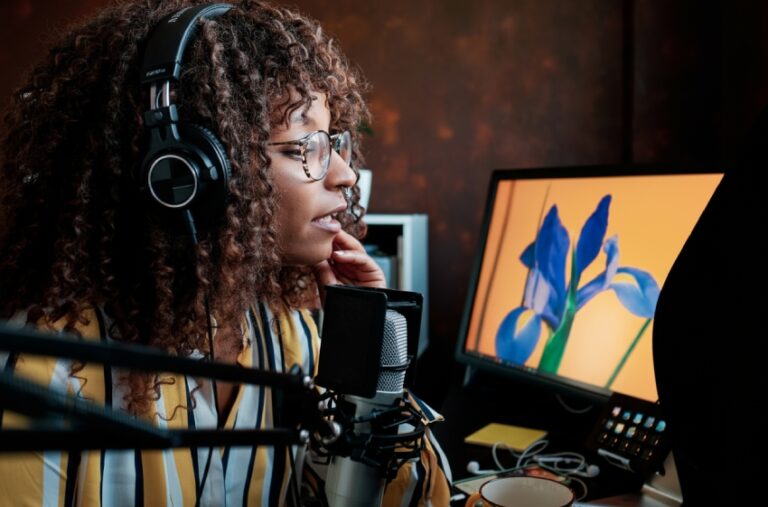
AI voiceovers made simple with VoiceGen.

Here's why VoiceGen is the best choice for AI voiceovers for video marketing.
VoiceGen is an AI-powered text-to-speech tool that generates realistic voiceovers from written scripts. You can create professional narration with control over tone and pacing without technical skills or recording equipment.
Modern AI voices sound highly realistic, with natural inflection and adjustable pace.
VoiceGen is used to create voiceovers for videos, tutorials, ads, reels, explainers, podcasts, and character voices.
Yes, you can combine AI voices with MusicGen music for complete audio design.
Discover ideas faster with ‘Browse by category’ on the Envato blog. Jump straight into the topics that matter most to your work: Design, Video & Filmmaking, Music & Audio, What’s New on Envato, or AI & Creativity. Explore curated articles, tutorials, and trend insights tailored to each discipline. Whether you’re sharpening your skills, testing new tools, or streamlining your process, each category is designed to help you optimize your creative workflow with Envato and move from idea to execution more efficiently.

