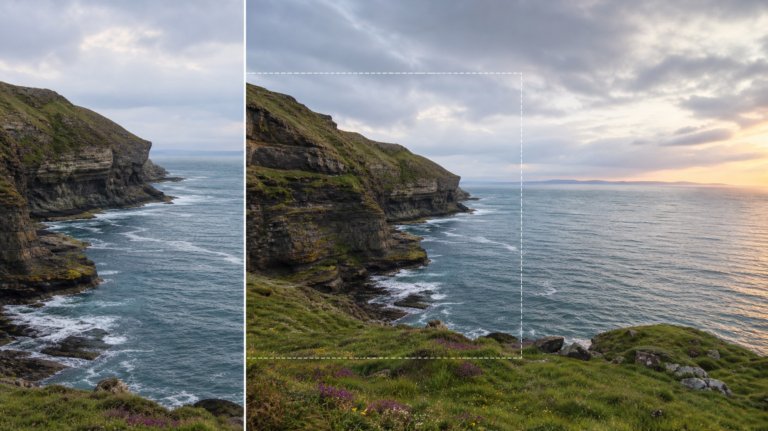
The best AI tools for extending images
AI image extension tools compared for professional creative work — evaluated on output quality, prompt control, workflow integration, and commercial licensing.
Envato: Get every type of asset for any type of project, and access to AI tools. Start now
Got an image that’s this close to perfect? This is where you nudge it the rest of the way.
Envato’s AI Image Editor, built for those quick refinements that shouldn’t require starting over (because who has time for that?). Remove backgrounds, erase distractions, expand your frame, or upscale the details that matter most.
The AI image editing guides in this category provide a step-by-step walkthrough of each tool. How to cleanly remove objects without ghosting. How to swap elements, adjust colors, or generate variations while you’re still figuring things out. Tips for expanding images without those weird AI repeat patterns. Plus, quick fixes for isolating subjects while keeping all the texture intact.
Need to change a background? Fix a color? Delete something that’s been bugging you? ImageEdit handles refinements more efficiently than redoing everything. No software required.
Whether you’re polishing AI-generated work or editing images for a client brief, these guides take you from “almost there” to “nailed it.” No steep learning curve, no app-switching. Just practical tools, straight explanations, and room to experiment.
AI image extension tools compared for professional creative work — evaluated on output quality, prompt control, workflow integration, and commercial licensing.
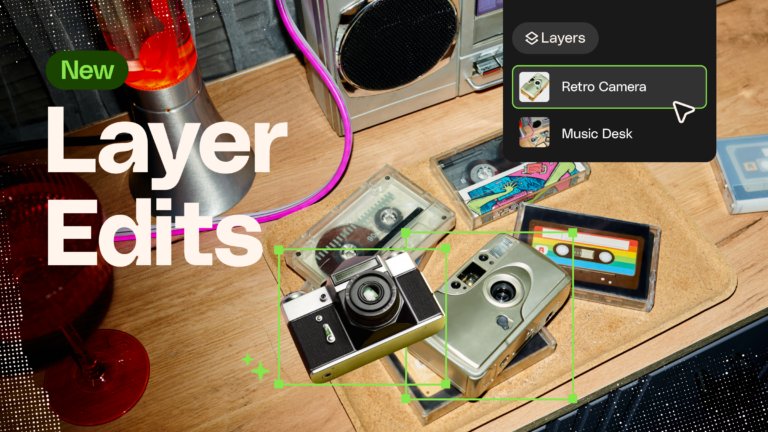
Learn how to separate an image into editable layers with Envato Layers, then move, resize, transform and export individual elements.
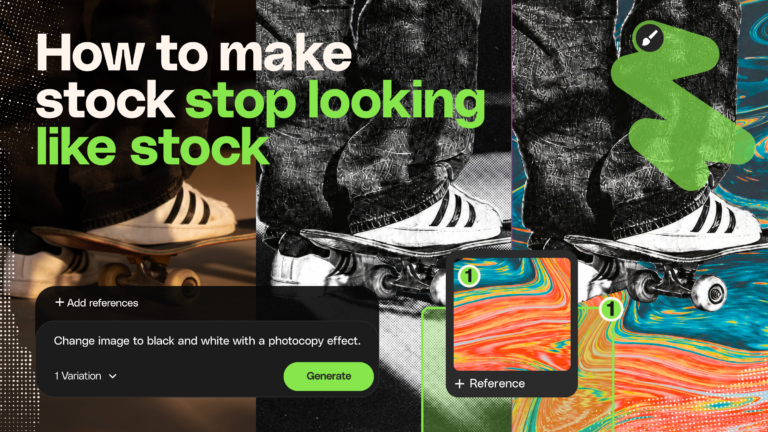
The best stock assets aren't the ones nobody recognizes. They're the ones you've riffed on — recolored, relit, reframed, and reshaped until they feel like they were made for your project.
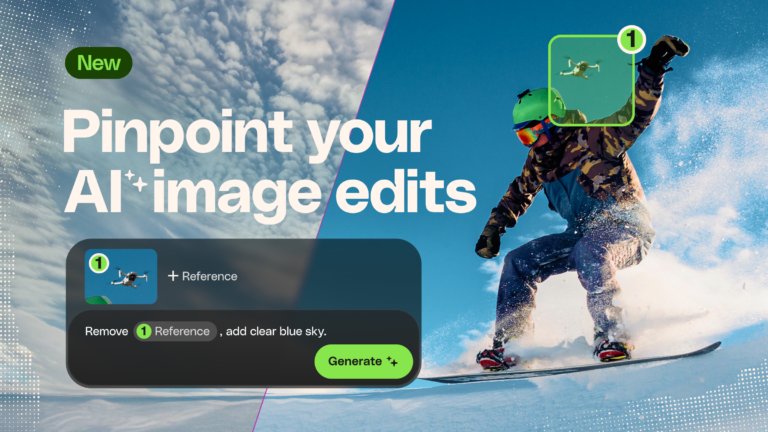
Learn how to edit an image with AI using Envato’s image annotation tool to select specific areas, make precise changes, and control where edits appear.

AI is reshaping photography at capture, edit and trust. Here's which segments are exposed, what provenance actually proves, and the skills that hold their value.
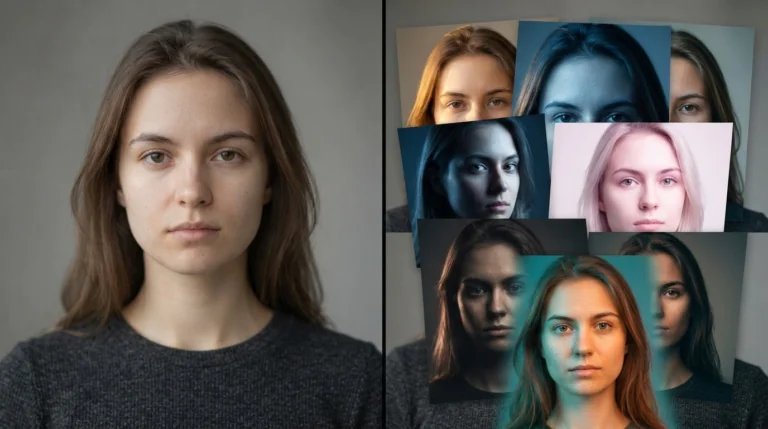
AI changes what you practice. Instead of fighting software, you train your eye — which is the part of photo editing skills that actually compounds. Here's how to use AI as a learning accelerator.
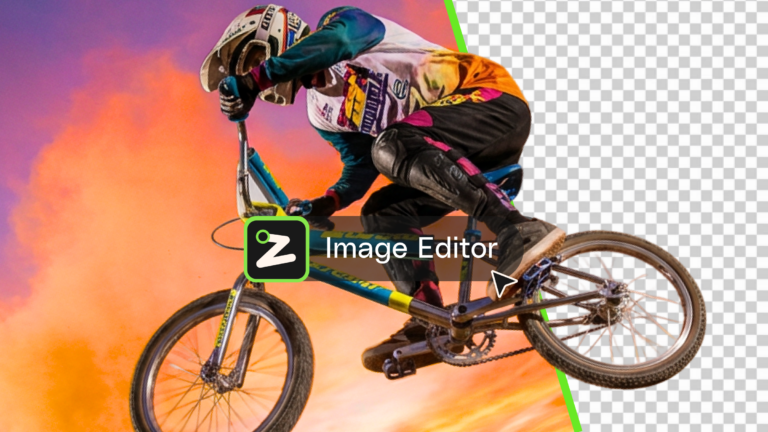
Learn what an AI image editor can do, and how to create polished visuals faster with AI.
Top-tier gen AI models. Commercial use. Ever-evolving tools.

Create unique visuals in diverse styles with simple text prompts.

Make your own music with text prompts and presets.

Remove backgrounds, erase objects & upscale effortlessly.

Generate videos from static images and text prompts.

VoiceGen, GraphicsGen, SoundGen and more coming soon.
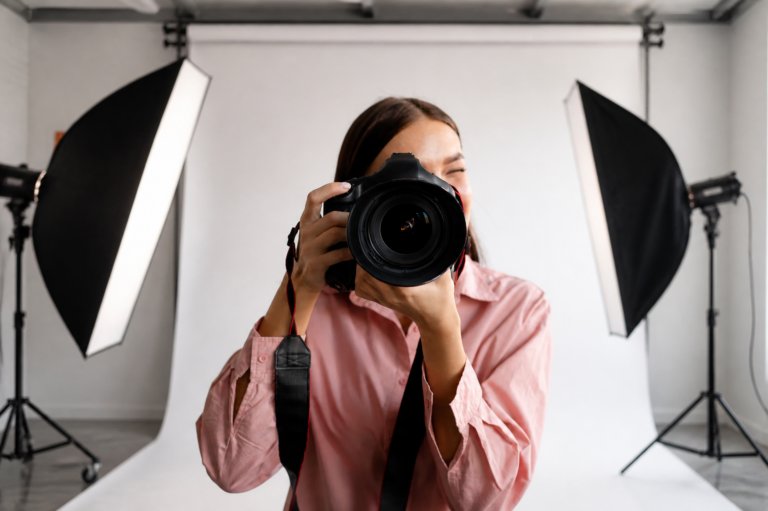
AI photo generators help photographers most before and after the shoot — comps, background work, cleanup. Here's where they genuinely fit.

AI object replacement has become the most practically useful editing capability for creative professionals. This guide covers the specific techniques — selection, prompting, and workflow — that produce clean, convincing results across cleanup, swaps, character changes, and background replacements.

Compare 10 digital painting and image editing tools, from AI-powered concepting to manual brushes, and build your ideal creative workflow.

How to replace objects, backgrounds, and text in your photos with Photoshop's Generative Fill — and when a browser-based AI editor beats it.
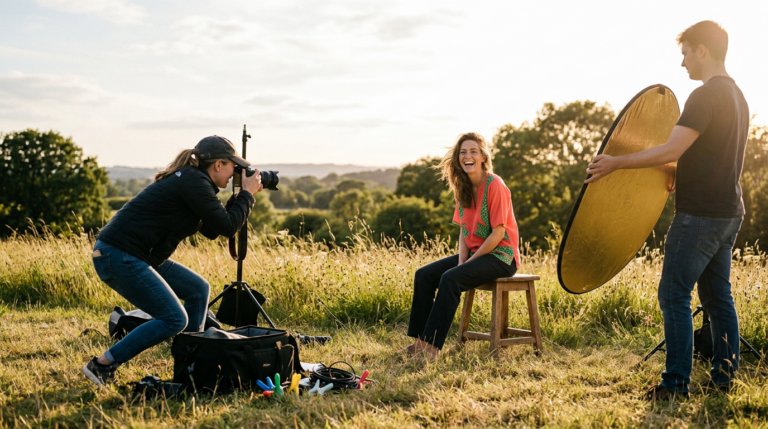
Realistic AI photos are three different jobs: editing real photos, generating from scratch, and everything between. Here's the right tool for each — plus the tells that still give AI images away.

Learn how to edit with AI on Envato stock photos, customizing images instantly by removing objects, changing backgrounds, and creating polished visuals without leaving the platform.

Envato AI tools guide covering video, image, audio and voice generation. Learn how to use AI to speed up creative workflows without adding complexity.

Luma AI’s UNI-1 is now part of Envato’s AI image tools, bringing stronger style consistency, natural editing, and more accurate creative outputs.
There’s no universal “best,” but if you want fast, intuitive edits without opening complex desktop tools, ImageEdit is an excellent choice. It lets you erase objects, refine AI-generated visuals, expand frames, and upscale images, all directly in your browser.
And because it’s included with your Envato subscription, ImageEdit works seamlessly alongside other AI tools and the full library of creative assets. You can generate images with ImageGen, polish them in ImageEdit, and pair them with photos, templates, or graphics from Envato, all in one streamlined workflow.
You can remove backgrounds online using ImageEdit, Envato’s browser-based AI photo editor. Upload your image, select the Remove background feature, and ImageEdit will automatically isolate the subject for you. From there, you can refine the edges, swap in a new background, or export the cutout for use in designs, mockups, or social content.
Yes, with AI image upscaling. ImageEdit’s Upscale feature sharpens details and boosts resolution so your images stay crisp when enlarged. The tool uses AI to enhance clarity and maintain quality as you scale up, making image upscaling faster than starting from scratch.
You can remove unwanted objects cleanly using ImageEdit’s Erase feature. Upload your image, brush over the element you want gone, and ImageEdit will automatically fill the space with realistic textures and lighting that match the surrounding area. The result is a seamless, trace-free edit, ideal for product photos, portraits, and AI-generated visuals that need quick cleanup.
ImageEdit isn’t a standalone free tool, but it’s included at no extra cost with your Envato subscription. That means you get full access to AI-powered editing (background removal, object erasing, upscaling, frame expansion and more) without additional apps, fees or sign-ups.
Discover ideas faster with ‘Browse by category’ on the Envato blog. Jump straight into the topics that matter most to your work: Design, Video & Filmmaking, Music & Audio, What’s New on Envato, or AI & Creativity. Explore curated articles, tutorials, and trend insights tailored to each discipline. Whether you’re sharpening your skills, testing new tools, or streamlining your process, each category is designed to help you optimize your creative workflow with Envato and move from idea to execution more efficiently.

