Filmmaking trends for 2027: less noise, more intent
Explore six filmmaking trends for 2027, from restrained styling and fixed cameras to continuous takes.
Envato: Get every type of asset for any type of project, and access to AI tools. Start now
Eleven cutting-edge AI video models, one subscription. Here's what's powering your next video creation.
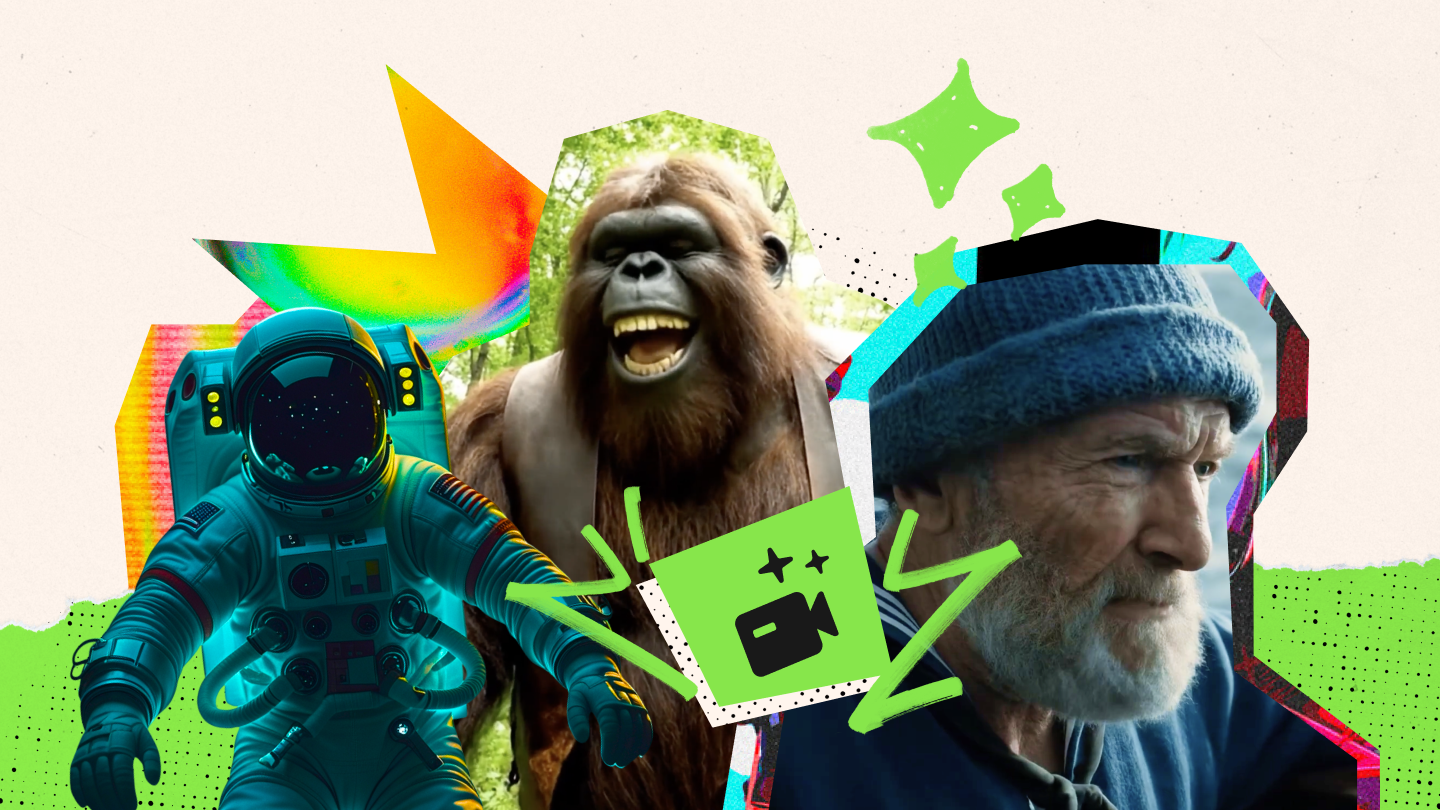
TL;DR: Envato’s AI video generator now gives you model selection. Choose a model based on what your video needs: native audio, fast iterations, reference control, cinematic polish, character consistency, or multi-shot storytelling. Or select Auto (ModelMatch) for a smart starting point.
Different video briefs call for different strengths.
A product launch might need a product held steady across every frame. A social concept might need ten fast variations before lunch. A narrative scene might need dialogue, character consistency, sound design, and cuts that feel like they belong in the same world.
That is where choosing the right model comes in. Envato’s AI video generator includes models with different strengths, so you can select one based on the job: speed, native audio, reference control, cinematic polish, or more structured storytelling.
AI video models are not interchangeable. Some generate sound and video together. Others work best with image, video, or audio references. Some are designed for quick exploration, while others give you more control over composition, character consistency, or the shape of a scene.
Choosing a model lets you make that call upfront.
Working on a character-led story? Start with a model that supports strong reference control. Testing a campaign idea? A faster model may give you more useful directions to react to. Need dialogue and ambience from the first generation? Choose a model with native audio.
And if you are not sure which strength the brief needs yet, Auto (ModelMatch) is a useful place to start.
Start with the outcome, not the model name.
Ask what the video has to do. Does it need to preserve a reference image? Include dialogue? Follow a detailed sequence of actions? Look polished enough for a campaign? Or simply give you more creative directions to react to?
| Model | What it does | Best for | Why it matters |
|---|---|---|---|
| Auto (ModelMatch) | Suggests a suitable video model based on your request | Mixed workflows and early exploration | Gets you moving without learning every model first |
| MiniMax H3 | Multimodal video generation with image, video, audio, and start/end-frame references | Reference-led concepts, product storytelling, branded content | Gives you more ways to steer the result with existing creative material |
| MiniMax H3 Max | A faster, lighter MiniMax H3 option for audiovisual creation | Quick tests, social concepts, and reference-led variations | Helps you explore more directions quickly |
| Seedance 2.0 | High-control audiovisual generation with multimodal references and start/end-frame support | Complex motion, multi-subject scenes, and narrative work | Built for ambitious briefs where motion and consistency both need to land |
| Seedance 2.0 Fast | A speed-first Seedance model for rapid audiovisual creation | Fast concepting, campaign variations, and social testing | Keeps the creative loop moving before you commit to a direction |
| HappyHorse 1.1 | Reference-led generation with native audio and image-driven creation | Character-led scenes, stylised concepts, and social content | Lets a visual reference set the creative direction |
| Seedance 2.0 Mini | A lighter Seedance option with image, video, and audio references | Quick storytelling tests and content variations | Lets you explore without making every generation a maximum-production moment |
| Wan 3.0 Prime | Fast audiovisual generation with image, video, audio, and frame control | Reference-heavy concepts, dialogue-led scenes, and short-form video | Combines flexible inputs and native sound for more complete first passes |
| Gemini Omni Flash | Fast conversational video generation and editing from text and images | Prompt-led editing, rapid concepts, and image-to-video work | Makes it easier to refine a video without starting from scratch |
| Ray 3.2 | Cinematic generation with start/end-frame control and production-minded visual quality | Polished sequences, cinematic concepts, and art-directed shots | Strong for visual fidelity, motion, and controlled final frames |
| Kling Video 3.0 Standard | Audiovisual generation with start/end-frame control and multi-shot capability | Dynamic scenes, narrative clips, and cinematic social content | Helps turn a detailed idea into a complete sequence with motion and sound |
| Flux 3 Video | Multimodal video creation with native audio and image or video references | Storyboards, product campaigns, and audiovisual concepts | Designed to understand how a scene should unfold, not just how it should look |
| Veo 3.1 Lite | Fast, cost-efficient video generation with native audio and frame control | Social video, dialogue-led clips, and polished experiments | Balances speed, audiovisual quality, and creative control |
Auto is not another model to decode. It is the option to choose when you want Envato’s AI video generator to make a smart starting recommendation based on your brief.
Start here if you are still exploring the visual direction, moving between different types of video work, or simply do not want the model decision to slow you down.
Best for: First passes, mixed workloads, and creators who want a useful default before getting more specific.
MiniMax H3 is built for video creation that starts with more than a text prompt. It can work from images, video, audio, and start-and-end-frame references, giving you more ways to direct the output from existing creative material.
That makes it especially useful for branded work, product marketing, or campaigns where you already have photography, footage, a sound cue, or an approved visual direction to build from.
Best for: Reference-led video creation, commercial content, product storytelling, and detailed multimodal briefs.
MiniMax H3 Max gives you a faster, lighter route into the H3 family. It is a practical option when you need to test ideas quickly while still working from text, images, video, or audio references.
Use it when the brief is moving, the idea is not fully locked, and you want more chances to find the strongest direction before investing in a higher-fidelity version.
Best for: Fast iterations, social concepts, creative testing, and reference-led variations.
Seedance 2.0 is built for high-control audiovisual creation. It can work from text, images, video, and audio references, while supporting start-and-end-frame direction and more complex scenes.
It is especially useful when the video needs to carry more than one idea at once: several subjects interacting, a sequence with evolving motion, a consistent visual world, or a story that needs to feel considered from shot to shot.
Best for: Complex motion, multi-subject scenes, polished narrative work, and ambitious campaign concepts.
Seedance 2.0 Fast brings the creative strengths of Seedance into a quicker workflow. It is made for the stage where you want to test multiple scripts, visual directions, camera moves, or campaign versions before deciding where to go deeper.
Speed matters because better creative decisions often arrive after the first idea. This model gives you room to get there.
Best for: Rapid ideation, campaign variations, social-first content, and high-volume exploration.
HappyHorse 1.1 is a reference-friendly audiovisual model that can build video from text or images. It is particularly useful when the identity of a character, object, or visual style needs to lead the creative direction.
Rather than describing every detail from scratch, you can begin with an image that establishes the world, then use the prompt to direct what happens next.
Best for: Character-led concepts, stylised video, image-to-video workflows, and audiovisual social content.
Seedance 2.0 Mini is the lighter, more agile member of the Seedance family. It supports text-led generation as well as image, video, and audio references, making it a flexible option for early-stage creative work.
Choose it when you need the storytelling and reference capabilities of Seedance, but the job is about exploring and learning rather than delivering the final hero asset.
Best for: Quick narrative tests, content variants, early creative development, and fast reference-led work.
Wan 3.0 Prime is an audiovisual model designed for creators who want to direct a scene using more than one input. It supports text, image, video, and audio references, along with start-and-end-frame control.
That makes it a strong choice when sound is part of the idea from the beginning: a spoken line, a music-led edit, ambient sound, or a product moment that needs to feel like a complete scene rather than a silent clip.
Best for: Dialogue-led scenes, reference-heavy concepts, polished short-form content, and audiovisual storytelling.
Gemini Omni Flash is designed for fast, conversational video generation and editing. It turns text and images into video, then lets you continue refining the result with natural-language instructions.
That makes it a good fit for the real rhythm of creative work: make a version, change your mind, tighten the brief, and keep moving without rebuilding the entire idea from zero.
Best for: Prompt-led edits, fast concepts, image-to-video work, and iterative creative workflows.
Ray 3.2 is a cinematic, production-minded model for creators who care about the visual language of a shot. It offers start-and-end-frame control, making it useful when you need to shape where a sequence begins and where it lands.
It is the model to consider when you are directing for image quality, motion, composition, and a more polished visual finish.
Best for: Cinematic concepts, visually controlled sequences, polished transitions, and art-directed shots.
Kling Video 3.0 Standard brings audiovisual generation, start-and-end-frame control, and multi-shot storytelling into one model. It is useful for ideas that need to feel more like a scene than a single moving image.
Think dynamic movement, a purposeful camera transition, dialogue, or a short narrative beat that has to land quickly.
Best for: Multi-shot clips, cinematic social content, dynamic action, and short-form storytelling with sound.
Flux 3 Video is a multimodal model designed to understand how a scene should unfold. It can work from text, images, and video references, while generating native audio alongside the visuals.
That combination makes it especially useful for concepts where the atmosphere matters from the first pass: a product film, a storyboard, a dramatic scene, or a creative treatment that needs movement and sound to work together.
Best for: Storyboards, product campaigns, reference-led video, and complete audiovisual concepts.
Veo 3.1 Lite is a fast, cost-efficient option for generating high-quality video with native audio. It supports text-led creation as well as first-and-last-frame control, giving you a practical way to guide the shape of a clip.
Choose it when you need polished movement and sound without making every creative test a heavyweight production decision.
Best for: Fast social content, dialogue-led clips, image-to-video concepts, and high-quality creative exploration.
There is no single “best” AI video model. The best model is the one that gives your idea the right kind of leverage.
There is no one model that is best at every kind of video. The useful question is: what does this brief need most right now?
If you are still finding the idea, prioritise speed and variation. If you are refining a product film or building a character-led story, look for reference control and consistency. If sound is part of the concept, choose a model that generates audio and video together.
The model is one part of the creative decision, not the whole thing. Your prompt, references, taste, and willingness to try another direction still shape the result.
Start with the model that best fits the work in front of you, then keep iterating. That is usually where the good stuff happens.
Ready to create? Try AI Video Generator now. Want to craft better prompts? Check out our complete guide.
Envato’s AI video generator includes MiniMax H3, MiniMax H3 Max, Seedance 2.0, Seedance 2.0 Fast, Seedance 2.0 Mini, HappyHorse 1.1, Wan 3.0 Prime, Gemini Omni Flash, Ray 3.2, Kling Video 3.0 Standard, Flux 3 Video, and Veo 3.1 Lite.
Each model has different strengths, from native audio and reference-led creation to cinematic quality, fast iterations, and multi-shot storytelling. You can select a model based on the needs of your project, or choose Auto (ModelMatch) for a useful starting point.
Several models in Envato’s AI video generator create video with native audio, including Seedance 2.0, Seedance 2.0 Fast, Wan 3.0 Prime, Kling Video 3.0 Standard, Flux 3 Video, Veo 3.1 Lite, MiniMax H3, MiniMax H3 Max, and Gemini Omni Flash. These models can generate dialogue, ambient sound, music, or sound effects alongside the visuals.
Envato updates the AI video generator’s model stack as soon as new, production-ready models emerge. You get access without changing your workflow, the routing happens automatically.
Auto (ModelMatch) is a starting option in Envato’s AI video generator that helps match your request to a suitable video model. Use it when you are not yet sure whether the brief needs speed, native audio, reference control, or a more cinematic finish. You can switch to a specific model as the creative direction becomes clearer.
Choose an AI video model based on what your project needs most. Use a speed-first model for creative exploration, a reference-focused model for branded or character-led work, a native-audio model for dialogue and sound design, or a quality-first model for a more polished cinematic result. If you are unsure, start with Auto (ModelMatch).
MiniMax H3, Seedance 2.0, Seedance 2.0 Mini, Wan 3.0 Prime, and Flux 3 Video are strong choices for reference-led video creation. They are useful when you need to work from product imagery, existing footage, concept art, character references, a visual style, or an audio cue.
Your outputs come with a lifetime commercial license, so you can use them in personal or client projects: including paid work, campaigns, and social content, with no extra fees.
FLUX 3 is Black Forest Labs’ first video model, designed to understand not just what a scene should look like, but how it should unfold. Trained across images, video, audio, and action together, it produces more natural motion, stronger scene understanding, and native audio generation, helping creators move from an idea to a usable first result with less prompt engineering.
Rather than requiring detailed instructions for every camera move or environmental detail, FLUX 3 is designed to infer more context from the core idea itself. It also generates synchronized audio alongside the visuals, creating scenes where dialogue, ambience, and sound effects develop naturally with the action. The result is a model that’s particularly well suited to storyboards, concept development, product campaigns, and other creative work where believable motion and a complete audiovisual experience matter from the very first generation.
Explore six filmmaking trends for 2027, from restrained styling and fixed cameras to continuous takes.

Compare the best creative subscriptions on price, AI credits and assets. See reviews of Envato, Adobe, Canva, Artlist and more to find your best fit.

Discover how an AI voice generator like Envato's AI Voice generator turns text into realistic voiceovers for videos, ads, courses, and content.
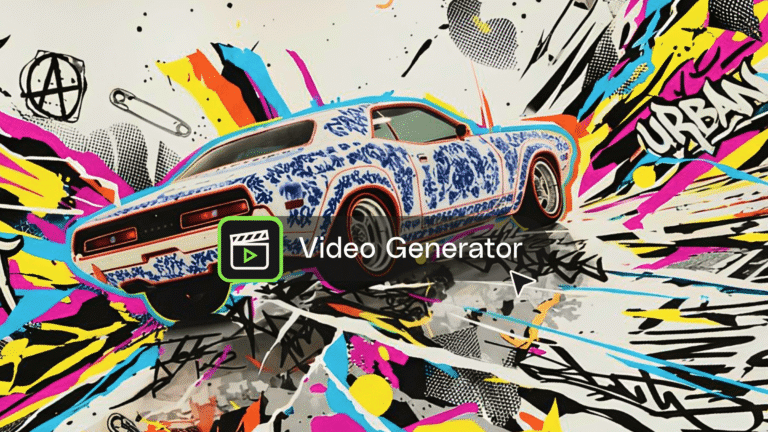
Explore Envato's AI video generator that creates cinematic clips from prompts, images, and audio directly in your browser.