
How to edit with AI using Envato stock photos
Learn how to edit with AI on Envato stock photos, customizing images instantly by removing objects, changing backgrounds, and creating polished visuals without leaving the platform.
Envato: Get every type of asset for any type of project, and access to AI tools. Start now
ImageGen runs on Flux.2, Flux.2 (max), Seedream 4.5, Nano Banana, Nano Banana Pro, gpt-image-1, and gpt-image-1-mini. An ever-expanding stack that integrates the latest advances in image generation.
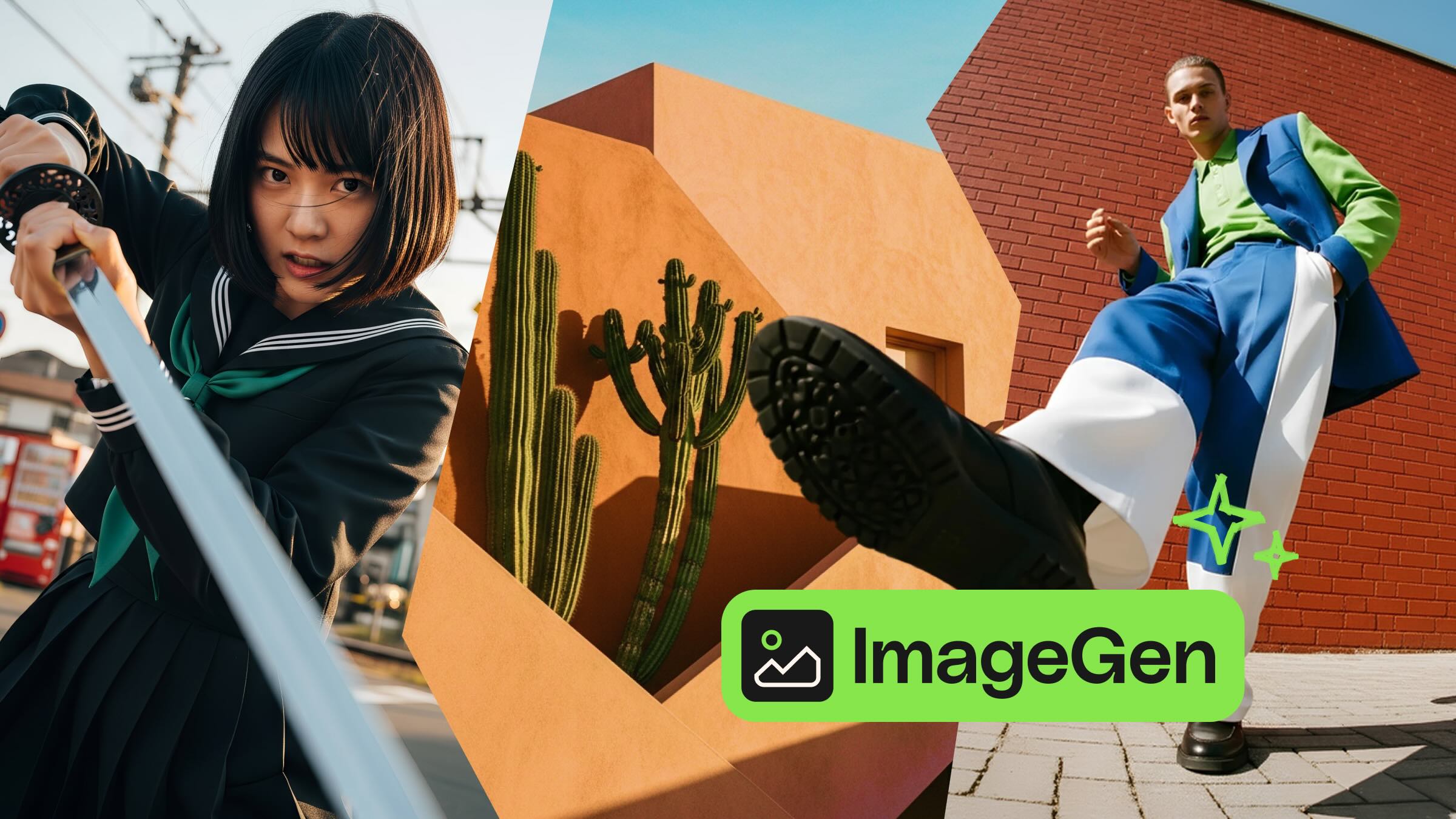
TL;DR: Envato ImageGen uses multiple AI models, including Flux.2, Seedream 4.5, Nano Banana (Gemini), and OpenAI’s gpt-image-1 — to balance realism, speed, and reference accuracy. You focus on creativity; ImageGen automatically selects the best model.
Envato’s ImageGen AI image generator is not powered by just one model. It’s powered by a suite of industry-leading image engines, each built to excel in specific areas: photorealism, speed, reference fidelity, typography, structured instructions, and more.
The good news is you don’t have to manage any of that. ImageGen handles the complexity in the background, allowing you to stay in the creative seat, focused on art direction and outcomes rather than model selection and technical trade-offs.
Consider this the behind-the-scenes tour. Here are the models that make ImageGen fast, flexible, and capable of handling every kind of visual request.
Different creative tasks require different strengths. A product render needs clean edges, accurate materials, and realistic lighting. A quick concept needs speed and variation. A reference-based request needs identity and detail preservation. Typography-heavy visuals need models that can reliably place and spell text, not approximate it.
A single model can’t lead every category without compromise (at least, not yet!). So, ImageGen uses multiple models to match the job to the right engine every time, then blends them into a consistent workflow for you.
The result: You don’t choose the model, you just get the right one automatically.
As new models launch and prove themselves in production, ImageGen can integrate them seamlessly without disrupting your workflow. Your prompts stay familiar. The outputs get better.
| Model | What it does | Best for | Why it matters |
|---|---|---|---|
| Flux.2 | Photorealistic generation with strong spatial logic and lighting | Cinematic realism, editorial looks, product placement, character-consistent campaigns | Delivers images that feel real, not just visually appealing |
| Seedream 4.5 | Multi-image editing with strict reference preservation and improved text rendering | Reference-image workflows, posters, campaign layouts, UI compositions | Keeps faces, logos, and lighting consistent across variations |
| Nano Banana | Fast image creation and editing via Google’s Gemini 2.5 Flash Image | Quick concepts, lightweight edits, high-volume exploration | Tight iteration loops lead to stronger creative decisions |
| Nano Banana Pro | Higher-control generation with deep reasoning via Google’s Gemini 3 Pro Image | Infographics, diagrams, instruction-heavy creative, high-quality enhancements | Handles demanding prompts where coherence matters as much as style |
| gpt-image-1 | General-purpose generation with reliable, balanced output | Broad creative requests across illustration, realism, and branded visuals | Dependable results when no specialist strength is needed |
| gpt-image-1-mini | Lighter-weight, faster generation | Rapid drafts, quick variations, early exploration | Explore more ideas in less time |
| gpt-image-1.5 | Production-ready generation with cleaner text and stronger instruction-following | Marketing visuals, text-heavy designs, complex multi-step prompts | Less fixing in Photoshop, more dropping straight into layouts |
Flux.2 is a Black Forest Labs image model built for strong prompt-following, realistic lighting, and dependable spatial logic, especially in commercial-style outputs.
Best for: Cinematic realism, natural skin detail, editorial looks, product placement, and character-consistent campaigns.
Why it matters: Flux.2 is the engine you want behind images that need to feel real, not just visually appealing. Black Forest Labs positions it as grounded in real-world lighting and spatial logic, with support for multi-reference workflows (including referencing up to 10 images) to help maintain consistency across character and subject variations. When you need moody, photorealistic visuals with depth and atmosphere, this is where ImageGen routes.
Seedream 4.5 is ByteDance’s model designed for professional visual creatives, focusing on multi-image editing, preserving strict reference details, and enhancing typography and dense text rendering.
Best for: Reference-image workflows, multi-image edits, and text-heavy creative like posters, campaign layouts, and UI-style compositions.
Why it matters: Reference workflows are where many image generators fall apart. Faces drift, logos warp, and lighting changes shot to shot. Seedream 4.5 is specifically designed to identify primary subjects in multi-image editing, preserve reference details, and enhance text rendering, ensuring outputs remain consistent and production-friendly. For exceptional face and identity preservation with improved lighting consistency, this is ImageGen’s go-to.
Nano Banana maps to Google’s Gemini 2.5 Flash Image model, designed for fast image creation and editing, with transparency features such as SynthID watermarking on generated or edited images.
Best for: Fast concepts, lightweight edits, quick iterations, and high-volume visual exploration.
Why it matters: Speed changes how you create. When the iteration loop is tight, you explore more directions, test more compositions, and land on stronger creative decisions before you ever polish. The Gemini 2.5 Flash Image is positioned as a model that can follow complex editing instructions while remaining efficient, making it a strong engine for early-stage concepting and rapid variations.
Nano Banana Pro maps to Google DeepMind’s Gemini 3 Pro Image, positioned as a more capable image model with deep reasoning and real-world knowledge features, providing precise and detailed results.
Best for: Cleanup, high-quality enhancements, higher-control image generation, and instruction-heavy creative, including infographics and diagram-like visuals.
Why it matters: Pro capability emerges when prompts become demanding, featuring multiple constraints, exact composition requirements, or outputs that must convey both meaning and aesthetics. Google highlights reasoning and the ability to create things like infographics or structured visual representations, which maps to the kind of creative work where coherence matters as much as style. Superior to the base model in terms of polish, clarity, and stylistic consistency.
Read more about Nano Banana Pro.
gpt-image-1 is OpenAI’s image generation model available for building professional-grade, customizable visuals into tools and workflows.
Best for: General-purpose image generation across styles, with strong reliability for creative production.
Why it matters: A generalist model has one job: be dependable. When a prompt doesn’t clearly need the specialist strengths of another engine, ImageGen can route to gpt-image-1 for consistent, high-quality results that work across a wide range of creative requests, from illustration to realism to branded visual variations. Reliable, balanced, and flexible.
gpt-image-1-mini is the lighter-weight option in the gpt-image-1 family, typically used when speed and iteration matter more than maximum fidelity.
Best for: Rapid drafts and iteration, quick variations, and fast exploration.
Why it matters: Creative work often happens in passes. You quickly sketch out options, choose a direction, and then refine them. A faster model supports that rhythm by letting you explore more ideas in the same amount of time, which usually leads to better final art direction. When you need visual ideas with minimal waiting, this is where ImageGen goes.
gpt-image-1.5 is OpenAI’s latest flagship image generation and editing model, designed to produce more realistic, balanced images with stronger instruction-following and cleaner text rendering than its predecessor.
Best for: Production-ready visuals, marketing and branding work, text-heavy designs like posters and infographics, and complex multi-step instructions.
Why it matters: This is GPT Image 1 grown up and ready for professional workflows. The model handles skin tones and product colors more accurately, manages light direction and contrast with better realism, and renders text far more cleanly than earlier versions. For prompts with many objects, grids, or multi-step instructions, gpt-image-1.5 delivers results that more closely match what you described on the first try. Less “fix this in Photoshop,” more “drop it into the layout.”
Read more about gpt-image-1.5 →
Envato takes a model-agnostic approach to AI. Rather than committing to a single provider, we continuously evaluate the latest advances in image generation and integrate the models that deliver the best results for creative work.
When a new model launches, we assess its strengths: Does it improve realism? Speed? Text rendering? Reference accuracy? If it outperforms what’s already in the stack for specific use cases, we integrate it into ImageGen so you benefit automatically.
This means the tool evolves with the technology. As the AI landscape shifts, ImageGen shifts with it, ensuring you’re always creating with the best available models without needing to switch platforms or learn new tools.
This stack eliminates a significant friction point: deciding which model to use, when to switch, and how to recover when a model fails to capture the intent. ImageGen takes that off your plate.
You get polished, high-quality results without the need for model selection or trial and error. ImageGen adapts to a wide range of creative needs, from portraits to product design and graphic styles. As new models are launched, ImageGen can seamlessly integrate them without altering how creators work.
In practice, you can work more like a creative director and less like a technician. You write the prompt in plain language, add references as needed, and continually develop the concept. ImageGen routes to speed-first engines when you’re exploring, and leans on fidelity-first engines when you’re ready for polish. You get the benefits of specialization without the overhead of learning a menu of tools.
It also makes your workflow more consistent across projects and teams. Instead of having one person who knows the right model and another who gets stuck, everyone can follow the same interface and get strong outputs. As ImageGen integrates new models, you don’t have to relearn the workflow. You just notice that your prompts land more often on the first try.
See all the ImageGen models in action.
ImageGen uses a stack that includes Flux.2, Flux.2 (max), Seedream 4.5, Nano Banana (Gemini 2.5 Flash Image), Nano Banana Pro (Gemini 3 Pro Image), OpenAI gpt-image-1, and gpt-image-1-mini.
You don’t need to. ImageGen automatically routes your prompt, eliminating the need to manage model selection or trade-offs.
For reference-heavy workflows and multi-image edits, Seedream 4.5 is explicitly designed to preserve reference details and improve consistency.
As new models become reliable for production use, we can integrate them into ImageGen without changing how creatives work.
You get the benefits of specialization. Speed where you need speed, fidelity where you require it, without managing the model yourself.
Learn how to edit with AI on Envato stock photos, customizing images instantly by removing objects, changing backgrounds, and creating polished visuals without leaving the platform.

Explore the tennis aesthetic trend for 2026, from preppy style and color palettes to branding and design ideas inspired by tennis culture, fashion, and modern creative projects.

Fourteen World Cup shirts that still matter, from Brazil 1954 to Cameroon's banned vest. The design thinking behind the kits that lasted, and what they all have in common.

Canary yellow explained: meaning, hex code, color psychology and design ideas. Learn how to use this bold yellow in branding, UI and 2026 creative projects.

