AI sound generator guide: How to create sound effects with AI
Discover how Envato's AI sound generator creates custom sound effects from text prompts so creators can skip library searches and edit faster.
Envato: Get every type of asset for any type of project, and access to AI tools. Start now
Discover a game-changing AI sound generation tool for creatives in Envato SoundGen.
Finding the right sound effect can feel like an endless scroll — and sometimes, the one you find is almost perfect, but not quite. What if you could just describe the sound you’re imagining and have it created for you, instantly?
That’s where Envato’s AI Sound Generator comes in. It’s a new AI-powered audio design tool that lets you generate completely original, studio-quality sound effects from simple text prompts — no recording gear, no libraries, no guesswork.
Already included in every Envato subscription, SoundGen joins Envato’s growing suite of AI tools for image, video, and music generation. Together, they make it easier than ever to bring your creative ideas to life, fast.
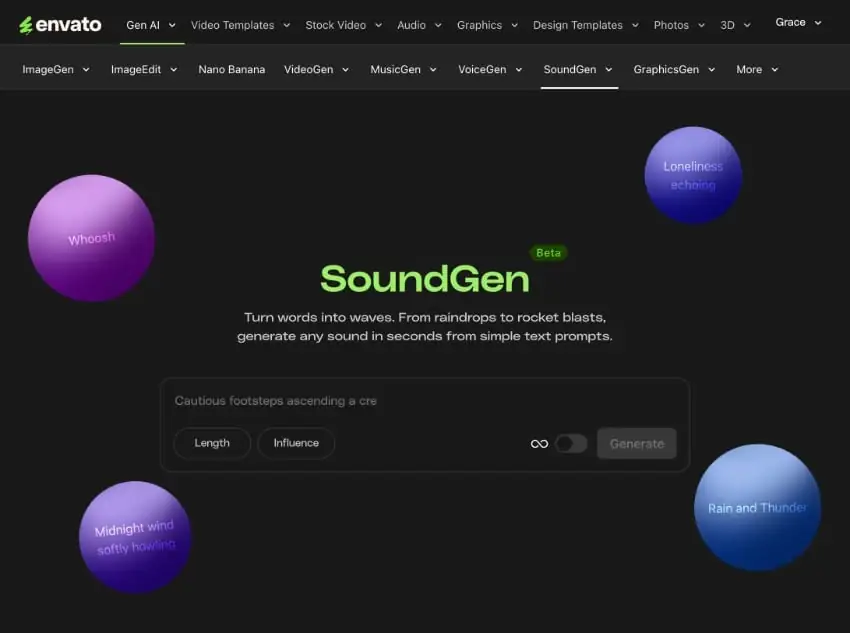
Think of SoundGen as your personal sound studio in the cloud. Type something like “raindrops on a tin roof” or “footsteps in an echoing hallway,” and SoundGen transforms your prompt into a fully realized sound effect in seconds.
Powered by the latest generative AI audio models, it can create sounds for a wide range of applications, including video edits, podcast transitions, gaming environments, and YouTube intros.
You’ll find over 100 sound categories and moods to guide your prompts, plus loopable options for creating seamless background audio. Access SoundGen directly from your Envato dashboard under GenAI, alongside AI tools like AI Image Generator, AI Video Generator, and AI Music Generator.
Start creating your own professional sound effects with SoundGen today.
Creating with Envato’s AI Sound Generator is simple and intuitive — and a little addictive. Here’s how to get started:
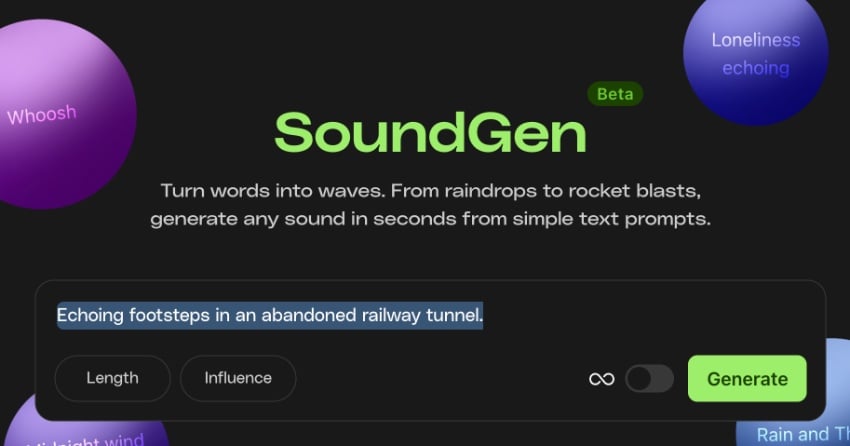
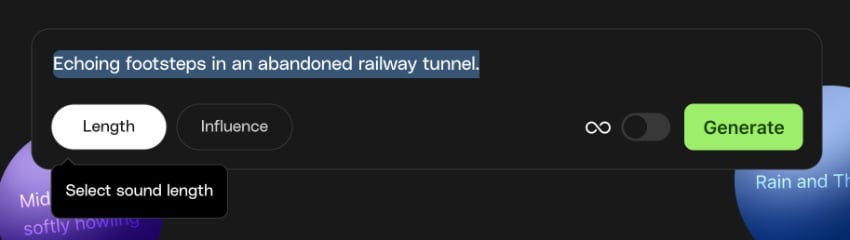
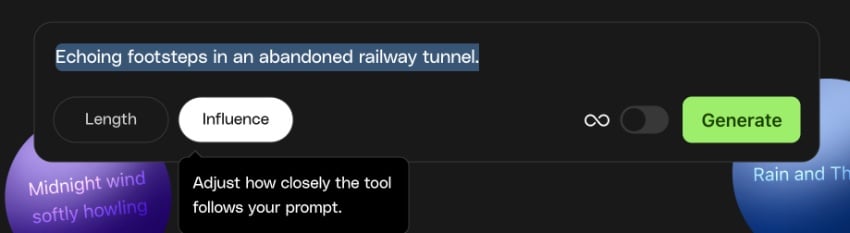
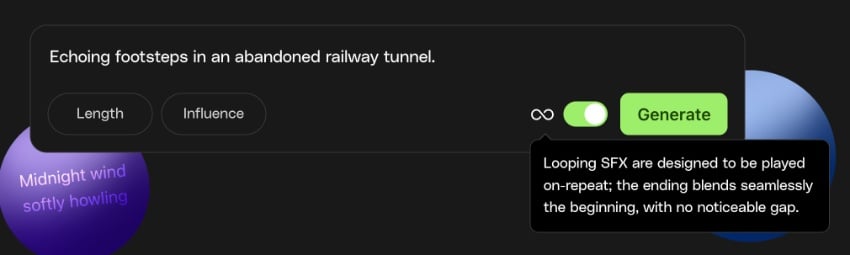
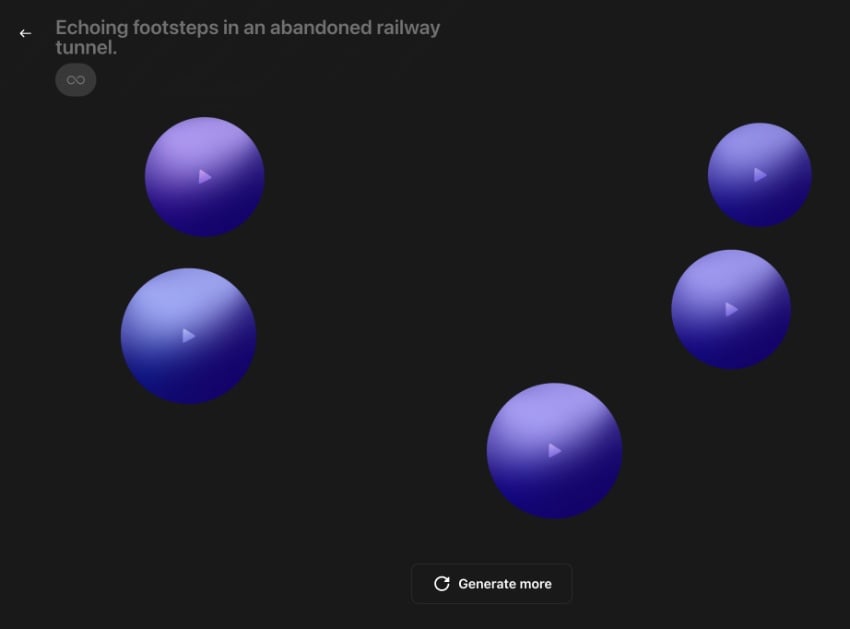
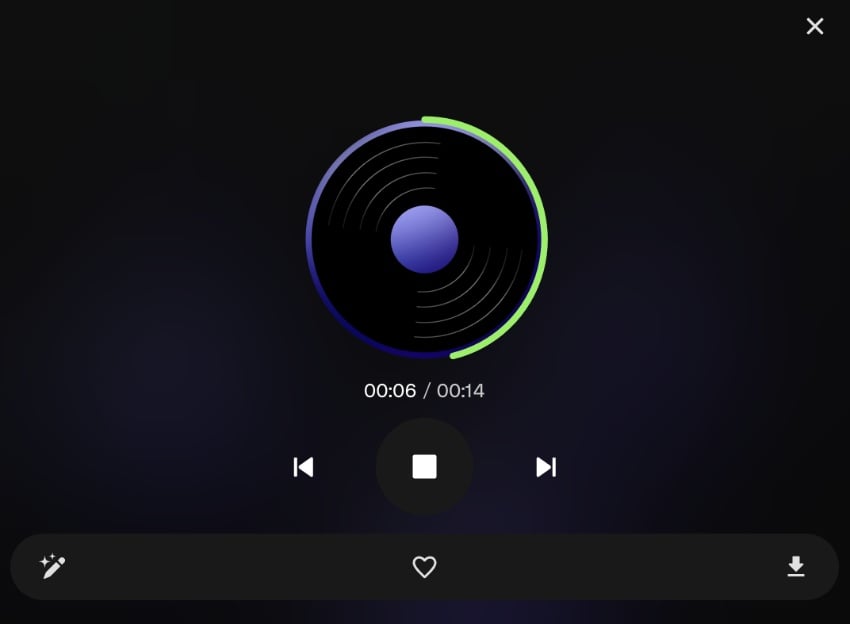
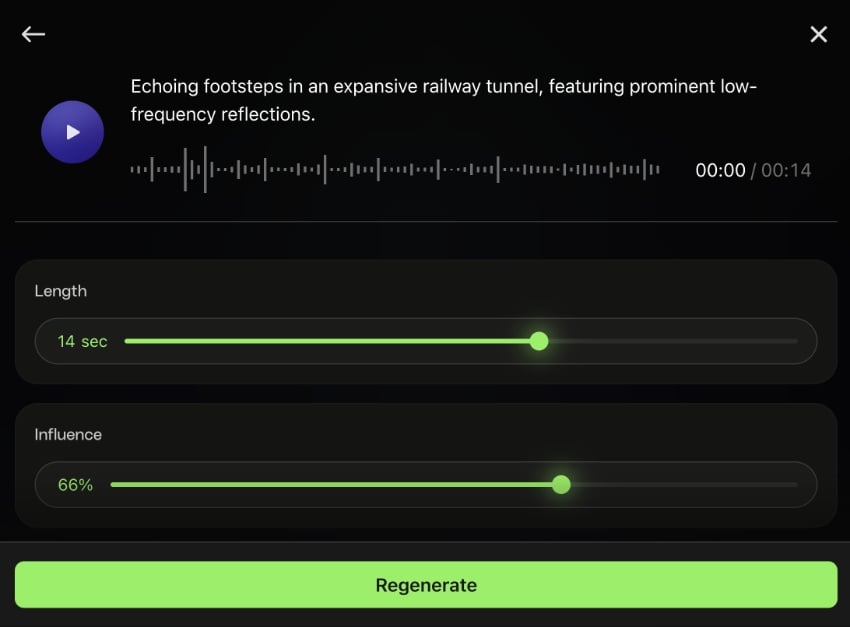
Once you’ve found a clip you like, click the Edit icon to open advanced controls and fine-tune your result.
For example:
If your prompt is “person walking in a wet tunnel,” you might see sliders for surface type (wet/dry), footstep rhythm, and tunnel size.
If it’s “jacket rustling,” you’ll get options for material type, speed, and intensity.
Each suggestion fits the sound you’re creating — so you spend less time tweaking, and more time crafting exactly what you imagine.
SoundGen makes professional-quality sound creation feel as intuitive as sketching an idea. You type, it listens — then generates something remarkably real.
That’s because it combines simple text prompts with AI-driven refinement tools, giving you the control to shape audio that perfectly fits your project.
Whether it’s “hurried footsteps in a tunnel” or “a cosmic drone for a title sequence,” SoundGen transforms abstract ideas into production-ready sound in seconds.
SoundGen is made for the way modern creatives work — fast, flexible, and focused on storytelling.
No endless scrolling. No stock fatigue. Just prompt it, shape it, and make it your own.
There’s no shortage of AI tools out there, but few are built for creatives.
SoundGen was designed to make your workflow faster, smarter, and more inspired — not replace your craft.
It lives right inside your Envato subscription, providing you with a single creative ecosystem for everything — visuals, audio, motion, and beyond.
It’s intuitive, not overengineered; flexible, not prescriptive. Just a clean, simple tool you’ll actually use every day.
SoundGen isn’t “AI noise.” It’s sound design, reimagined for creatives.
Q: What is Envato’s AI Sound Generator and how does it work?: Envato’s AI sound effect generator turns text prompts into professional-quality audio clips in seconds.
Q: Is it included in my Envato subscription?
A: Yes! Envato’s AI Sound Generator comes with every Envato subscription, alongside AI Image Generator, AI Video Generator, and more.
Q: Can I use the sounds commercially?
A: Absolutely. Every generated sound includes a lifetime commercial license for use in client or personal projects.
Q: What types of sounds can I create?
A: Almost anything you can imagine — from natural ambiences to abstract, experimental effects.
Q: Will there be new features?
Yes! Envato’s AI Sound Generator is evolving rapidly, with new capabilities rolling out regularly. Keep an eye on Envato’s blog and social channels for updates.
Less hunting. More creating.
With Envato’s AI Sound Generator, you can bring your ideas to life in sound — fast. Whether you’re designing for film, games, podcasts, or social, you’ve got a studio’s worth of power at your fingertips.
Discover how Envato's AI sound generator creates custom sound effects from text prompts so creators can skip library searches and edit faster.

We tested 9 AI image generators on identical artistic prompts (same style-transfer task, same day) to see which one actually paints like an artist.

AI isn't making full movies yet; it's reshaping VFX, editing, and dubbing. Here's where it helps filmmakers today, and where it doesn't.

A practical, step-by-step guide to making a short AI film — from script and shot lists to character consistency, voice, sound, editing, cost, and legal rules.

