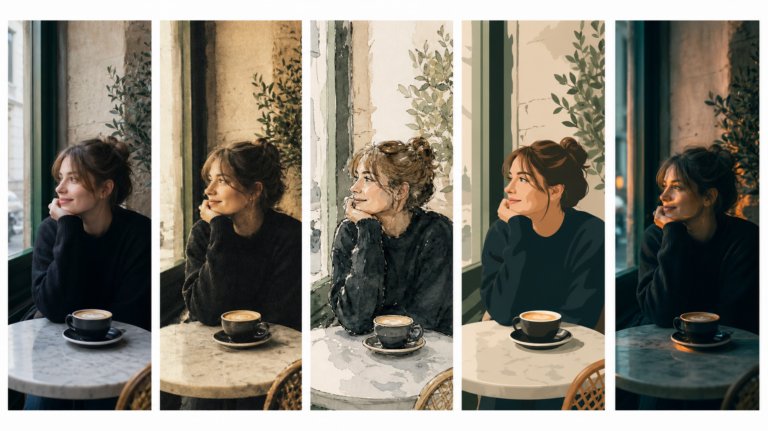
The best AI tools for image recreation
AI image recreation covers style transfer, reference-based generation, variations, and scene recreation. This guide compares the tools that handle each workflow for professional creative work.
Envato: Get every type of asset for any type of project, and access to AI tools. Start now

Hey there, I’m Alex Pillow, a designer who loves turning small ideas into full visual systems. When I set out to design a community run club brand identity, I used Envato’s tools to push that spark further, experimenting with GraphicsGen for quick AI ideas, shaping them in Illustrator, and visualizing the energy of the brand through Photoshop mockups.
I wanted the run club brand to feel alive, something that captured motion, sunshine, and the togetherness that comes with running alongside others. What started as a simple logo idea turned into a full brand system that could live across T-shirts, posters, and digital assets.
TL;DR: I started with a typographic logo, created expressive icons with GraphicsGen, refined everything in Illustrator, and visualized the final brand in Photoshop mockups.
For this run club brand project, I relied on tools that made creativity fast, flexible, and fun:
I always begin with the logo; it sets the tone for everything that follows. For this run club, I wanted something that felt modern, flexible, and easy to apply across different brand assets.
In Adobe Illustrator, I explored several typefaces from Envato before landing on Timun, a versatile sans-serif family. I used two weights from the same family — a clean bold for “Run” and a lighter weight for “Club” — to create contrast without losing cohesion.
That simple contrast gave me a base that felt confident yet approachable. It also set the foundation for the rest of the brand: clean, athletic, and timeless.

With the run club brand logo locked in, I shifted my focus to iconography; the part of the design where I could have more fun. I wanted the icons to reflect a warm, sun-soaked coastal energy, so I turned to Envato GraphicsGen for some AI-powered design exploration.
I started with the reference style “Handpress 286” to get that slightly imperfect, hand-pressed texture I love. Then I used a few custom prompts:
For the running figure, I also uploaded a personal style reference image — something to blend my own aesthetic with the GraphicsGen look.
After generating the icons, I imported them into Illustrator and used Image Trace to vectorize everything. This allowed me to clean up the lines, control the stroke weights, and make sure each icon scaled perfectly.
The result: three expressive icons that felt both handcrafted and unified with the main logo.
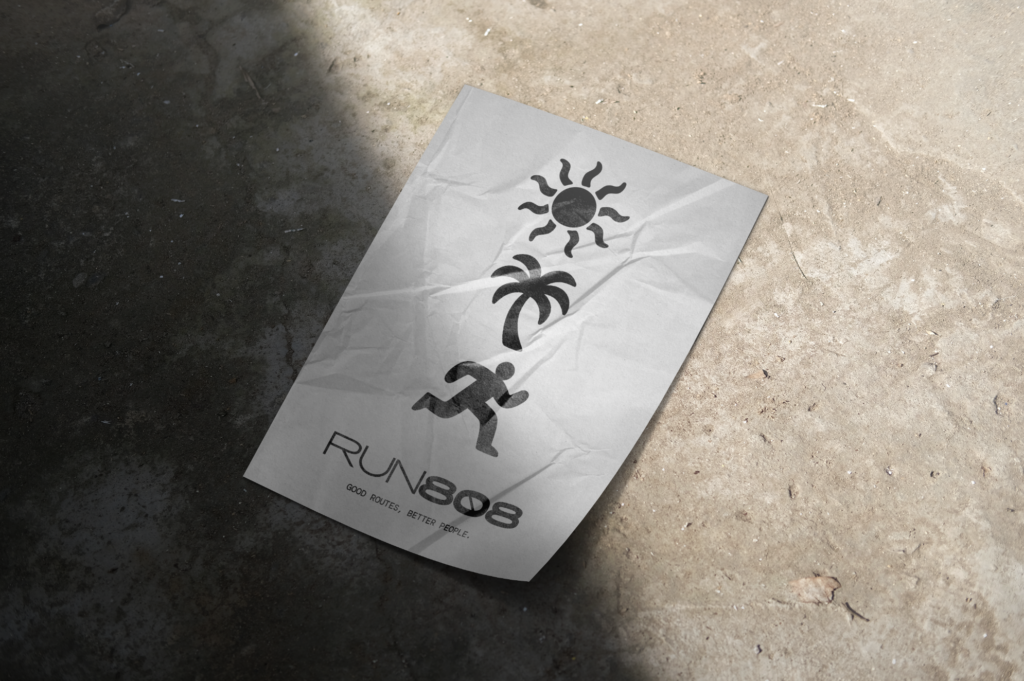
Once my core assets were ready, I wanted to see how the run club brand would feel in real-world use. This is my favorite part: turning flat design into something tangible.
I browsed Envato and downloaded a few mockups that fit the athletic theme: a T-shirt mockup and a crumpled poster mockup. Opening these in Photoshop, I dropped in my logo and icons, experimenting with different placements — the running icon as a sleeve detail, the palm tree on the tag, and the main logo centered on a vintage-style poster.
Seeing the design on physical surfaces brought the brand to life. Suddenly, it wasn’t just a concept, it was a club you could imagine joining.
With the visuals coming together, I shifted into refinement mode. This meant establishing consistent rules — the details that make a brand truly work across formats.
In Illustrator, I created a small brand system document that included:
This stage might not be as exciting as design exploration, but it’s essential. It ensures that anyone, from another designer to a screen printer, can use your brand elements correctly and consistently.
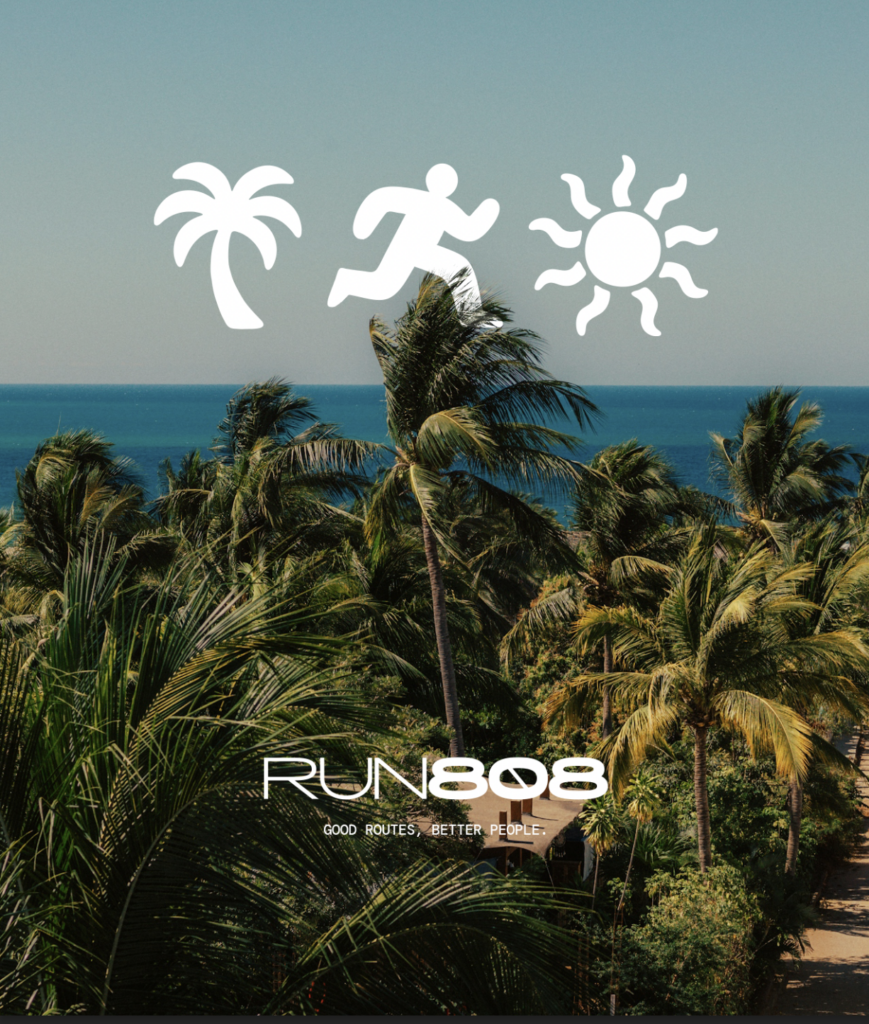
When I was happy with the overall look, I exported the assets for multiple use cases:
Seeing everything assembled, from fonts to icons to apparel, was deeply satisfying. The system felt cohesive, full of personality, and ready for the next step: community.
Pro tip: Always export both color and black-and-white versions of your logo to ensure maximum flexibility across mediums.
Starting with typography gave the design a clear backbone. Using GraphicsGen sped up my ideation process without sacrificing creative control, and working in Illustrator allowed me to polish every curve and vector. Finishing in Photoshop tied it all together through mockups that told a story.
This workflow enables me to move quickly while staying thoughtful, balancing structure with creative play.
This project reminded me why I love design: it’s about taking an idea, like a community run club, and giving it life through shape, color, and rhythm.
By combining Envato’s creative assets, GraphicsGen, Photoshop, and Illustrator, I designed a brand that feels both professional and personal.
If you’re building your own community run club brand, start simple. Let typography lead, use AI tools for quick inspiration, and finish with mockups that help others feel your idea. That’s where brand identity stops being a design exercise and becomes something people connect with. Want to start your own creative journey? Explore Envato for AI tools and unlimited creative assets, including fonts, mockups, and templates, that can take your next idea further.
I wanted a typeface that felt modern and energetic. I found Timun on Envato; its versatility made it perfect for both digital and print.
Mockups! They make a huge difference. I always test logos on apparel, posters, and social templates before finalizing.
Definitely the mockup stage — that’s where everything clicks and starts to feel real.
GraphicsGen gave me multiple directions to explore quickly. It’s like a brainstorming partner that accelerates ideation without replacing the designer’s touch.
Absolutely. Envato offers fonts, templates, textures, and mockups that support every stage of a brand’s development.
AI image recreation covers style transfer, reference-based generation, variations, and scene recreation. This guide compares the tools that handle each workflow for professional creative work.
Discover how Envato's AI sound generator creates custom sound effects from text prompts so creators can skip library searches and edit faster.

We tested 9 AI image generators on identical artistic prompts (same style-transfer task, same day) to see which one actually paints like an artist.
AI isn't making full movies yet; it's reshaping VFX, editing, and dubbing. Here's where it helps filmmakers today, and where it doesn't.

