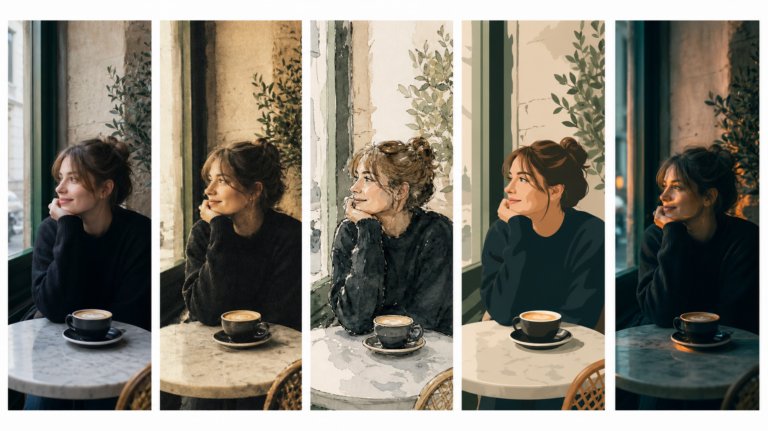
The best AI tools for image recreation
AI image recreation covers style transfer, reference-based generation, variations, and scene recreation. This guide compares the tools that handle each workflow for professional creative work.
Envato: Get every type of asset for any type of project, and access to AI tools. Start now
Luma AI’s UNI-1 is now part of Envato’s AI image tools, bringing stronger style consistency, natural editing, and more accurate creative outputs.
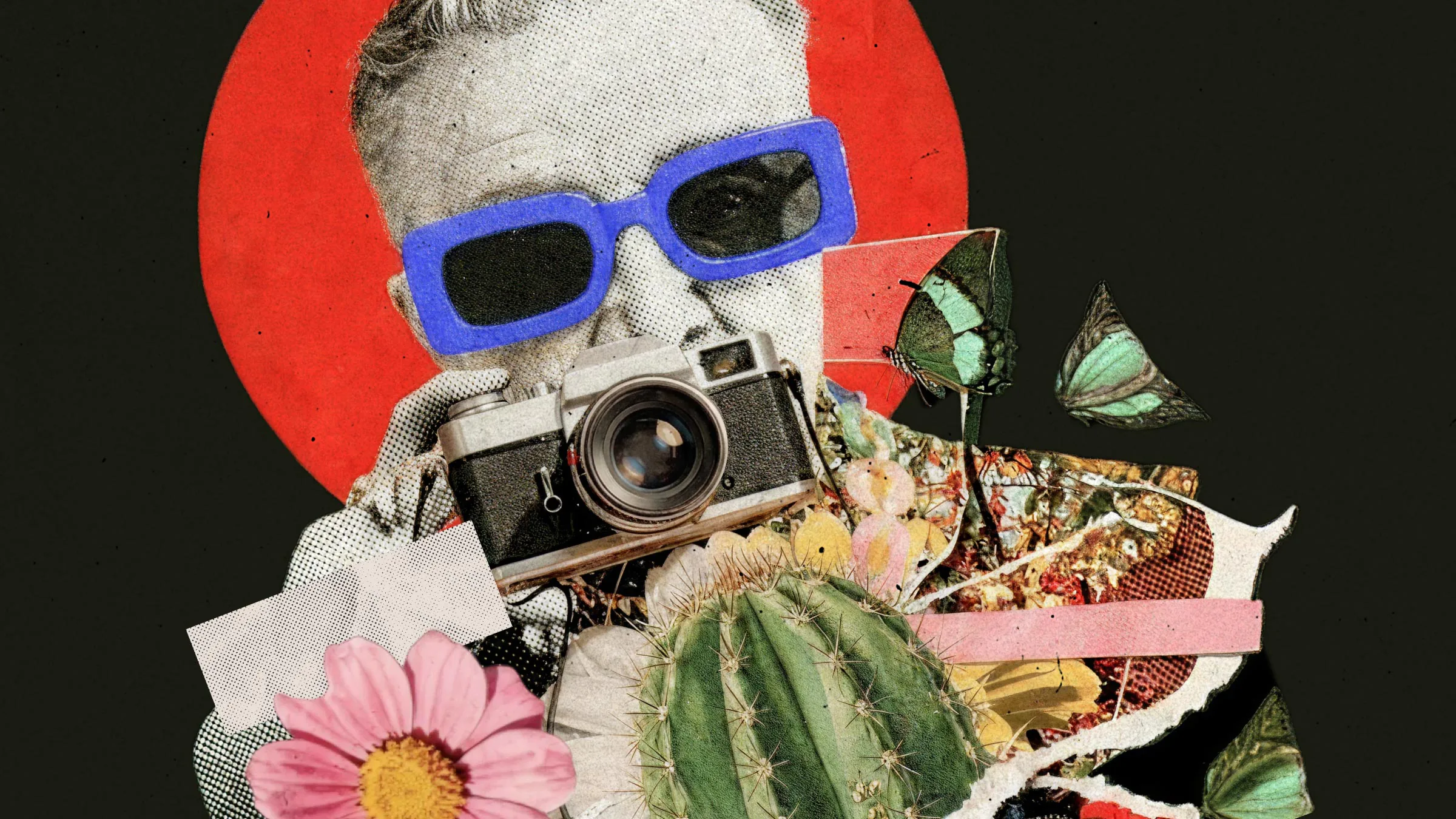
Most image models can do impressive things in isolation. One nails aesthetics. Another follows prompts well. Another handles editing. But getting all of those capabilities working together consistently? That’s been the missing piece.
Luma AI’s UNI-1 is now live inside Envato’s AI image generator and AI image editor, bringing a new kind of image model into your workflow — one that doesn’t just generate, but thinks more carefully about what you’re actually trying to create.
And the best part? You don’t need to learn a new interface, switch platforms, or master some cursed prompt engineering ritual involving twelve commas and “cinematic lighting.” (Your keyboard can finally rest.)
UNI-1 is the latest image model from Luma AI. It brings the latest image generation and visual reasoning together in a way that feels far more intentional.
Instead of simply reacting to prompts, UNI-1 is designed to better understand creative intent before generating an image — helping outputs feel more accurate, more consistent, and easier to refine.
In practical terms, it feels less like wrestling a machine and more like working with a collaborator who actually remembers the brief.
UNI-1 approaches image generation with much more context and control.
Instead of reacting to disconnected keywords, it breaks down instructions, resolves visual constraints, and plans composition more intentionally before generating the final image.
The result is imagery that feels much closer to what you actually had in mind from the start.
For designers, that means less time rewriting prompts, regenerating almost-right concepts, or fighting for consistency across variations. Ideas move from rough concept to usable creative direction much faster, making early-stage exploration and iteration far less time-consuming.
One of UNI-1’s standout strengths is style replication.
Using a handful of reference images, it’s particularly good at holding onto a specific look across multiple generations instead of drifting into “close enough” territory after the first image.
So if you’ve got an anime illustration style you want to build from, a textured editorial look, a cinematic lighting setup, or a very specific campaign aesthetic, UNI-1 does a much stronger job of staying faithful to the reference instead of loosely approximating it.
That matters more than it sounds.
Anyone who’s worked with AI image tools long enough knows the cycle: you finally get one image that nails the vibe, then spend the next 20 minutes trying to recreate that exact look again without the whole thing wandering off in a completely different direction.
UNI-1 is much better at maintaining that consistency across iterations, which means less time re-teaching the AI the same aesthetic over and over and more time actually developing the idea.
Creative work is iterative by nature, and UNI-1 makes that process feel much more fluid.
You can describe edits in plain English — whether you want to adjust lighting, refine textures, replace backgrounds, shift color tones, or tweak composition.
It is also particularly strong at handling targeted refinements, helping preserve the parts of an image that already work rather than rebuilding the entire composition unnecessarily.
The result is a workflow that feels less like restarting from scratch every time and more like gradually shaping a creative idea into its final form.
UNI-1 is now live across Envato’s AI image tools:
When a prompt benefits from UNI-1’s strengths — like visual consistency, reference-based generation, or more targeted editing — Envato’s AI tools automatically route the request accordingly.
There’s no additional setup required, no separate model selection, and no new workflow to learn.
Just open the tools you already use and start creating.
AI image generation is evolving fast. But speed alone isn’t enough anymore.
What matters is reducing the friction between the idea in your head and the image on screen — helping you explore directions faster, iterate more naturally, and spend less time fighting the tool itself.
That’s what makes Luma AI’s UNI-1 feel different. Not because it replaces creativity, but because it works more naturally alongside it.
Ready to try it?
Open Envato’s AI image tools and start creating today.
UNI-1 is an image generation and editing model developed by Luma AI, designed to better understand creative intent. It combines visual reasoning, image synthesis, natural language editing, and reference-based generation into a single creative workflow.
No. UNI-1 is already live across Envato’s AI image tools. There’s no separate setup, model switching, or new interface to learn.
Yes. UNI-1 is designed to produce more accurate results on the first try, follow prompts more closely, and make edits feel more natural and intuitive. You should notice stronger consistency, better style replication, and smoother iteration workflows overall.
Yes. Images created with Envato’s AI tools can be used commercially in line with Envato’s licensing and usage terms. Always review the latest licensing guidance for your specific project requirements.
Yes. Reference images help UNI-1 preserve composition, style, mood, and branding consistency across multiple generations, making it much easier to create cohesive creative work across an entire project.
No. UNI-1 is already integrated into Envato’s AI image tools, so you can start using its improved generation and editing capabilities as part of your existing workflow.
UNI-1 complements the existing model lineup. ChatGPT Images 2.0, Nano Banana 2 and Pro, Flux.2, Seedream 4.5, and others all remain part of the Envato experience. Prompts are automatically routed to the model best suited for the task.
AI image recreation covers style transfer, reference-based generation, variations, and scene recreation. This guide compares the tools that handle each workflow for professional creative work.
Discover how Envato's AI sound generator creates custom sound effects from text prompts so creators can skip library searches and edit faster.

We tested 9 AI image generators on identical artistic prompts (same style-transfer task, same day) to see which one actually paints like an artist.
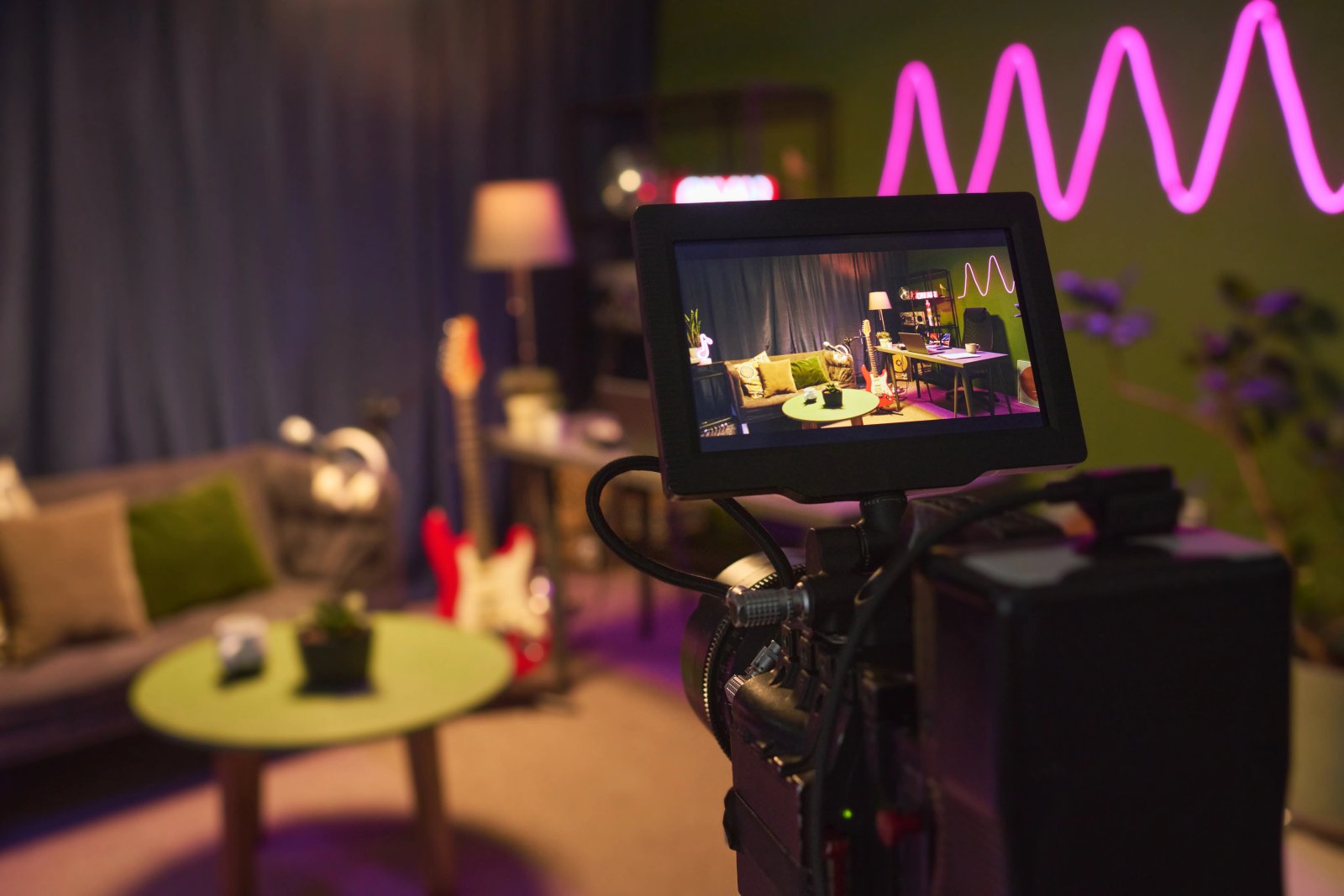
AI isn't making full movies yet; it's reshaping VFX, editing, and dubbing. Here's where it helps filmmakers today, and where it doesn't.

