How to create an AI infographic design with Illustrator and GraphicsGen
Learn how to create an AI infographic design using GraphicsGen and Illustrator, from idea to reusable systems, with a step-by-step workflow for consistent, scalable visuals.
Envato: Get every type of asset for any type of project, and access to AI tools. Start now
Edit photos effortlessly using the power of AI with Envato’s new ImageEdit feature.

Envato subscribers now have access to ImageEdit, a powerful new feature that allows for quick and easy photo edits using the magic of AI. With ImageEdit, you can speed up your creative workflow and achieve stunning results in a fraction of the time.
To enjoy this new feature, simply pick an image from Envato’s extensive photo library or generate your own using the AI ImageGen feature. All you have to do next is click “Edit” to start playing with it!
The best part is you can use it as much as you want, for no extra cost! It’s included with your existing Envato subscription.
Want to know more about ImageEdit? Let’s take a look at its main features.
When you want to change or enhance an image’s background, avoid the hassle of finding and paying for professional editing software. With ImageEdit, you can instantly remove backgrounds from your photos.
Would you like to print your image but fear it won’t look as good as in digital format? No worries! Increase the resolution of your photos for better print quality or even for larger displays.
If you need to change the dimensions of the image you’re working with, ImageEdit is here for you. It can also generate imagery to help you fill the empty parts of the newly created canvas.
Whenever you’re not entirely convinced about some aspects of your image, you can replace specific areas or objects using the AI-generated technology provided by ImageEdit.
Remove any unwanted objects or distractions from your photos using the Erase feature. You’ll love to see the seamless results!
In those cases where you’d like to choose different options for a similar image, ImageEdit can be handy. Create variations that are like the original picture quickly and easily.
Adjust the dimensions of your image to the perfect size or crop the unwanted areas.
Already have an image that needs quick, simple edits? Click “+ Upload Image” to edit images from your device.
No need to jump into other tools for a simple edit! With ImageEdit, you can:
There are a few ways you can access ImageEdit:
Let’s say you’re about to promote a creative writing workshop for women. You’ll need a flyer to let people know all the details, whether you want to share it on digital channels or print it to hand out in person.
So you go to Envato and look for professionally taken photos of women writing. While these are already high-quality images, wouldn’t it be nice to customize them and add your touch?
Easily use ImageEdit’s Remove Background feature to remove the existing background. Then, you can add a colorful, eye-catching pattern from the Envato library instead.

Or you can always try ImageGen to prompt your idea and let Envato’s AI image generator create something more aligned with your needs.
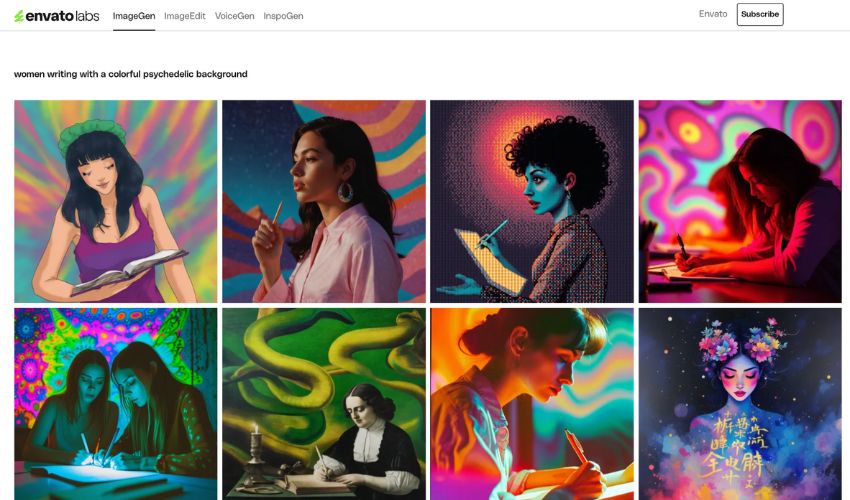
Choose your favorite design, click on it, and select “Edit” to make a few tweaks. In this case, we chose the third image from the first row and used the ImageEdit “Generate Similar” feature.
Remember: Edited images are not automatically saved, so remember to download your edited photos to keep a copy.

The possibilities are endless. ImageEdit is your oyster!
You now have many more possibilities when it comes to creating with Envato. If you’ve longed for more original outcomes and fantastic customization options, ImageEdit will be your new best friend.
Learn how to create an AI infographic design using GraphicsGen and Illustrator, from idea to reusable systems, with a step-by-step workflow for consistent, scalable visuals.
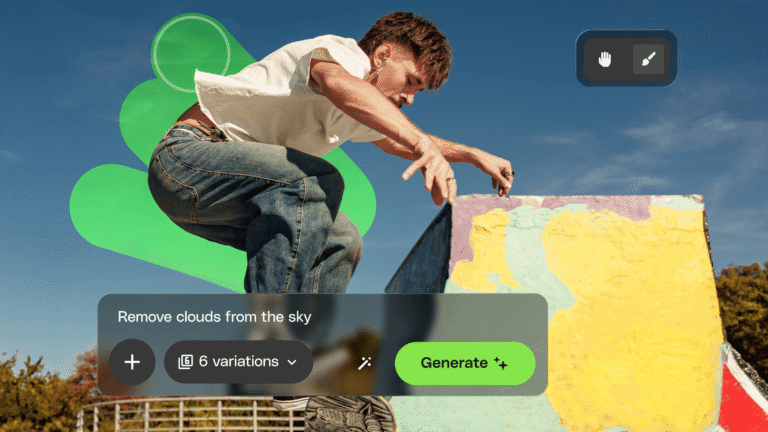
Envato's AI image generator and editor now live in one connected workspace with precision masking, smarter AI models, full version history, and seamless stock-to-edit flow. Here's everything that changed.
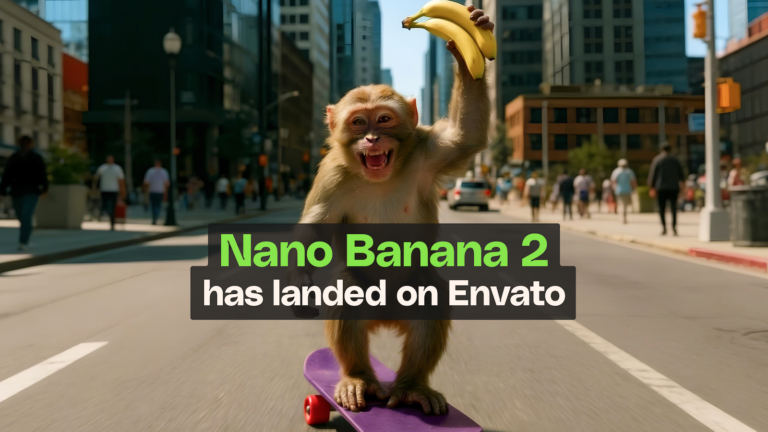
Google's fastest and latest image model has just landed in your Envato subscription, bringing sharper output, better reference consistency, and noticeably quicker generations.
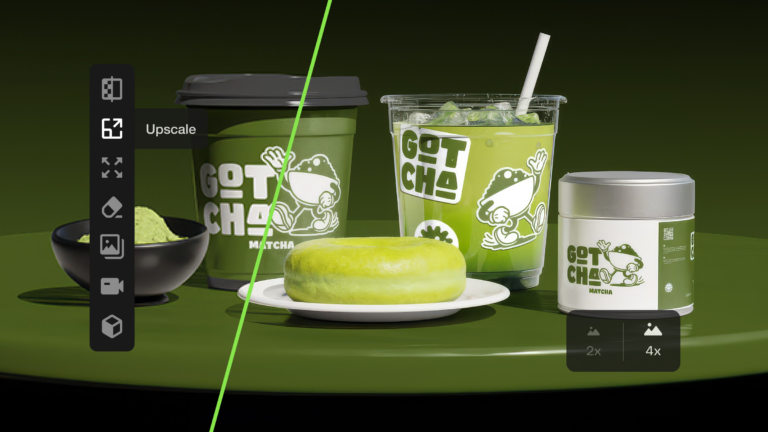
Learn how to upscale images with AI using ImageEdit. Enlarge photos 2x or 4x while preserving sharpness, texture, and detail for print, design, and marketing.