Your infographics, posters, and logos just got a smarter starting point thanks to GraphicsGen Formats

The designs and visuals you make most are now way easier to create.

David Allegretti 2min read 12 Dec 2025

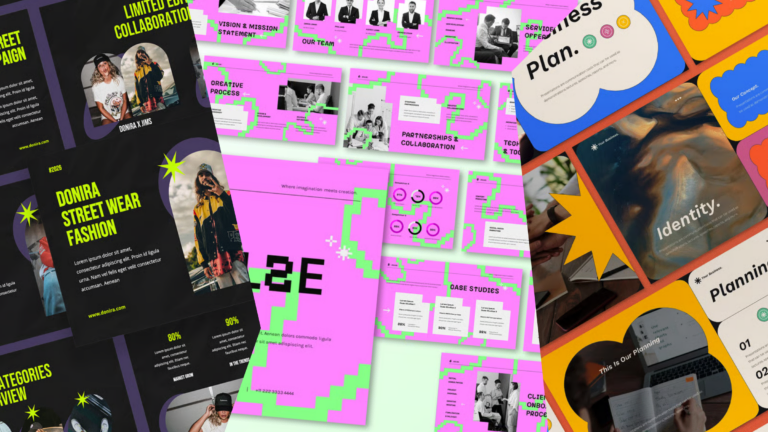
Creating clear, polished visuals is now faster than ever. Envato’s AI graphics generator, GraphicsGen, has introduced three new GraphicsGen Formats: Infographic, Poster, and Logo. Each format provides a layout tailored to the type of project you’re working on.

Instead of wrestling with hierarchy, spacing, or alignment, GraphicsGen Formats help you begin with a composition that already understands the job.

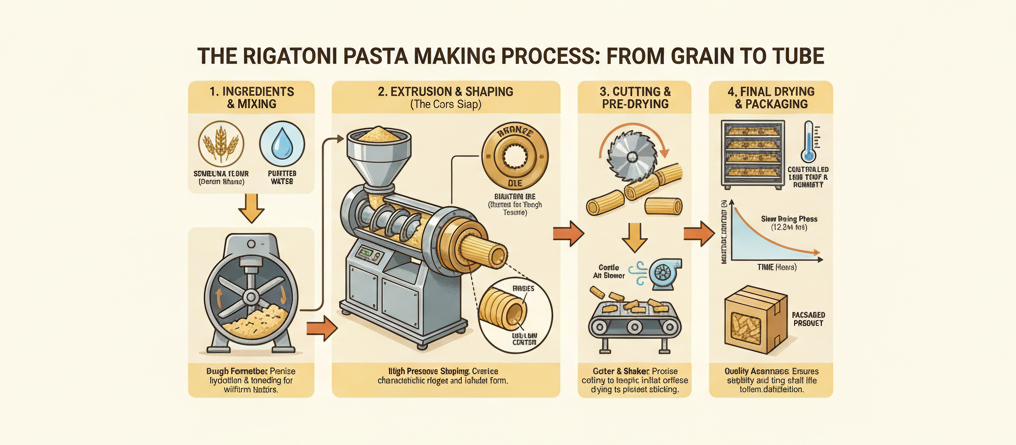
  • Infographic designs prioritise readable text and structured visual information flow. 
  • Poster designs strike a balance between type, imagery, and spacing in a layout that feels intentional. 
  • Logos designs lean toward clarity and form, producing compositions that are simple, usable, and easy to iterate on.

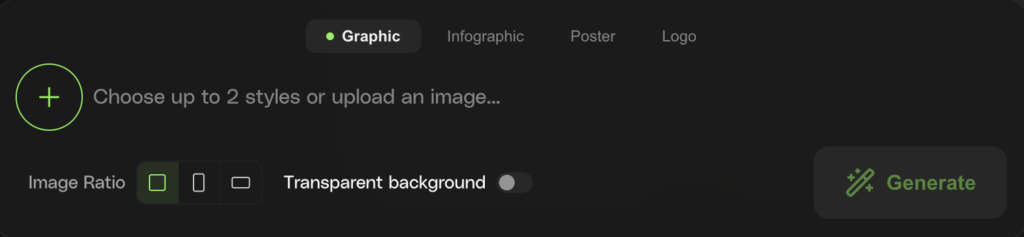
Choose a Format, add your prompt, pick your style (and even upload a reference image if you like!), and GraphicsGen provides a clean foundation, allowing you to focus on ideas instead of fixing the basics.

What each new Format is perfect for

Infographic Format

AI infographic design is ideal when your information deserves more than a wall of bullet points. Infographics rely on visual elements that simplify data-heavy content into clear messaging, with structured hierarchy, readable text, and tidy spacing.

Poster Format

For visuals that need impact. You get bold compositions, balanced type, and layouts that look intentional, not rushed.

Logo Format

Clean shapes, strong silhouettes, readable typography. Perfect when you need something simple, iconic, and easy to iterate on.

All GraphicsGen Formats work with your AI graphic prompts, uploaded images, and chosen styles, helping you move from idea → usable design without detours.

How to use GraphicsGen Formats

  1. Open GraphicsGen and pick Infographic, Poster, or Logo.
  2. Add a prompt, a style, or an image: whatever you have handy.
  3. Hit generate and watch a pro-looking layout appear like it’s been waiting its whole life for this moment.

That’s it! No heroic effort required. 

Why we created GraphicsGen Formats

Because it removes the fiddly parts, the spacing tweaks, text-alignment battles, and those “why is this box doing that?” moments that often cause graphics generation issues, you can stay in idea mode for longer. You get a structured starting point that already feels polished, so the focus stays on creativity instead of cleanup.

It’s GraphicsGen doing what AI tools should do: taking the tedious parts off your plate and leaving the fun, creative decisions to you.

GraphicsGen Formats FAQs

Related Posts