For creators who want more control: Luma Ray3 is now available in VideoGen

A smarter engine for AI video creation.

David Allegretti 5min read 13 Jan 2026
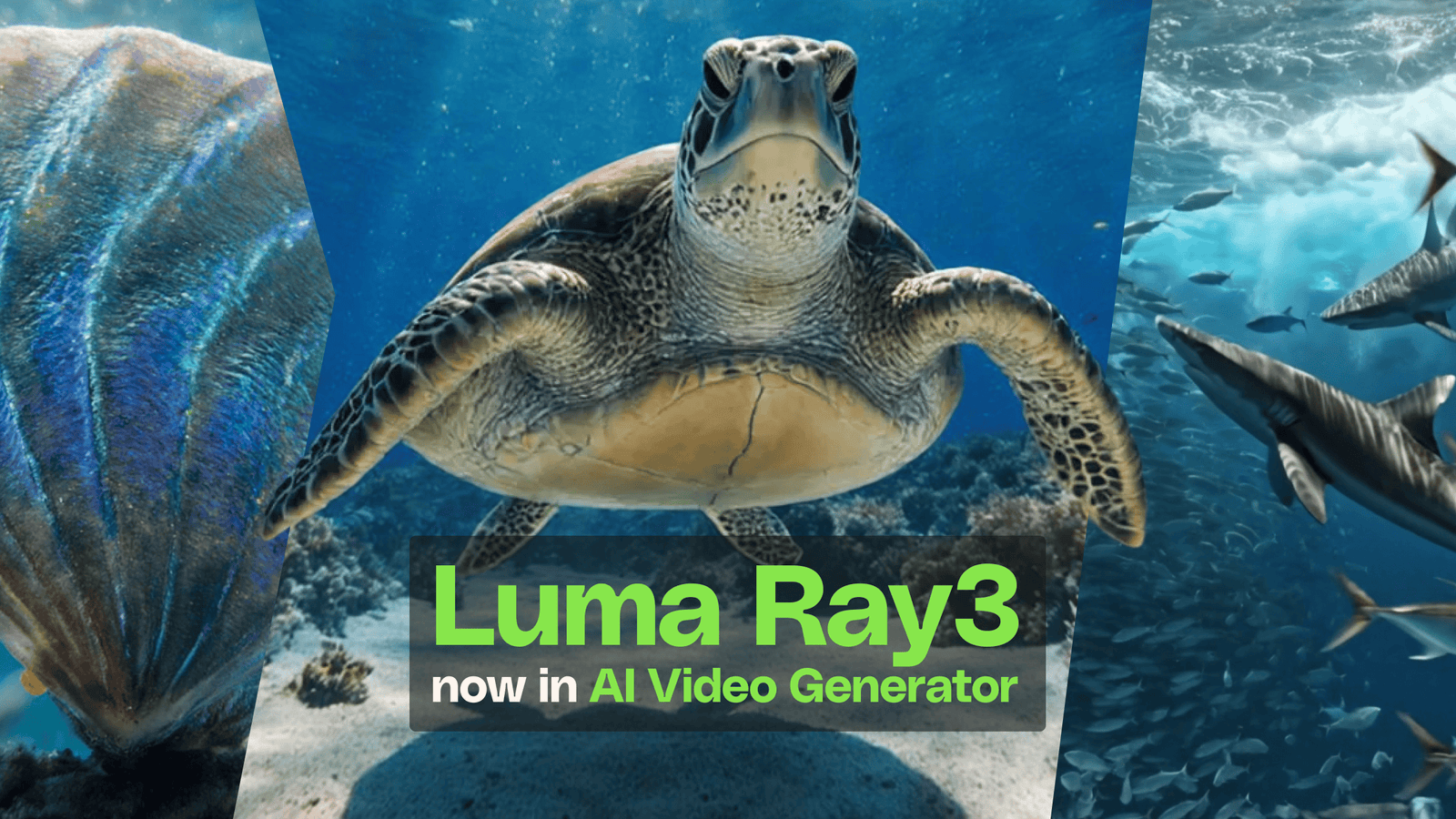
Luma Ray3 now on VideoGen

VideoGen uses multiple cutting-edge AI models to power your generations. Luma Ray3, one of the most capable, is now among them.

This means access to a studio-grade engine known for fewer regeneration cycles, more reliable prompt interpretation, and results that look production-ready without extensive iteration.

Basically, this is pure gold for anyone using AI video in real-world creative work

If you’ve ever spent an afternoon wrestling with prompts to get a single usable clip or watched yet another render come back with physics that don’t quite hold up, Luma Ray3 addresses those frustrations directly. 

The model was developed by Luma Labs in collaboration with professionals from the entertainment, advertising, and gaming industries, and its focus on practical creative use is evident in the results.

What is Luma Ray3?

Ray3 is Luma Labs’ latest generation video model, representing a significant leap in what AI video can reliably deliver. For VideoGen, think of it as an under-the-hood upgrade: the interface stays familiar, but the engine powering your generations is substantially more capable.

Model upgrades like this matter because AI video quality isn’t just about resolution or frame rate. It’s about whether the output understands what you asked for, whether motion looks convincing, and whether you can actually use what comes back. 

How Luma Ray3 enhances AI video outputs

Anyone who has worked with AI video tools knows the pain points: prompts that get misinterpreted, motion that breaks mid-clip, and renders that require extensive post-production work before they’re usable. Ray3 tackles these issues at the model level, so improvements are automatically reflected across everything you generate.

Better instruction following

Ray3 interprets prompts with more nuance and consistency than previous models. When you describe a scene, the output reflects what you actually meant rather than a loose approximation that requires multiple revision attempts to correct.

This reduces “prompt wrestling,” which eats into creative time. Instead of iterating through dozens of variations trying to nudge the model toward your vision, you’re more likely to get a usable result in the first few tries. For professionals billing by the hour or working against deadlines, that efficiency adds up fast.

(Speaking of, need help crafting effective prompts? Check out our complete guide to creative AI video prompts.)

Superior physics and motion

Motion has always been one of the harder problems in AI video. Think clips where objects float unnaturally, limbs bend in impossible ways, or physical interactions simply don’t make sense. Ray3 handles complex movement with considerably more accuracy, including dynamic action sequences, character interactions, and scenes with multiple moving elements.

The improvement is particularly noticeable in footage that would typically break down: fight scenes, sports action, or anything with rapid movement or physical contact. These scenarios now render with spatial logic that holds together, making AI-generated action footage genuinely viable for professional projects.

Advanced stylistic effects

Ray3 brings refined control over lighting, reflections, lens optics, and motion blur. These aren’t just technical improvements for their own sake; they separate footage that looks “AI-generated” from footage that looks cinematic.

The model handles both photorealistic treatments and stylized visual approaches, giving you flexibility depending on the project. Whether you need authentic natural lighting for a corporate piece or a more dramatic, stylized look for creative work, the output delivers nuanced detail that makes renders feel intentional rather than accidental.

High-fidelity detail and nuance

Complex scenes with a lot of visual information (crowds, layered environments, and detailed textures like hair and fur) have historically been where AI video falls short. Ray3 handles these scenarios with noticeably more fidelity, rendering dense scenes without the usual artifacts or loss of coherence.

This capability matters most for client-facing work where polish is expected. When you’re presenting renders to stakeholders or incorporating AI footage into professional productions, the difference between “almost there” and “production-ready” determines whether the tool is actually useful.

Why this matters for professional creators

Two value propositions capture what Ray3 delivers: you get it right in fewer tries, and outputs arrive production-ready on the first render.

For designers, video editors, marketers, and content teams, this translates directly to workflow efficiency. Less time regenerating means more time on creative decisions that actually require human judgment. Reduced post-processing of AI outputs leads to faster turnarounds and lower production costs.

The deeper shift is about confidence. When you can trust that an AI tool will deliver usable results reliably, it becomes a genuine part of your creative toolkit rather than an experimental novelty you pull out occasionally. Ray3 moves AI video closer to that threshold of professional utility.

Luma Ray3 in Envato VideoGen FAQs

Faster confidence, better video

The promise of AI video has always been speed and accessibility. The reality has sometimes been frustrating: too many retries, excessive post-work, and insufficient reliability for professional standards. Luma Ray3 closes that gap.

For Envato subscribers, this is what expanded creative control looks like. A proven, studio-grade model available when you want it, improving your results on the projects that matter most.

Related Posts