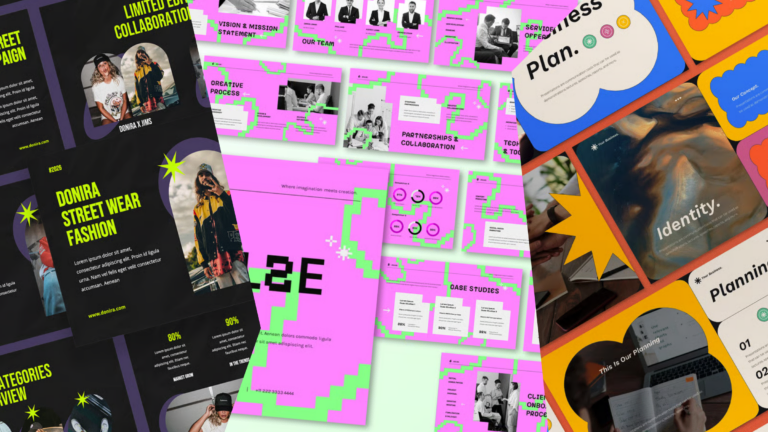
50 best PowerPoint templates for 2026: education, business & more
Explore PowerPoint templates with professionally designed layouts to create polished, modern, and visually cohesive presentations.
Envato: Get every type of asset for any type of project, and access to AI tools. Start now
See selections of the best color palettes and find matching PowerPoint presentation templates. Learn how to choose the best PPT color schemes.
What’s one way to make your presentation more interesting? Answer: by choosing an exciting PowerPoint color palette.
We live in a colorful world, but many PowerPoint presentations lack the vibrant colors that get attention. Your PPT color theme is important.
“I am a believer that color affects people’s moods.” — Lily Pulitzer
This tutorial shows you the best PowerPoint color themes. You’ll see complementary colors that work together, and we’ll show you free colorful PowerPoint templates as well as some great premium options to help you get the same look in your own presentations.
Throughout this article, you’ll see color wheels created using Adobe Color. This shows you the classic color combinations included in these color wheel PowerPoint templates.
Let’s look at ten different color palettes that you can use for your next presentation. For each color scheme, we’ll show you a few examples of premium and free PPT downloads.
This color palette is perfect for this time of the year, where the fallen leaves and warm, earthy colors take over. You’ll see this color palette in retail stores, digital marketing, and everywhere in between.
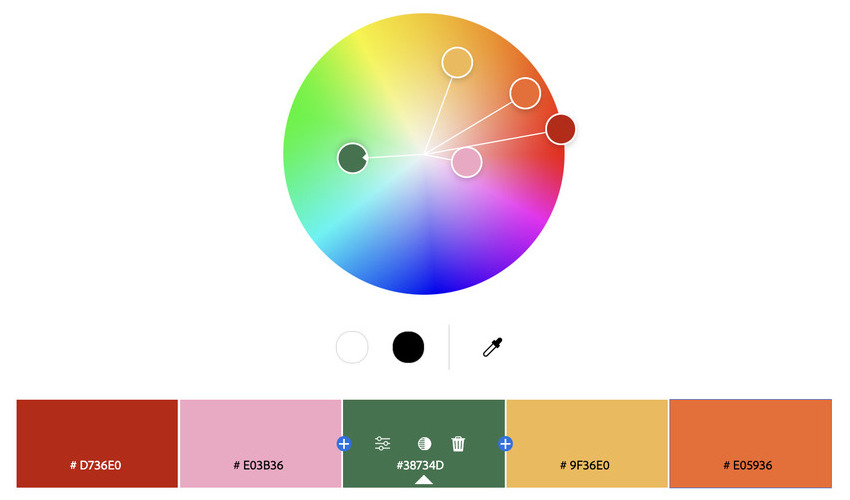
The following presentations have theme colors for PowerPoint from this palette. They also feature related or similar hues. These are great options if you’re delivering a presentation related to this time of the year, like the monthly business updates or a proposal for this financial quarter.
Even for unrelated matters, this PowerPoint color palette is welcoming and will help your audience feel at ease, so try it out!
You can also check out this free autumn-themed PPT with illustrations of leaves and very similar colors from those in this palette. It’s a simple three-slide presentation template available in different resolutions.

There is nothing like conveying confidence and reassurance when delivering an important presentation. Choosing the right colors on your slide deck can be a great support for your audience to perceive your knowledge and mastery of a subject.
This color palette in PPT will reflect how calm and collected you are during your presentation.
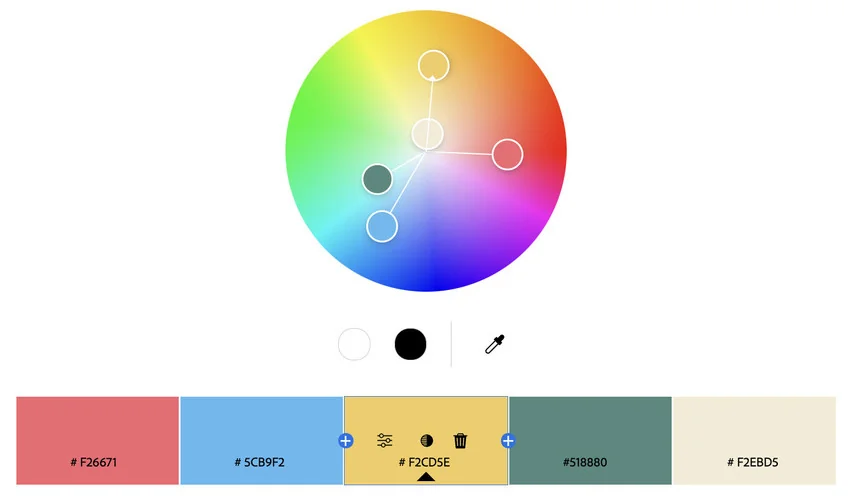
These are a few professionally designed examples that use this PPT color scheme and other related hues. Moreover, they offer many slides, premium graphics, and additional features.
If you’re out of budget, take a look at this gradient color palette PPT template for free. It’s super smooth and can be a great visual aid for a variety of presentation topics.
Are you delivering good news? Match the vibe with this fun, vibrant color palette for a presentation that will spread the good mood for everyone in the room.
It’s also a great PPT color scheme if you’re trying to make a powerful and positive first impression.

Here’s a selection of top-tier templates that share these joyful PowerPoint color themes. On top of that, you’ll get drag-and-drop image placeholders, master slides, and editable graphics!
Looking for a free PowerPoint presentation with a color palette like this one? We’ve got you! Check out this neat freebie with three slides included.

Let’s keep the green vibe rolling with the next color palette. When you think of this color, nature is probably one of the first things that comes to mind.
Here’s a PowerPoint color palette that’s perfect for sustainability-related pitches, but also for any presentation where you want to evoke harmony, freshness, and peace.
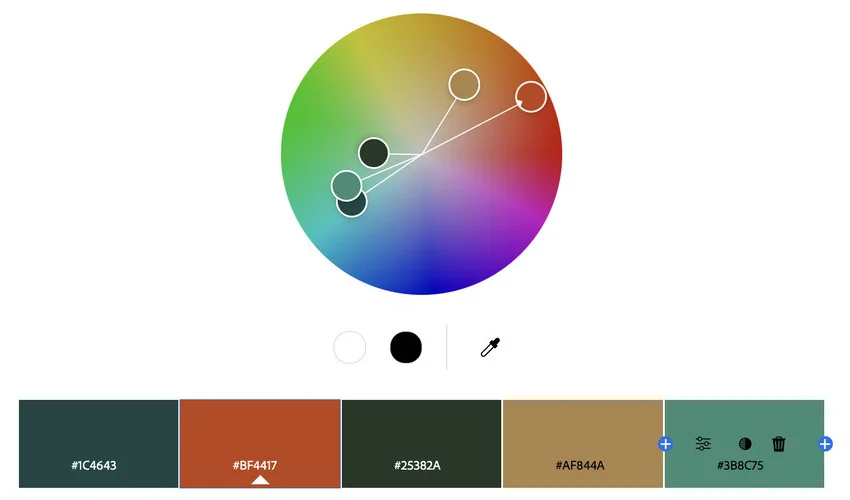
Look at this set of PowerPoint templates where the earthy hues of the palette are predominant. They’re all based on master slides, so it’s fast and easy to customize them. Even the PowerPoint color themes are editable, in case you’d like to modify a certain shade.
Not only does this free presentation template match the color palette for PPT, but it also has a pretty flower pattern that works with any nature-related theme.
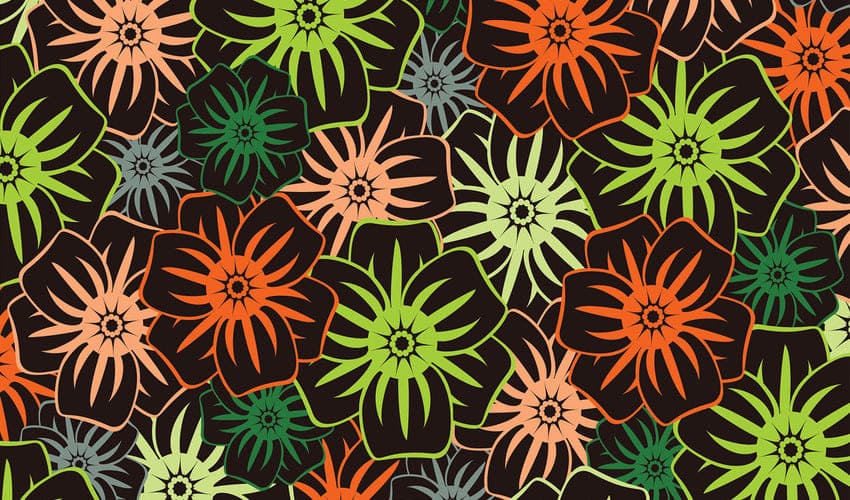
Retro designs tend to evoke vibes of nostalgia and familiarity. So a PowerPoint presentation with a color palette of this style is a great ally to win over your potential customers.
This color palette looks like it came straight out of the 1980s, so it’s naturally funky and vivid.
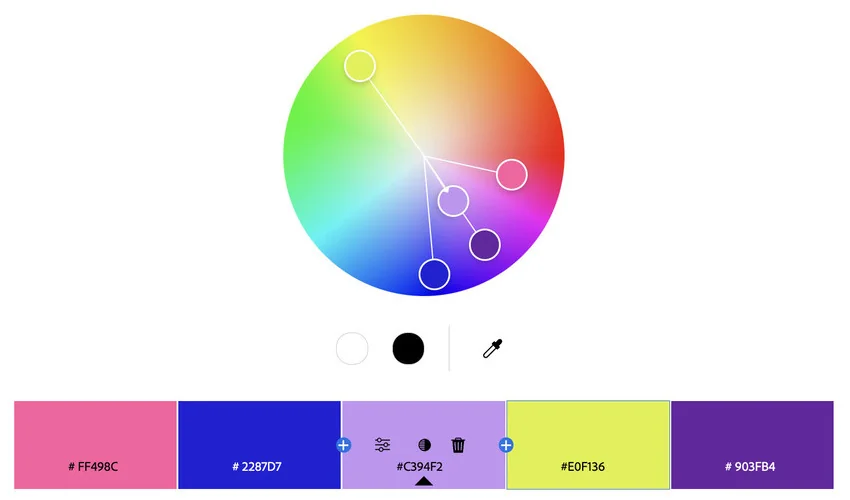
Save time and amaze your audience using these PowerPoint color themes featuring this retro scheme. They’re unique and customizable, ready to edit and go.
It’s hard to find this color palette in free PPTs from the web. For those who can’t spend a dime, there’s this pretty free PowerPoint template that gets close enough. It offers three slide designs.

Summer color palettes are relevant all year long. It’s not just a matter of seasonal trends, but about the good, chill energy that these colors represent.
Here’s a timeless palette that’s always a good idea for all kinds of presentations. Using these theme colors in PowerPoint helps you catch the attention of your audience.
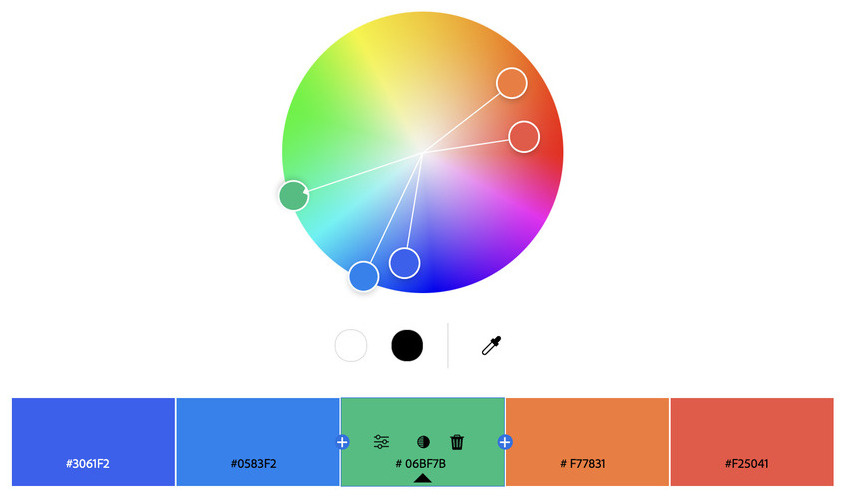
These premium presentations feature this palette in a neat, professional, and original manner. They’re usable for all kinds of pitches as they’re fully customizable. You’ll get high quality graphics, unique layouts, and easy-to-use placeholders.
You can also choose this free PPT template with quite a similar palette. It’s a color background for PowerPoint with a very summery look and feel.
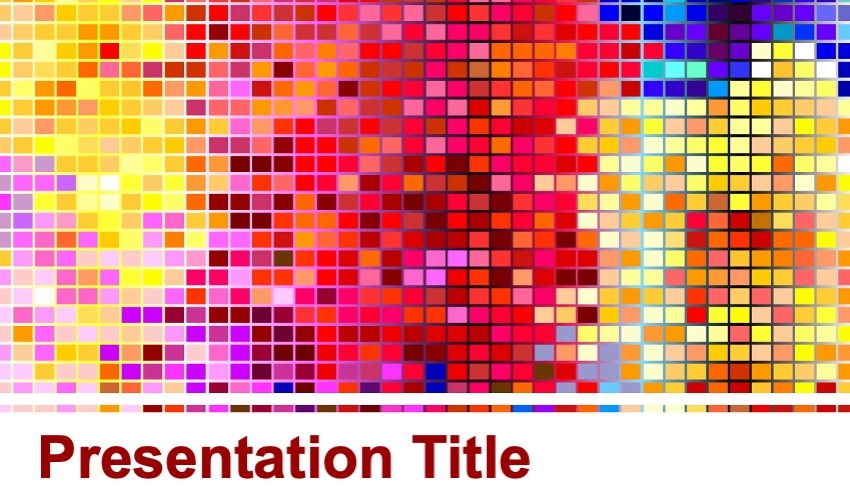
What if you’re looking for a cyberpunk style or a neon PowerPoint color palette that hypes your audience up? Then, this option can be just what you need.
Here’s a color scheme that includes very vibrant colors. It can take you on a trip to the past or send you back to the future: it gives off both vibes.
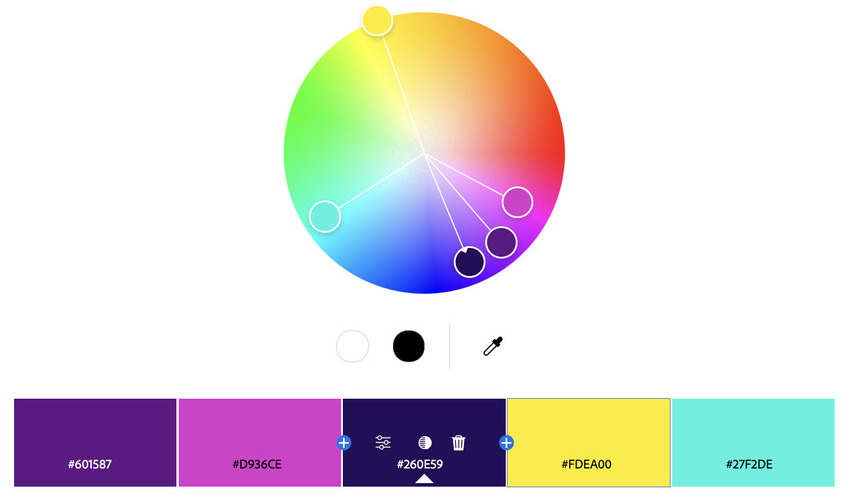
You don’t have to start from scratch to create a neon-themed presentation that looks amazing. The following templates give a head-start with premium features such as easy-to-edit slides, handmade infographics, icon packs, image placeholders, and many more.
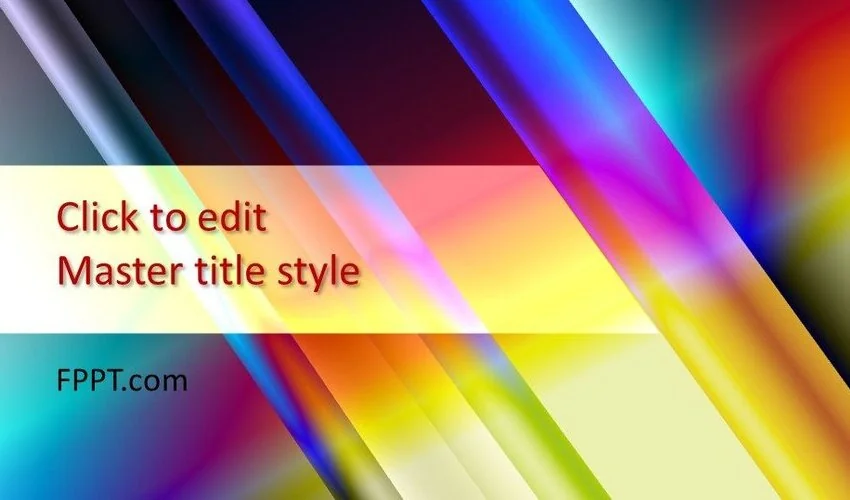
You can also download this neon-like free PPT file. It’s a simple yet useful template available in 16:9 and 4:3 aspect ratios.
Let’s go back to basics and explore creativity from the angle of the primary colors. This palette is a great way to mix and match different shades for any business or project presentation. It works for everything as it is super versatile.
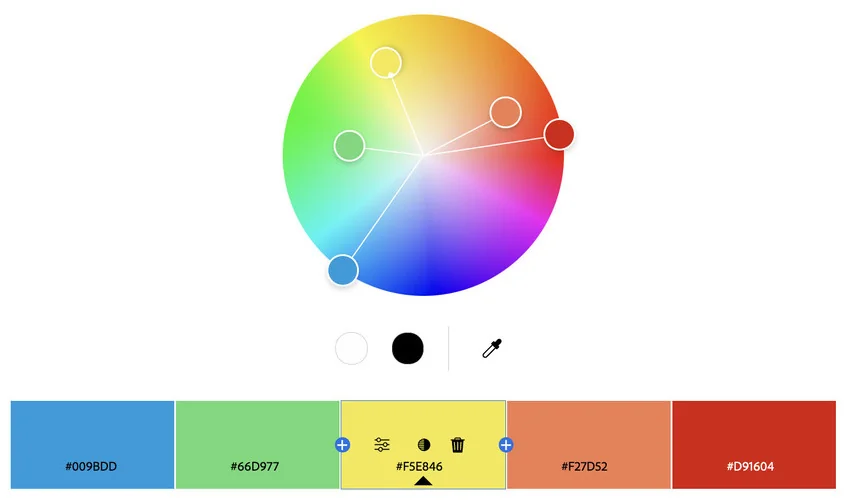
With these professionally designed templates, you’ll be able to design beautiful presentations with bright colors, big and eye-catching typographies, lots of image placeholders, and neat graphics. Nothing screams creative impact more than those features altogether!
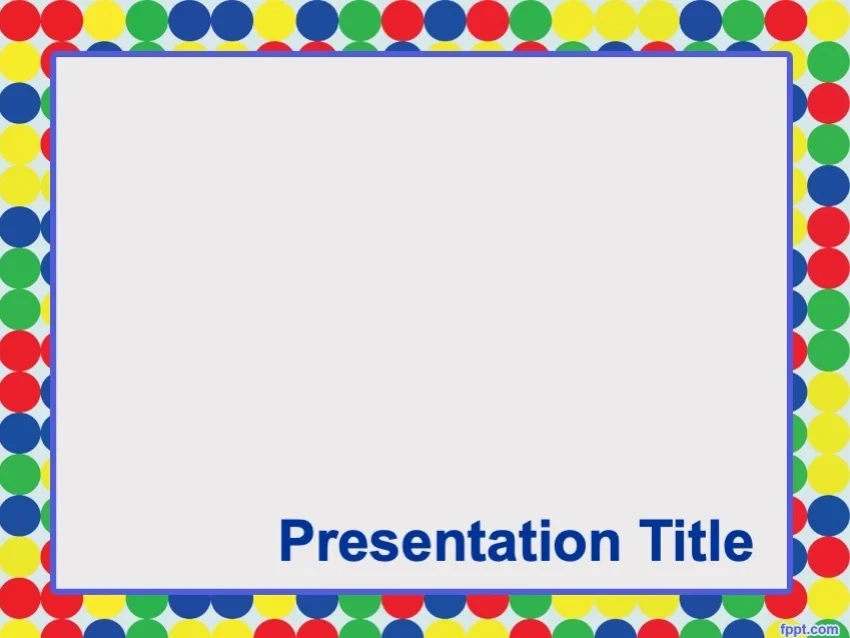
You can enjoy the energy of this color palette in PPT for free with this slide design. It’s simple yet joyful, and also has a big font that makes your titles stand out.
Fruity colors in the digital world translate to high saturation and cheerful energy. That’s what this beautiful palette brings to the table. It’s a perfect choice to add vibrant colors to a more serious, black-and-white background.
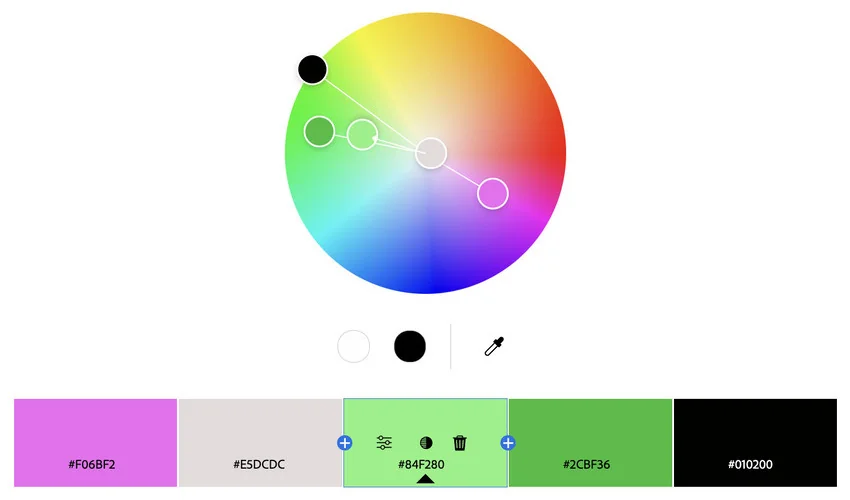
These premium PowerPoint presentations bring the tech to the fruity color palette. The modern and digital-oriented designs feel fresh, inviting, and optimistic. You’ll enjoy high-definition layouts, drag-and-drop placeholders, and beautiful infographics.
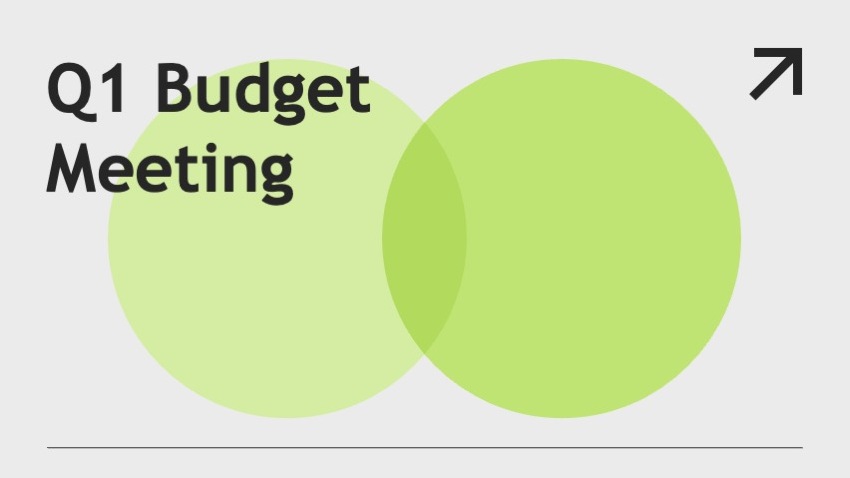
This free PowerPoint template has a modern light-green design. You can add the pink details to match the fruity PowerPoint presentation color palette.
A beige base and a strong orange hue are great allies to achieve a calm, neat balance for your next presentation. This PowerPoint color palette also adds a touch of dark-blue and black to the equation, resulting in a very peaceful and warm combination of colors.
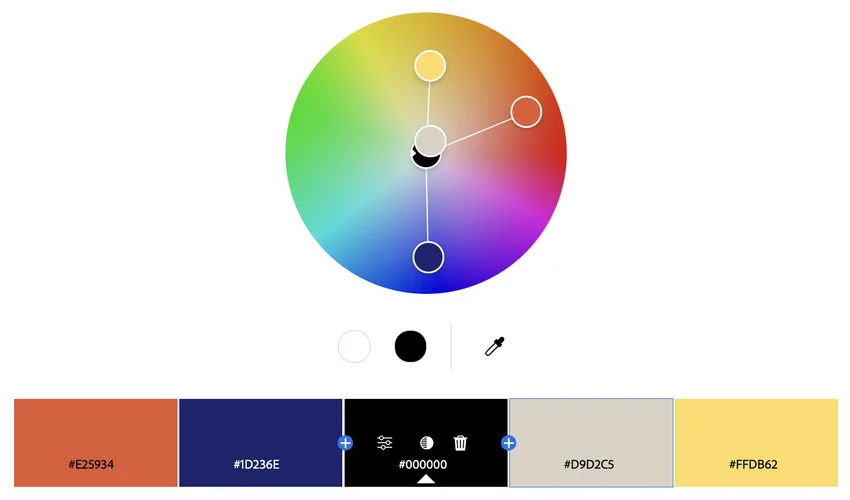
Enjoy these premium PowerPoint templates with powerful and clean designs. The included fonts are attention-grabbing, and there are heaps of features to easily customize the slides. They all feature this clean and balanced PPT color scheme.
Beautiful and clean slide decks with this PowerPoint color palette are very hard to find for free, but you can try this presentation template freebie with a halftone orange design.

If the free templates in this list are too simple for you, check out Envato’s free offerings. Each month, Envato selects 12 premium files that you can get for free. These links often include free colorful PowerPoint templates with a built-in color palette for PPT.
Are you ready to start adding color to your presentation? These five tips about PowerPoint color themes can help:
To bring your presentation to life, change the background color of your slides. This creates a more colorful presentation and makes it more eye-catching. Try alternating background colors that are in your color palette every slide.
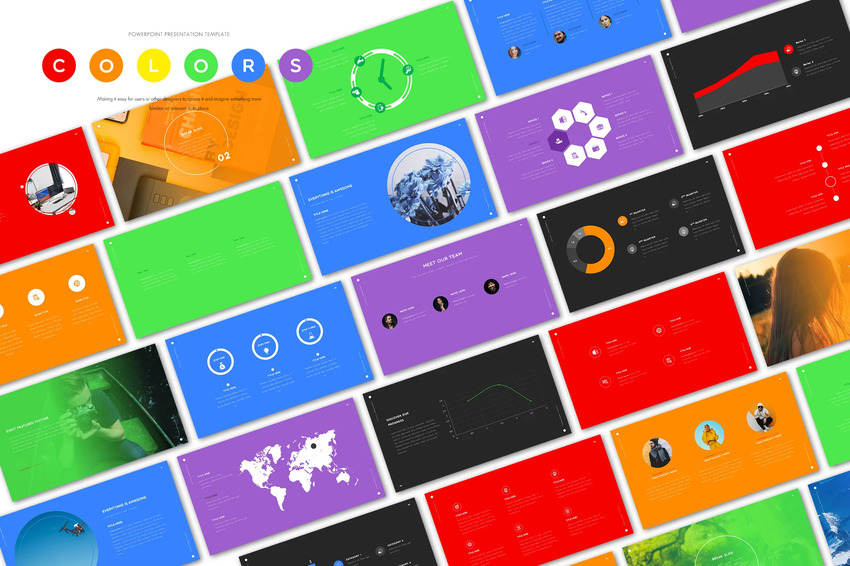
Filling in the entire background with a single color works well. But you can also block out part of the slide.
Take the single colored background and have it cover a half or a third of the slide. You can have it cover either vertically or horizontally. This works great when you have images to include next to the color blocked background.
When you use a lot of color in your presentations, you’ll want to keep the other elements simple. The colorful design already adds a great deal of interest. Bogging your slide down with too many images or text can make your design seem crowded.
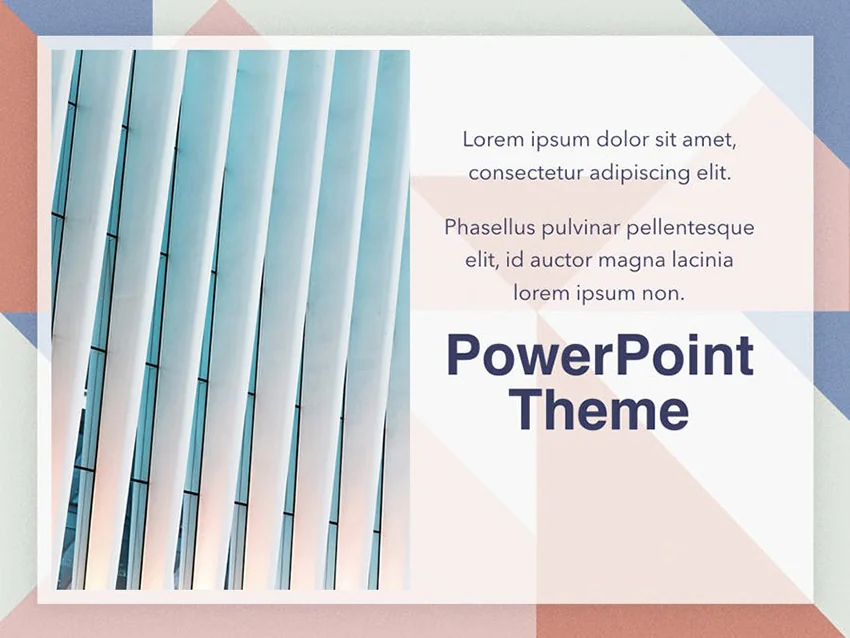
Isolated images are images that contain only a single person or item. When layered over the top of a colored background, you create a professional look for your slides.
A great way to add a professional touch to your presentations is to use images that use the same color as your background. This creates a more unified design and looks more visually appealing.
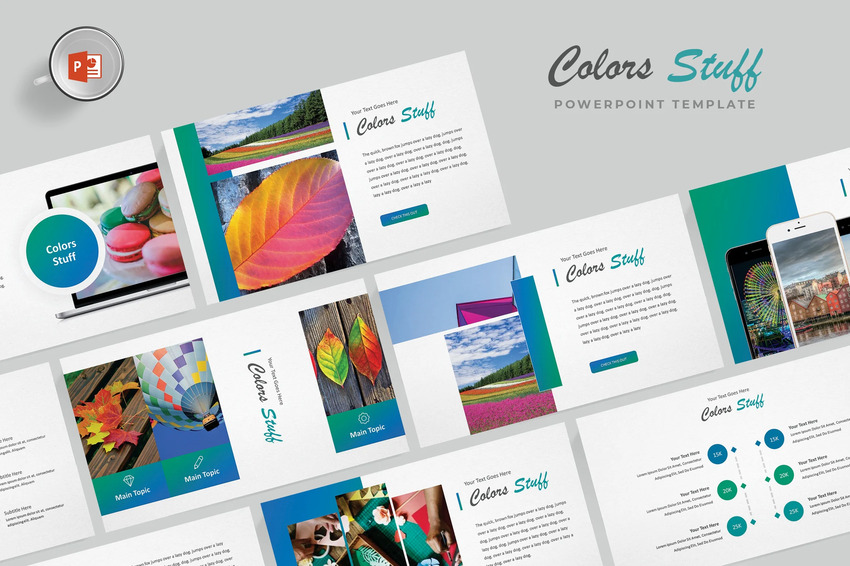
Let’s now have a look at five on-trend color schemes for PPT color themes.
We’ve explored a wide variety of top (free and premium) colorful PowerPoint templates. They’re the ideal starting point for your next project.
To build winning slide decks, you need to embrace the top trending best presentation color palettes in 2025. Read on to explore five popular options:
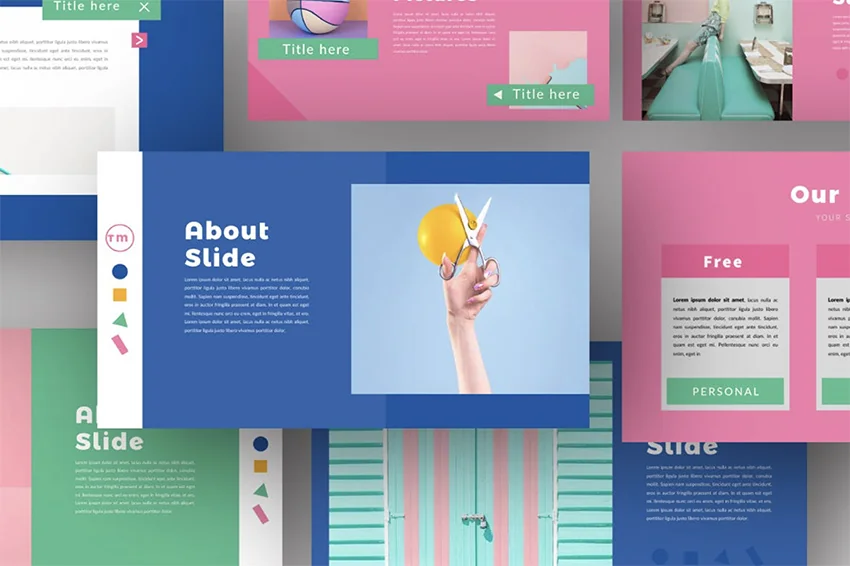
Let’s face it: many presentations aren’t easy on the eyes. Small fonts overlay blinding bright backgrounds. In 2025, that’s not okay anymore. Not only are those slides bland, but they’re also tough to look at hour after hour.
By using dark colorful backdrops, you instantly introduce a new style and boost readability. Your audiences will thank you and reward you with more attention.
Sometimes it pays to link your audience to other sites for more details on your presentation topics. But left alone, an ungainly blue URL ruins the aesthetic of even the best-designed slides.
Luckily, that’s easy to fix. With just a few clicks, customize the color (and title!) of all your hyperlinks, making them seamlessly merge with any slide design. Learn more about changing the color of hyperlinks in PowerPoint.

It’s commonly thought that the amount of content on a slide should be kept to a minimum. That’s usually true. But if you need to pack in a bit extra, color is a great way to do it.
By using contrasting colors, it’s easy to call out content elements. This allows for more detailed slides that stay visually appealing and uncluttered.
Merely talking through numbers doesn’t cut it in 2025. Audiences demand (and expect) clear and concise visuals. By adding colorful charts to your deck, bring your data to life in a flash.
You can use color to illustrate differences and key points in the data. All these changes are simple right inside PowerPoint. We’ve got a full tutorial to help you build colorful charts of your own.
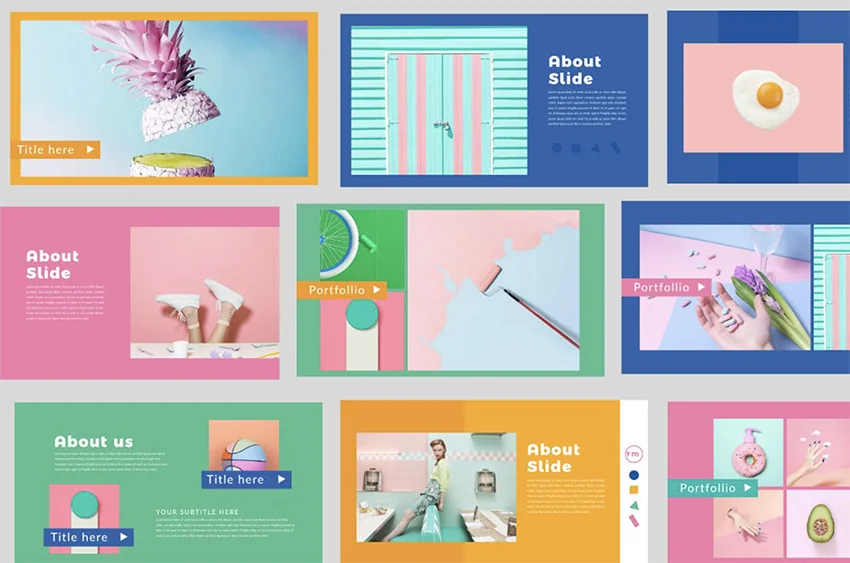
Retro colors are trending in 2025 as they deliver timeless style year after year. They’re popular with audiences of all ages, and with templates, they’re easy to add to your projects.
Retro colors are warm, helping to add soft contrast to your text and images. They look great on-screen, and seemingly never fall out of favor.
The best PowerPoint templates will help you create a standout presentation. But you might still be wondering if PowerPoint is the right choice for your presentation. Here we’ve gathered the most common questions about PowerPoint to provide you with answers:
All three programs are a great choice to create your next presentation. The answer to this question depends on your personal preference and the program you’re most familiar with.
Keynote is often used by people who want a simple program. Google Slides is typically used if you want to easily collaborate with others.
PowerPoint is typically used in more corporate settings. We’ve got a detailed PPT, Keynote, and Google Slides comparison guide that you can use to decide which program would work better for you.
PowerPoint is a great choice for any type of presentation. Use it for school projects, corporate pitches, webinar slide decks, and more.
PowerPoint can’t be downloaded for free. But there’s a free online version of PowerPoint that you can use if you’re on a tight budget. Explore the differences between the desktop and online PowerPoint versions.
Yes, you can! It’s easy to do via a sharing link, inviting people to collaborate with you or sending a copy of the presentation. We explain each PPT sharing method in detail in our dedicated guide.
Your presentation should be easy to read even for participants that are far away from the screen. That’s why some fonts are better suited for presentations than others.
For example, script or decorative fonts aren’t easy to read so shouldn’t be used. Sans-serif fonts make a great choice as well as some serif fonts. Learn more about which fonts to use in a presentation.
The best presentation colors help you stand out. Take a chance with your next design, and use something more colorful than the classic PowerPoint templates. Use the best PowerPoint color schemes available on Envato.
The premium colorful PowerPoint templates you saw in this article are a presenter’s best friend. With PowerPoint templates featuring bright colors, you’ve got everything you need. They’re much better than the free options. The premium templates give you the best presentation colors in a convenient package.
Open up your color palette with the help of these professional PPT templates. It’s the fastest way to add a bit of fun to your next presentation!
Explore PowerPoint templates with professionally designed layouts to create polished, modern, and visually cohesive presentations.

AI-powered workflows, expressive typography, mobile-first layouts, and purpose-driven motion are reshaping how presentations look and land in 2026. Here's how to put these trends to work in your next deck.
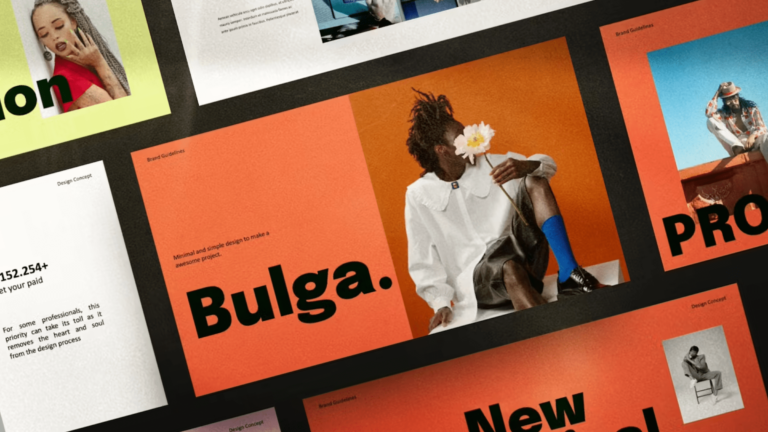
The latest portfolio design trends range from moody dark mode to gamified web templates. Take your pick to make the best impression!

Use the most beautiful PowerPoint templates to show off your key concepts in your top 2025 presentations. Use these attractive PPT slides and learn how to make a pretty PowerPoint presentation.