Envato: Get every type of asset for any type of project, and access to AI tools. Start now

The top 3D design trends shaping creative work in 2026

3D design is evolving fast in 2026, from Blender-powered films to Plushcore mascots, glossy product renders, lo-fi nostalgia, and AI-assisted workflows. Explore the trends reshaping animation, branding, and motion graphics this year.

Jonathan Lam 13min read
3D design trends

Last updated: August 2026

2026 is shaping up to be a landmark year for 3D artists. Blender is breaking into filmmaking, AI is speeding up whole sections of the pipeline, and studio-quality results are within reach of far smaller teams than before. Open-source tools like Blender keep pushing the ceiling higher: projects such as Flow show that a small crew can make a cinematic, feature-length story without a traditional studio pipeline behind them, and that shift underpins a lot of what’s happening this year.

The visual language of 3D is moving just as fast. Plushcore characters dominate short-form feeds and Gen Alpha-led brand design. Hyper-real, high-gloss product renders have become standard for beauty and fashion campaigns. And tiny, looping “diorama worlds” are everywhere, offering rich little scenes that are quick to build. The point is how wide the field has grown: no single look owns 3D anymore.

TL;DR: In 2026, 3D design splits into many coexisting looks rather than one dominant style. The biggest trends are Blender moving into serious filmmaking, soft toy-like brand mascots (Plushcore), high-gloss hyper-realism, lo-fi and low-poly nostalgia, AI-assisted pipelines, micro-dioramas, hybrid 2D/3D composites, and real-time anime-style rendering. You don’t need a big project to start: a single small scene in Blender is enough to test any of these.

What’s the future of 3D design trends?

This report explores the biggest 3D design trends shaping animation, branding, motion graphics, product design, and indie filmmaking in 2026, and how you can start using them in your own creative work.

1. Blender breaks into movie-making

Blender has been creeping into professional work for a while now, and it’s no longer unusual to see small studios rely on it for serious projects. The film Flow is a good example. The entire production was created using Blender, encompassing environments, character work, lighting, effects, and final renders. Many teams are also using it for previs and layout because it’s fast to work with, easy to learn, and doesn’t lock anyone behind licensing costs.

Why Blender is exploding in film

  • Real-time previewing reduces production bottlenecks
  • No licensing fees make it accessible for small studios
  • A growing ecosystem of add-ons and tools speeds up workflows

This combination is attracting indie filmmakers, YouTube animators, and even commercial studios for previs, layout, and short-form production.

Where it’s headed

There are already more Blender-based shorts appearing on YouTube and Vimeo, and this number is expected to continue growing. Smaller studios are also relying on it for pitch videos, streaming mini-episodes, and rough pre-visualizations when planning larger productions.

How you can get started with Blender

If you’re curious about this style of work, make a tiny scene first. Maybe a close-up of a character or a short camera move through an environment. Blender’s real-time view and node tools help you test things quickly without digging through a big technical setup. Check out Envato’s Blender assets to get started.

2. 3D mascots & brand characters

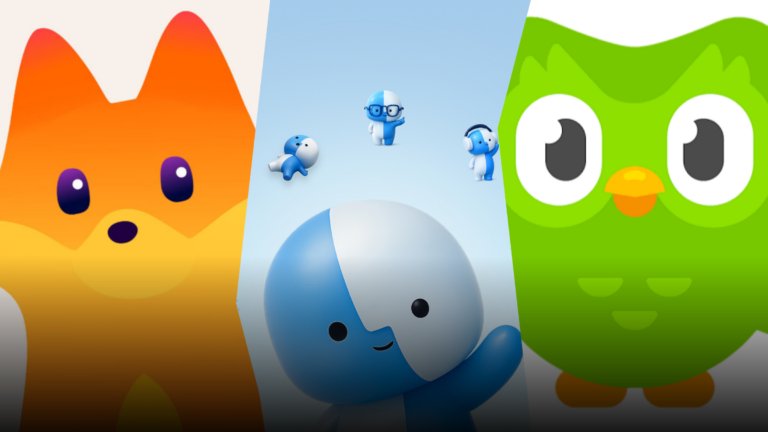
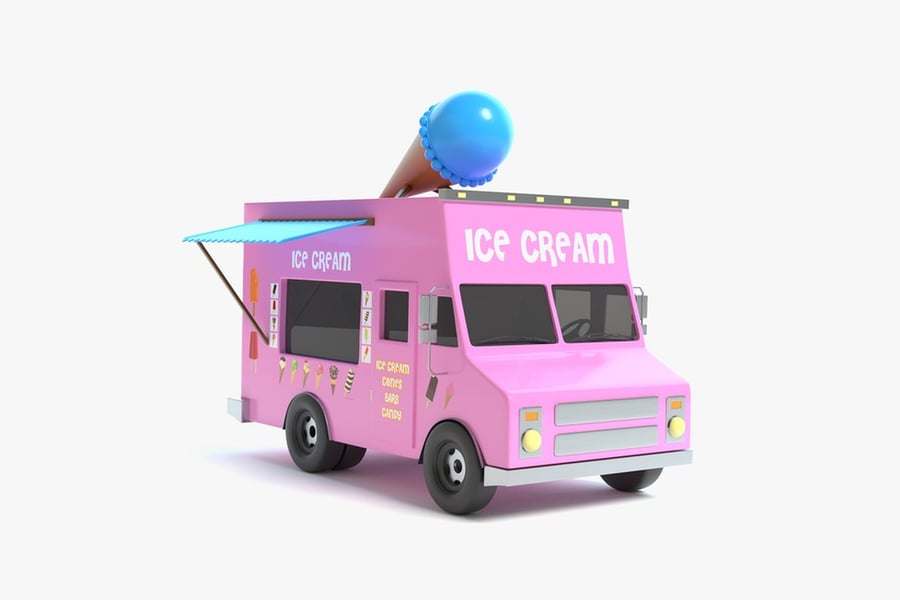
More brands are using little 3D characters as their “main face” instead of relying only on a logo. These characters tend to have soft shapes and a friendly, toy-like look, a signature style in today’s 3D design trends, almost like something you’d see on a shelf rather than a corporate asset.

Why brands love it

Younger audiences latch onto characters much faster than they do logos, especially Gen Alpha, who grew up in the Labubu era of toy-like collectibles and cute, stylised figures. You can use a mascot like this to act as a “virtual influencer” of sorts. And they stand out a lot more than a logo when you’re scrolling through TikTok or Instagram, so companies get better engagement without changing much else.

  • Characters create faster emotional recognition than logos
  • Mascots work across packaging, TikTok loops, AR filters, and ads
  • They can act as “virtual influencers,” building personality and repeat engagement

Where you’ll see it

These characters show up pretty much everywhere! Printed on packaging, animated in product ads, dropped into TikTok loops, or turned into AR filters. Some brands even use them in small animated shorts or as recurring “faces” in their social feeds.

How creators can use it

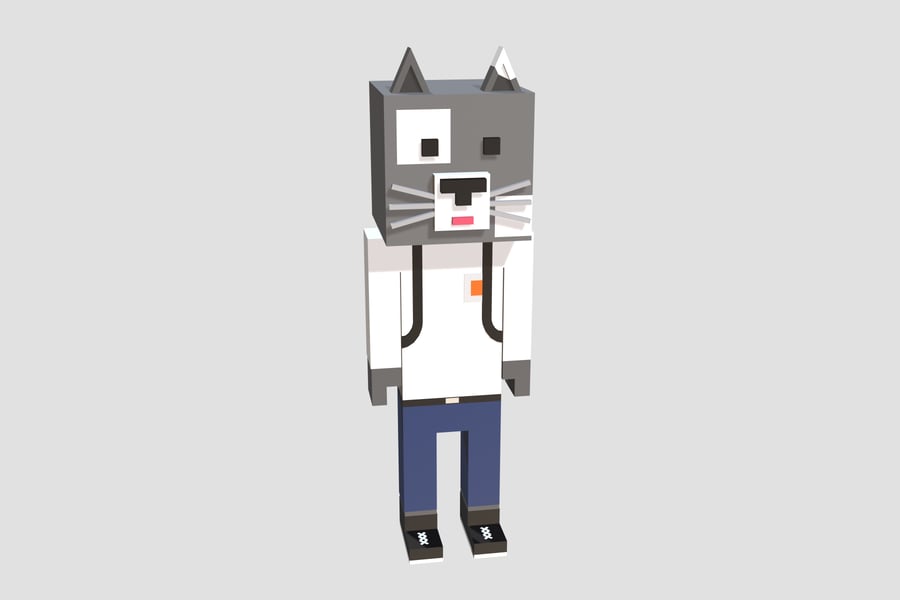
Try adding Envato’s ready-made 3D mascots or low-poly characters to your scenes. You can customise colours and lighting to match your brand without building rigs or sculpting models. Learn how to design a mascot using AI tools and After Effects in this tutorial from motion designer Jess Riley.

3. High-gloss hyper-realism

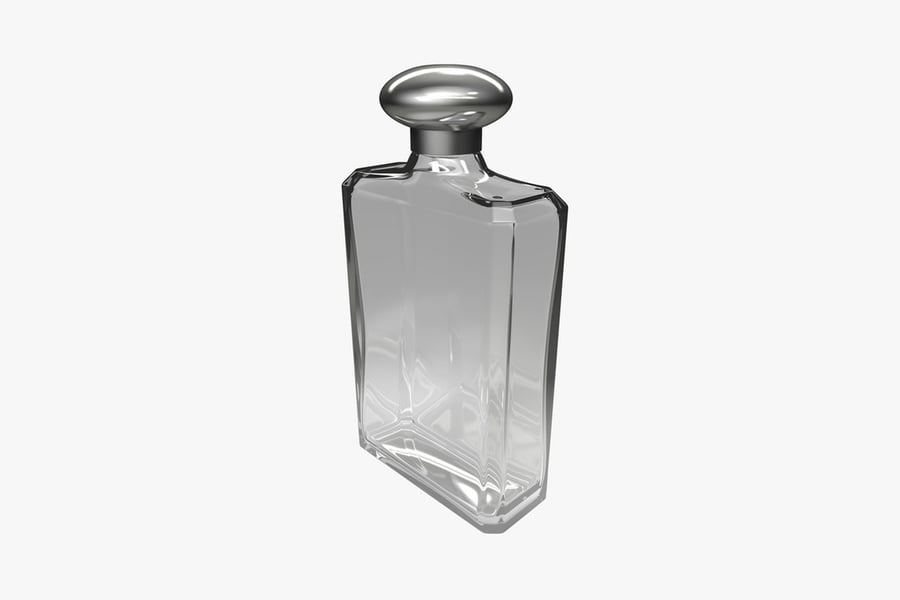
A lot of 3D work in the beauty and luxury space is leaning into a very polished look, featuring smooth chrome surfaces, liquid highlights, and intricate details that mimic high-end product photography. This hyper-real aesthetic has become a defining part of current 3D design trends, the kind of style where every reflection is intentional, and the lighting feels almost “too perfect.”

Why is it tending?

  • 3D replaces expensive studio setups for product shoots
  • Brands need dozens of visual variations for campaigns
  • Ray tracing and caustics are easier and more accessible than ever

Where you’ll see it

This style appears frequently in perfume ads, cosmetic launches, jewelry promotions, and those slow-motion hero shots used on landing pages. It’s become a kind of “default” look for anything meant to appear premium.

How creators can use it

If you want to try this style, start simple. Set up a small object (or download a ready-made 3D model from Envato) and add a reflective material. Then, test a few studio-type lights in a program like Blender. You can also experiment with things like caustics or Subsurface Scattering.

4. Lo-Fi 3D & Low Poly 3D

We’re seeing more artists revive the look of classic console graphics. Popular games such as Minecraft, Peak, and Monument Valley all use simple shapes and bold colours, and that stripped-back style has inspired many creators to lean into low-poly work again, a nostalgic aesthetic that continues to resurface in modern 3D design trends.

Why is it back?

Some of this stems from nostalgia in design, but part of it is a reaction to and cultural fatigue with AI-generated images. A lo-fi or low-poly render has quirks you can’t fake easily, and many indie artists like that rough edge. It feels more personal and less engineered.

Where you’ll see it

This style appears frequently in animation and video games. Smaller game teams also use it because it gives a strong mood without needing heavy assets or photorealism. Other popular examples include Octopath Traveller, Dave the Diver, and For the King.

How creators can use it

Start with simple shapes, low-res textures, and flattened lighting. Add dithering, compress the render, or apply VHS-style post effects. You don’t need much polish; the imperfections are what sell the look.

5. AI-assisted 3D pipelines

Speaking of AI, you’ll find it creeping into all sorts of spots in a 3D pipeline! A whole bunch of people use it when they need quick material ideas or just want to block something in without spending half a day on it. This shift toward AI-assisted workflows has become a major part of emerging 3D design trends, helping with the early messiness so you can save your energy for the parts you actually enjoy.

Where AI speeds up production

  • Quick texture concepts and variations
  • Blocking out rough models
  • Retopology, lighting suggestions, or sculpting helpers
  • Previs and early layout tests

Tools like Substance 3D’s “Text to Pattern” or Meshy/Tripo’s rough model generation are giving creators faster starting points.

Where you’ll see it being used

You’ll notice AI making its presence known in texturing tools, sculpting apps, previs workflows, and even as small helpers in Blender or Unreal. Some creators use AI to brainstorm looks for environments or characters before they start modelling. Others use it to speed up lighting tests or generate variations for clients.

It already shows up in things like Substance 3D’s ‘Text to Pattern’ and ‘Image to Material’ tools. And even Unreal has its own helper now with Epic’s Developer Assistant, which can nudge you in the right direction while you’re building a scene.

How creators can use AI

On the texturing side, tools inside Substance 3D can build patterns from a single image. On the modeling side, features in ZBrush or Blender can clean up messy geometry or set up a basic rig with minimal effort. And rough-model generators can turn a short prompt or a single photo into a starting mesh.

If you’d rather stay inside one toolkit, Envato’s AI image generator is useful for the concept-art and mood-board stage, generating reference looks and style directions before you open your 3D app. It won’t hand you a production-ready model, but it’s a fast way to lock a visual direction before you commit modeling time to it. The manual work still matters: whatever an AI tool gives you, expect to fix topology, retexture, and relight by hand before it’s usable.

6. Micro-environments & diorama worlds

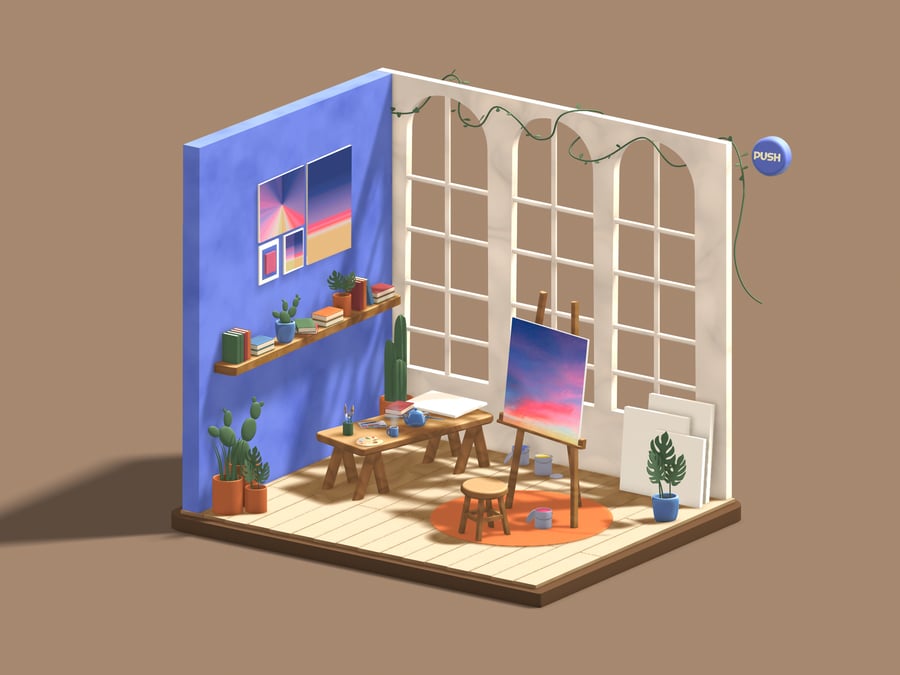
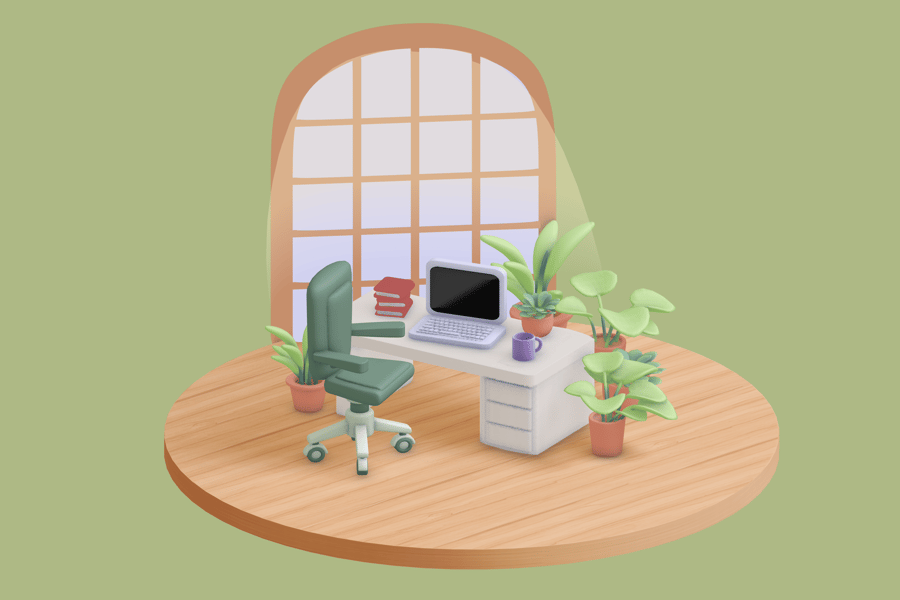
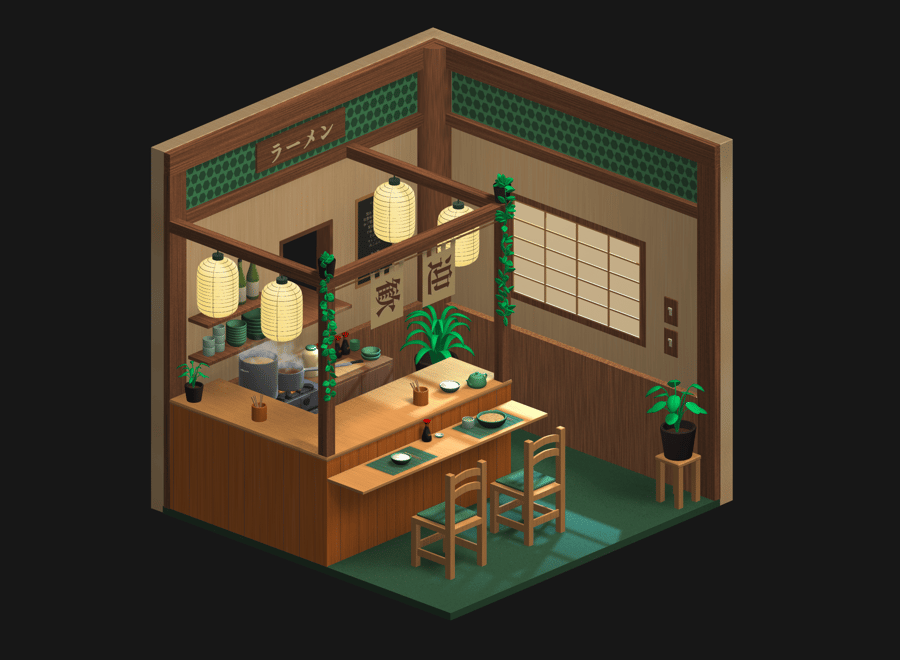
We’re seeing a lot of small 3D scenes lately. Not full environments; just little spaces. Maybe a tiny café counter, a small sci-fi corner, or a desk with a few props. They feel more like snapshots than full worlds. Some artists animate them as short loops, but many work just as well as still images, and this rise of miniature “diorama worlds” has quickly become one of the standout 3D design trends of 2026.

Why are they popular?

Short-form platforms love this kind of work because it’s easy to watch and easy to share. They also don’t take as long to build as big environments, so creators can experiment more and finish pieces faster. Brands also use them for product shots, as a tiny set can frame an object in a neat, focused way.

Where you’ll see it

You’ll spot these scenes in looping TikTok videos, small ASMR-style renders, stylised sci-fi rooms, cosy tabletop setups, and those miniature cafés that pop up all over Instagram and YouTube Shorts.

How you can use it

To test this style, create a small diorama in a 3D program like Blender. Simple objects and shapes work best. Pick one lighting look and stick with it. It’s a quick way to make a clean portfolio piece.

7. Hybrid 2D/3D composites

You’ll notice more artists mixing sketchy, 2D-style lines with their 3D scenes. Sometimes it’s just a few drawn strokes over a model; other times the whole thing leans toward a painted or anime-inspired look. This hybrid approach, blending dimensional depth with illustrative texture, has become one of the most creative 3D design trends emerging today, resulting in work that feels like a blend of both worlds rather than a pure 3D render.

Why is it trending?

This approach boasts a distinctive look that’s hard to forget, making it ideal for smaller animation teams or anyone seeking to stand out online. There’s also a growing interest in painterly and anime-inspired visuals, and this mix gives creators a way to hit that style without building everything in pure 2D.

Where you’ll see it

You’ll run into this style a lot on YouTube, especially in smaller animation channels and experimental shorts. Music videos and title work also use it when they want something that feels drawn but still has some 3D depth. Feature films helped push the look forward to! Into the Spider-Verse, Across the Spider-Verse, The Mitchells vs the Machines, Puss in Boots: The Last Wish, and even TMNT: Mutant Mayhem all played with that mix of flat lines and 3D movement, which encouraged more artists to try their own take on it.

How can you use this style

To play with this look, build a small 3D setup and sketch on top of it. Blender’s Grease Pencil is a straightforward entry point. You can apply a toon shader or a rough overlay to tie everything together. Don’t stress about making it perfect; the roughness is part of the appeal.

8. Real-time, anime-style rendering

More artists are using real-time tools to get stylised results instead of chasing realism. Think cel shading, painterly shading, or anime-style lighting, all running straight in the viewport or game engine. This shift toward fast, expressive rendering has become a defining aspect of today’s 3D design trends, allowing creators to see the final look as they work and making the entire process feel significantly lighter.

Why is it booming?

  • Instant feedback boosts experimentation
  • Distinctive style differentiates creators
  • Accessible for VTubers, game devs, and motion designers

Where you’ll see it

If you examine games like Genshin Impact or Honkai: Star Rail, you can see how prevalent this style has become. Persona and Guilty Gear push it in their own ways, too. VTubers rely on it a lot, and you’ll find it in plenty of short animations and looping music videos.

How creators can use this style

Start with simple setups in Blender using its NPR nodes, or experiment with the stylized materials inside Unreal. Even a basic scene can look striking once the outlines and flat color passes are in place. One trade-off worth knowing: NPR setups are fiddly to dial in, and outlines that look clean on a static frame can flicker or crawl once the camera moves — test a short animated turntable early rather than judging the look from stills alone.

The next wave of 3D design

2026 proves 3D is no longer one visual style, it’s dozens. Plushcore mascots, glossy product renders, lo-fi nostalgia, and anime-style NPR renders coexist because each offers something the others don’t. That range is exactly what defines today’s 3D scene, as creative pros mix styles, tools, and techniques more freely than before. Blender and AI-assisted helpers keep lowering the barrier to entry, so more artists can explore a wider set of looks.

You don’t need a massive project to join in. Start with a diorama, a loop, a stylized portrait, or a small character test. The tools are more accessible than ever, your ideas just need a starting point.

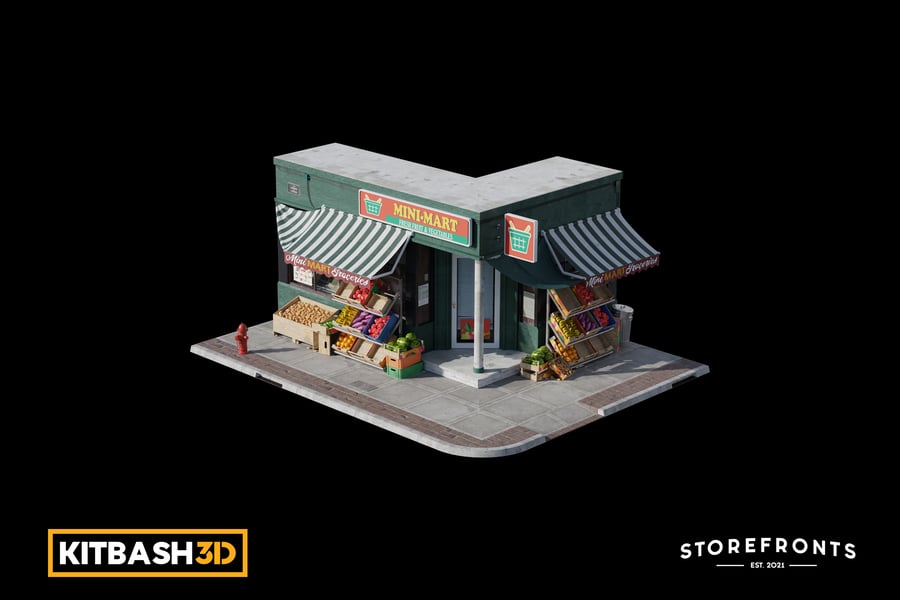
Envato puts millions of artist-made 3D assets and AI tools in one place, so you can move from a rough idea to a finished scene without breaking your flow. If you want a guided start, there’s a tutorial on using Envato’s ready-made 3D assets to build a realistic city scene.

3D trends 2026 FAQs

Related Posts

DesignNew

The return of the brand mascot (and how to create your own)

Football teams have them. Your local diner probably has one. Mascots are ever-present, but have rarely taken center stage in mainstream branding over the past decade. That’s all set to change as major brands launch an army of fresh mascot designs, vying to win over our hearts and wallets. In 2026, your brand isn’t really […]

Grace Fussell 12min read