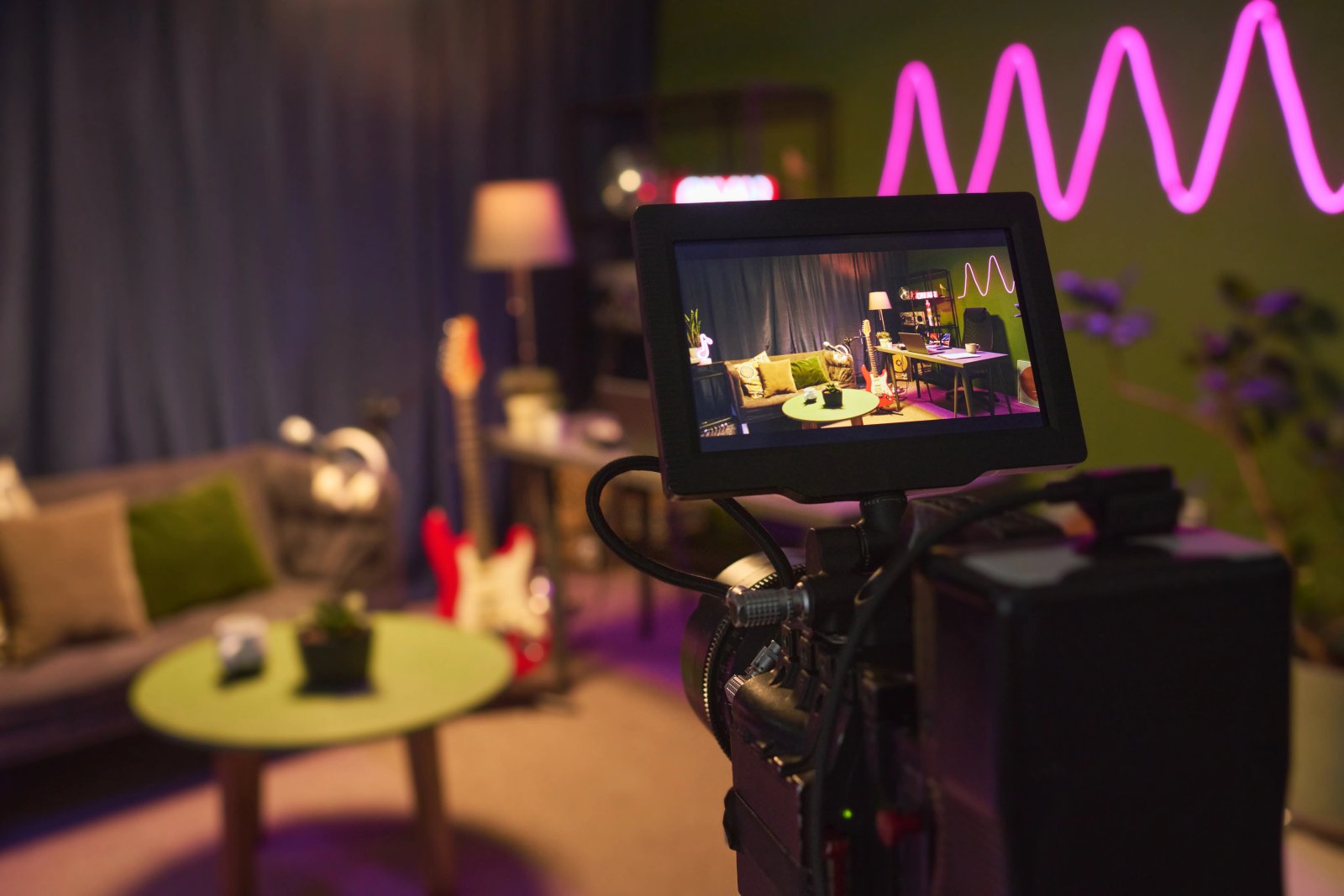
How AI is transforming filmmaking today
AI isn't making full movies yet; it's reshaping VFX, editing, and dubbing. Here's where it helps filmmakers today, and where it doesn't.
Envato: Get every type of asset for any type of project, and access to AI tools. Start now
You landed on a generation you love. Now make it work everywhere. VideoGen’s new 'Reframe' adapts your AI videos to any aspect ratio — without losing what made them worth keeping.

There’s a specific kind of frustration reserved for the moment you generate a perfect 16:9 video and then remember your deliverables include 9:16, 1:1, and a selection of other ratios your client has decided to experiment with that week.
The finished video you love is right there. The mood, the composition, the movement — all of it. But if you wanted to change ratio your only option has been to regenerate for each format and hope you catch lightning in the same bottle three more times.
Meet Reframe in Envato’s AI video generator — our new answer to reformatting AI-generated video. Reframe solves the aspect-ratio problem in one move. The issues above? No longer your concern.
TL;DR: Reframe lets you adapt any video you’ve generated in Envato’s AI video generator to seven aspect ratios: 16:9, 9:16, 1:1, 4:3, 3:4, 21:9, and 9:21, without regenerating. It uses prompt-guided outpainting to intelligently extend the frame, preserves audio, and works on your entire generation history. Included on all Envato subscriptions.
Reframe lets you take any video you’ve generated in Envato’s AI video generator and adapt it to a different aspect ratio after the fact. No more committing to a format before you know whether the video is even worth committing to. No more starting from scratch to get the same look in another ratio. Now you hit Generate, land on something that feels right, and then send it wherever it needs to go in the exact ratio needed for the job.
Seven aspect ratios are supported: 16:9, 9:16, 1:1, 4:3, 3:4, 21:9, and 9:21. That covers social (TikTok, Reels, Stories), cinematic widescreen, standard presentation formats, and pretty much everything in between. Audio carries through untouched, and output quality stays production-ready.
When your new aspect ratio needs additional frame space — going from portrait to landscape, for instance — Reframe doesn’t just stretch or pad. It uses AI outpainting to extend your scene intelligently. And you can guide it with a prompt.
That prompt control is where this gets genuinely interesting. Reframing a beach scene from 9:16 to 16:9? Tell it to extend the shoreline and open up the sky. Adapting a product shot from 16:9 to 1:1? Direct it to expand the background rather than leaving the composition to chance.
You can also position your original video within the new frame, giving you precise control over how the composition carries into the new aspect ratio. You’re making real creative decisions about how your video occupies a new frame, which turns format conversion into something closer to a creative opportunity.
Reframe works on any video in your generation history — not just your latest creation. That means every video you’ve previously generated in AI Video Generator is now potential multi-format source material.
A library of landscape generations becomes a library of vertical, square, and widescreen content. No regeneration, no reworking prompts, no hoping the AI recreates what you already had. If you’ve been using AI Video Generator for a while, you’re sitting on more content than you think.
You’ve generated a hero video for a campaign, and it’s exactly what you wanted. Now you need it in five formats by tomorrow. Reframe turns that from an afternoon of regenerating into a few minutes of adapting.
It goes further than campaign delivery, though. A/B testing ad placements gets faster when you can reframe one strong concept across platforms without variation in the creative itself. Presentations benefit from pulling a vertical generation into 16:9 without losing what made it work. And for anyone building a AI Video Generator content library over time, retroactively reframing your strongest generations means your best work keeps earning its keep.
Aspect ratio becomes a distribution decision, not a creative one. You make the video you want first, then figure out where it lives.
Reframe lives inside the same ecosystem as 22 million+ artist-created assets, a full suite of AI generation tools, and a lifetime commercial license on everything you download or generate. Your reframed video isn’t stranded in a standalone tool; it sits alongside the music, graphics, templates, and footage you’re already using to build the final deliverable. That’s the difference between a feature that exists in isolation and one that’s woven into the way you actually work. Generate, refine, reframe, and ship — all from the same subscription.
Go on, reframe the way you’ve been creating.
Try Reframe in AI Video Generator
What aspect ratios does Reframe support?
Seven aspect ratios: 16:9, 9:16, 1:1, 4:3, 3:4, 21:9, and 9:21. That covers social, cinematic, and standard presentation formats.
Does Reframe work on videos from my generation history?
Yes. Any video you’ve previously generated in Envato’s AI video generator can be reframed, not just your latest creation.
Is audio preserved when I reframe a video?
Yes. Existing audio carries through to the reframed version untouched, so voiceovers, dialogue, and ambient sound stay in sync.
Can I guide what fills the new frame space?
Yes. Add a prompt to direct the outpainting, and position your existing video within the new frame for precise control over the final composition.
Can I reframe stock videos or my own uploaded videos?
Reframe currently supports videos generated by Envato’s AI video generator only. Support for uploaded footage may come in future updates.
Is Reframe available on other creative platforms?
Reframe with prompt-guided outpainting is built into Envato’s AI video generator as part of your subscription. It works alongside Envato’s library of creative assets and AI tools, all covered by a lifetime commercial license.
Do I need a separate subscription to use Reframe?
No. Reframe is included with your Envato subscription on Individual, Student, and Team plans, and for Enterprise customers on the Ultimate tier.
AI isn't making full movies yet; it's reshaping VFX, editing, and dubbing. Here's where it helps filmmakers today, and where it doesn't.
A practical, step-by-step guide to making a short AI film — from script and shot lists to character consistency, voice, sound, editing, cost, and legal rules.

Create an AI transition between two images with Envato Shortcuts. Set your opening and end frames, then generate the story that unfolds between them.

Discover what Wan3.0 brings to AI video, from longer generations to richer creative references, and what these advances mean for creatives.

