Video marketing trends for 2026: Micro-videos, shoppable stories, and the AI workflows behind them
Explore the video marketing trends of 2026 and uncover what’s shaping video content, strategy, and storytelling.
Envato: Get every type of asset for any type of project, and access to AI tools. Start now
DIscover Envato's huge and varied collection of LUTs to help you take your videos to the next level.
What gives a video that professional, cinematic look? It’s all about the color grade—and you have two options for achieving it:
OK, the reality may be a little more complex than that—often, you’ll want to combine cinematic LUTs with manual color grading, and we’ll get into those complexities later. But that’s the basic choice you’re facing. And that’s why more and more video creators are using Envato’s huge collection of 4,000+ LUTs to give their videos that “Hollywood studio” look—without needing a gazillion-dollar movie budget.
Before we go on, let’s ensure we’re all on the same page. Although LUTs can, in other contexts, refer to your lower urinary tract, rest assured that today, we’re talking about “Look-Up Tables.” They work by looking up color input values from your camera in a table and converting them to your desired output values.
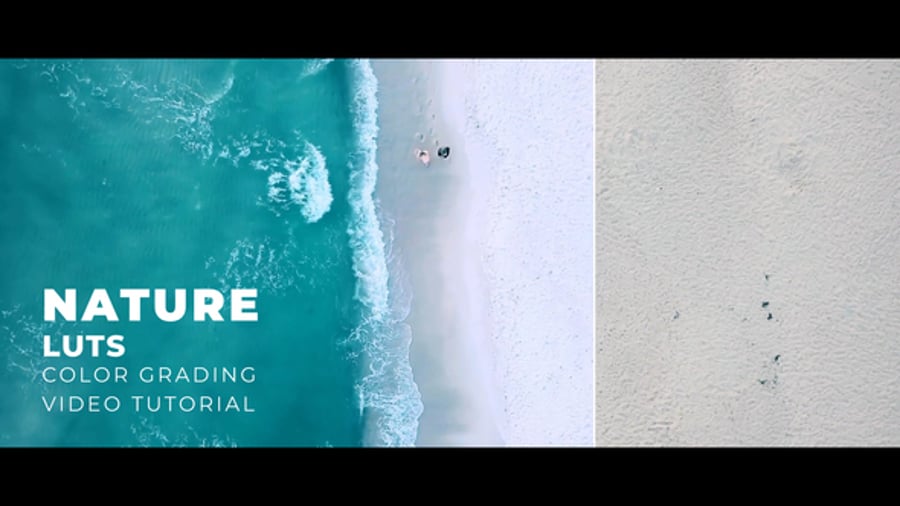
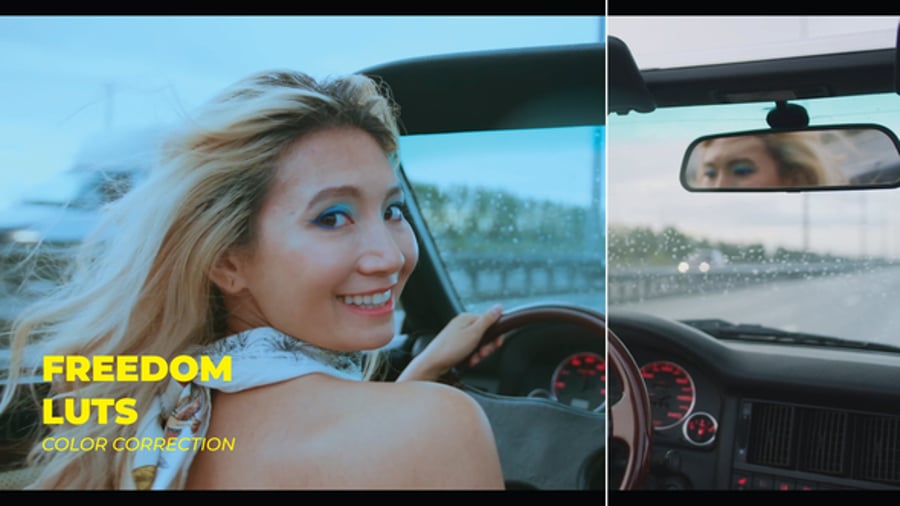
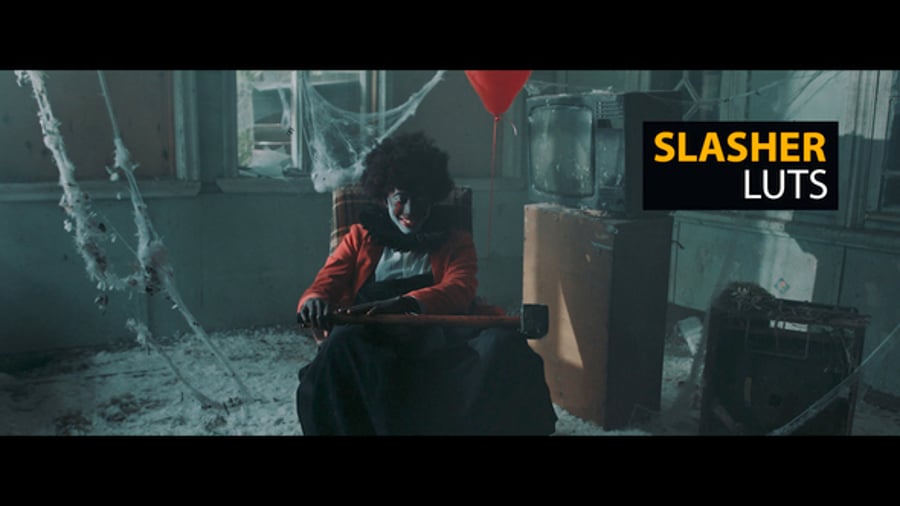
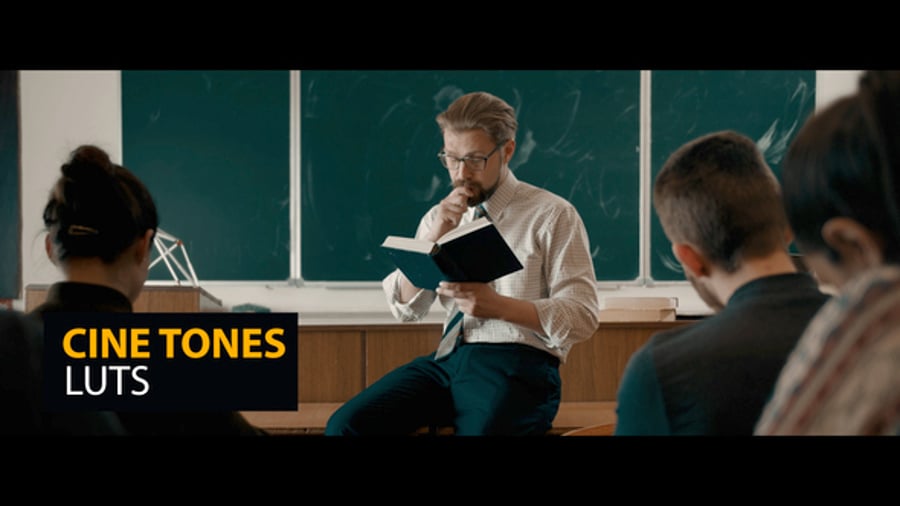
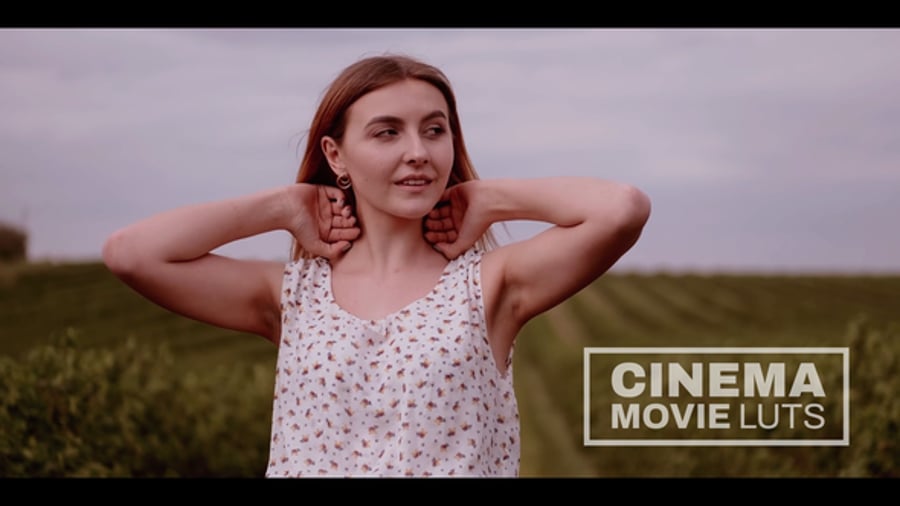
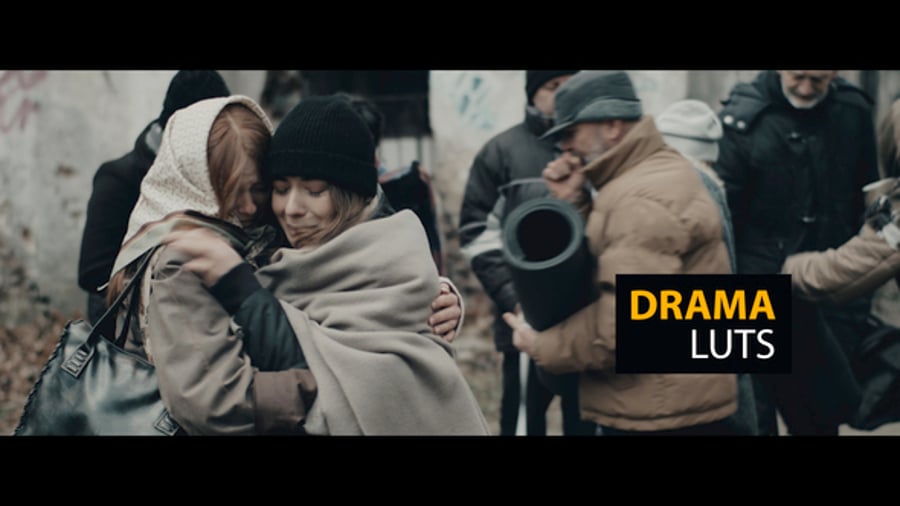
Change the table, and you change the final look of your footage. So you can find all kinds of cinematic LUTs—some will give you a vintage film look, while others are designed to evoke the dark moodiness of a thriller or the warm, inviting vibe of a romantic comedy. You can find LUTs for winter, tropical island, and Thanksgiving scenes. Even the best movie trailers use LUTs to accurately convey the vibe of the movie they’re promoting.
Well, you get the picture. Whatever your footage, you can find a LUT designed to bring the best out of it.
The main benefit of LUTs is that they allow you to achieve a specific look or mood with just a few clicks, saving you hours of manual adjustments. Here are some more great things that LUTs can do for your video projects:
Want to see an example of what cinematic LUTs can do? Check out the dramatic “before and after” footage in this video from Envato author Pixflow, creator of the popular Cinematic Luts Vol 1 package.
OK, so you’re sold on the benefits of LUTs. But what makes Envato’s collection so unique? The main advantage is the sheer range of the content—other sites may offer a few hundred LUTs, but Envato offers over 4,000. Our library offers such a wide range of different types of LUTs, meaning you have more chances to find the right fit for your project.
“Video projects are a key focus for many users, and LUTs and grading presets are a great way to boost their quality and professionalism. They’re already a go-to tool in a videographer’s workflow, and with the demand for high-quality video on a budget growing, it makes sense to take full advantage of them.”
— Emily Taylor, Senior Product Marketing Lead at Envato.
LUTs are a top search term for video projects, and we love providing more options for users. So our collection of 4,000 LUTs is expanding constantly, giving you exceptional quality and far more choice than you’ll find elsewhere.
Let’s look at some examples of creative cinematic LUTs that can take your footage to the next level. These are some of the most downloaded LUTs from the Envato collection, and when you look at the preview videos, you’ll see why!
Thriller movies often have a dark, moody, desaturated vibe, and Thriller LUTs are a quick and easy way to get that look in your videos. You get 26 Thriller LUTs and 42 “Log to Rec 709” LUTs that you can use to make your video look like a stylish Hollywood thriller in just a few clicks.
While some LUTs are very specialized, this pack just gives you everything! You get 100 different presets for different effects, which works with any video editing software. So whether you want to create a black-and-white video in Premiere Pro or a wedding video in Avid Media Composer, Ultra Color LUTs Pack has the solution.
Bring the effortless style of the catwalk to your videos with Fashion and Standard Color LUTs. If your video feels flat, this is the quickest way to make it pop. As with most of these packs, you get many different options to play with—so if the first one doesn’t work, you’ll find one that will!
Remember we said earlier that you can find very specialized LUTs? This next pack is an excellent example of that. If you like teal, orange, and DaVinci Resolve, you’ll love Teal Orange LUT Vol. 03 for DaVinci Resolve. It gives you a teal and orange look in DaVinci Resolve, as you might expect. And judging by our download stats, thousands of people want exactly that.
LUTs are often about making your footage more vibrant, but they can also take it in the other direction. Vintage Color LUTs is about creating that beautifully faded vintage film look. And since “vintage” means different things to different people, you get 18 versions of vintage in this pack.
Looking for something else? Envato offers thousands more LUTs, so check out the options below or browse the full collection.
We’ve left this section for last because there’s little to say. LUTs are designed to be incredibly easy to use. All you need to do is download your chosen LUT from Envato, load it into your video editing software, and apply it to your footage. Here’s a walkthrough of the process of using LUTs in Premiere Pro.
In some cases, the LUT may give you precisely what you want. In others, you may need to make some manual adjustments. If you need some help with that, check out this guide to color grading in DaVinci Resolve:
LUTs often create quite a strong impact, so you might want to dial back the intensity if it’s too much for your particular footage. You could also layer different LUTs on top of each other to combine their impact—that’s easy to do, too!
Here’s how our in-house video creator at Envato uses LUTs:
“I use LUTs as a starting point to correct my LOG footage, generally Slog3, to a REC709 base. That gives me a bit of color, contrast, and an idea of where the exposure is sitting, and from there, I can apply my creative grade to reach the final look that my project calls for. If I go for a specific look, I’ll also grab some creative LUTs from Envato for the grading process, like a cinematic film emulation LUT or maybe even a bleach bypass look. Using them takes me to a stylized place super quickly, and from there, I can refine that look to taste.”
— Tom Graham, Senior Video Creator at Envato
You spent hours shooting and editing your video, so why not give it that extra boost by adding a luscious LUT to give it the cinematic look it deserves? Whether making a creative short film or a social media video, cinematic LUTs can give your footage a wow factor and keep your viewers hooked.
Now that you’ve seen how easy it is to use LUTs and how many are available on Envato, check out the full collection of LUTs and pick the best one for your video.
Explore the video marketing trends of 2026 and uncover what’s shaping video content, strategy, and storytelling.
Every month, we're rounding up our favourite TikTok trends: the sounds, hooks, and concepts that are going viral right now. We'll break down the formats, show you examples, and give you practical ways to adapt them to your niche.
Cavalry joins Canva’s professional ecosystem. Discover what this means for motion designers, After Effects users, and the future of scalable, real-time motion workflows.
Ten nominees. A record-breaking vampire film. A Shakespearean grief story. A Safdie-directed table tennis spiral. Here's what the 2026 Best Picture slate tells us about where film culture, creative craft, and brand storytelling are all headed.