AI sound generator guide: How to create sound effects with AI
Discover how Envato's AI sound generator creates custom sound effects from text prompts so creators can skip library searches and edit faster.
Envato: Get every type of asset for any type of project, and access to AI tools. Start now
The best AI sound effect generators for 2026 — compared for quality, control, pricing, and commercial licensing safety.

That gap is real for most creatives: a 15-second social clip often needs one very specific sound, like a whoosh with a metallic tail that lands exactly when a logo hits. Stock libraries rarely have an exact match, and a sound designer’s fee for something this small can cost more than the clip’s entire budget.
AI sound effect generators exist for precisely that space: too specific for a library, too small for a commission.
Adoption backs this up: Adobe’s inaugural Creators’ Toolkit Report found that 86% of the more than 16,000 people it surveyed globally are actively using generative AI in their workflows, with the technology supporting ideation, content generation, and editing across images, video, audio, and design. Most creatives aren’t questioning whether to use one of these tools, it’s which one fits their workflow.
This guide ranks the best AI sound effect generators for creatives in 2026, plus the voiceover and music tools that complete a solo creator’s full audio stack.
| Tool | Best for | Audio type | Commercial use in monetized content |
| Envato’s AI sound generator | Full audio stack | SFX, voice, music | Yes, lifetime license on downloads |
| ElevenLabs | Voiceover, cloning | Voice, SFX | Paid tiers; verify terms |
| Adobe Firefly | Adobe workflows | SFX | Yes, per Adobe terms |
| Suno | Songs with vocals | Music | Plan-dependent |
| Udio | Fast music iteration | Music | Plan-dependent |
| Stable Audio | Experimental textures | SFX, music | Paid tiers; verify terms |
| Murf | Long-form narration | Voice | Paid tiers |
| AIVA | Cinematic score | Music | Higher tiers |
| Mubert | Background music at volume | Music | Plan-dependent |
| Krotos Studio | Performance-driven SFX | SFX | Paid tiers |
An AI sound generator is a tool that uses deep learning to turn text descriptions or, in some tools, a reference sound or vocal performance, into sound effects, speech, or music. Instead of searching a library for an existing recording, you describe the audio you need, and the model produces it, usually in seconds, with variations available on demand.
The category is expanding fast for a simple commercial reason: the AI in the music market is valued at roughly $5.55 billion in 2026 and is projected to reach $12.86 billion by 2030, according to Research and Markets. But the practical draw for working creatives is more immediate than any market figure. These tools replace hours of library browsing with a described sound delivered in under a minute, and they let you generate variations until the audio matches the on-screen action rather than settling for the closest available clip.
It’s worth acknowledging the tension honestly, because a lot of creatives feel it. In APRA AMCOS’s AI and Music survey of more than 4,200 Australian and New Zealand songwriters, composers, and music publishers, 38% said they already use AI in their music work, while 82% are concerned that AI in music could leave them unable to make a living from their work. The tools are useful and the concerns are real, and part of using generative audio responsibly is understanding exactly what you’re licensed to do with the output. That’s why licensing clarity carries real weight in the rankings below.
Five criteria shaped this list, weighted toward the realities of a working creative’s production pipeline rather than demo-reel impressiveness.
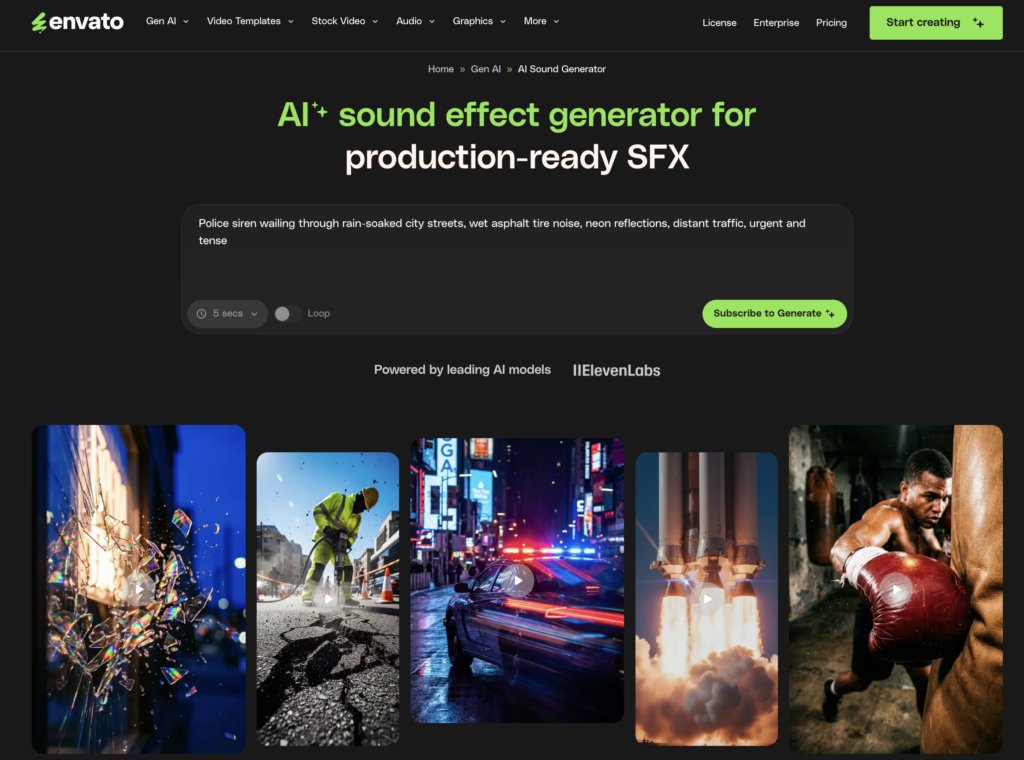
Envato’s AI sound generator is a text-to-SFX tool within the Envato subscription: describe a sound, generate variations, and download the result with a commercial license. It sits alongside Envato’s AI voice and AI music generators on the same plan, which is precisely why it leads this list. For a closer look at how the tool itself works, see how Envato’s AI sound generator works.
It’s the only pick here where SFX, voiceover, music generation, and a full stock library of royalty-free music and sound effects live in one subscription. For a solo creator, that means no tab-hopping between three separate audio tools with three separate licensing agreements — and no reconciling those agreements when a client asks what they’re allowed to do with the finished video.
Generations are organized in sessions, so you can return to a project and continue iterating rather than starting from a blank prompt. Downloads carry a lifetime commercial license that persists even after you cancel, which is rarer in this category than it should be. Plans start from $16.50/month, and when a generated sound isn’t quite right, unlimited stock downloads give you a professional fallback in the same tab.
Good to know: AI-generated music includes a commercial license but can’t be used as standalone music or released on audio streaming services; Envato’s AI music licensing guide breaks down the full framework. That’s fine for video beds and project soundtracks, but it’s not the tool for putting out a single.
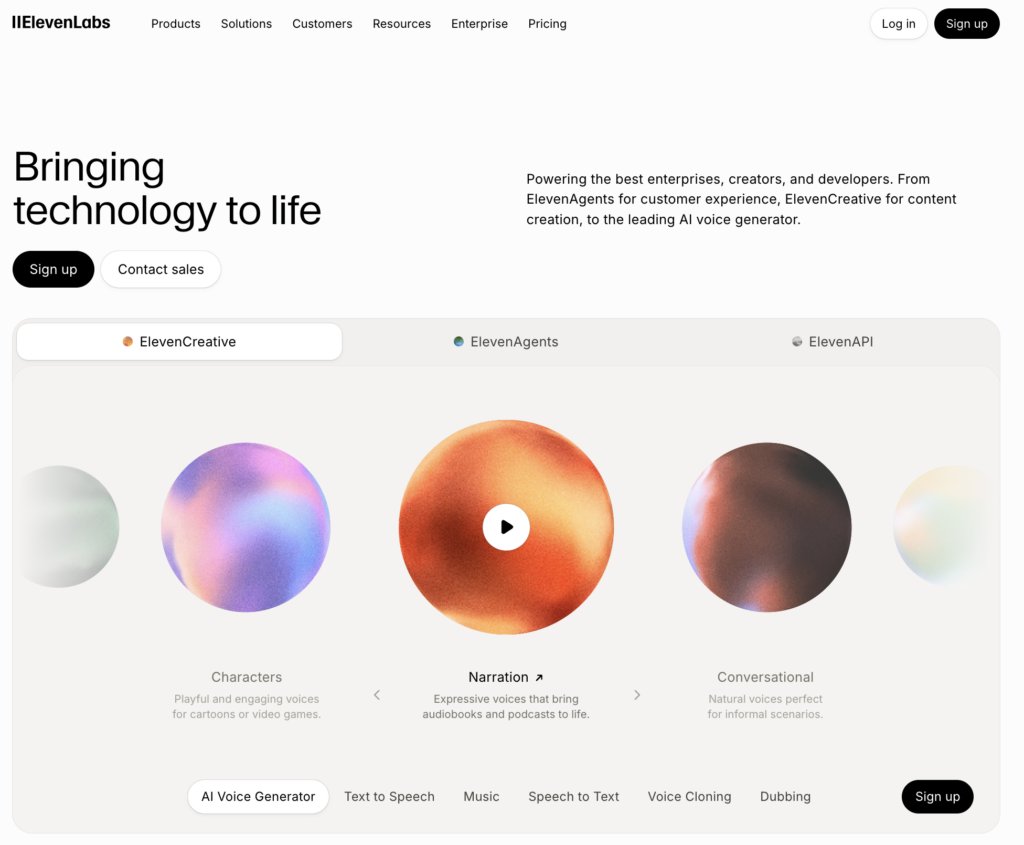
ElevenLabs is the current benchmark for natural-sounding text-to-speech and has expanded from pure voiceover to a broader audio platform, including a text-to-SFX feature. But voice is where it earns its reputation: the realism of its speech output, particularly in pacing and emotional inflection, remains the standard against which other tools are measured.
For creatives running narration-heavy formats, the standout capability is voice cloning. Emotion and pacing controls let you shape delivery rather than accept a flat read, and wide multilingual support makes localized versions of a single video genuinely practical. A strong API rounds it out for creatives automating parts of their production.
The caveats are mostly financial. Credit-based pricing scales quickly for long-form content, and commercial rights depend on your plan tier, so verify the current terms and any free-plan attribution requirements before publishing monetized work.
If narration is your bottleneck, it’s worth comparing the field directly. This breakdown of the best AI voice generators covers how the leading options stack up for different production styles.
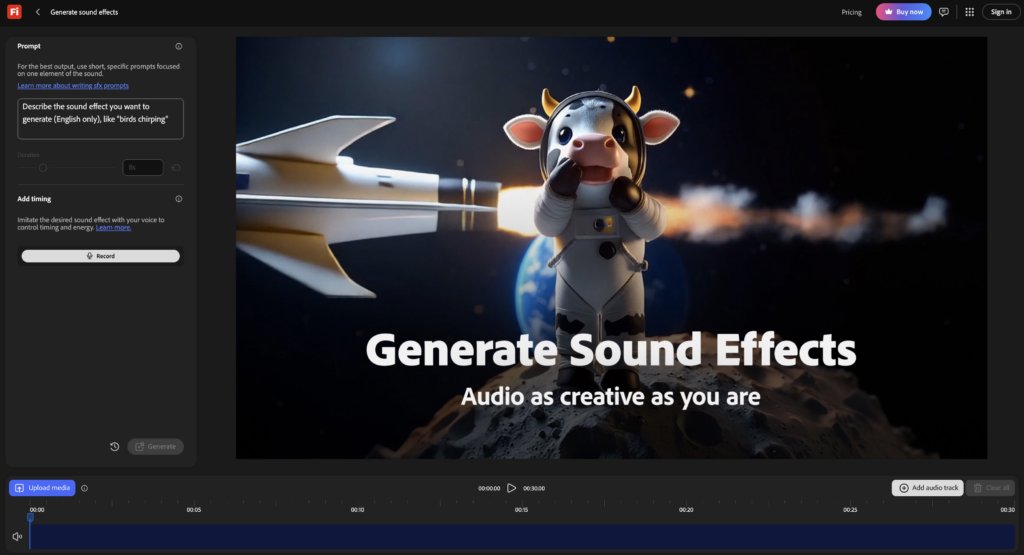
Adobe’s generative sound effects capability within the Firefly family is aimed squarely at editors who already live in Premiere Pro and After Effects. Its pitch is proximity: SFX generation close to the timeline rather than in a separate browser tab with a separate export-import loop.
The differentiator worth leading with is audio-prompted input. Instead of describing a sound purely in text, you can vocalize its timing and shape — hum the rise, mouth the impact — while describing what it should be, and the generated effect follows that performance. This directly addresses the video-sync problem that text-only tools mostly ignore: a generated whoosh is useless if it peaks 200 milliseconds after the cut. If syncing generated audio to picture is a recurring headache in your edits, this guide on how to improve AI video audio goes deeper on getting generated sound to sit properly in a timeline.
Adobe also promotes a commercially-minded training approach for its Firefly models, which matters to creatives doing client work who need to answer questions about where their assets came from.
The value depends heavily on how committed you already are to Creative Cloud — as a standalone proposition, it’s harder to justify — and generation runs on Adobe’s generative credit model, so heavy iterators should understand how credits accrue and deplete before relying on it mid-project.
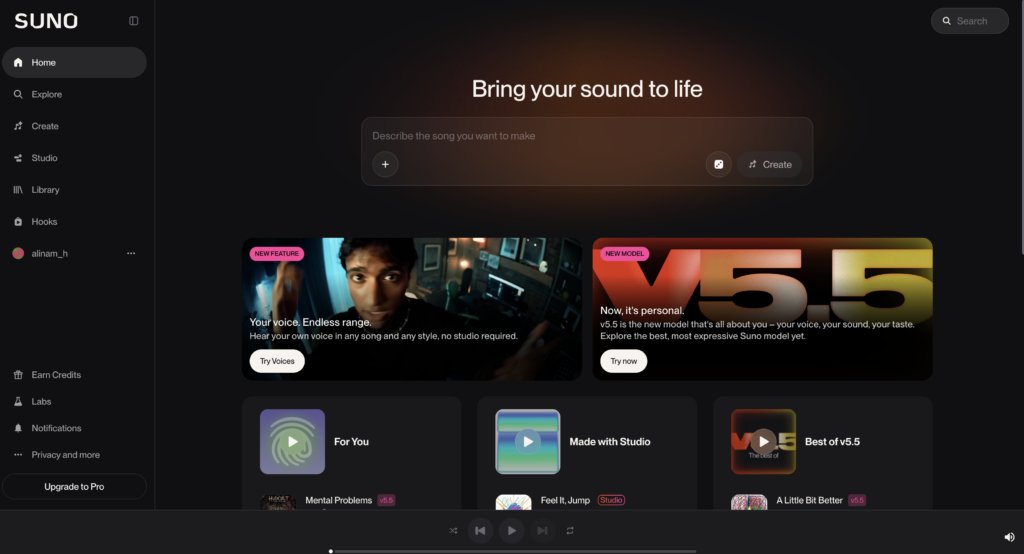
Suno generates complete songs — vocals, lyrics, arrangement, and structure — from a text prompt. Where most music generators produce instrumental beds, Suno produces something that sounds like a finished track, which puts it in a category of its own for creatives who need actual songs.
The speed from idea to full track is the headline strength. A channel intro theme, a parody song for a sketch, a genre-specific track for a montage: things that would once have required commissioning a musician now take a prompt and a few minutes of iteration. Genre range is broad, and for channel branding — a recognizable sonic signature across videos — it’s genuinely useful.
Two honest caveats. First, control over arrangement is limited; you’re steering with prompts and regenerations rather than editing structure directly, so getting the bridge exactly where you want it can take patience. Second, the licensing picture for monetized use varies by plan, so confirm the current commercial terms before publishing — and be aware that the broader legal context around AI music training remains unsettled across the industry, which is worth knowing as background even when your own plan terms are clear.
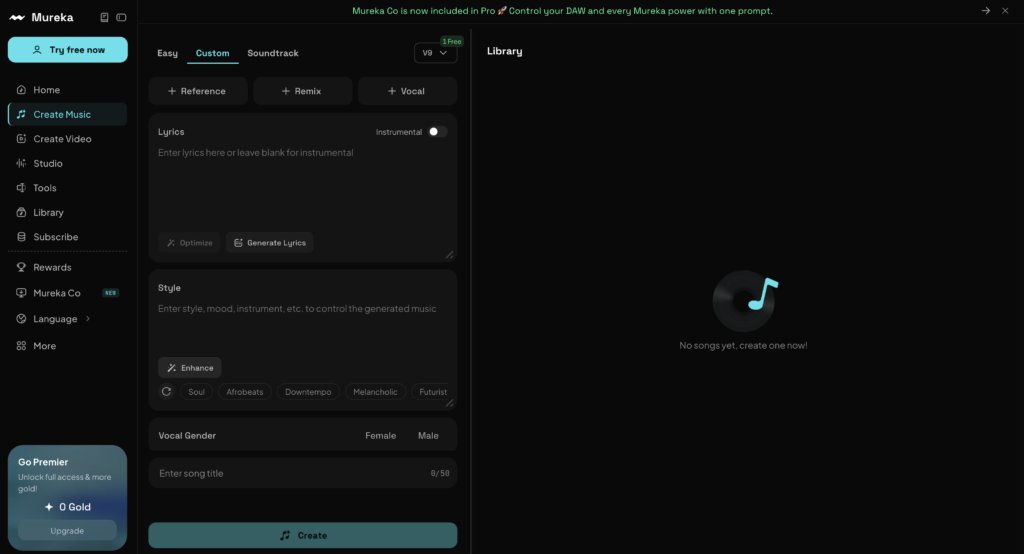
Mureka sits in the same text-to-music category as Suno, but its strength is rapid variation: generating multiple musical directions quickly so you can audition an audio aesthetic before committing to one. If your creative process involves generating options and choosing, rather than specifying and refining, Mureka’s workflow matches it.
Iteration speed is the core appeal. Extend-and-remix workflows let you take a promising 30 seconds and develop it, push it in a new direction, or spin off alternatives — useful when you know the mood you want but not the genre that delivers it. Versatility across styles is strong, and the tool rewards experimentation in a way that more deliberate composition tools don’t.
The limitations mirror the category. Arrangement control is coarse compared to editable-composition tools like AIVA, and commercial rights are plan-dependent, so verify the current terms against your intended use — especially for client work and ads, where the licensing bar is higher than a personal channel.
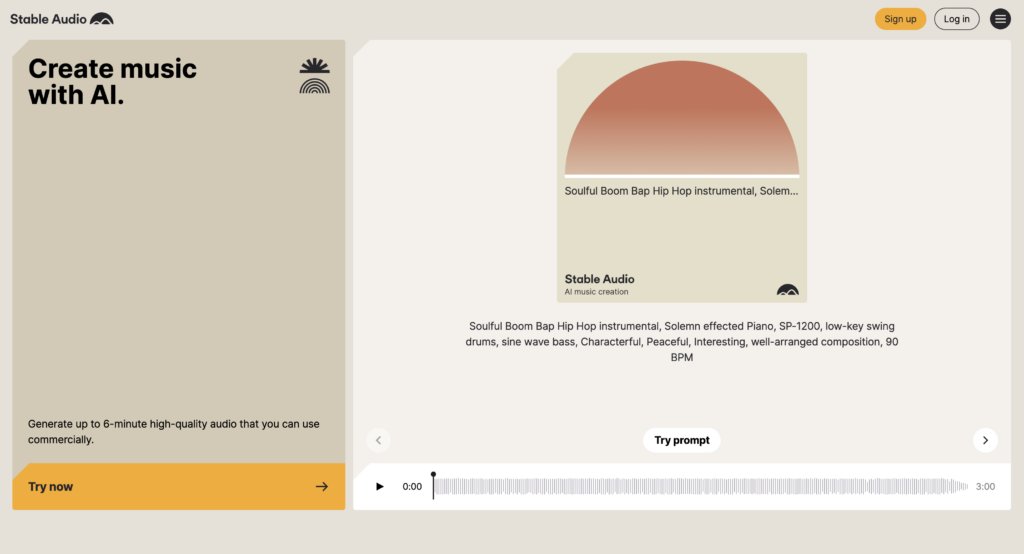
Stable Audio is Stability AI’s audio generation tool, and it occupies a distinct niche: abstract textures, ambient beds, risers, drones, and designed sound rather than polished songs or realistic everyday effects. If most tools on this list compete to sound conventional, Stable Audio competes to sound distinctive.
That makes it the strongest pick here for sonic identity work. Motion designers building a brand’s audio language, or filmmakers who want atmospheres that don’t sound like a recognizable stock library, will find material here that the more mainstream generators don’t produce. Audio-to-audio and style-transfer capability adds real depth — you can feed it a reference and reshape it rather than starting from text alone. Stability AI also emphasizes licensed training data, which is a meaningful trust point for creatives who care about provenance.
This platform is less suited to conventional needs. If you want a warm acoustic bed or a realistic door slam, other tools get there faster, and Stable Audio’s output often benefits from shaping in a DAW before it’s edit-ready — this is raw material for sound design, not drop-in-and-done assets.

Murf is a studio-style AI voiceover platform built around scripts rather than snippets. Where quick text-to-speech tools optimize for generating a line, Murf optimizes for producing a 20-minute read with consistent pacing, correct pronunciation, and controlled emphasis all the way through.
Its strengths show up at length. Per-block voice editing means you can fix one sentence’s delivery without regenerating the entire read — a decisive advantage over the regenerate-and-pray loop that longer scripts force on simpler tools. Consistency across long-form content is reliable, and team collaboration features make it practical for course producers and agencies where scripts pass through multiple hands before recording.
Murf’s voices are professional and clean, but the very top tier of naturalness still belongs to ElevenLabs, and for emotionally expressive short-form content that difference is audible. Pricing runs on a subscription structure with tiered voice access and generation limits, so check the current tiers against your monthly output before committing.

AIVA is an AI composition tool oriented toward orchestral and cinematic music — and unlike most music generators, it produces editable compositions rather than fixed renders. That distinction matters more than it sounds: you can adjust structure and instrumentation after generation, which turns the tool from a slot machine into something closer to a collaborator.
For documentary-style and cinematic video work, that editability is the killer feature. A score needs to swell where the edit swells, and AIVA’s post-generation editing lets you reshape a composition to match your cut instead of cutting your video to match a fixed track. Style presets for scoring moods speed up the starting point, and higher tiers offer copyright ownership options on your compositions — verify the current tier terms, because ownership arrangements differ meaningfully between plans.
AIVA is genuinely strong at score — orchestral, cinematic, emotive instrumental work — and noticeably narrower at contemporary genres. If you need a synthwave bed or a hip-hop track, the general music generators above serve you better.
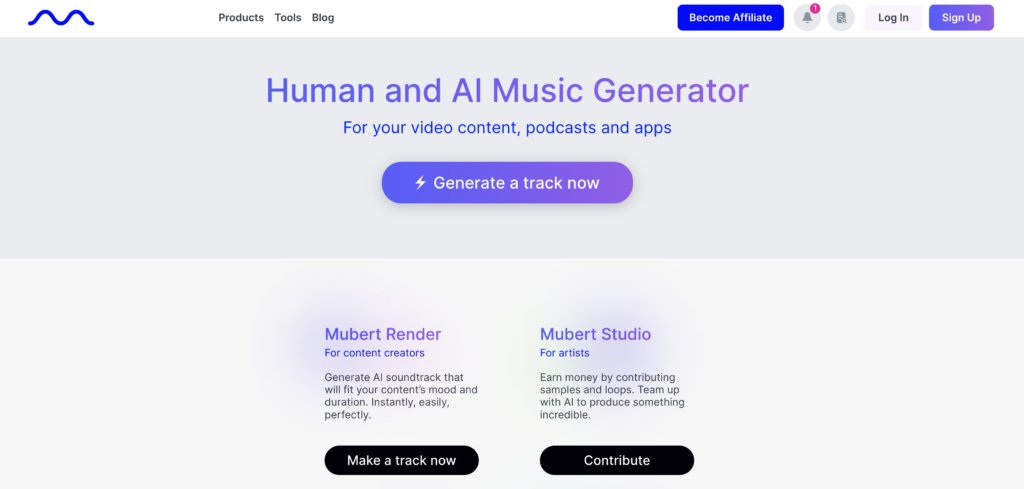
Mubert generates royalty-free music aimed at continuous background beds — the audio equivalent of wallpaper, in the best sense. Streams, long-form videos, podcasts, and app soundtracks all need hours of unobtrusive music, and Mubert is built to produce exactly that at speed.
Its strengths are pragmatic. Straightforward mood-and-length inputs mean you can generate an hour of lo-fi study music or ambient focus audio without prompting expertise, and the volume-oriented workflow suits creatives whose real need is quantity of safe audio rather than a signature composition. For a streamer who needs a full evening of background music that won’t trigger a copyright claim, that’s the entire job description.
However, the output leans functional rather than memorable. This is the tool for music you don’t want the viewer to notice — it will not produce your channel’s iconic theme. And as with most tools in the category, monetization rights are plan-dependent, so verify the current terms for your specific platform and use before publishing.
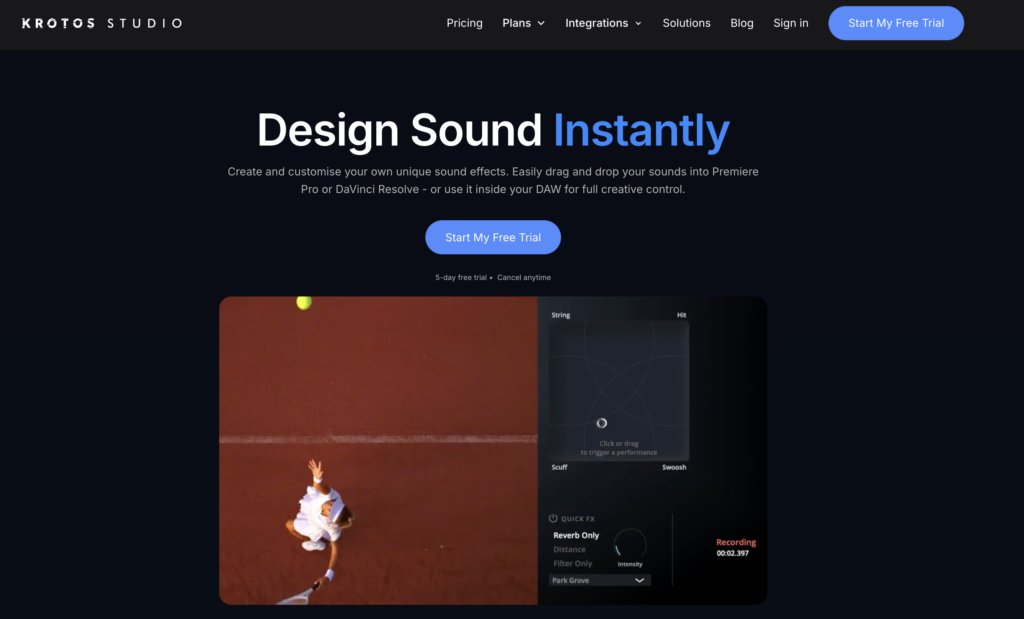
Krotos Studio takes a fundamentally different approach from everything else on this list: instead of typing a prompt and waiting, you perform sound effects in real time against your video. It’s the strongest answer here to the control problem — the single most common complaint in creator communities about generative audio.
That’s why it earns a place in an AI roundup despite not being a prompt-and-generate tool. The black-box frustration — generating ten variations and hoping one lands — simply doesn’t exist here, because you shape the sound as it plays, synced to picture. Timing, intensity, and character are under your hands rather than buried in a prompt, and results are repeatable in a way prompt-based tools struggle to match. The platform also carries a genuine professional SFX pedigree, having roots in film and game sound design.
Performing sound is a skill, even with an assistive engine, and the model is library-plus-engine rather than open-ended generation, so you’re shaping and combining professionally designed source material rather than conjuring arbitrary sounds from a description.
If a tool’s documentation can’t answer all four plainly, treat that as your answer.
| Your primary need | Start with | Also consider |
| Video SFX | Envato’s AI sound generator | Adobe Firefly, Stable Audio |
| Voiceover and narration | ElevenLabs | Murf, Envato’s AI voice generator |
| Music beds | Envato’s AI music generator | AIVA, Mubert |
| Full audio stack | Envato subscription | ElevenLabs + Suno combined |
| Maximum control | Krotos Studio | AIVA |
There’s no single best tool here: there’s the best tool for your bottleneck. Choose Envato if you’re a solo creator covering SFX, voiceover, and music for the same projects and want one license model across all of it. Choose ElevenLabs if narration quality is what separates your channel from the next one. Choose Adobe Firefly if your entire working life happens inside Premiere Pro. Choose Krotos Studio if prompt-based generation has burned you and you want the sound under your hands.
And if the full-stack path is yours, Envato’s AI tools and creative assets cover the whole audio workflow — generated SFX, voice, and music alongside a royalty-free stock library in one subscription. Start with the sound that’s slowing you down.
It depends on the tool’s plan terms. The pattern: paid tiers generally include commercial rights, while free tiers often don’t or attach attribution requirements. Run the licensing checklist above before publishing.
AI handles routine SFX, voiceover, and music beds in minutes at subscription prices. A sound designer still wins for signature, complex mixes and full-project sound design where creative judgment is the product.
Usually not, or only with attribution or watermark strings attached. Always check the specific tier terms before publishing monetized content or delivering client work.
Per the U.S. Copyright Office, works generated entirely by AI prompts aren’t eligible for copyright protection, human authorship is required. Practically, your edited video as a whole can still be protected; the raw generated clip on its own can’t.
Yes. Udio is built specifically for fast music iteration, and Envato’s AI sound generator organizes generations in sessions so you can keep iterating on a project over time.
Discover how Envato's AI sound generator creates custom sound effects from text prompts so creators can skip library searches and edit faster.

We tested 9 AI image generators on identical artistic prompts (same style-transfer task, same day) to see which one actually paints like an artist.
AI isn't making full movies yet; it's reshaping VFX, editing, and dubbing. Here's where it helps filmmakers today, and where it doesn't.

A practical, step-by-step guide to making a short AI film — from script and shot lists to character consistency, voice, sound, editing, cost, and legal rules.

