
How to design a brand kit with AI | GraphicsGen + Illustrator
Create an all-in-one brand kit with GraphicsGen, Envato assets, and Adobe Illustrator. It’s a quick and easy way to whip up a professional and consistent look for your brand.
Envato: Get every type of asset for any type of project, and access to AI tools. Start now
A logo is often the first thing people notice — and the quickest way to communicate what a brand stands for. Strong logo design matters because it sets the tone for identity, recognition, and trust long before a single word is read.
Here, you’ll find guides that explore everything from the fundamentals of logo design to modern trends, shape psychology, typography choices, and composition. We break down how great logos are built, whether you’re creating a wordmark, symbol, monogram, or complete brand system. You’ll also see real-world examples showing how designers use shape, spacing, color, and simplicity to make logos memorable at any size.
You’ll learn practical techniques for sketching ideas, developing concepts, refining vector artwork, and testing logos across digital and print environments. These tutorials expand your creative toolkit — helping you understand not just how to design a logo, but how to create a meaningful one.
We’re here to help you craft logos that look professional, feel intentional, and communicate clearly across every platform.
Create an all-in-one brand kit with GraphicsGen, Envato assets, and Adobe Illustrator. It’s a quick and easy way to whip up a professional and consistent look for your brand.

Learn how to combine AI tools like GraphicsGen with Adobe Illustrator to create professional logos faster.

Learn motion design from animation expert, Ben Marriott.

3D logo vs. flat logo: which is right for your brand?

Let’s take a fun trip through the stories behind these logos!

Uncover the secrets of the best movie logos of all time—from Jurassic Park to The Shining.

Designer Rob Janoff shares how he crafted one of history’s most recognizable symbols—the Apple logo.

Discover the best logo color schemes and learn why they work.
Top-tier gen AI models. Commercial use. Ever-evolving tools.
Create unique visuals in diverse styles with simple text prompts.
Make your own music with text prompts and presets.

Remove backgrounds, erase objects & upscale effortlessly.

Generate videos from static images and text prompts.
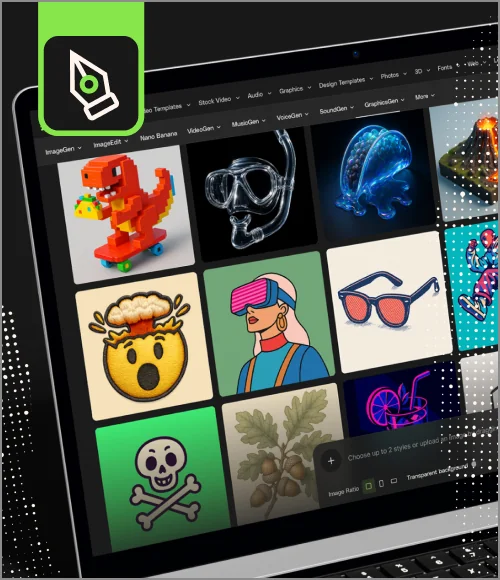
VoiceGen, GraphicsGen, SoundGen and more coming soon.

Discover what makes the Ghostbusters logo design so enduring and memorable.

Discover how 10 top brands nailed their logo redesigns.

Explore how we designed Envato's new logo.

Get to know the inspiring Kristy Campbell and learn her expert advice for finding your creative spark.
Learn how to make animated logos for your clients in this comprehensive guide.

Learn how to create an eye-catching logo animation in After Effects.

Read on to learn how an Envato author's work was featured by billionaire Elon Musk to promote Twitter's recent rebrand to "X".
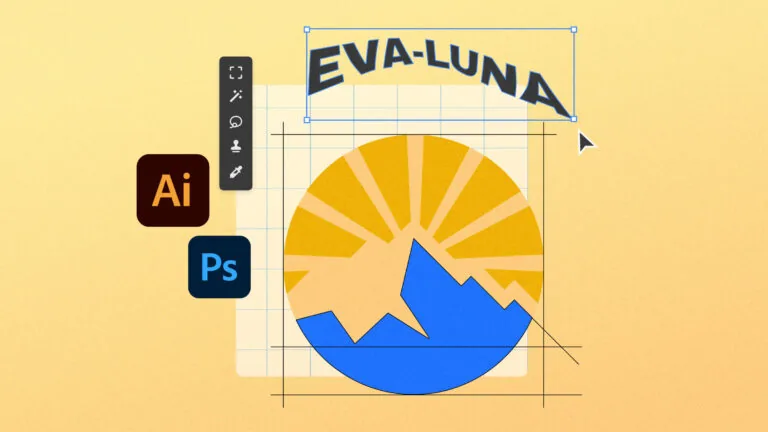
Want to design an eye-catching logo? Here are 6 top logo design tips.
A good logo is simple, memorable, and versatile, working clearly at every size and in every format.
Most brands use a primary logo, along with optional variations, such as stacked, horizontal, icon-only, or monochrome versions.
Vector formats like SVG, AI, or EPS are best because they scale cleanly without losing quality.
Yes, you can use Envato graphics in logo design, but you should always check the item’s license to confirm whether it allows use within a trademarked or commercial brand.
Envato logo templates are fully editable, allowing you to adjust colors, shapes, typography, and layouts in apps like Illustrator, Photoshop, or Affinity Studio.
Discover ideas faster with ‘Browse by category’ on the Envato blog. Jump straight into the topics that matter most to your work: Design, Video & Filmmaking, Music & Audio, What’s New on Envato, or AI & Creativity. Explore curated articles, tutorials, and trend insights tailored to each discipline. Whether you’re sharpening your skills, testing new tools, or streamlining your process, each category is designed to help you optimize your creative workflow with Envato and move from idea to execution more efficiently.

