Envato: Get every type of asset for any type of project, and access to AI tools. Start now

20 Cool Transition Effects Packs for Premiere Pro and After Effects

Let's dive into our look at video transition templates and presets for After Effects & Premiere Pro.

Andrew Childress 9min read

The right transition can hold a cut together or make it disappear. The wrong one turns your edit into a slideshow. Below are 20 transition packs for Adobe Premiere Pro and After Effects worth pulling into your project, light leaks, liquid effects, glitches, shape wipes, and one free option at the end.

TL;DR

Envato has a deep library of transition packs for Premiere Pro and After Effects covering liquid, glitch, light, shape, gradient, and cyberpunk styles. Most listed here are included with an Envato subscription; there is one free Premiere Pro zoom transition at the bottom of the list. Match the transition style to the tone of your edit, subtle light leaks for narrative work, harder glitches and cyberpunk cuts for game or sci-fi content.

Top Video Transitions for After Effects and Premiere Pro

Liquid Video Transitions (After Effects)

Featured After Effects Video Transitions From Envato Elements

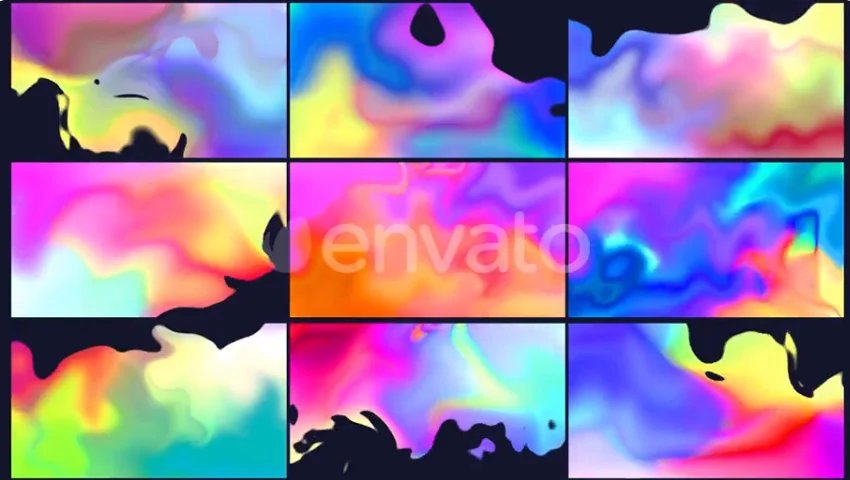
Splash from scene to scene using stylised liquid After Effects video transitions.

Key Features

A set of cool transitions for After Effects with swooping, swirling liquid effects. This set of After Effects transition templates would be perfect for film projects with a fun edge.

  • Applications: After Effects
  • Requirements: None
  • Author: FlashFXbox

Liquid Video Transitions is available with a subscription to Envato Elements. Download Template.

More Video Transition Effects from Envato Elements

If this After Effects transition template wasn’t for you, no problem! We’ve got tons of transitions for After Effects and Premiere Pro for you to choose from. Here are some more great options.

2. Distortion Presets – Premiere Pro

Give your videos a modern and dynamic look with these cool video transitions. Speed up your work by just adding these video transitions to your timeline.

3. Social Media – After Effects

These are some of the best video transitions for social media content—they’re a nod to the most popular social networks.

4. Transparent Gradients – After Effects & Premiere Pro

Looking for After Effects music video transitions? Add some color to your clips with these gradient video transitions. The files are transparent, so you won’t have any problem adding them over your videos.

5. Grid Logo Transition Reveal – After Effects Transition Template

Adding video transitions for After Effects to your logo will help add value to your brand and make it easier for people to recognize it. Go ahead and try these cool video transitions for your logo.

6. The Most Useful Transitions Pack – Premiere Transitions

This is definitely one of the most comprehensive packs of video transitions for After Effects you’ll find. With this download, you’ll get 300 transitions in ten different categories such as motion, zoom, light, and spin.

7. Slideshow Transitions – Premiere Pro

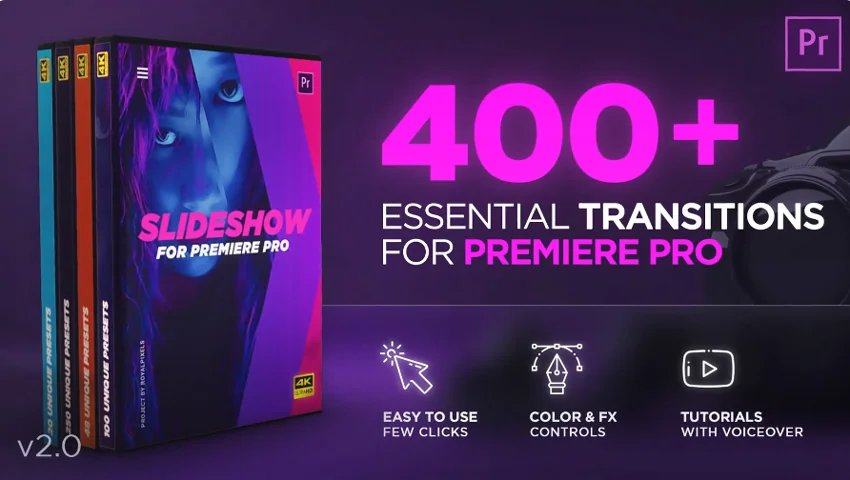
Improve your video in just a few clicks with this Adobe Premiere transition template set. There’s full colour and FX controls, plus tutorials to help you get started. With 400 to choose from, you can use these transition effects across multiple projects and it’ll still feel unique.

Advanced Premiere Pro for Everyone: Free Course

Ready to pick up some advanced Premiere Pro skills? Watch this free three-hour course with Dave Bode. This is free. It’s 3.8 Hours.

8. Lights Video Transition Effects – After Effects Transitions

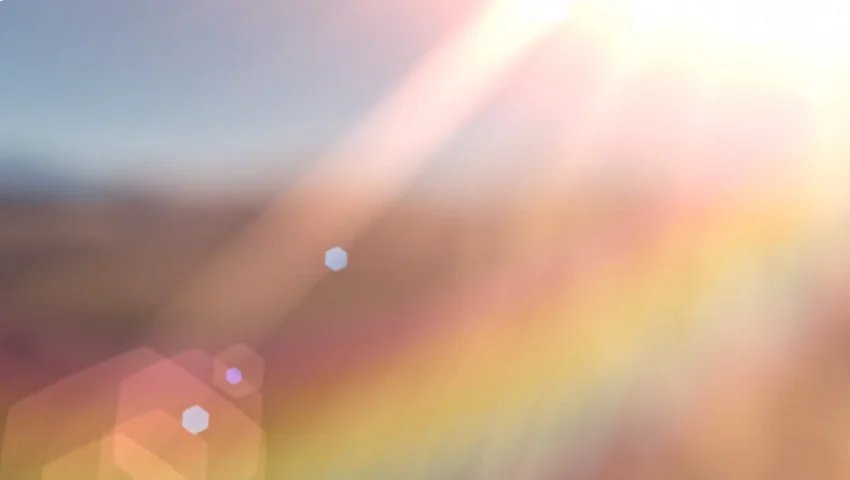
This pack includes 1,600+ light video transitions. Light leaks can give a very subtle and natural look to your videos. Download these video transition effects and get a huge library of video transitions all the way up to 4K resolution.

9. Electric Glitch Transitions – After Effects Transitions

The glitch effect for After Effects is one that you’ll immediately recognize as feeling right at home in sci-fi and futuristic videos. Use these cool transition effects to recreate the same thing in your own video quickly and easily.

10. Liquid Video Transitions Effects – After Effects Transition Template

These are some of the best video transitions for After Effects because they give you a liquid effect to cut between your scenes. Drawn from scratch, these stylish liquid transitions are certain to catch the viewer’s eye.

11. Colorful & Cool Video Transitions – After Effects

Looking for cool After Effects music video transitions? One of my favorite ways to blend two scenes together seamlessly is to introduce a splash of color as you cut between them. The colorful and cool video transitions pack offers tons of ways to create this same effect with just a few clicks.

12. 414+ Shape Transitions – Premiere Pro

A set of video transition effects for Premiere Pro that are sorted into 11 categories for easy access. They have full colour control and they’re easy to customize. With over 400 to choose from, you’ll be able to use these Premiere transitions across all your projects.

13. 3d Spin Transitions – Premiere Pro

These Premiere transitions spin us right round… and frankly, we’re a little dizzy. If you’re looking for cool transitions to add to a fast-paced or fun video, you’ve found them.

A to Z of After Effects: Tips, Tricks, and Hacks

After Effects, A-Z: Get ready for some rapid-fire tips and tricks on how to use Adobe After Effects, with 26 quick hacks, shortcuts, and tutorials. It’s free to watch and is 17 minutes.

14. Flat Transitions II | MOGRT – Premiere Transitions

A set of Adobe Premiere transition templates that also come with vertical and square versions so you can keep everything looking good across your social platforms.

15. Video Transitions Chroma FX – After Effects Transitions

A combination of glitch, grunge, and refraction style effects will give your video an edgy feel as you change shots.

16. Transition Cartoon Houses – Premiere Pro & After Effects

This professionally made template will knock free Premiere pro transition templates out of the water! Sometimes, you just need the best for your projects. SFX are included, along with a tutorial to help you get started.

17. Pixel Grid Transitions – After Effects

A set of After Effects transitions with a glitchy, pixel-inspired animation. This professionally made template will knock free Premiere Pro transition templates out of the water! Sometimes, you just need the best for your projects.

18. Fast Cyberpunk Transitions – After Effects

Try Cyberpunk style transition effects on your sci-fi videos, game streams, or on other fun, fast-paced films. They’re high-quality and will add production value to your project.

19.Transition Elements Walls – After Effects & Premiere Pro

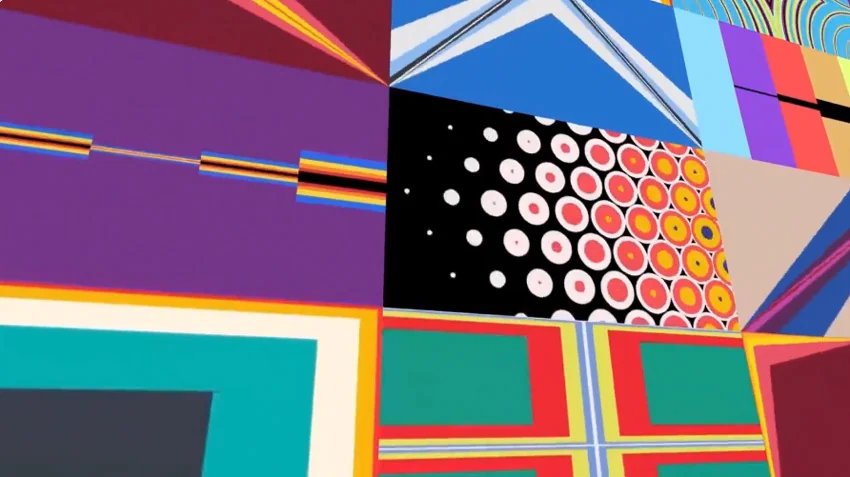
Perfect for videos with an urban feel, this set of transition effects is for Premiere Pro and After Effects. There’s a tutorial to help you get started, plus sound effects are included in your download.

20. Zoom Transition – Free Premiere Pro Transition Template

Mixkit hosts a lot of free templates, including free Premiere Pro transition templates and free After Effects transitions. Here’s a nifty zoom transition for Premiere Pro to keep in your kit.

Working transitions in with AI b-roll

If you’re building fast-turnaround edits and need footage between your main shots, Envato’s AI video generator can produce short filler b-roll to sit under a transition. It won’t replace shot coverage, but it’s useful when you have a gap in your timeline and no time to reshoot. Pair it with a transition pack from this list to keep the cut moving.

You’ll Love Envato Elements

Envato Elements has thousands of templates for After Effects and Premiere Pro, Including Premiere transitions and After Effects transitions. For a monthly subscription you can download as many templates as you like.

Professionally made templates, including video transition effects, can really add quality to your film production, plus they’re quick and easy to use, so you can save yourself time and money, too!

If you’re looking for free Premiere Pro transition templates, or After Effects transition templates for free, then why not have a look at Envato’s free assets? Every month there are 12 free templates and other resources for you to download.

More After Effects and Premiere Pro Inspiration

Looking for more template inspiration? We’ve got you. You’ll find tons of Adobe Premiere transition templates – including a few free Premiere Pro transition templates, plus After Effects transition templates for free and paid options too. Here are some more for you to check out.

Conclusion

We hope you’ve enjoyed roundup of transitions for Premiere Pro and After Effects and that you’ve found some awesome inspiration for your next video project. Remember to check back with us for more template roundups, articles, and tips on where you can find goodies like free Premiere Pro transition templates.

FAQs

What are the best transitions for Premiere Pro?

The best Premiere Pro transitions depend on the edit. For narrative work, subtle light leaks and gradient wipes cut cleanly without pulling focus. For social and music content, glitch, liquid, and shape transitions give the cut more energy. Comprehensive packs like the 300-transition Most Useful Transitions Pack and the 414+ Shape Transitions cover most day-to-day needs.

Do these transitions work in After Effects and Premiere Pro?

Some do. Packs listed above as “After Effects & Premiere Pro” are cross-compatible; others are built for one host. Check the Applications line on each pack’s Envato page before you download so you don’t waste a download slot.

Are there free Premiere Pro transitions?

Yes. The zoom transition at Mixkit is free, and Envato releases 12 free files every month that often include transition assets. For a broader free tier, Adobe ships stock transitions with Premiere Pro under Effects > Video Transitions.

What’s a MOGRT file?

A MOGRT is a Motion Graphics Template — a self-contained motion graphics preset exported from After Effects and used inside Premiere Pro’s Essential Graphics panel. Drop it into your Premiere project, edit the controls, and you get After Effects-quality motion without opening After Effects.

How do I install transition presets in Premiere Pro?

Import the preset file through the Effects panel (right-click > Import Presets), or drag a MOGRT into the Essential Graphics panel. For third-party packs, follow the pack’s included tutorial — install steps can vary depending on whether the pack ships as presets, MOGRTs, or project files.

Related Posts