
Movie typography in 2026: why does it suddenly look so good?
Explore movie typography trends shaping 2026, from bold film fonts to cinematic branding, with inspiring examples and practical tips for creating impactful, screen-ready typography.
Envato: Get every type of asset for any type of project, and access to AI tools. Start now
Are you getting the most out of LinkedIn? Check out these inspiring examples to take your profile to new heights in 2025.
Looking for clients or your next big creative job? LinkedIn is the place to be! In fact, 35% of survey respondents said a casual conversation on LinkedIn led to a new opportunity. An even higher proportion (61%) agree that regular interaction online can lead to job opportunities. LinkedIn says that seven people are hired every minute on the platform.
Intrigued? Learn some of the best practices and inspiring examples of how to stand out on LinkedIn.
LinkedIn is the largest online professional network, with over 1 billion members in 200 countries and regions. And it’s not just for corporate professionals, either. Designers and creatives use the platform to advance their businesses.
The most obvious way to use LinkedIn is as an online resume and portfolio. Your LinkedIn profile doubles as your online presence, where you can showcase your work. The Featured section allows you to post visual projects, such as graphic design, UI mockups, or video reels.
However, LinkedIn provides other opportunities beyond your living resume and dynamic portfolio. You can connect with industry leaders, compare notes with peers, and touch base with potential clients. And if you know how to optimize your profile, potential clients can discover you.
How do you do that, exactly? Read on!
On LinkedIn, your profile makes the first impression on you, so you want to know how to make the best LinkedIn profile for a graphic designer or other creative. You can stand out by following these tips:
“Graphic designer helping brands stand out with high-impact designs.”
“Illustrator helping book authors bring their characters to life.”
“UX designer helping tech companies craft intuitive digital experiences that drive results.”
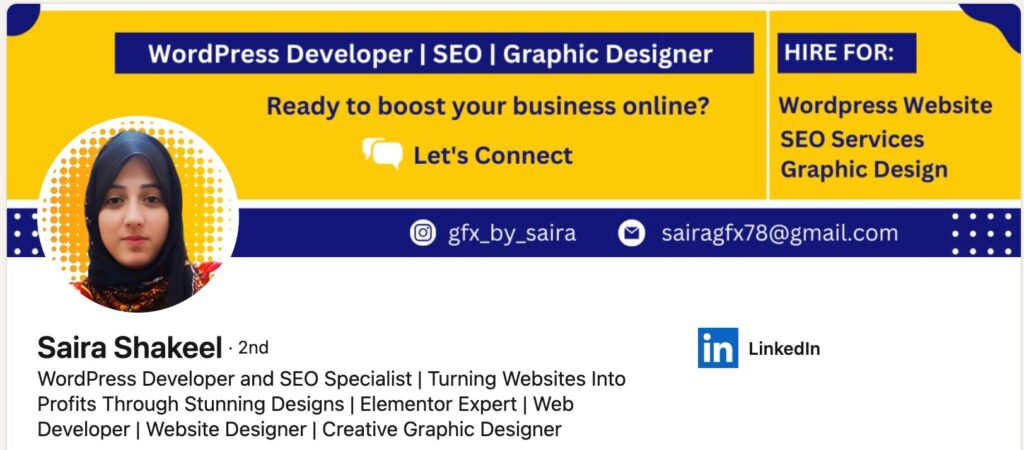
Below, you can see that Saira Shakeel wastes no time telling visitors what she does and what projects she’s open to. This is one way to make a graphic designer bio for LinkedIn.

You don’t have to create a custom LinkedIn banner from scratch. You can whip up one by customizing a template from Envato. Here are some examples:
Add credibility to your profile by showing that clients and colleagues value you and your work. To get meaningful recommendations, follow these tips:
Check out the high number of skills recommendations on designer Jessica Walsh’s profile:

LinkedIn offers different tools you can use to highlight your projects and show off your work. These include:
When it comes to carousels specifically, getting the opening right is crucial: “The first slide stops the scroll. The second convinces them to swipe. If you don’t get those right, nothing else matters. Most carousels fail because they open with weak intros or generic titles. That’s exactly what I wanted to fix when building a tool to help non-designers create content that actually performs.”, says Fernando Pessagno, Founder of aiCarousels.
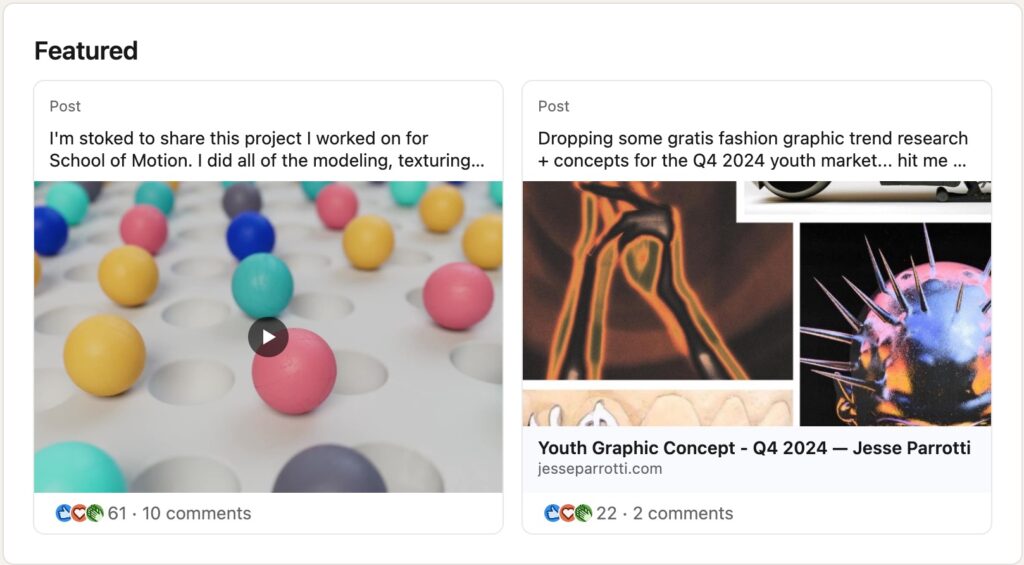
Designer Jesse Parrotti’s profile shows an example of how you can showcase your work in the Featured Section:

Post content that establishes you as a thought leader in your industry. You’re not just someone who churns out creative work, after all. Here are a few examples:
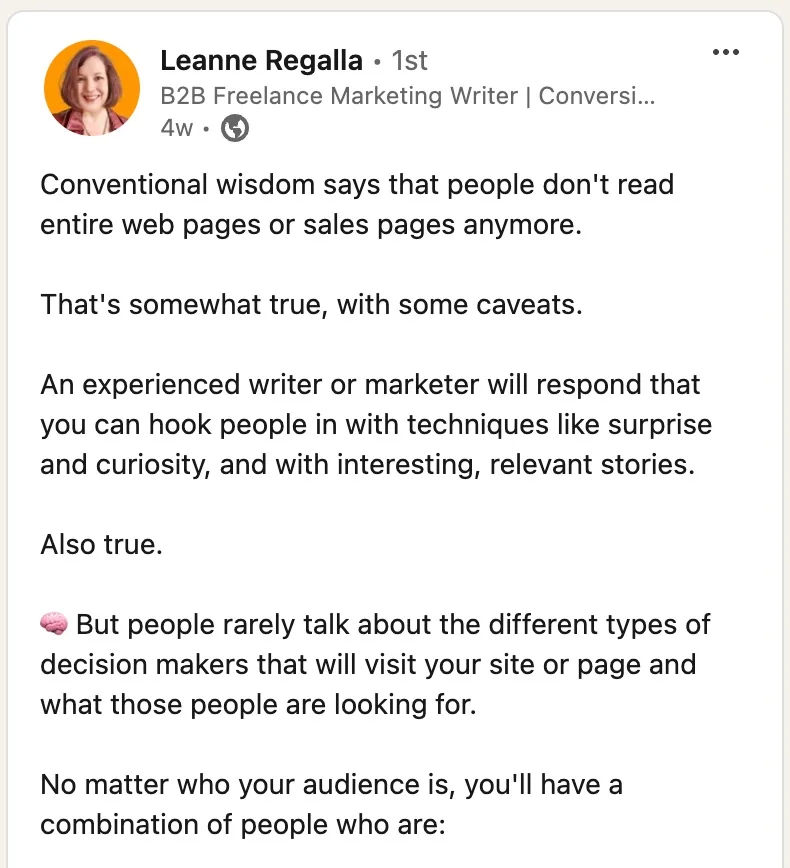
In this post, freelance copywriter Leanne Regalla challenges conventional wisdom:

Also, please note Leanne’s custom URL for her LinkedIn profile.
Here’s another example of a post that establishes your expertise by giving tips. This comes to us via Sommer Poquette, a social media expert.

Having a visual brand for your posts not only makes them stand out from the LinkedIn stream—it also makes your posts instantly recognizable. With a vast library of templates on Envato, you’ll find one that matches your branding. Here are a few of our favorite LinkedIn post templates:
Remember that LinkedIn is an online network. That means its core is all about connecting and engaging others. The platform will reward you for provoking activity among your circle of influence. Here are some ways to engage:
Posting and responding to polls like this is one way to be active in a group:

Niki is an illustrator and graphic designer who specializes in children’s books. One look at her LinkedIn profile makes this clear. Naturally, she uses one of her illustrations for her cover banner.

Her Featured Section showcases her whimsical style that’s perfect for children’s books:

And her posts are visually delicious peeks into her finished works. They leave you wanting to see more.

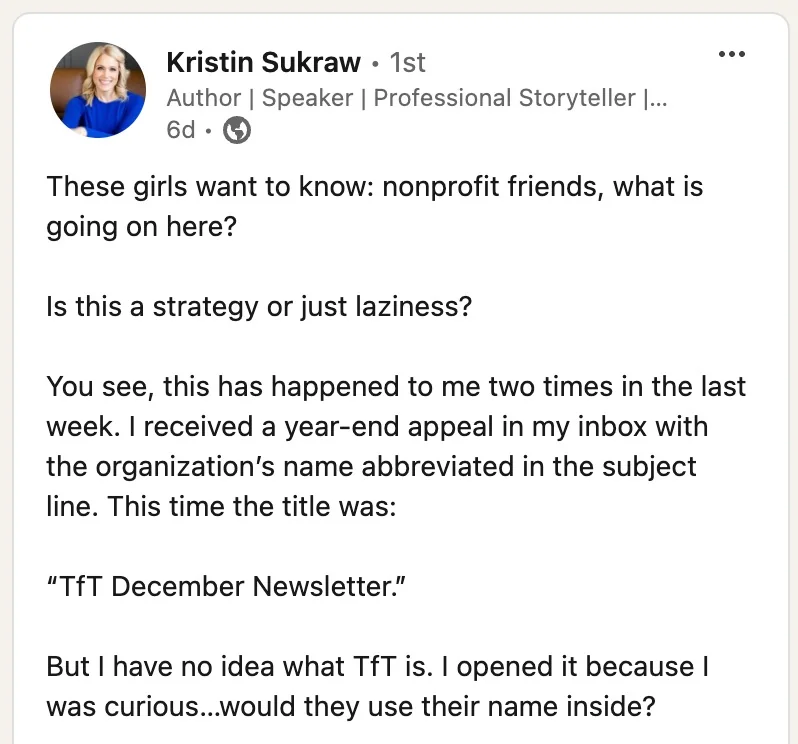
As a storyteller, Kristin is adept at using LinkedIn’s various features to showcase her expertise. Right off the bat, we know that she’s a book author and was recently promoted.

This post is just one example of how Kristin engages her connections by stimulating discussion around her niche: nonprofit storytelling.

She establishes her thought leadership by sharing about her speaking engagements and training humbly:

Aneta only recently went full-time into her graphic design business. Of course, she announced it on LinkedIn:

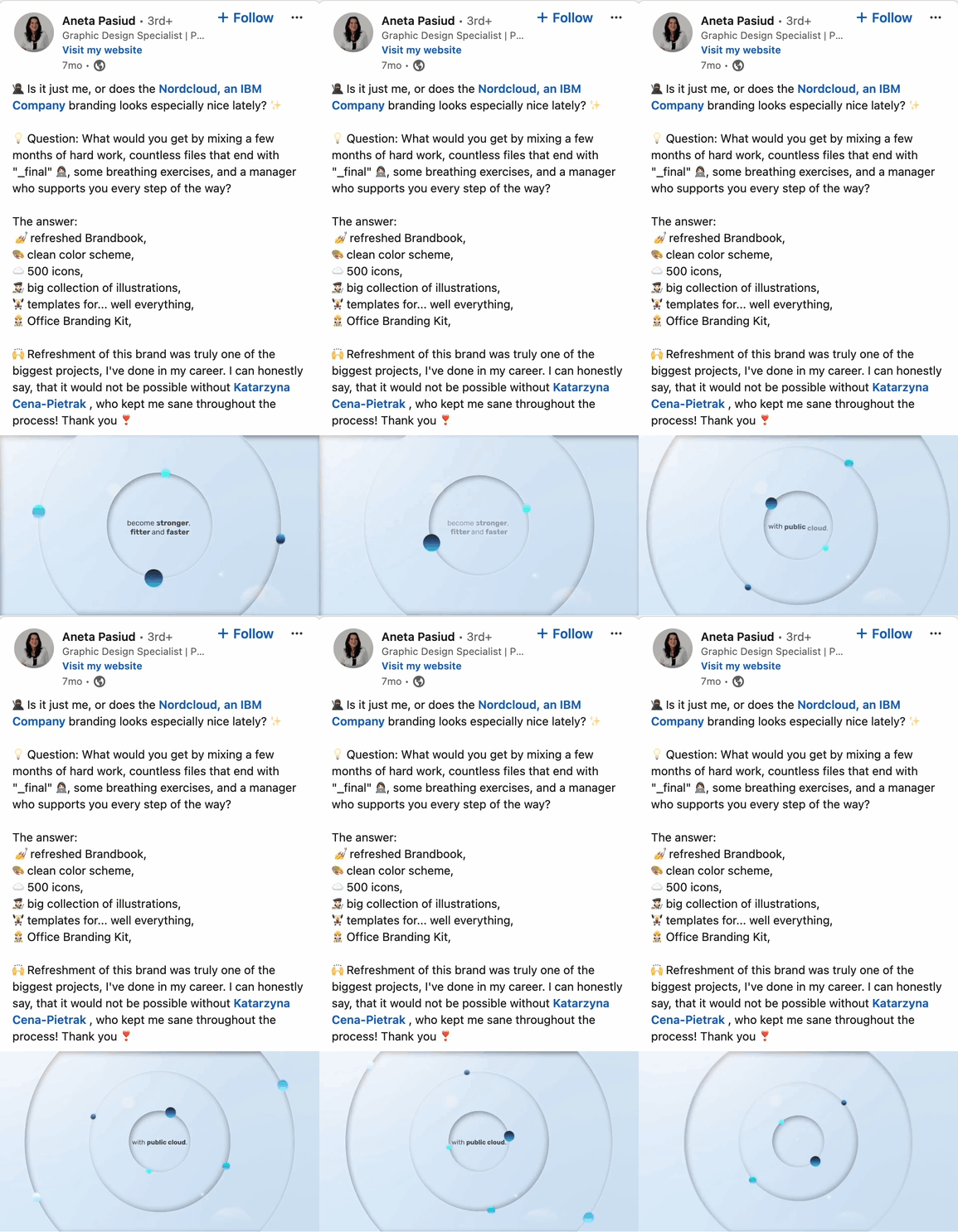
She is a prime example of posting videos to generate interest and engagement with her content. And for good reason: according to LinkedIn, video is one of the fastest growing formats on LinkedIn; viewership has increased by 36% compared to the previous year.
Aside from posting videos about her work, Aneta also writes energetically and engagingly. It’s no wonder her posts get reactions and comments:

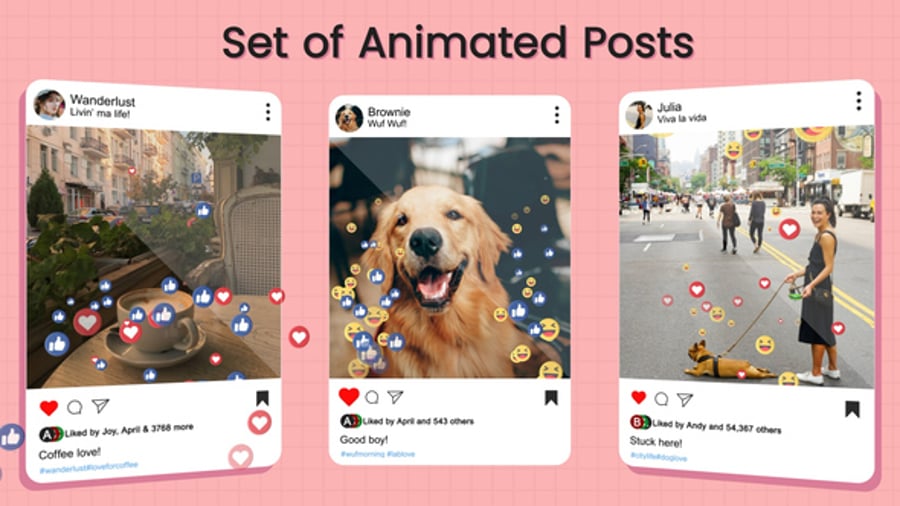
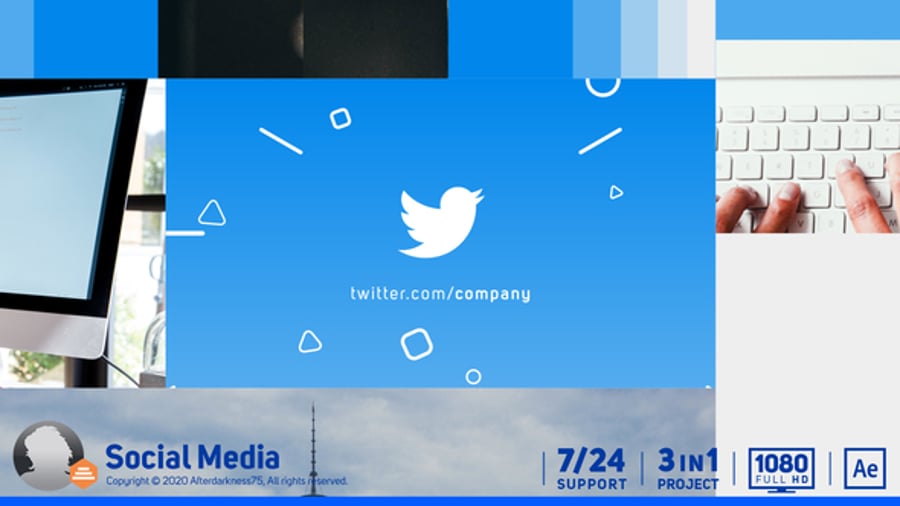
You can always start with a video template if video is not your strong suit.
Now you know how to stand out on LinkedIn, the largest professional social network that can help you land more gigs or find your next job. Optimize your profile, leverage recommendations, share your work effectively, post thoughtful content that drives engagement, and interact with others authentically. Those are all the ways to maximize LinkedIn for designers and other creative professionals.
You can also dive deeper into how to use LinkedIn effectively and explore more LinkedIn tips and tutorials here on the blog. If you need creative elements to jazz up your profile and posts, explore the various LinkedIn templates on Envato. They’ll make it easier for you to polish your visual branding on LinkedIn and everywhere else.
Explore movie typography trends shaping 2026, from bold film fonts to cinematic branding, with inspiring examples and practical tips for creating impactful, screen-ready typography.
Explore the bold botanical design trend shaping 2026, from lush patterns and floral design to branding, interiors, and nature-inspired creative projects rooted in biophilic aesthetics.
Learn what font Disney uses, why it’s not downloadable, and discover Disney-style font alternatives to recreate that iconic, playful branding style in your own designs.
Explore PowerPoint templates with professionally designed layouts to create polished, modern, and visually cohesive presentations.