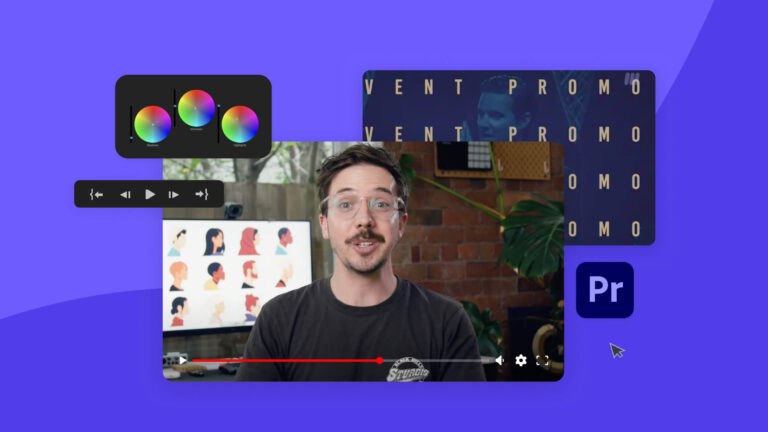
Getting started with Premiere Pro: Top 10 Premiere Pro Tutorials on Tuts+
Want to learn how to edit videos like a pro? Check out these top Premiere Pro tutorials on Envato Tuts+.
Envato: Get every type of asset for any type of project, and access to AI tools. Start now
Ever spent hours on a timeline that just won’t flow? You’re not alone. These Premiere Pro tutorials from Envato are here for every creator who’s fought with render queues, choppy previews, or transitions that don’t quite land. Inside, you’ll find Premiere Pro resources, editing guides, and creator insights that turn frustration into fluid storytelling.
Explore articles that unpack the craft, from color grading and text animation to sound design and smart editing workflows that save time when the render clock is ticking. You’ll also find AI-powered techniques, feature rundowns, and event coverage like Adobe MAX, so you can stay ahead of what’s shaping modern video editing.
This category curates the best of what’s happening in the world of Premiere Pro templates, transitions, and trends. Expect expert roundups, community spotlights, and in-depth analyses that showcase how creatives like Premiere Gal and Tutvid refine their processes, transforming everyday edits into standout visuals.
Whether you’re just learning the shortcuts or refining your style, this is where video editors come to sharpen skills, discover fresh ideas, and keep creativity in motion. Fewer dropped frames, more momentum.
Want to learn how to edit videos like a pro? Check out these top Premiere Pro tutorials on Envato Tuts+.

Just about every film and video project involves adding text; learn how in this quick tutorial.

From Audio Remix to Color Match, here are 5 of our favorite new features available on Premiere Pro.
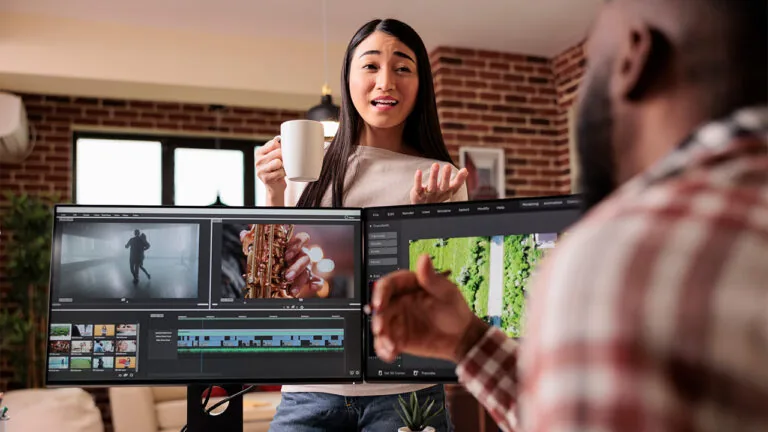
Here are 10 free video courses that will help you learn the most important aspects of Premiere Pro quickly and easily.
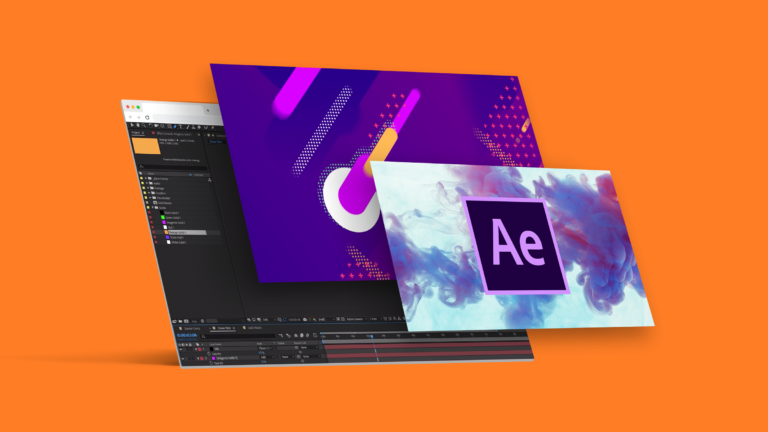
Learn how to produce top-quality video with these free video tutorials and courses.
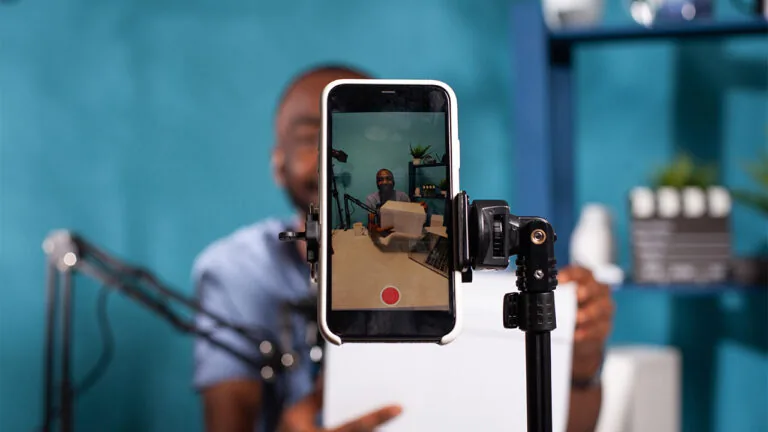
Quickly create YouTube Shorts videos with a professionally made template.
Embrace the kinetic typography video trend with these top templates.

Are you team After Effects or team Premiere Pro? Let the battle begin!
Top-tier gen AI models. Commercial use. Ever-evolving tools.

Create unique visuals in diverse styles with simple text prompts.

Make your own music with text prompts and presets.

Remove backgrounds, erase objects & upscale effortlessly.

Generate videos from static images and text prompts.

VoiceGen, GraphicsGen, SoundGen and more coming soon.

Take your video projects to the next level with these top 10 free and premium Premiere Pro templates on Envato Elements.

Learn all about Premiere Gal’s creative journey, and her top tips for standing out on YouTube.

From developing your message to nailing your set, here are 7 top tips for creating video tutorials.
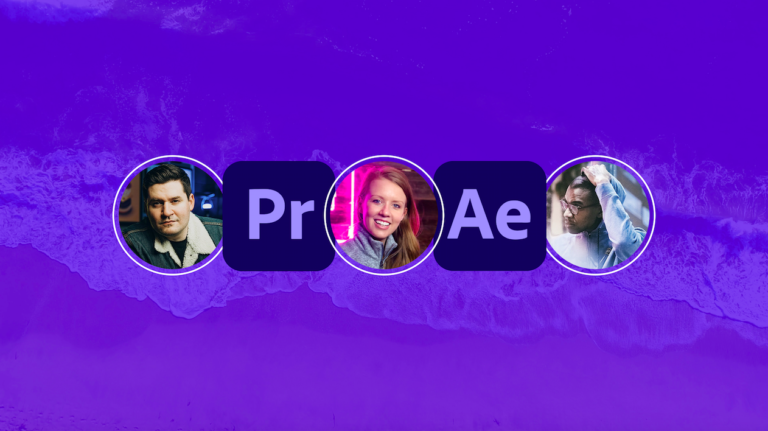
We chat with YouTube sensations Josh Olufemii, Premiere Gal and Tutvid to learn how to edit video like a pro.
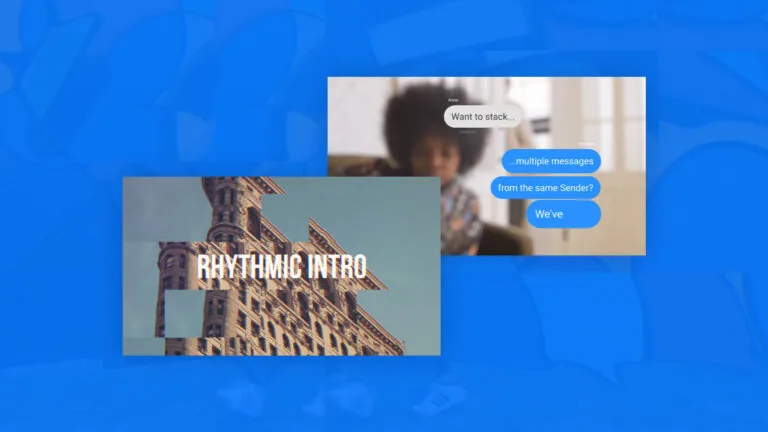
There’s something for all creators in this list of the 10 best video templates for 2021.
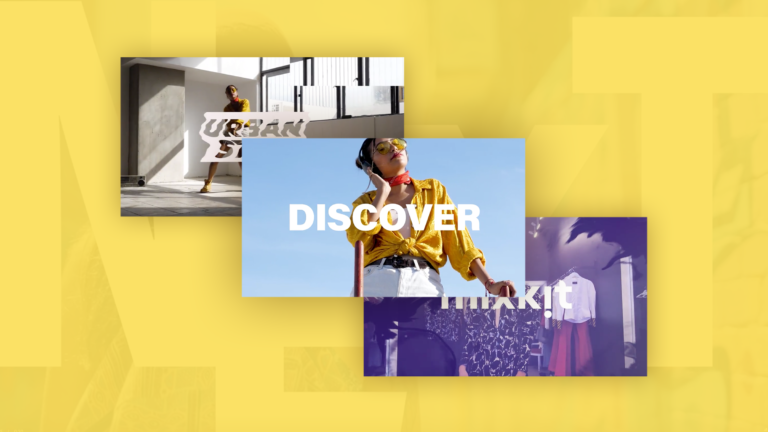
Our pick of the best free Premiere Pro video templates.

Find a slideshow for your Premiere Pro project.

Ready to give your video content a boost? Premiere Pro is a great place to start!
Premiere Pro is where raw clips turn into real stories. It’s the space to shape your edit, refine color, clean audio, build titles, install transitions, and bring rhythm to your timeline. Whether you’re crafting a YouTube tutorial, a short film, or a quick social edit, Premiere Pro gives you the creative control to make every cut feel intentional.
So you’re wondering how to add text to videos using Premiere Pro? Easy. Just check out that tutorial for the full walkthrough, but here’s the quick version: grab the Type Tool, click anywhere on your Program Monitor, and start typing. Then head to the Essential Graphics panel to style your text with the fonts, colors, and motion that make your edit feel intentional and polished.
Import the template, open its main sequence, and drop in your own text, clips, or graphics. Templates on Envato are designed to be creator-friendly, with clean labels and organized layers, so you spend less time digging and more time shaping a polished, professional edit.
The interface may appear large at first, but once you familiarize yourself with the timeline and a few essential tools, everything falls into place. And if you’re wondering where to learn Premiere Pro, Envato has creator-led guides and step-by-step Premiere Pro tutorials that turn “I hope this works” into “oh wow, I nailed that.” You learn by doing, and we make the doing feel simple.
For a quick speed boost, right-click your clip, choose Speed/Duration, and raise the percentage. Or grab the Rate Stretch tool to speed things up instantly by dragging the clip’s edge. It’s one of those small timeline tweaks that make your edit feel snappier and more intentional.
Discover ideas faster with ‘Browse by category’ on the Envato blog. Jump straight into the topics that matter most to your work: Design, Video & Filmmaking, Music & Audio, What’s New on Envato, or AI & Creativity. Explore curated articles, tutorials, and trend insights tailored to each discipline. Whether you’re sharpening your skills, testing new tools, or streamlining your process, each category is designed to help you optimize your creative workflow with Envato and move from idea to execution more efficiently.

