Create an Eye-Catching Demo Reel with These Video Editing Tips & Resources
Learn how to create an eye-catching, engaging, and entertaining demo reel.
Envato: Get every type of asset for any type of project, and access to AI tools. Start now
Video editing is where raw footage becomes storytelling: the part of the process where pacing, rhythm, sound, and visuals come together to shape how your audience feels and reacts. Strong video editing is crucial because it transforms simple clips into clear, compelling narratives that capture attention from start to finish.
Here, you’ll find tutorials covering core video editing techniques, including trimming and sequencing, transitions, color correction, audio mixing, motion graphics, titles, captions, and pacing styles. You’ll explore editing workflows for YouTube, social media, documentaries, ads, short-form videos, brand content, and cinematic edits. We also break down creative trends, editing shortcuts, and platform-specific best practices.
These guides help you develop real-world editing skills, including working with B-roll, structuring a story, improving timing, refining color grading, and creating smooth, professional cuts. You’ll also learn how to adapt your edits for vertical formats, mobile screens, and fast-moving social platforms.
If you’re using Envato, you’ll have access to transitions, overlays, LUTs, lower thirds, titles, sound effects, stock video, music, and templates, everything you need to speed up your editing workflow. Envato’s AI tools, including VideoGen and MusicGen, can help you generate clips or custom audio that drop directly into your timeline.
Learn how to edit videos that look professional, feel cohesive, and connect with your audience, even if you’re new to editing.
Learn how to create an eye-catching, engaging, and entertaining demo reel.

Find stunning transition templates and presets for After Effects & Premiere Pro.
Browse through these awesome free Instagram Story templates for Premiere Pro.

Take a look at some Premiere Pro templates that are perfect for lyric videos, available from Envato Elements.

Browse through top Adobe Premiere TikTok templates from Envato Elements and free templates from Mixkit.
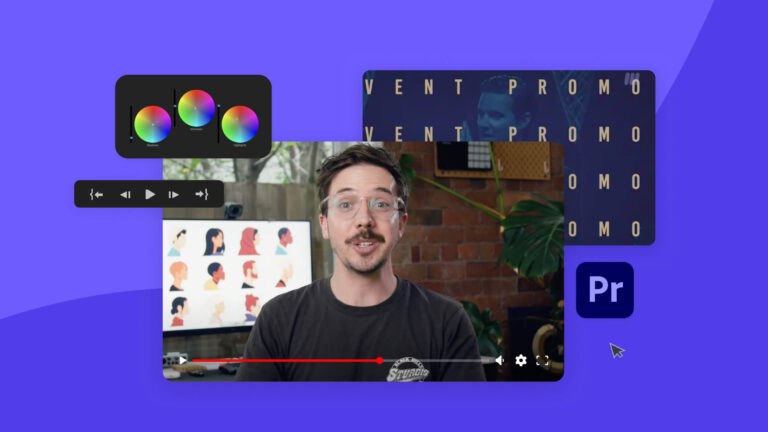
Want to learn how to edit videos like a pro? Check out these top Premiere Pro tutorials on Envato Tuts+.

Just about every film and video project involves adding text; learn how in this quick tutorial.

From Audio Remix to Color Match, here are 5 of our favorite new features available on Premiere Pro.
Top-tier gen AI models. Commercial use. Ever-evolving tools.

Create unique visuals in diverse styles with simple text prompts.

Make your own music with text prompts and presets.

Remove backgrounds, erase objects & upscale effortlessly.

Generate videos from static images and text prompts.

VoiceGen, GraphicsGen, SoundGen and more coming soon.
Here are 10 free video courses that will help you learn the most important aspects of Premiere Pro quickly and easily.
Quickly create YouTube Shorts videos with a professionally made template.

Are you team After Effects or team Premiere Pro? Let the battle begin!

Take your video projects to the next level with these top 10 free and premium Premiere Pro templates on Envato Elements.
We chat with YouTube sensations Josh Olufemii, Premiere Gal and Tutvid to learn how to edit video like a pro.
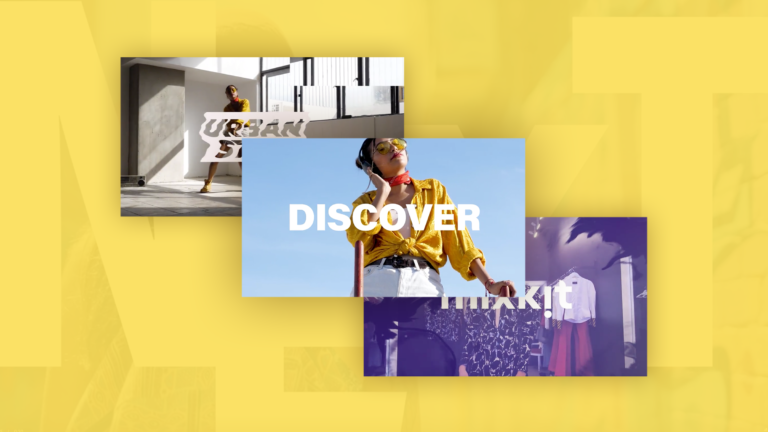
Our pick of the best free Premiere Pro video templates.

Find a slideshow for your Premiere Pro project.
Learn video editing in Adobe Premiere Pro from start to finish in our free YouTube course.
Popular options include Premiere Pro, Final Cut Pro, DaVinci Resolve, and CapCut, depending on skill level and workflow.
Smooth pacing, clean cuts, consistent color, quality audio, and purposeful transitions significantly improve production value and make your editing look professional.
Most are compatible with Premiere Pro, Final Cut, After Effects, DaVinci Resolve, and other major tools.
Begin with simple cuts, basic transitions, and audio adjustments, then progress to explore color grading and effects.
Yes, VideoGen generates clips, MusicGen creates custom music, and ImageGen and GraphicsGen help produce assets for your edits.
Discover ideas faster with ‘Browse by category’ on the Envato blog. Jump straight into the topics that matter most to your work: Design, Video & Filmmaking, Music & Audio, What’s New on Envato, or AI & Creativity. Explore curated articles, tutorials, and trend insights tailored to each discipline. Whether you’re sharpening your skills, testing new tools, or streamlining your process, each category is designed to help you optimize your creative workflow with Envato and move from idea to execution more efficiently.