
Getting started with DaVinci Resolve: Top 10 DaVinci Resolve Tutorials in Tuts+
Make the most of this DaVinci Resolve with these top 10 tutorials.
Envato: Get every type of asset for any type of project, and access to AI tools. Start now
Color off, audio peaking, render stuck again? We’ve all been there.
But the art of video editing in DaVinci Resolve can flow smoothly than you think. That’s why these DaVinci Resolve tutorials are designed for creatives who work with timelines and color nodes. Here you’ll find DaVinci Resolve resources, creative walkthroughs, and editing insights that turn everyday headaches into smoother storytelling.
Explore articles that dive into editing with DaVinci Resolve, from color grading and sound mixing to smart motion design and AI-assisted workflows. You’ll learn how to fix Fairlight audio issues, tweak aspect ratios, and make transitions flow when deadlines get messy.
Alongside tutorials, discover Envato-curated DaVinci Resolve templates and transitions that help refine your edits without slowing your workflow. Plus, stay current with AI updates, new version reviews, and comparisons like DaVinci Resolve vs After Effects or Free vs Studio editions, so you always know which tools match your creative goals.
Whether you’re grading your first clip or crafting polished client work, this category keeps you learning, experimenting, and evolving as an editor. Fewer mismatched tones, more cinematic flow.
Make the most of this DaVinci Resolve with these top 10 tutorials.
Learn how to produce top-quality video with these free video tutorials and courses.
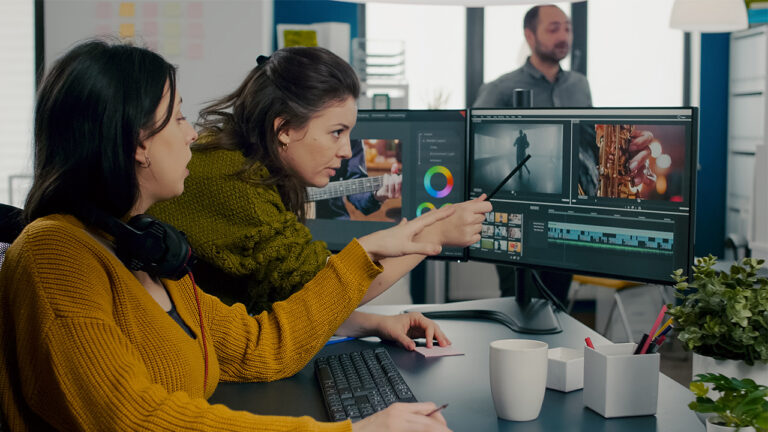
Learn how the free video editing program DaVinci Resolve 18 looks when you open it up, and where you can find all the tools you'll need.
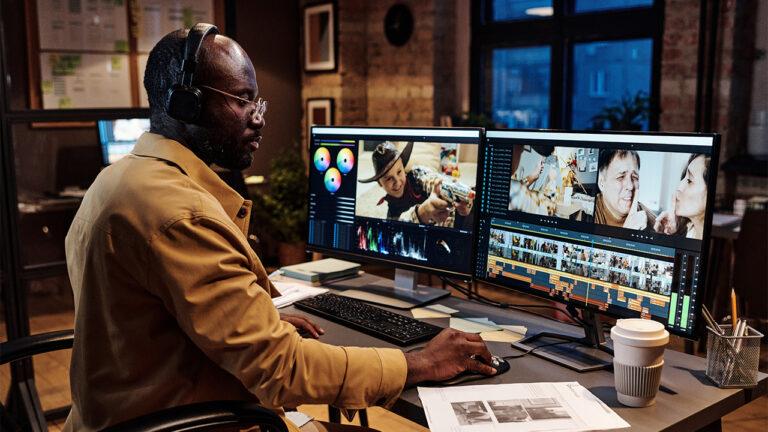
Learn to color correct with our free course, DaVinci Resolve Color Grading for Beginners.
Looking for dynamic video templates for DaVinci Resolve? Start right here!
We chat with YouTube sensations Josh Olufemii, Premiere Gal and Tutvid to learn how to edit video like a pro.
There’s something for all creators in this list of the 10 best video templates for 2021.
Top-tier gen AI models. Commercial use. Ever-evolving tools.
Create unique visuals in diverse styles with simple text prompts.
Make your own music with text prompts and presets.

Remove backgrounds, erase objects & upscale effortlessly.

Generate videos from static images and text prompts.
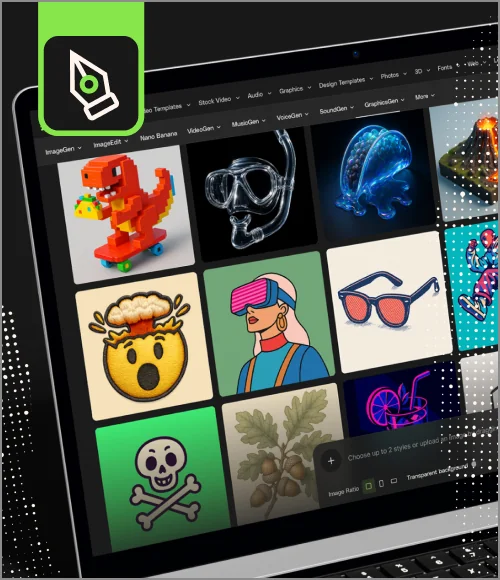
VoiceGen, GraphicsGen, SoundGen and more coming soon.
DaVinci Resolve is used for editing, color grading, audio mixing, and visual effects. It’s where you shape clean timelines, fix tricky shots, and give your videos the cinematic polish they were missing.
Import the template, open the main timeline, and drop in your clips or text. Most templates are organized clearly, so customizing feels intuitive and fast, even when you’re racing against the deadline.
Yes. Its color tools are industry-loved, its editor is smooth, and having everything in one app keeps your workflow focused. It’s solid for beginners and powerful enough for pros.
DaVinci Resolve is free and packed with professional tools for editing, color, audio, and VFX. Studio is the paid upgrade that unlocks advanced AI, noise reduction, extra effects, multi-user collaboration, and smoother performance for demanding projects. Think of it as the same workspace, just with more power when you need it. And if you want to see both versions in action, our DaVinci Resolve Free vs Studio breakdown shows exactly how they compare in real workflows.
It may seem complex, but once you grasp the basics, it flows surprisingly well. And if you’re wondering where to learn DaVinci Resolve, Envato has beginner-friendly guides that help you move from “what does this button do” to confident editing.
Discover ideas faster with ‘Browse by category’ on the Envato blog. Jump straight into the topics that matter most to your work: Design, Video & Filmmaking, Music & Audio, What’s New on Envato, or AI & Creativity. Explore curated articles, tutorials, and trend insights tailored to each discipline. Whether you’re sharpening your skills, testing new tools, or streamlining your process, each category is designed to help you optimize your creative workflow with Envato and move from idea to execution more efficiently.

