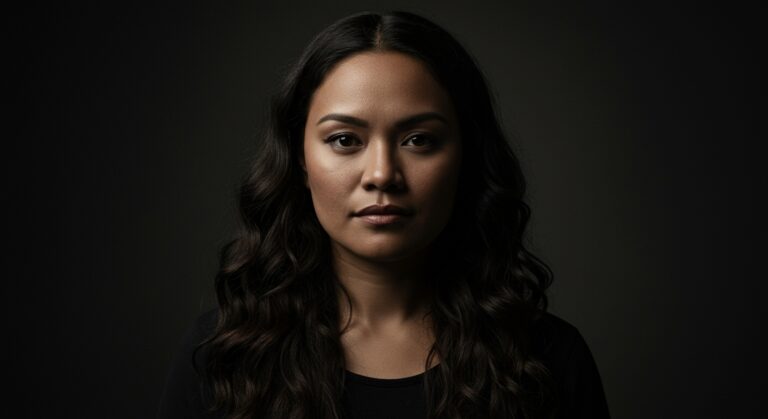
How to create a moving portrait using ImageGen and VideoGen
Let's bring your portraits to life.
Envato: Get every type of asset for any type of project, and access to AI tools. Start now
If you want to learn how to create intentional, high-quality AI video scenes, you’re in the right place. This category is your home for everything related to VideoGen, part of Envato’s AI tools, and a powerful way to bring cinematic ideas to life without a full production setup.
Here you’ll learn how to generate AI video in a way that feels planned, not accidental. We’ll cover prompt writing that actually works, how to choose the right model, how to control motion, how to refine faces and characters, and how to use end frames to keep your visuals clean and consistent. You’ll also find walkthroughs of new features, model upgrades, product updates, and real-world examples that demonstrate what VideoGen can do.
VideoGen integrates seamlessly with the tools you already use, and we’ll show you how. Many creatives bring their VideoGen scenes into Premiere Pro, After Effects, or DaVinci Resolve to refine pacing, add graphics, composite elements, or grade color. Others combine MusicGen + VideoGen to create complete social videos with sound and style that match.
You’ll also find creative workflows, inspiration, and practical ideas from the Envato community, including motion design tests, storytelling clips, ads, prototypes, and experiments worth trying yourself.
Whether you’re crafting short-form content, brand visuals, client concepts, or scenes for bigger projects, this category helps you use VideoGen with clarity, confidence, and a lot less guesswork.
Let's bring your portraits to life.

Eleven cutting-edge AI video models, one subscription. Here's what's powering your next video creation.
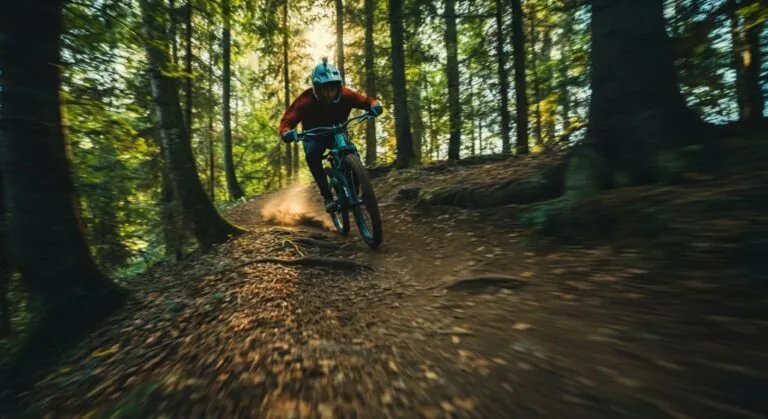
Ready to master the art of AI video generation?

Learn how to create mouth-watering food videos using VideoGen.
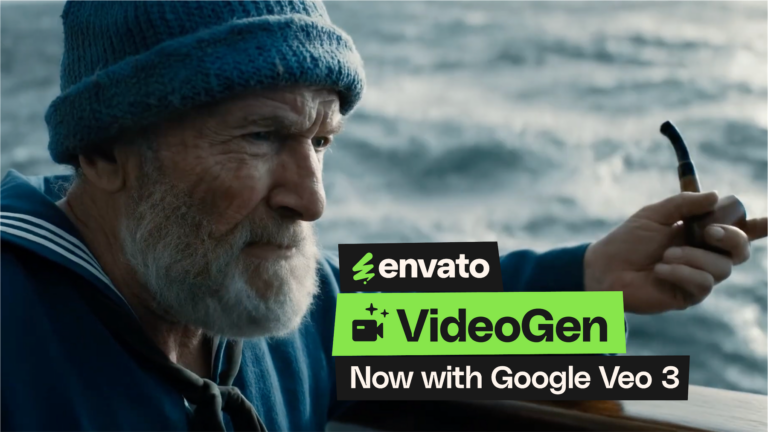
The future of video generation just got an upgrade, and it speaks fluent human.
Top-tier gen AI models. Commercial use. Ever-evolving tools.

Create unique visuals in diverse styles with simple text prompts.

Make your own music with text prompts and presets.

Remove backgrounds, erase objects & upscale effortlessly.

Generate videos from static images and text prompts.

VoiceGen, GraphicsGen, SoundGen and more coming soon.
Yes, it does. VideoGen transforms your ideas into short video scenes with just a simple prompt or reference image. It’s great when you want to test a concept quickly or bring your storyboards to life. You type the idea, and the visuals take shape in a moment.
Not unlimited, but close enough for easy experimenting. You work with a monthly prompt allowance and can keep reusing your previous prompts to tweak motion, style, or characters. It is great for developing an idea over a few rounds without having to start from scratch.
Just write a prompt and generate. VideoGen builds a clip from your idea. You can fine-tune the motion or the look with follow-up prompts, then export the result and continue polishing in your usual editing software.
You can get a different number of video generations each month depending on your subscription. Every prompt returns multiple scene variations you can explore, refine, or drop into your edit. It is built for quick creative play, not pressure.
Yes, you can. Every VideoGen clip comes with commercial rights under your Envato license. You can use the videos in client work, ads, social content, and more. Just make sure your usage follows Envato licensing terms.
Discover ideas faster with ‘Browse by category’ on the Envato blog. Jump straight into the topics that matter most to your work: Design, Video & Filmmaking, Music & Audio, What’s New on Envato, or AI & Creativity. Explore curated articles, tutorials, and trend insights tailored to each discipline. Whether you’re sharpening your skills, testing new tools, or streamlining your process, each category is designed to help you optimize your creative workflow with Envato and move from idea to execution more efficiently.

